live-reload-bp
Version:
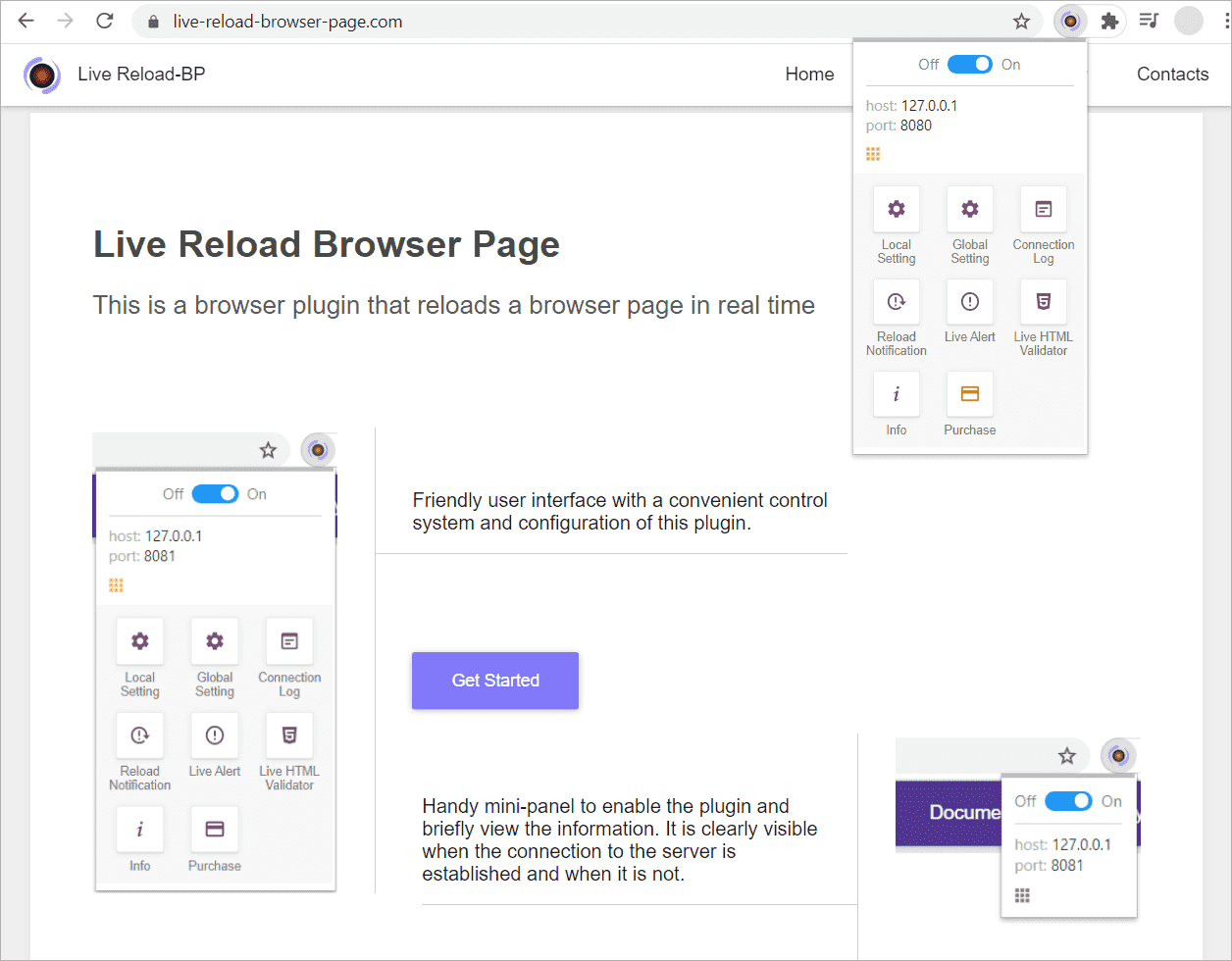
This module is for the browser plugin «Live Reload Browser Page» — this is the browser plugin that reloads the browser page in real time.
144 lines (101 loc) • 3.95 kB
Markdown
# live-reload-bp (Live Reload Browser Page)

This module is for the browser plugin «[Live Reload Browser Page](https://live-reload-browser-page.com)» — this is the browser plugin for live reload the browser page during web development.
[live-reload-browser-page.com](https://live-reload-browser-page.com)
You may also want to use (In the Pro version of «Live Reload Browser Page», all these plugins are already built in):
* [Live Alert Browser Page](https://live-alert-browser-page.com)
* [Live HTML Validator](https://live-html-validator.com)
## Installs
**Step - 1**
You need to install the browser plugin [Live Reload Browser Page](https://live-reload-browser-page.com), choose the version you need:
* For Google Chrome:
* [Live Reload Browser Page](https://chrome.google.com/webstore/detail/live-reload-browser-page/ohidagfdjacdilgoklcmbjfkmplciemd)
* [Live Reload Browser Page (Pro)](https://chrome.google.com/webstore/detail/live-reload-browser-page/njclcjfoekkdmgdgdfdididdffpkcfgj)
**Step - 2**
```shell
npm i live-reload-bp --save-dev
```
## How to use
[Example of how to establish a connection to the plugin «**Live Reload Browser Page**»](https://github.com/Yuriy-Svetlov/live-reload-bp/tree/main/documentation/examples/%D1%81onnect_to_server)
```javascript
const
LiveReload = require("live-reload-bp");
const
liveReload = new LiveReload({
host: '127.0.0.1',
port: '8080'
});
// Run Server
liveReload.run();
console.log('Within 10 seconds, you need to connect to this server using the browser plugin «Live Reload Browser Page».');
setTimeout(function(){
// Full reload of the browser page
liveReload.reloadPage();
}, 10000);
```
## Examples:
* [NodeJs](https://github.com/Yuriy-Svetlov/live-reload-bp/tree/main/documentation/examples/nodejs) (To better understand how to use this tool, it is recommended that you Get Started.)
* [Gulp](https://github.com/Yuriy-Svetlov/live-reload-bp/blob/main/documentation/examples/gulp/README.md)
* [Webpack](https://github.com/Yuriy-Svetlov/live-reload-bp/blob/main/documentation/examples/webpack/README.md)
* [Grunt](https://github.com/Yuriy-Svetlov/live-reload-bp/blob/main/documentation/examples/grunt/README.md)
## API
### Instance options
`const liveReload = new LiveReload({options});`
#### options.host
* Type: `String`
* Default value: `127.0.0.1`
#### options.port
* Type: `String|Integer`
* Default value: `8080`
#### options.debug
* Type: `boolean`
* Default value: `false`
Prints additional data to the console
#### options.ssl
* Type: `ObjectJSON`
* Default value: `undefined`
To connect via SSL connection.
[options ssl](https://nodejs.org/api/tls.html#tls_tls_createsecurecontext_options)
```js
ssl: {
enable: true,
options: {
key: './ssl/my.key',
cert: './ssl/my.crt'
}
}
```
### Methods
#### liveReload.run()
Running the server
#### liveReload.liveAlert(message)
Call the alert panel on a web page.
\* The method in [live-alert-bp](https://github.com/Yuriy-Svetlov/live-alert-bp) has other name.
`message` must be in the format (you can also look at [Browser plugin **Live Alert Browser Page** API](https://live-alert-browser-page.com/documentation)):
```js
[
{ label: 'My label-1', message: 'My message-1.'}
]
```
or
```js
[
{
label: {
style: {
backgroundColor: '#ff0000',
color: '#ffffff'
},
name: 'Error'
},
message: 'My message...'
}
]
```
#### liveReload.resetError()
Reset errors
#### liveReload.hasError()
Check errors
## Browser plugin API
[API of browser plugin **Live Reload Browser Page**](https://live-reload-browser-page.com/documentation)