lencse-getmdl-dashboard
Version:
Free dashboard template with Material Design Lite edited by @lencse
74 lines (53 loc) • 2.9 kB
Markdown
Material Design Lite selectfield component [material-design-lite](https://github.com/google/material-design-lite)
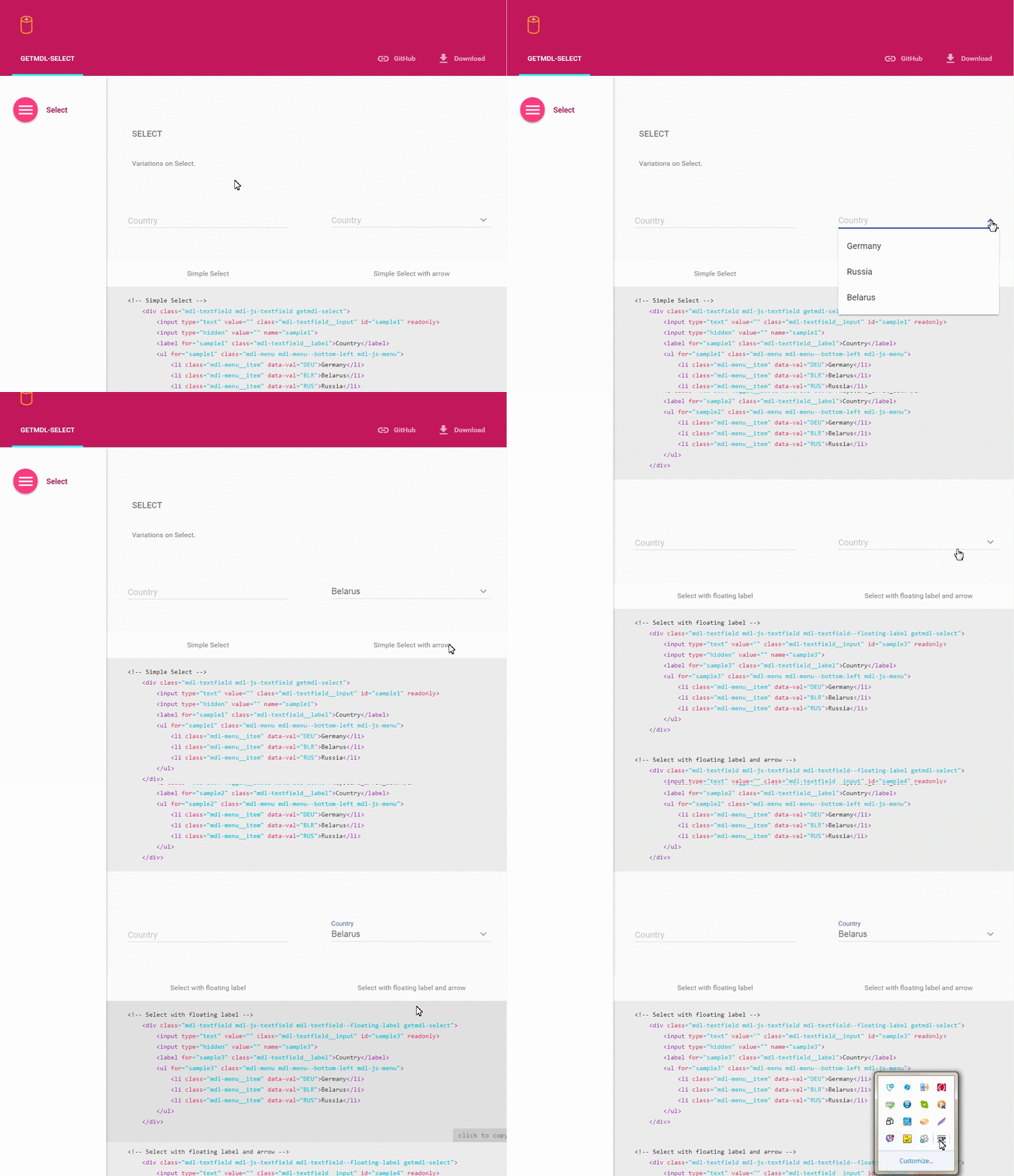
Check out the [example](http://creativeit.github.io/getmdl-select/)
To use any MDL component, you must include the minified CSS and JavaScript files using standard relative-path references in the `<head>` section of the page, as described in the MDL Introduction.
```html
<!-- getmdl -->
<link rel="stylesheet" href="https://fonts.googleapis.com/icon?family=Material+Icons">
<link rel="stylesheet" href="https://code.getmdl.io/1.1.1/material.indigo-pink.min.css">
<script defer src="https://code.getmdl.io/1.1.1/material.min.js"></script>
<!--getmdl-select-->
<link rel="stylesheet" href="https://cdn.rawgit.com/CreativeIT/getmdl-select/master/getmdl-select.min.css">
<script defer src="https://cdn.rawgit.com/CreativeIT/getmdl-select/master/getmdl-select.min.js"></script>
```
Select field.
```html
<div class="mdl-textfield mdl-js-textfield mdl-textfield--floating-label getmdl-select">
<input class="mdl-textfield__input" id="country" name="country" value="Belarus" type="text" readonly tabIndex="-1" data-val="BLR"/>
<label class="mdl-textfield__label" for="country">Country</label>
<ul class="mdl-menu mdl-menu--bottom-left mdl-js-menu" for="country">
<li class="mdl-menu__item" data-val="BLR">Belarus</li>
<li class="mdl-menu__item" data-val="RUS">Russia</li>
</ul>
</div>
```
For dynamically usage, you must add `getmdlSelect.init(cssSelector)` in javascript code, (where cssSelector, for example, is `".getmdl-select"` or `"#mySelect"`), after new item is created.
Initial Select takes the default width (300px). If you want that Select automatically adapt to the maximum width add class `getmdl-select__fullwidth`.
#### Height
Select automatically adapt to the maximum height. If you want to use small height (300px) and see scroll bar, add class `getmdl-select__fix-height`.
## Install
* [Bower](http://bower.io/): `bower install getmdl-select`
* [npm](http://npmjs.org/): `npm install getmdl-select`
### Download / Clone
Clone the repo using Git:
```bash
git clone https://github.com/CreativeIT/getmdl-select.git
```
Alternatively you can [download](https://github.com/CreativeIT/getmdl-select/archive/master.zip)
this repository.
### Build
To get started modifying the components or the docs, first install the necessary
dependencies, from the root of the project:
```bash
npm install
```
## LICENSE
See the [LICENSE file](https://github.com/CreativeIT/getmdl-select/blob/master/LICENSE.txt) for license rights and limitations (MIT).