jssocials
Version:
jsSocials - jQuery Social Network Sharing Plugin
582 lines (405 loc) • 15.8 kB
Markdown
# jsSocials - Simple Social Sharing
[](https://travis-ci.org/tabalinas/jssocials)
Project site [js-socials.com](http://js-socials.com/)
**jsSocials** is a simple social network sharing jQuery plugin. It's flexible and easily extensible.
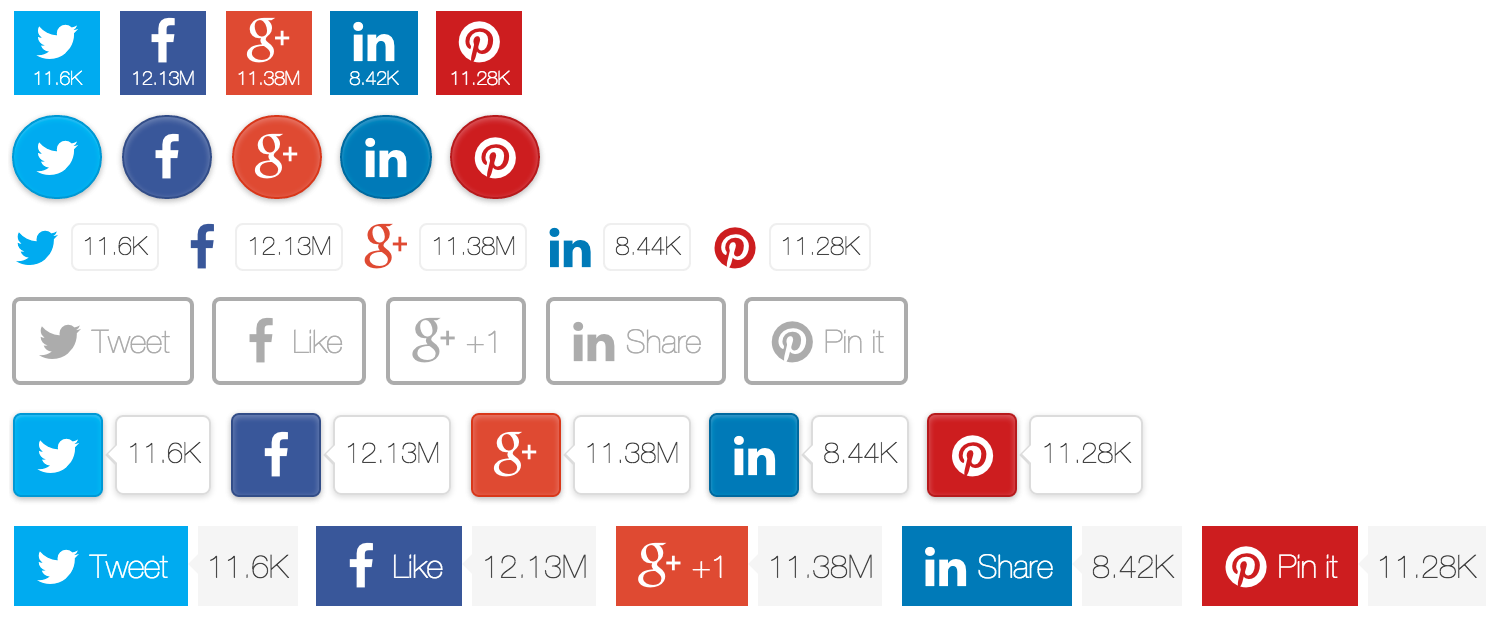
Configure visual appearance. Choose one of several themes provided. Add any yet unsupported social network if needed.
## Demos
Find demos on the [project site](http://js-socials.com/demos/).
## Getting Started
1. Download the package or install it with bower
```bash
$ bower install jssocials
```
2. Add links to `jssocials.css` and chosen theme, e.g. `jssocials-theme-flat.css`
3. Add link to `font-awesome.css` (it's used for social network logos by default, yet you can replace it with image logo or other font if necessary)
4. Add link to `jquery.js` and plugin script `jssocials.min.js`
5. Apply jsSocials to the element on the page `$("#share").jsSocials({ shares: ["twitter"] })`
```html
<!DOCTYPE html>
<html>
<head>
<link rel="stylesheet" type="text/css" href="font-awesome.css" />
<link rel="stylesheet" type="text/css" href="jssocials.css" />
<link rel="stylesheet" type="text/css" href="jssocials-theme-flat.css" />
</head>
<body>
<div id="share"></div>
<script src="jquery.js"></script>
<script src="jssocials.min.js"></script>
<script>
$("#share").jsSocials({
shares: ["email", "twitter", "facebook", "googleplus", "linkedin", "pinterest", "stumbleupon", "whatsapp"]
});
</script>
</body>
</html>
```
## Documentation
* [Themes](#themes)
* [Configuration](#configuration)
* [Methods](#methods)
* [Share](#share)
* [Build-in Shares](#build-in-shares)
* [Custom Share](#custom-share)
* [Adaptiveness](#adaptiveness)
* [Custom Share Strategy](#custom-share-strategy)
### Themes
To turn on a specific theme just link one of available stylesheets
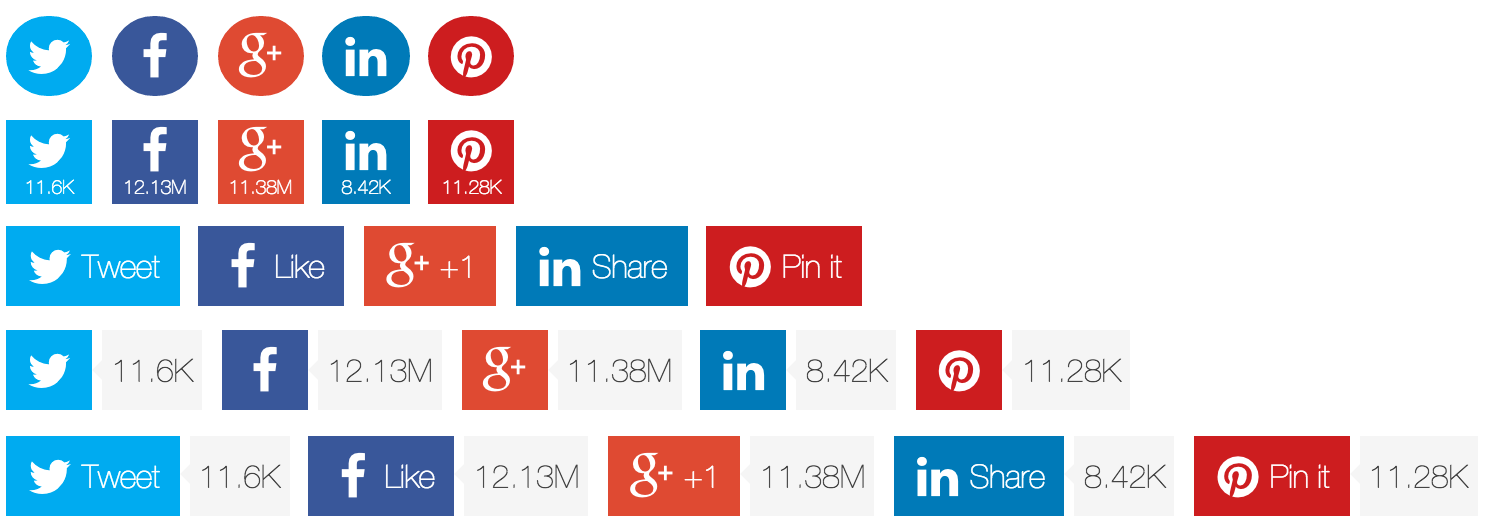
* **jssocials-theme-flat.css** - flat theme
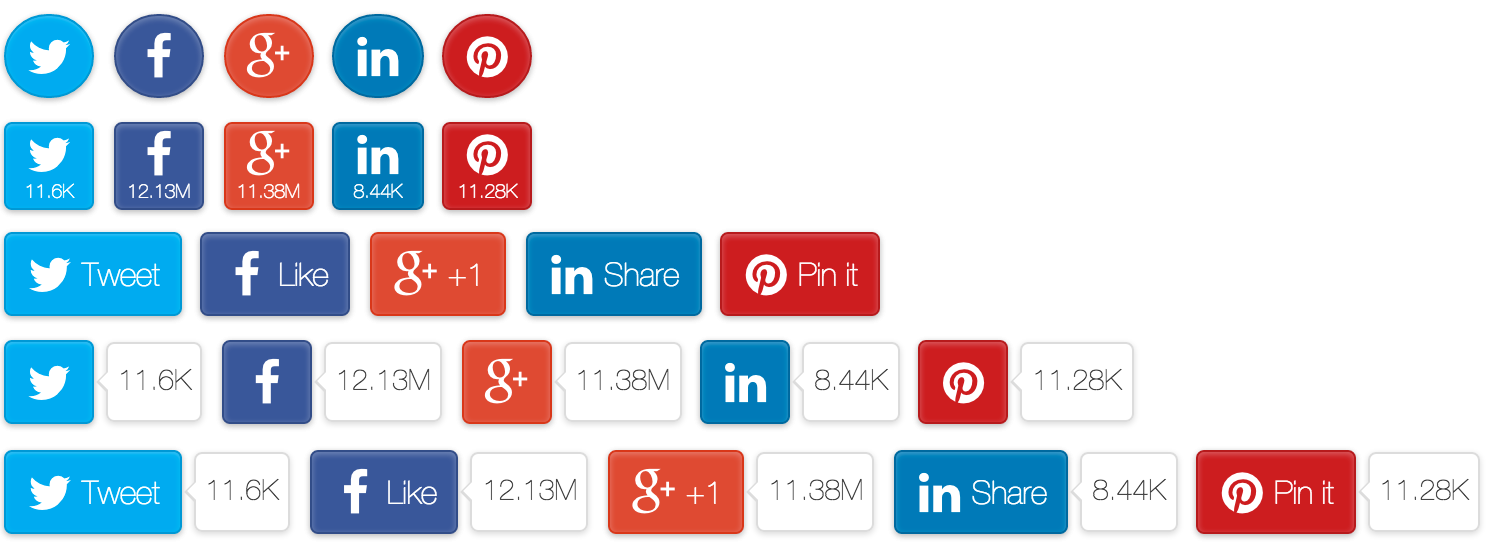
* **jssocials-theme-classic.css** - classical theme with raised buttons
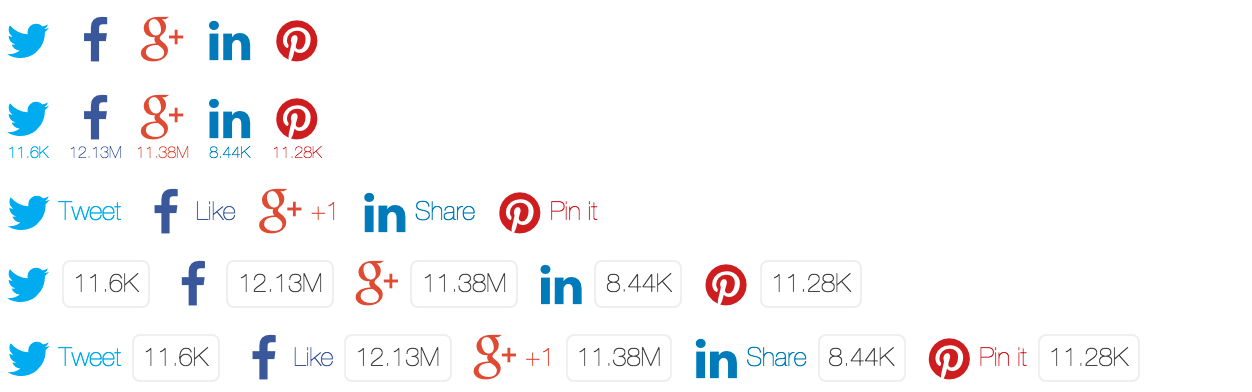
* **jssocials-theme-minima.css** - minimalistic theme with logos instead of buttons
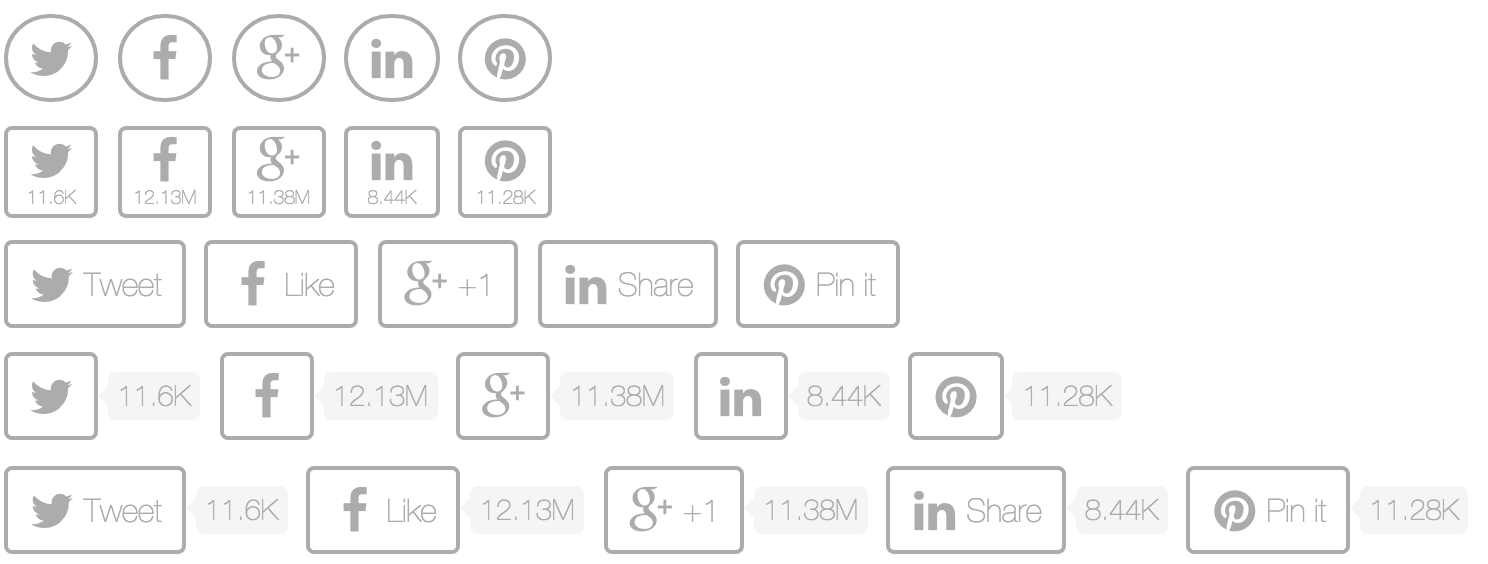
* **jssocials-theme-plain.css** - monochromatic theme
#### flat
#### classic
#### minima
#### plain
### Configuration
The config object may contain following options:
```javascript
{
shares: ["email", "twitter", "facebook", "googleplus", "linkedin", "pinterest", "stumbleupon", "whatsapp", "telegram", "line"],
url: "http://url.to.share",
text: "text to share",
showLabel: true,
showCount: true,
shareIn: "popup",
on: {
click: function(e) {},
mouseenter: function(e) {},
mouseleave: function(e) {},
...
}
}
```
#### shares :`Array`
An array of shares.
Each share can be a
* **string** - name of share from registry `jsSocials.shares` (e.g. `"twitter"`)
* **config** - plain object with `share` as name and custom parameters specific for each share. Read more about share config in [Share](#share) section.
For instance for twitter the config might look like:
```javascript
{
share: "twitter", // name of share
label: "Tweet", // share button text (optional)
via: "artem_tabalin", // custom twitter sharing param 'via' (optional)
hashtags: "jquery,plugin" // custom twitter sharing param 'hashtags' (optional)
}
```
#### url :`String`
A string specifying url to share. Value of `window.location.href` is used by default.
#### text :`String`
A string specifying text to share. The content of `<meta name="description">` or `<title>` (if first is missing) is used by default.
#### showLabel :`true|false|function(screenWidth)`
A boolean specifying whether to show the text on the share button.
Also accepts function returning `true|false` depending on the screen width for adaptive rendering. Read more in [Adaptiveness](#adaptiveness) section.
#### showCount :`true|false|"inside"|function(screenWidth)`
A boolean or "inside" specifying whether and how to show share count.
Also accepts function returning `true|false|"inside"` depending on the screen width for adaptive rendering. Read more in [Adaptiveness](#adaptiveness) section.
#### shareIn : `"blank"|"popup"|"self"`
> version added: 1.2
A string specifying the name of sharing strategy. All strategies are stored in the registry `jsSocials.shareStrategy`.
There are 3 built-in sharing strategies:
**blank** - share in the new browser tab
**popup** - share in the new browser popup window
**self** - share in the same browser tab
Custom sharing strategies can be added to registry `jsSocials.shareStrategy`. Find more in [Custom Share Strategy](#custom-share-strategy) section.
#### on :`Object`
> version added: v1.0
An object specifying the sharing link event handlers. Handlers for all supported by DOMElement events can be specified.
The handlers will be attached to the share link. The context of handler is the share config. The argument of the handler is a jQuery event.
In the following example once a user clicks twitter sharing link, the sharing url is printed to the browser console
```javascript
{
on: {
click: function(e) {
if(this.share === "twitter") {
console.log("tweet \"" + this.url + "\" at " + e.timeStamp);
}
}
}
}
```
### Methods
#### destroy()
Destroys the shares control and brings the Node to its initial state.
```javascript
$("#share").jsSocials("destroy");
```
#### option(optionName, [optionValue])
Gets or sets the value of an option.
**optionName** is the name of the option.
**optionValue** is the new option value to set.
If `optionValue` is not specified, then the value of the option `optionName` will be returned.
```javascript
// turn off share count
$("#share").jsSocials("option", "showCount", false);
// get sharing text
var text = $("#share").jsSocials("option", "text");
```
#### refresh()
Refreshes sharing control.
```javascript
$("#share").jsSocials("refresh");
```
#### shareOption(shareName|shareIndex, optionName, [optionValue])
> version added: 1.1
Gets or sets the value of a share option.
**shareName|shareIndex** is the name or the index of the share to get/set the option value.
**optionName** is the name of the share option.
**optionValue** is the new option value to set.
If `optionValue` is not specified, then the value of the share option `optionName` will be returned.
```javascript
// change label of twitter share
$("#share").jsSocials("shareOption", "twitter", "label", "Tweet!");
// get label of the 2nd share
var secondShareOption = $("#share").jsSocials("shareOption", 1, "label");
```
#### jsSocials.setDefaults(config)
Set default options for all jsSocials.
```javascript
jsSocials.setDefaults({
showLabel: false,
showCount: "inside"
});
```
#### jsSocials.setDefaults(shareName, config)
Set default options of particular share.
```javascript
jsSocials.setDefaults("twitter", {
via: "artem_tabalin",
hashtags: "jquery,plugin"
});
```
### Share
A share config has few applicable for all shares parameters. Yet each share may have specific parameters.
```javascript
{
share: "twitter",
label: "Tweet",
logo: "fa fa-twitter",
css: "custom-class",
shareIn: "blank",
renderer: function() { ... }
}
```
#### share :`String`
A string name of the share.
jsSocials supports following build-in shares: `"email" | "twitter" | "facebook" | "googleplus" | "linkedin" | "pinterest" | "stumbleupon" | "whatsapp" | "telegram" | "line"`
Adding any new share is simple and described in [Custom Share](#custom-share) section.
#### label :`String`
A string specifying the text to show on share button.
#### logo :`String`
A string specifying the share logo.
It accepts following values:
* **css class** - any non-url string is rendered as `<i class="css class"></i>`. Font awesome is used by default, but it can be redefined with any other css class.
* **image url** - string in image url format is rendered as `<img src="image url" />`.
* **image base64 url** - string in image base64 url format is rendered as `<img src="image base64 url" />`.
#### css: `String`
A string specifying spaces-separated custom css classes to attach to share DOM element.
#### shareIn : `"blank"|"popup"|"self"`
> version added: 1.2
A string specifying the name of sharing strategy. It's identical to `shareIn` option of `jsSocials`, but specifies sharing strategy for a particular share.
Accepts the following values for built-in strategies:
**blank** - share in the new browser tab
**popup** - share in the new browser popup window
**self** - share in the same browser tab
Custom sharing strategies can be added to registry `jsSocials.shareStrategy`. Find more in [Custom Share Strategy](#custom-share-strategy) section.
#### renderer :`function()`
A function returning `<div>` with custom share content.
The `renderer` is used for custom share scenario, e.g. using standard sharing component for particular network.
If `renderer` is specified, then all other share parameters are ignored.
This is how to render native google plus share button with `renderer`:
```javascript
$("#share").jsSocials({
shares: [{
renderer: function() {
var $result = $("<div>");
var script = document.createElement("script");
script.src = "https://apis.google.com/js/platform.js";
$result.append(script);
$("<div>").addClass("g-plus")
.attr({
"data-action": "share",
"data-annotation": "bubble"
})
.appendTo($result);
return $result;
}
}]
});
```
### Build-in Shares
The build-in social network shares have following configuration
#### email
```javascript
{
label: "E-mail",
logo: "fa fa-at",
to: "my.address@test.com",
shareIn: "self"
}
```
#### twitter
```javascript
{
label: "Tweet",
logo: "fa fa-twitter",
via: "", // a Twitter username specifying the source of a Tweet.
hashtags: "" // a comma-separated list of hashtags to be appended to Tweet text.
}
```
#### facebook
```javascript
{
label: "Like",
logo: "fa fa-facebook"
}
```
#### googleplus
```javascript
{
label: "+1",
logo: "fa fa-google-plus"
}
```
#### linkedin
```javascript
{
label: "Share",
logo: "fa fa-linkedin"
}
```
#### pinterest
```javascript
{
label: "Pin it",
logo: "fa fa-pinterest",
media: "" // a url of media to share
}
```
#### stumbleupon
```javascript
{
label: "StumbleUpon",
logo: "fa fa-stumbleupon"
}
```
#### whatsapp
> version added: 1.1
```javascript
{
label: "WhatsApp",
logo: "fa fa-whatsapp",
shareIn: "self"
}
```
#### telegram
> version added: 1.3
```javascript
{
label: "Telegram",
logo: "fa fa-paper-plane"
}
```
#### line
```javascript
{
label: "LINE",
logo: "fa fa-comment"
}
```
### Custom Share
To register a custom share add it to `jsSocials.shares` registry.
This is how the **twitter** share is defined:
```javascript
jsSocials.shares.twitter = {
label: "Tweet",
logo: "fa fa-twitter",
shareUrl: "https://twitter.com/share?url={url}&text={text}&via={via}&hashtags={hashtags}",
countUrl: "https://cdn.api.twitter.com/1/urls/count.json?url={url}&callback=?",
getCount: function(data) {
return data.count;
}
};
```
If you wish to get your share styling for all supported themes, add its name and color to `_shares.scss` and build css.
Currently `_shares.scss` contains following collections:
```scss
$share-names: ('twitter', 'facebook', 'googleplus', 'linkedin', 'pinterest', 'email', 'stumbleupon', 'whatsapp', 'telegram', 'line');
$share-colors: (#00aced, #3b5998, #dd4b39, #007bb6, #cb2027, #3490F3, #eb4823, #29a628, #2ca5e0, #25af00);
```
Each share has following parameters:
#### label :`String`
The default value of share label to display on the share button.
#### logo :`String`
A default value of share logo. Accepts css class or image url.
#### shareUrl :`String|function()`
A string or a function returning a string specifying the sharing url.
It can contain any parameters in curly braces `{param}`. These parameters will be taken from share config.
The `{url}` and `{text}` parameters are taken from jsSocials config.
#### countUrl :`String|function()`
A string or a function returning a string specifying the url to request shares count.
It can contain any parameters in curly braces `{param}`. These parameters will be taken from share config.
The `{url}` parameter is taken from jsSocials config.
The `countUrl` option should be specified only if you are going to show share count (`showCount` is not `false`).
#### getCount :`function(data)`
A function retrieving count value from response received from countUrl.
Accepts response data. The response `data` is used as count if function is not specified.
If `getCount` returns a number, it will be formatted (e.g. 1200 to 1.2K).
Return a string value to avoid automatic formatting.
### Adaptiveness
Options `showLabel` and `showCount` accept `function(screenWidth)` that has screen width as an input parameter and returns the value specifying whether to show label (or count).
By default `showLabel` function returns following values:
* `true` for all screens wider than 1024px (large screen)
* `true` for all screens wider than 640px (small screen) when `showCount` is `false`
* `false` in all other cases
By default `showCount` function returns following values:
* `true` for all screens wider than 640px (small screen)
* `"inside"` for all screens with width less than 640px (small screen)
These breakpoints are defined with jsSocials config options:
```javascript
{
smallScreenWidth: 640,
largeScreenWidth: 1024
}
```
Thus these breakpoint values can be redefined in jsSocials config.
The adaptive behavior can be easily redefined with custom `showLabel` and `showCount` functions.
In this example we show counter for all screens wider than 1024px hiding count for other screens,
and show label for screens wider 1280px hiding for other screens:
```javascript
$("#share").jsSocials({
showCount: function(screenWidth) {
return (screenWidth > 1024);
},
showLabel: function(screenWidth) {
return (screenWidth > 1280);
},
...
});
```
### Custom Share Strategy
> version added: 1.2
A custom share strategy can be used to redefine standard behavior of sharing or customize rendering of a sharing control.
The sharing strategy is a function that accepts a single parameter `{ shareUrl: "http://your.share.url" }` and should return a jQuery element.
It should be added to `jsSocials.shareStrategies` hash.
In the following example we define a sharing strategy that shares in a browser window with custom params and instead of link `<a>` uses custom `<div>` element:
```js
jsSocials.shareStrategies["my_popup"] = function(args) {
return $("<div>").click(function() {
window.open(args.shareUrl, "MyShareWindow",
"width=800, height=600, location=1, resizeable=1, menubar=0, scrollbars=0, status=0, titlebar=0, toolbar=0");
});
};
$("#share").jsSocials({
shareIn: "my_popup",
shares: ["twitter", "facebook", "googleplus"]
});
```
## License
MIT © Artem Tabalin