instantcode
Version:
AI-powered web inspection tool - Pick elements and get instant AI assistance
151 lines (107 loc) • 4.17 kB
Markdown
# InstantCode - AI-Powered Web Development Assistant
[](https://youtu.be/OuKnfCbmfTg)
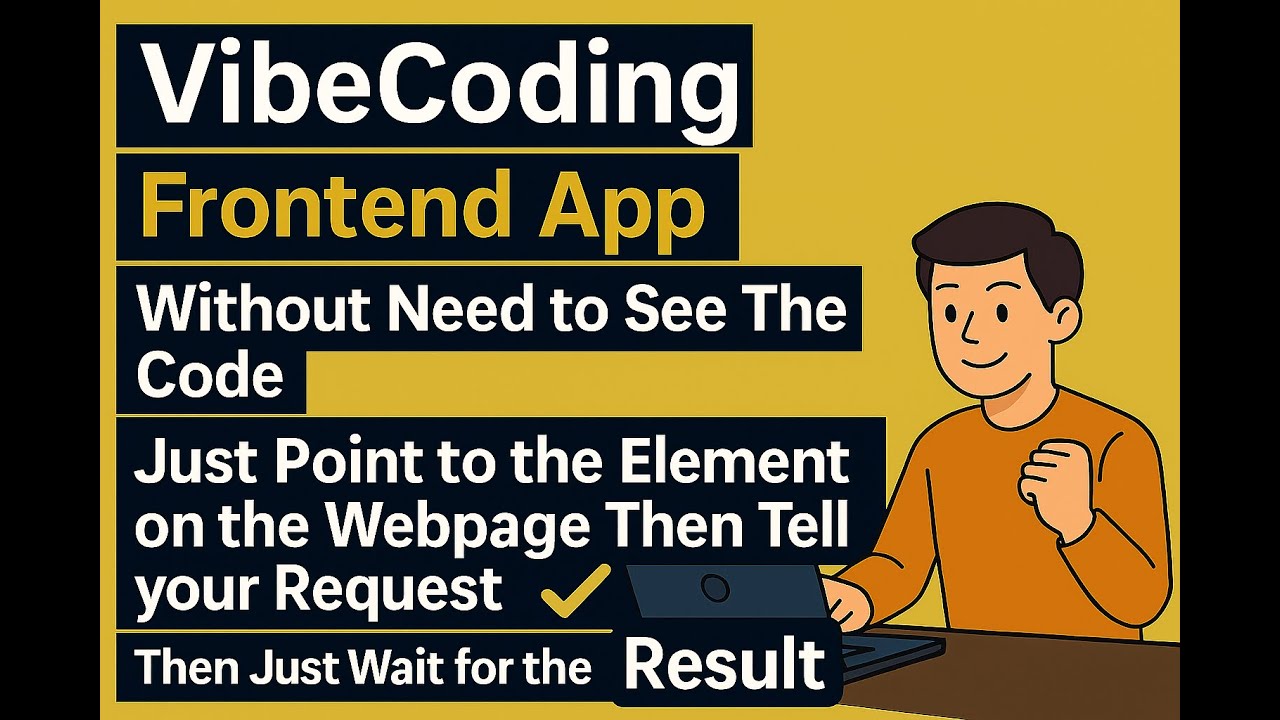
> 📺 **[Watch the Tutorial Video](https://youtu.be/OuKnfCbmfTg)** - See InstantCode in action!
## What can this plugin help you?
After installing the plugin, you can:
- **Point directly at any element** on your webapp
- **Type a short request** like "make it bigger", "center it", "change color to blue"
- **Wait for AI to modify your code** - it automatically finds and updates the source files
- **See instant results** - your changes appear immediately in the browser
No need to search through files or remember CSS properties - just point and tell!
## Prerequisites
InstantCode requires **Claude Code** to provide AI assistance:
```bash
# Install Claude Code globally
bun install -g @anthropic-ai/claude-code
# Verify installation
claude --version
```
## Quick Start with Vite
The fastest way to get started is using our Vite plugin. This automatically handles everything for you!
### 1. Install InstantCode
```bash
npm install --save-dev instantcode
# or
bun add -d instantcode
# or
yarn add -D instantcode
```
### 2. Add to Your Vite Config
Add the plugin to your `vite.config.ts` or `vite.config.js`:
```typescript
import { defineConfig } from 'vite';
import inspectorPlugin from 'instantcode/vite-plugin';
export default defineConfig({
plugins: [
// Your existing plugins...
inspectorPlugin(),
],
});
```
### 3. Start Your Dev Server
```bash
npm run dev
# or
bun dev
# or
yarn dev
```
That's it! The InstantCode toolbar will automatically appear in your application.
## Plugin Configuration
The Vite plugin accepts these options:
```typescript
inspectorPlugin({
verbose: false, // Enable detailed logging (default: false)
mock: false, // Enable mock mode to stream deterministic sample responses (default: false)
})
```
**Note**: The server automatically runs on port 7318 and auto-injects the toolbar - no additional configuration needed!
### Mock mode
Set `mock: true` in the plugin options to develop UI without Claude Code installed or external calls. The server will stream a deterministic series of frames that mimic actual responses (including a sample "🟢 Vue component found" message). You can also enable mock mode via environment variable when running the standalone server:
```bash
INSTANTCODE_MOCK=true bunx instantcode
```
## Framework Support
InstantCode works with all Vite-supported frameworks:
- ⚛️ **React** - Detects components, props, and state
- 🟢 **Vue** - Understands composition/options API
- 🅰️ **Angular** - Recognizes components and directives
- 🟠 **Svelte** - Identifies components and stores
- 📄 **Vanilla JS** - Works with plain HTML/CSS/JS
## Advanced Usage - Manual Setup
If you prefer manual control or aren't using Vite:
### Run Standalone Server
```bash
# Navigate to your project directory first (important for context!)
cd /path/to/your/project
# Start the server
bunx instantcode@latest
```
### Add Script Manually
Add to your HTML:
```html
<script src="http://localhost:7318/inspector-toolbar.js"></script>
```
## Troubleshooting
### Plugin Not Working?
1. Make sure you're running `npm run dev` (or equivalent)
2. Check that InstantCode is in your `vite.config.ts`
3. Restart your dev server
4. Check console for error messages
### Toolbar Not Appearing?
1. Ensure Vite dev server is running
2. Check browser console for errors
3. Verify port 7318 isn't blocked
4. Try refreshing the page
### AI Responses Not Helpful?
1. **Run from your project root** - this gives AI better context
2. Be specific about what you want to achieve
3. Select the exact element you're asking about
4. Try rephrasing your question
### Port 7318 Already In Use?
The server automatically checks port availability. If you see this error:
1. Stop any existing InstantCode servers
2. Check what's using port 7318: `lsof -i :7318`
3. Kill the process or restart your machine
---
**Happy coding! 🚀** Frontend Context is here to make your web development journey smoother and more enjoyable.