ibowankenobi-i-pv
Version:
Interactive Protein Sequence VIsualization/Viewer - Interactive Circos
60 lines (41 loc) • 2.96 kB
Markdown
# I-PV <img src="https://github.com/IbrahimTanyalcin/I-PV/blob/master/img/logo.png?raw=true" width='70' height='auto' style='float:right;'>
[](https://nodei.co/npm/ibowankenobi-i-pv/)
[](http://www.i-pv.org/)
[](https://github.com/IbrahimTanyalcin/I-PV/tree/master/i-pv)
[](https://github.com/IbrahimTanyalcin/I-PV/tree/master/docker)
[](https://github.com/IbrahimTanyalcin/I-PV/blob/master/CHANGELOG.md)
## Read the article
[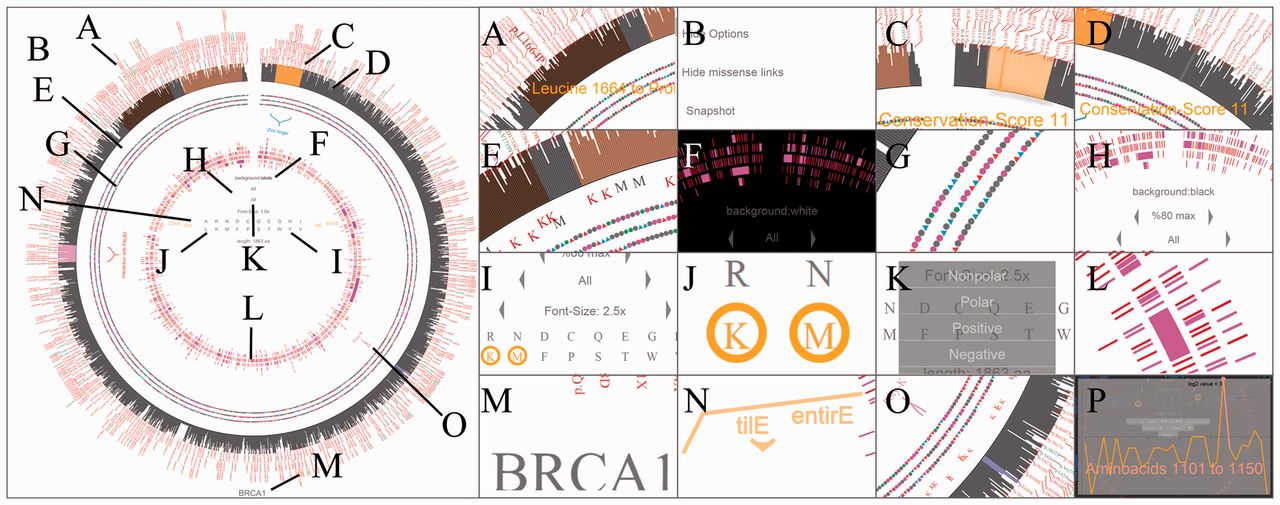](https://academic.oup.com/bioinformatics/article/32/3/447/1743584)
## Interactive Protein Sequence VIsualization/Viewer
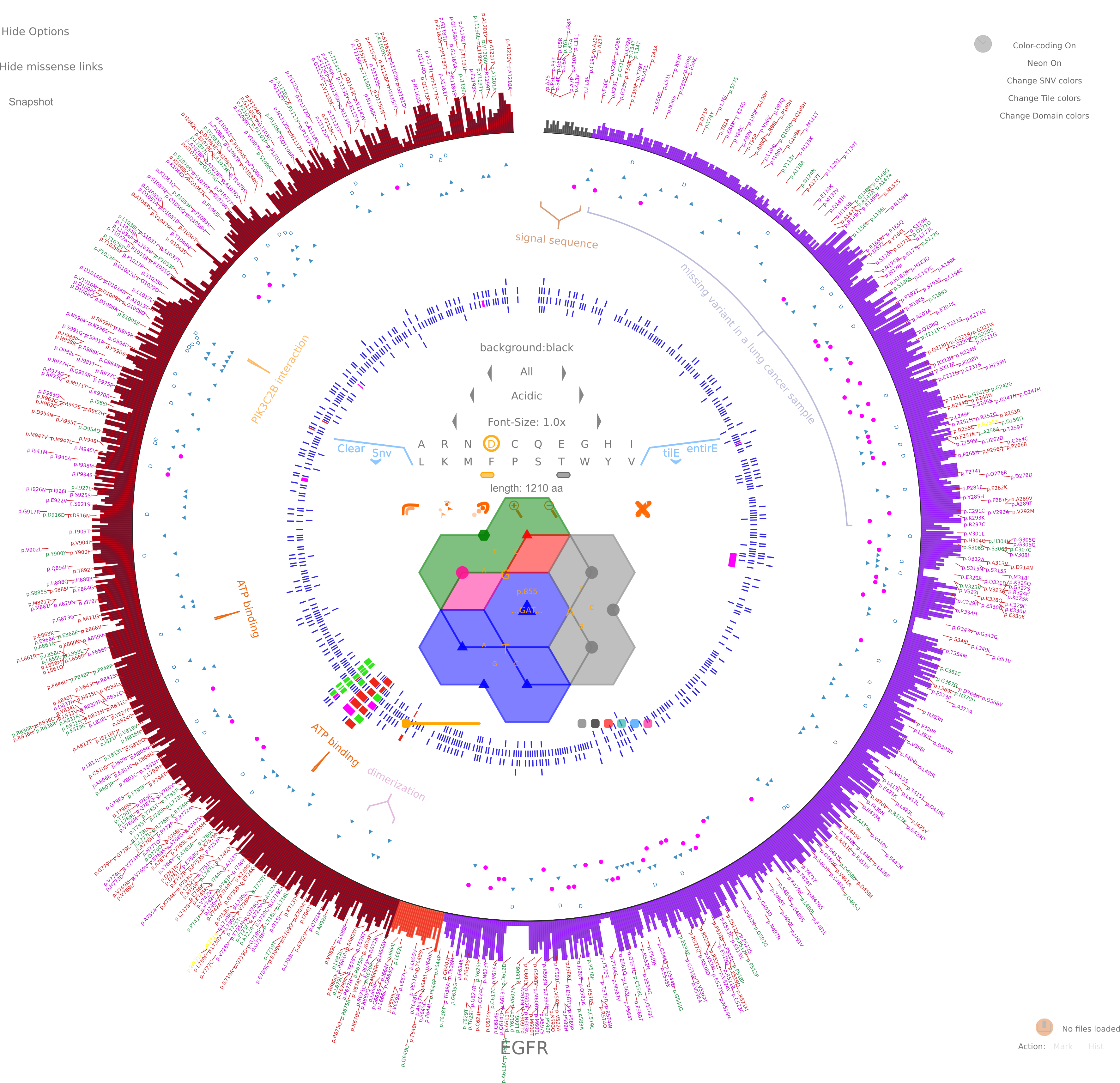
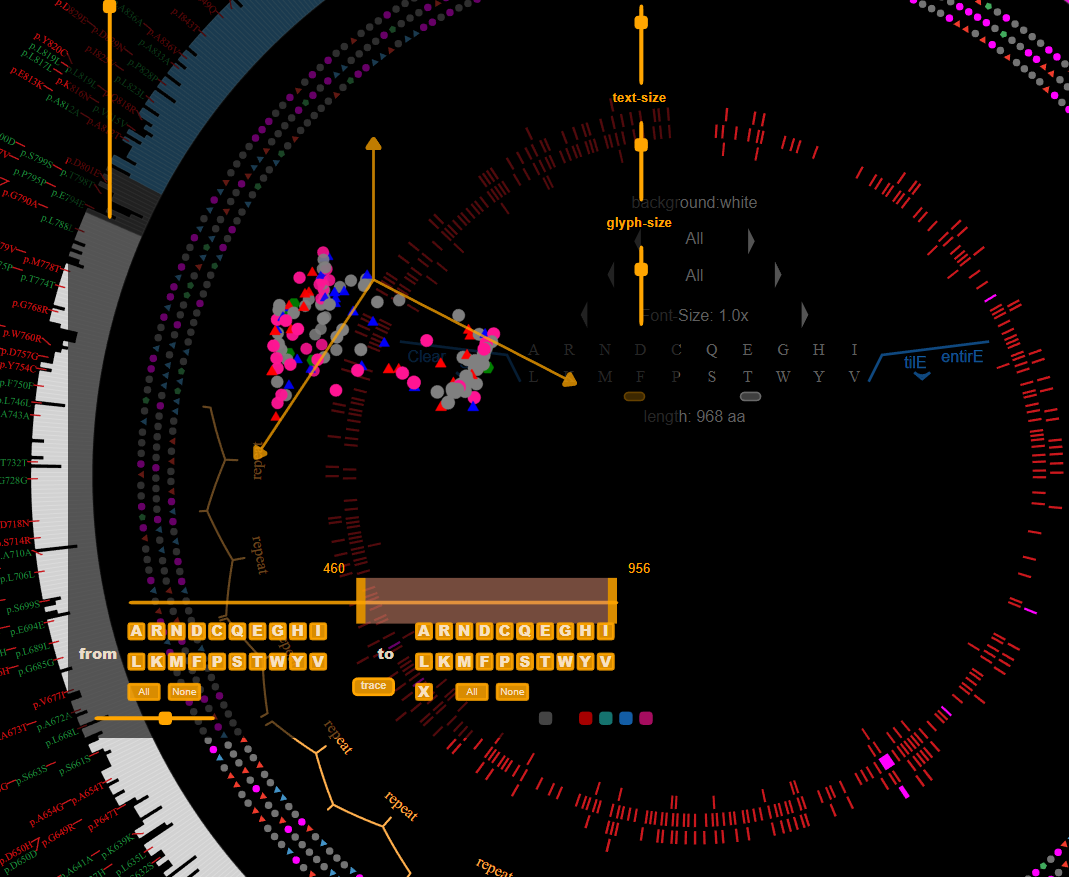
I-PV aims to unify protein features in a single interactive figure. It is easy to generate and
highly customizable. Data is checked and then plotted. When you publish figures with I-PV, I recommed you also
post the files in the datatracks folder as supplementary.
In I-PV is designed to convey complex proteomics information to the audience in an interesting format.
Below are some [sample outputs](http://i-pv.org/EGFR.html).
## Readme
[](https://github.com/IbrahimTanyalcin/I-PV/tree/master/i-pv)
## Changelog
[](https://github.com/IbrahimTanyalcin/I-PV/blob/master/CHANGELOG.md)
## Todo
[](https://github.com/IbrahimTanyalcin/I-PV/blob/master/TODO.md)
## Publishing
- Run one of the publish scripts within `package.json`:
```
npm run publishPatchNPM
```
- The `gitTag.js` inside `/utils` can both update `npm` version and `org_ipv` version.
- If you change peripheral files only, increment `npm` version.
- If you change `SNPtoAA.pl`, increment both `npm` version and `org_ipv` version.
- Choose the right publish script based on above.
## Mirrorring
- Publish scripts automatically run `syncMirror`. For it to work, you must have `mirror.conf.json` that has `path` key, which points to the folder of the mirror. Both root folder and mirror folders are recursively searched with a depth of `5`.
- `azure.yaml` syncs a private azure repository. You can use it for other projects by changing the `REMOTE_ADDR` variable.
- `sync-public.yml` is the `azure.yaml` equivalent of syncing public remote master with your fork. For it work, create a remote branch with name `public` and add `GIT_USER_NAME` and `GIT_USER_EMAIL` secrets to your repo.