i18next-hmr
Version:
I18Next HMR🔥 webpack / vite plugin that allows reload translation resources instantly on the client & the server.
104 lines (71 loc) • 3.36 kB
Markdown
# i18next-hmr
[](https://www.npmjs.com/package/i18next-hmr)

I18Next HMR🔥 webpack / vite plugin that allows reload translation resources instantly on the client & the server.
## Requirements
- Node.js v10 or above
- Webpack v4.x - v5.x
- Vite v3
## Installation
```sh
$ npm install --save-dev i18next-hmr
```
## Usage
Add the plugin to your webpack config (or next.config.js).
<!-- prettier-ignore-start -->
```js
// webpack.config.js
const { I18NextHMRPlugin } = require('i18next-hmr/webpack');
module.exports = {
...
plugins: [
new I18NextHMRPlugin({
localesDir: path.resolve(__dirname, 'static/locales'),
localesDirs: [
// use this property for multiple locales directories
]
})
]
};
```
<!-- prettier-ignore-start -->
```js
// i18next.config.js
const Backend = require('i18next-http-backend');
const i18next = require('i18next');
const { HMRPlugin } = require('i18next-hmr/plugin');
const instance = i18next.use(Backend); // http-backend is required for client side reloading
if (process.env.NODE_ENV !== 'production') {
instance.use(new HMRPlugin({
webpack: {
client: typeof window !== 'undefined', // enables client side HMR in webpack
server: typeof window === 'undefined' // enables server side HMR in webpack
},
vite: {
client: typeof window !== 'undefined', // enables client side HMR in Vite
}
}));
}
instance.init(options, callback);
module.exports = instance;
```
Start the app with `NODE_ENV=development`
### Server side
This lib will trigger [`i18n.reloadResources([lang], [ns])`](https://www.i18next.com/overview/api#reloadresources) on the server side with `lang` & `namespace` extracted from the translation filename that was changed.
⚠️ If your server side is bundled using Webpack, the lib will use the native HMR (if enabled), for it to work properly the lib must be **bundled**, therefore, you should specify the lib as not [external](https://webpack.js.org/configuration/externals/).
There are 2 ways to do that:
1. If you are using [webpack-node-externals](https://github.com/liady/webpack-node-externals) specify `i18next-hmr` in the [`whitelist`](https://github.com/liady/webpack-node-externals#optionswhitelist-).
2. (deprecated method) use a relative path to `node_modules`, something like:
```js
// server.entry.js
if (process.env.NODE_ENV !== 'production') {
const { applyServerHMR } = require('../node_modules/i18next-hmr/server');
applyServerHMR(i18n);
}
```
### Client side
The lib will invoke Webpack's / Vite HMR to update client side, that will re-fetch (with cache killer) the updated translation files and trigger [`i18n.changelanguage(lang)`](https://www.i18next.com/overview/api#changelanguage) to trigger listeners (which in React apps it will update the UI).
## Example
Working examples can be found in the [`examples`](https://github.com/felixmosh/i18next-hmr/tree/master/examples) folder.
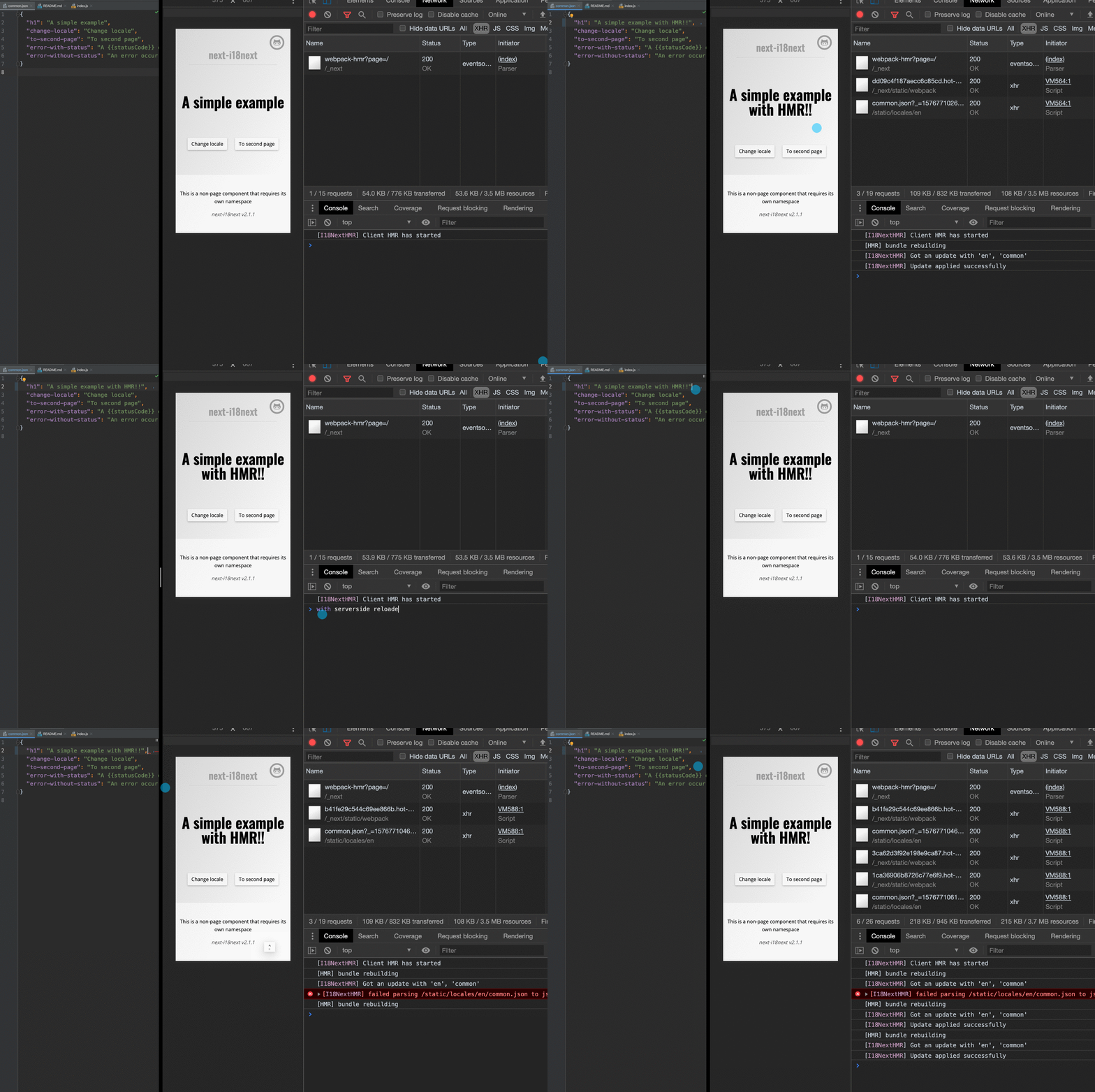
#### [`nextjs`](https://github.com/zeit/next.js) with [`next-i18next`](https://github.com/isaachinman/next-i18next)