hyper-vibrance
Version:
Enables vibrancy for Hyper terminal on mac
49 lines (35 loc) • 1.24 kB
Markdown
# Hyper Vibrance
A simple [Hyper](https://hyper.is) Terminal plugin that enables vibrancy on MacOS.
## Installation
Open `~/.hyper.js` and add `'hyper-vibrance'` to `plugins`.
```js
plugins: [
'hyper-vibrance'
],
```
## Configuration
The backgroundColor must have opacity between 0 and 1 for vibrancy to work.
For example backgroundColor could be:
`'rgba(0, 0, 0, 0.5)'`
hyper-vibrance can be configured in `~/.hyper.js` within the config object.
Example:
```js
module.exports = {
config: {
// rest of config settings
hyperVibrance: {
vibrancy: 'dark',
}
}
}
```
## Vibrancy options
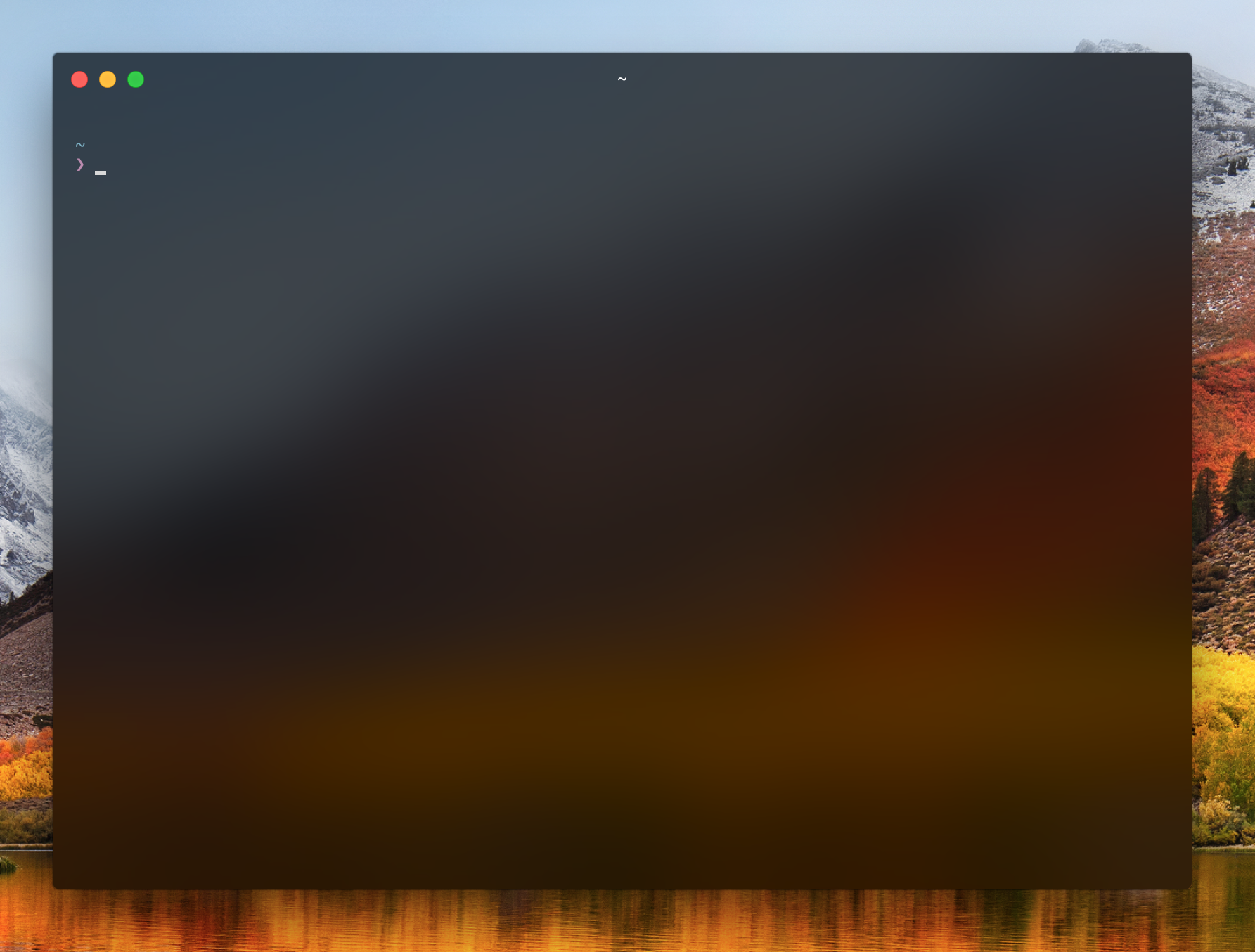
There are three vibrancy options. Change `'dark'` to one of the options below
## 'ultra-dark'
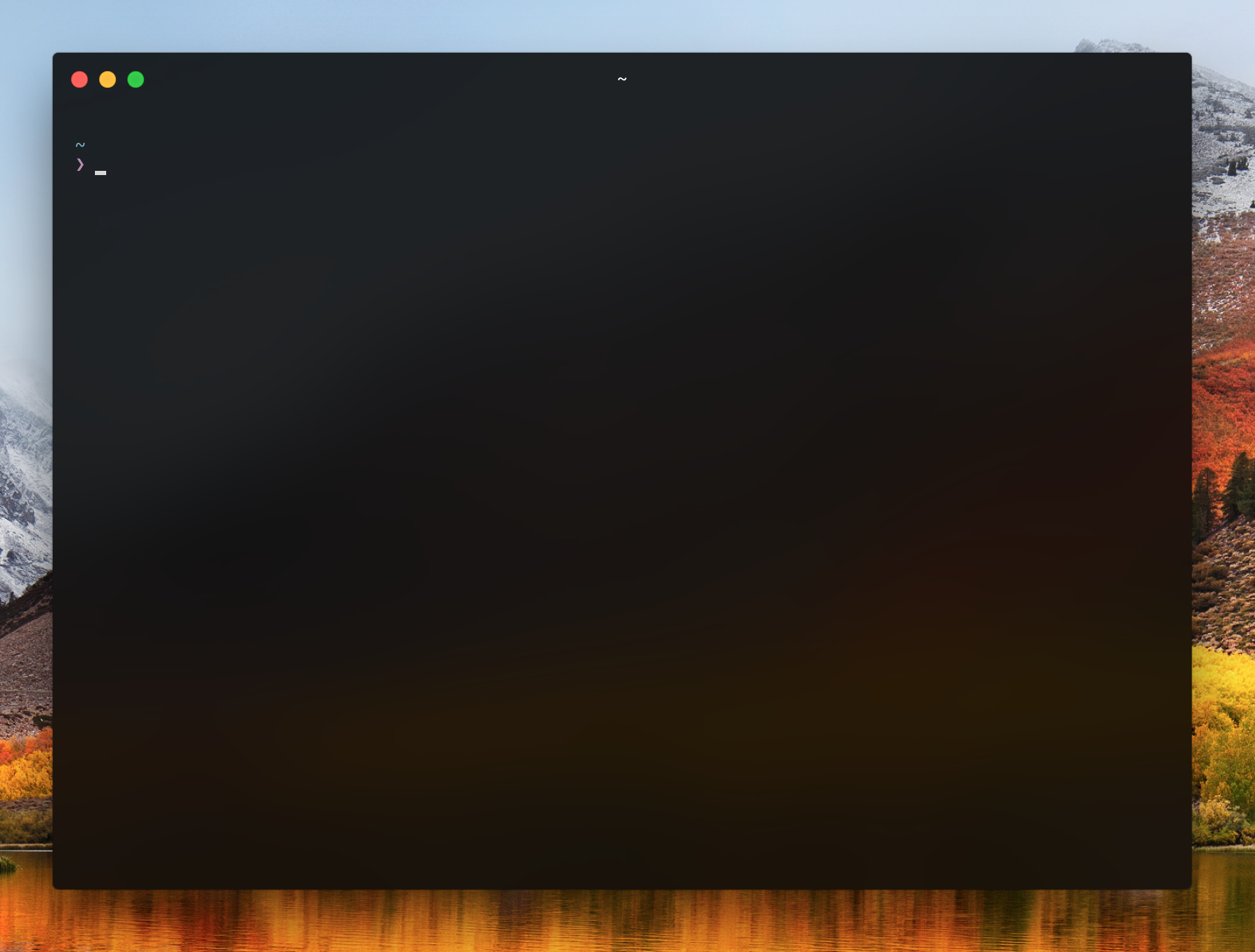
## 'dark'

## 'medium-light'
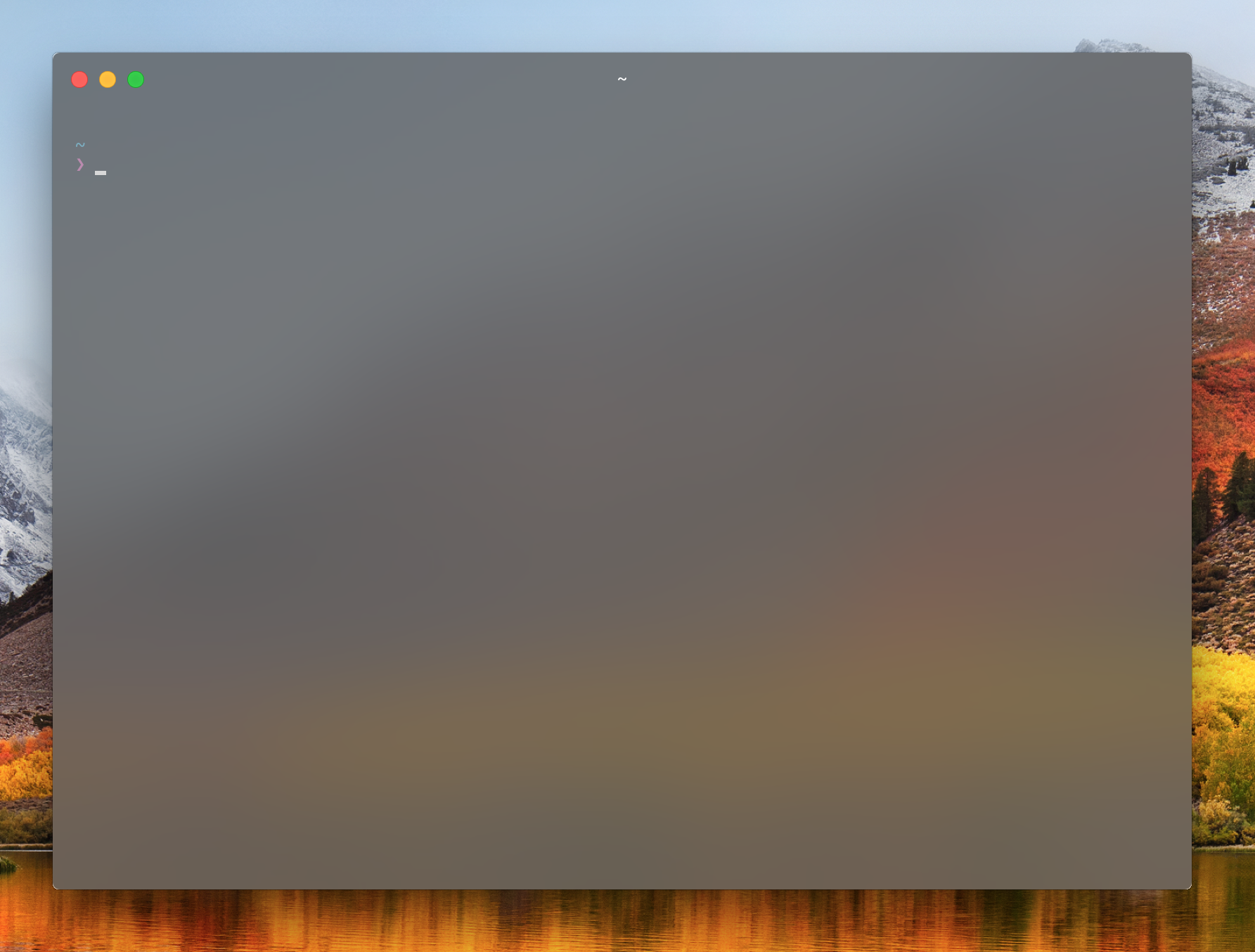
Fiddle around with opacity and vibrancy option until you find something you like.