huskylens
Version:
Johnny-Five plug in for the HuskyLens AI Vision Sensor
117 lines (83 loc) • 2.96 kB
Markdown
# HuskyLens
A [Johnny-Five](http://johnny-five.io) plug-in for the HuskyLens AI Vision Sensor. Learn more about the Huskeylens at [DFRobot](https://www.dfrobot.com/index.php?route=page/HuskyLens).
AI on robots doesn't get any easier than this.
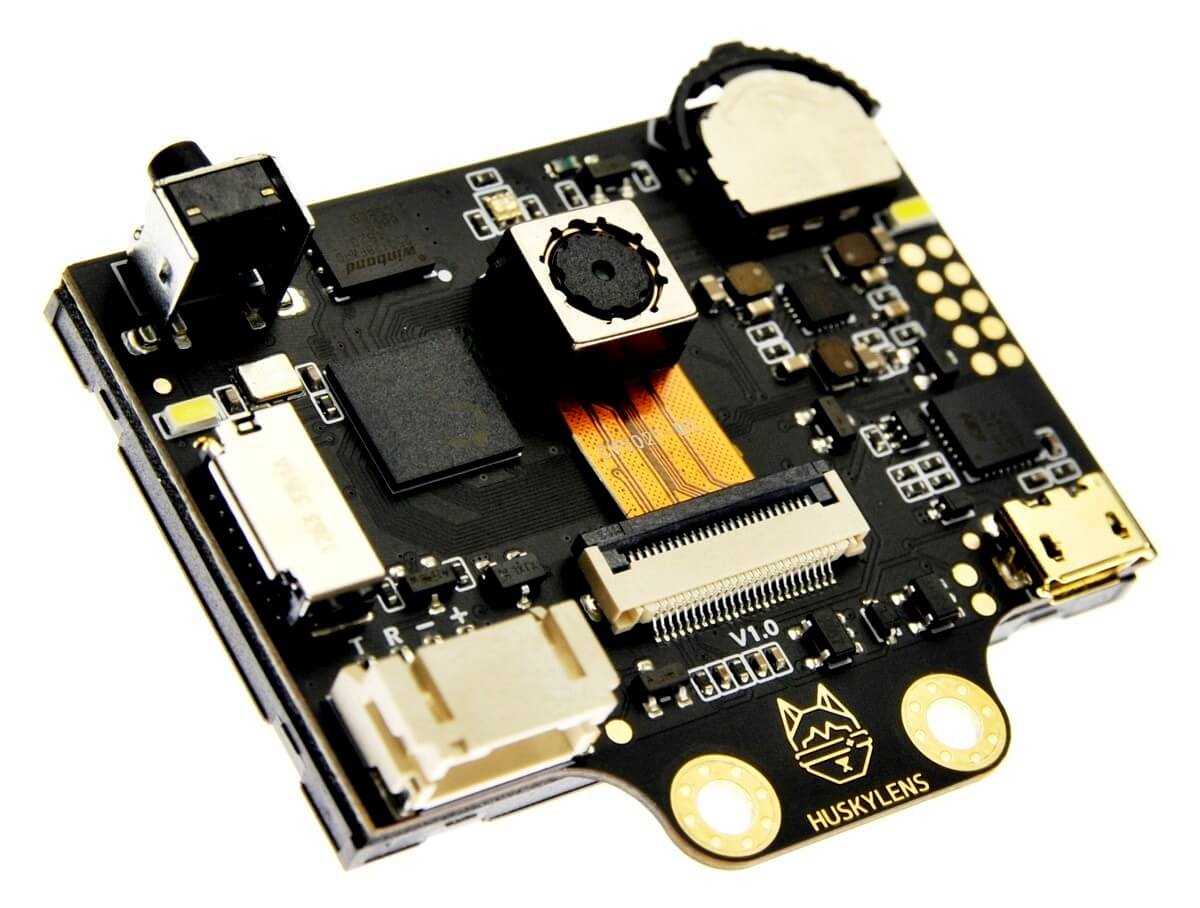
*Image courtesy DFRobot*
To purchase the HuskyLens, go to [dfrobot.com](https://www.dfrobot.com/index.php?route=page/huskylens)
*This repo is not affiliated with DFRobot. Their HuskyLens stuff is [here](https://github.com/HuskyLens).*
## Example
````js
const five = require("johnny-five");
const HuskyLens = require("../index.js")(five);
const board = new five.Board();
board.on("ready", () => {
const lens = new HuskyLens({
pins: { rx:11, tx:10 },
mode: "OBJECT_RECOGNITION"
});
lens.on("ready", () => {
console.log("The HuskyLens is connected and ready");
});
lens.on("block", block => {
console.log(block);
});
lens.on("arrow", arrow => {
console.log(arrow);
});
});
````
See the ```examples``` folder for more, uh, examples.
## Instantiation
````js
const lens = new HuskyLens(opts);
````
The ```opts``` parameter can be an array of pins in ```[rx, tx]``` order or a complete options object.
If an object:
```opts.pins``` - An array of pins in ```[rx, tx]``` order or a pins object ```{ rx: 11, tx: 10 }```.
```opts.mode``` - A string selecting which mode to put the HuskyLens in at start (default: ```"FACE_RECOGNITION"```). Recognized values are:
* "FACE_RECOGNITION"
* "OBJECT_TRACKING"
* "OBJECT_RECOGNITION"
* "LINE_TRACKING"
* "COLOR_RECOGNITION"
* "TAG_RECOGNITION"
* "OBJECT_CLASSIFICATION"
```opts.baud``` - The speed of serial communications between your device and the HuskyLens (default: 9600)
```opts.freq``` - The frequency of data updates requested from the HuskyLens (default: 10hz)
## Methods
````js
lens.mode(<string> mode);
````
Change modes at run time. ```mode``` can be any of the values described in the "Instantiation" section. If no value is passed for mode, this method will return the current mode as a string.
````js
lens.freq(<number> frequency);
````
Set the frequency (in hz) of data updates from the HuskyLens. If no value is passed for frequency, this method will return th current frequency.
````js
lens.stop();
````
Stop requesting updates from the HuskyLens.
````js
lens.start();
````
Resume requesting updates from the HuskyLens.
## Events
The ```lens``` instance is an event emitter so you can simply set up listeners to take action when new information is reported.
````js
// When any block is received
lens.on("block", data => {
console.log(data);
});
// When block id:3 is received
lens.on("block-3", data => {
console.log(data);
});
// When an arrow is received
lens.on("arrow", data => {
console.log(data);
});
// When an arrow id:2 is received
lens.on("arrow-2", data => {
console.log(data);
});
````