hexo-theme-cupertino
Version:
The Hexo Blog Theme Cupertino.
116 lines (79 loc) • 4.15 kB
Markdown
<p align="center">
<img src="./assets/logo-v2.svg" width="128">
</p>
<h1 align="center">Hexo Theme Cupertino</h1>
<p align="center">The Hexo Blog Theme Cupertino.<p>
<p align="center"><a href="https://blog.mrwillcom.com/"><strong>Preview</strong></a> / <a href="https://cupertino.mrwillcom.com/">Docs</a></p>
<p align="center">
<a href="https://github.com/MrWillCom/hexo-theme-cupertino/releases/latest">
<img alt="GitHub Release" src="https://img.shields.io/github/v/release/MrWillCom/hexo-theme-cupertino?style=for-the-badge&logo=github&logoColor=181717&labelColor=EEEEEE">
</a>
<a href="https://www.npmjs.com/package/hexo-theme-cupertino">
<img alt="NPM Downloads" src="https://img.shields.io/npm/dm/hexo-theme-cupertino?style=for-the-badge&logo=npm&logoColor=CB3837&labelColor=EEEEEE&color=8A56FF">
</a>
<img alt="GitHub Repo stars" src="https://img.shields.io/github/stars/MrWillCom/hexo-theme-cupertino?style=for-the-badge&logo=github&logoColor=181717&labelColor=EEEEEE&color=F7D76E">
</p>
<p align="center">
<a href="https://pkg.pr.new/">
<img alt="Continuous Releases" src="https://img.shields.io/github/actions/workflow/status/MrWillCom/hexo-theme-cupertino/continuous-releases.yml?style=for-the-badge&logo=stackblitz&logoColor=1269D3&label=Continuous%20Releases&labelColor=EEEEEE&color=1269D3">
</a>
<a href="https://github.com/changesets/changesets">
<img alt="Changesets" src="https://img.shields.io/badge/🦋-Changesets-0195FE?style=for-the-badge&labelColor=EEEEEE">
</a>
</p>
<p align="center">✨ <em>Give a star if you like this!</em> ✨</p>
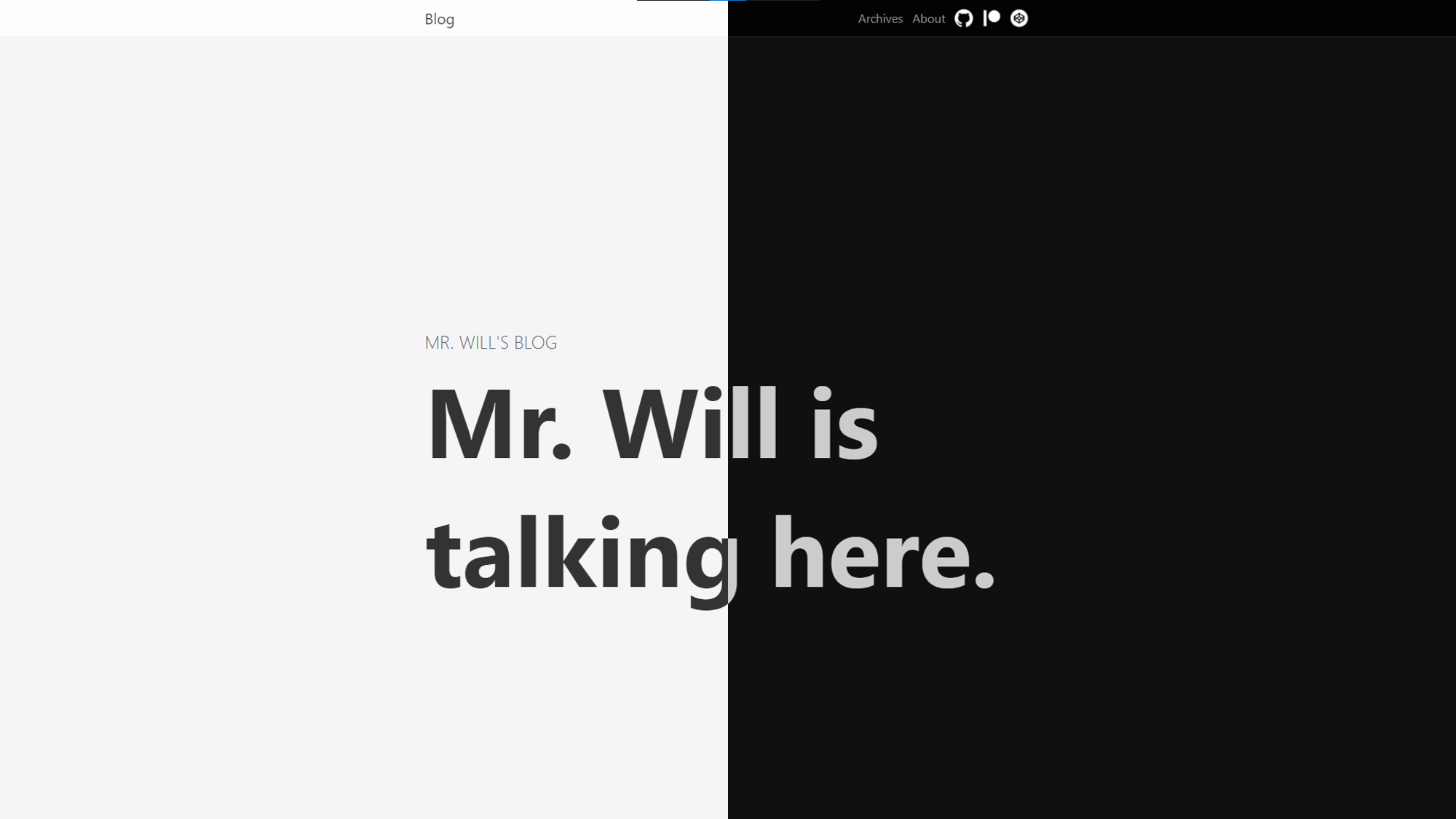
This is a modern and elegant theme for your Hexo blog, which is beautifully designed and has gorgeous details. It's based on Cupertino Design, so it looks similar to [Apple Newsroom](https://www.apple.com/newsroom/).
With Theme Cupertino, your blogging experience will be hugely elevated, and your ideas can be shared in an effortless way.
## Installation
Before getting started, make sure you have already set up a [Hexo](https://hexo.io/) blog.
Since v2, you can install via npm:
```sh
$ npm install hexo-theme-cupertino
```
Or, you may clone Theme Cupertino to `themes/cupertino`:
```sh
$ git clone https://github.com/MrWillCom/hexo-theme-cupertino.git themes/cupertino
# install dependencies
$ cd themes/cupertino
$ npm install
```
Then, go to your blog configuration `_config.yml` and set:
```yaml
theme: cupertino
```
## Update
If you installed Theme Cupertino via npm, run:
```sh
$ npm install hexo-theme-cupertino@latest
```
Or if you cloned it via Git, go to the theme directory and pull the latest changes:
```sh
$ cd themes/cupertino
$ git pull
# install latest dependencies
$ npm install
```
## Configuration
You need a `_config.cupertino.yml` file beside `_config.yml` to contain your configuration, which will override the defaults.
For more detailed guides, visit [Theme Cupertino Docs](https://cupertino.mrwillcom.com/).
## Contributing
All friendly contributions are welcome! Start contributing by following the existing issues or little fixes.
Not familiar with code? It's okay, feel free to report bugs or suggest something.
## Donating
If you like Theme Cupertino, please consider donating to encourage me. Your support is greatly appreciated! Starring and sharing this repository will also help a lot.
<p>
<a href="https://liberapay.com/MrWillCom/donate">
<img alt="Donate using Liberapay" src="https://liberapay.com/assets/widgets/donate.svg">
</a>
<a href="https://www.patreon.com/MrWillCom">
<img alt="Donate using Patreon" src="https://img.shields.io/badge/Patreon-F96754?style=for-the-badge&logo=patreon&logoColor=FFFFFF">
</a>
</p>
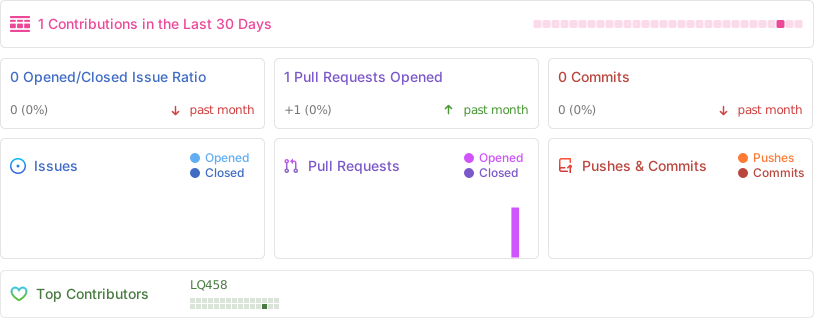
## Activities
## Contributors
Theme Cupertino would not be possible without the help from the contributors.
<a href="https://github.com/MrWillCom/hexo-theme-cupertino/graphs/contributors">
<img src="https://contrib.rocks/image?repo=MrWillCom/hexo-theme-cupertino">
</a>