hexo-lazyload-element
Version:
Lazyload plugin for elements like img, video and iframe.
184 lines (126 loc) • 4.64 kB
Markdown
## hexo-lazyload-element
**hexo-lazyload-element** is a plugin for lazyloading elements in post. Implement lazyloading with `Intersection Observer`.
\*for browsers not support `Intersection Observer` , lazy load is not woking due to I did not integrate polyfill in this plugin to avoid unnecessary script size.
**[DEMO PAGE](https://lynanbreeze.github.io/hexo-lazyload-element/)**
**[NPM](https://www.npmjs.com/package/hexo-lazyload-element)**
[![NPM downloads][npm-downloads]][npm-url]

## Features
1. Lazy load for img, video, and iframe
2. Support [URL](https://developer.mozilla.org/en-US/docs/Web/CSS/url)/[Gradient](https://developer.mozilla.org/en-US/docs/Web/CSS/gradient)/[Blurhash](https://blurha.sh/) for a custom placeholder image
3. Retry component embeded, for reloading when failed at loading image
4. Different syntaxes supported
5. Support for JavaScript-disabled browsers
## Install
```shell install dependency
npm install hexo-lazyload-element -S
```
## Usage
### 1. Enable lazyload in `_config.yml`
```yml _config.yml
lazyload:
enable: true
# loadingImg: http://xxx.xxx.com/xxx.jpg, optional, default is https://i.loli.wiki/public/240207/loading.svg
# intersectionRatio: 0.33 # optional, default is 0.25
# placeholderRatio: 1.5 # optional, default is 1.5 (3/2)
# showTransition: false # optional, default is true
# errorTipImage: http://xxx.xxx.com/xxx.jpg # optional, default is https://i.loli.wiki/public/240201/error-tip.svg
# showAltText: true # optional, default is true
```
### 2. Rebuild && Deploy
```shell rebuild
npm run clean && npm run build
```
All set, you're good to fly!
## Syntax
### elements
#### **img element**
```markdown markdown image element

```
Or
```markdown HTML img element
<img src="https://abc.com/def.jpg" alt="def">
```
#### **video element**
```markdown HTML video element
<video src="https://abc.com/def.mp4">
```
#### **iframe element**
```markdown HTML iframe element
<iframe src="htttps://baidu.com"></iframe>
```
### attributes
#### no lazyload
`no-lazy` or `$no-lazy` in alt attribute.
```markdown no-lazy in [alt]

```
```markdown no-lazy with alt text

```
Or
```markdown no-lazy attribute
<img no-lazy src="https://abc.com/def.jpg" alt="def">
```
#### placeholder image
Supports \<url\>/\<gradient\>/[blurhash](https://blurha.sh/).
Such as:
```css url
https://abc.com/def.jpg
```
```css gradient
linear-gradient(to right, #ffa17f, #00223e)
```
```css blurhash
blurhash:Lb0V#qelf,flg+e-f6flg4g4f5fl
```
You can use my [Img-Blurer](https://lynanbreeze.github.io/image-blurrer/) to generate blury placeholder image.
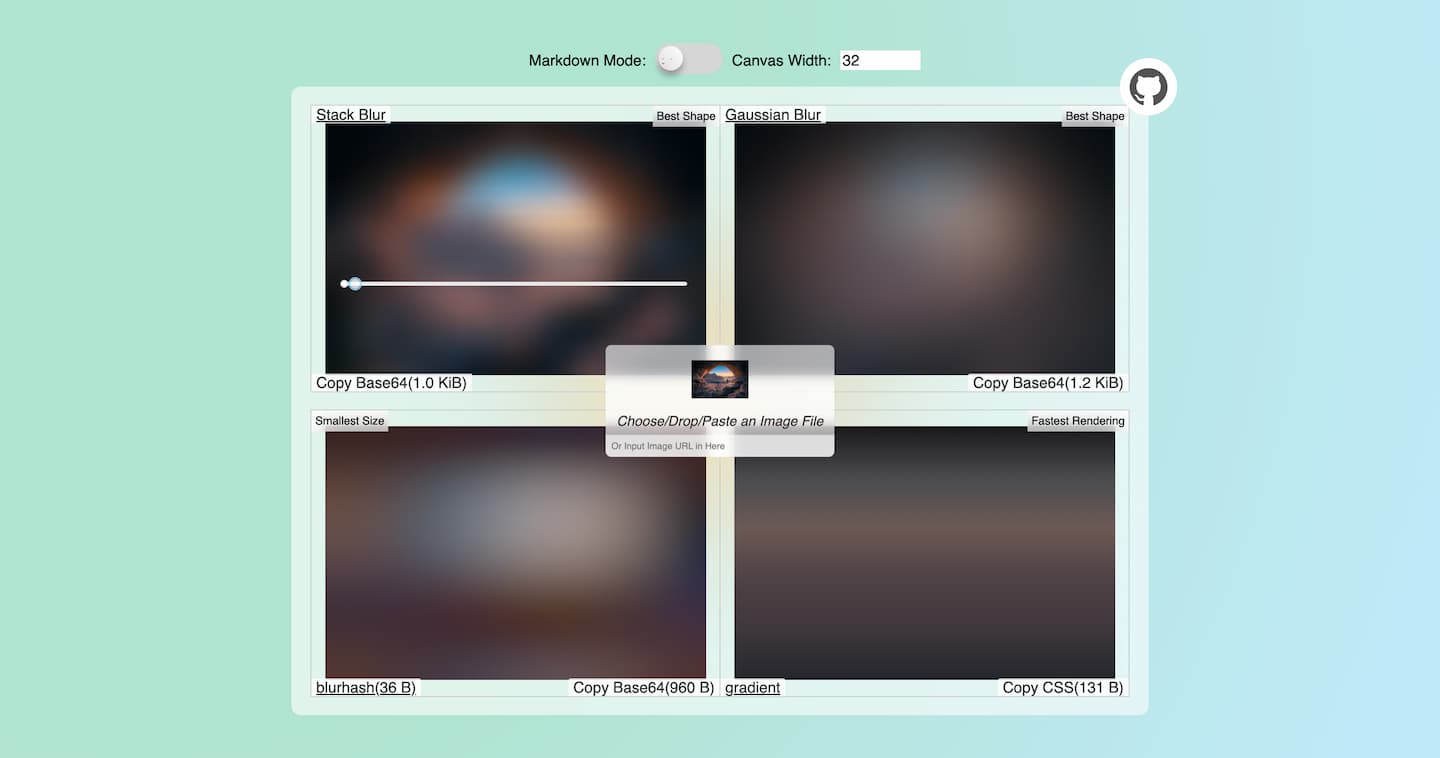
**Example:**
`$placeholder=...=placeholder` in `[]`
```markdown placeholder in [alt]

```
Or use `placeholderimg` attribute
```markdown placeholderimg attribute
<img src="https://pic.imgdb.cn/item/65558655c458853aef97be96.jpg" data-placeholderimg="blurhash:Lb0V#qelf,flg+e-f6flg4g4f5fl">
```
#### aspect-ratio
Specifying aspect-ratio can prevent page reordering.
`$aspect-ratio=...=aspect-ratio` in `[]`
```markdown aspect-ratio in [alt]

```
Or use `style`
```markdown aspect-ratio in style
<img src="https://pic.imgdb.cn/item/65558655c458853aef97be96.jpg" style="aspect-ratio: 3/2">
```
## Script for RSS content
Some RSS readers do not recognise content in `<noscript></noscript>`, this script below can extract these `<img>` contents without `<noscript>` tag.
```javascript format-rss.js
const fs = require("fs");
const feedXML = fs.readFileSync("public/feed.xml", "utf-8");
const format = (content) => {
return content.replace(/<noscript>(<img.*?)<\/noscript>/g, (str, p1) => {
return p1;
})
};
fs.writeFileSync("public/feed.xml", format(feedXML));
```
```json package.json
"scripts": {
...
"build": "hexo generate",
"format-rss": "node custom-scripts/format-rss.js",
},
```
```shell format-rss
npm run build && npm run format-rss
```
## Credit
This plugin is inspired by https://github.com/Troy-Yang/hexo-lazyload-image.
## License
MIT
[npm-url]: https://www.npmjs.com/package/hexo-lazyload-element
[npm-downloads]: http://img.shields.io/npm/dm/hexo-lazyload-element.svg?style=flat