gleap
Version:
42 lines (25 loc) • 1.47 kB
Markdown
# Gleap JavaScript SDK

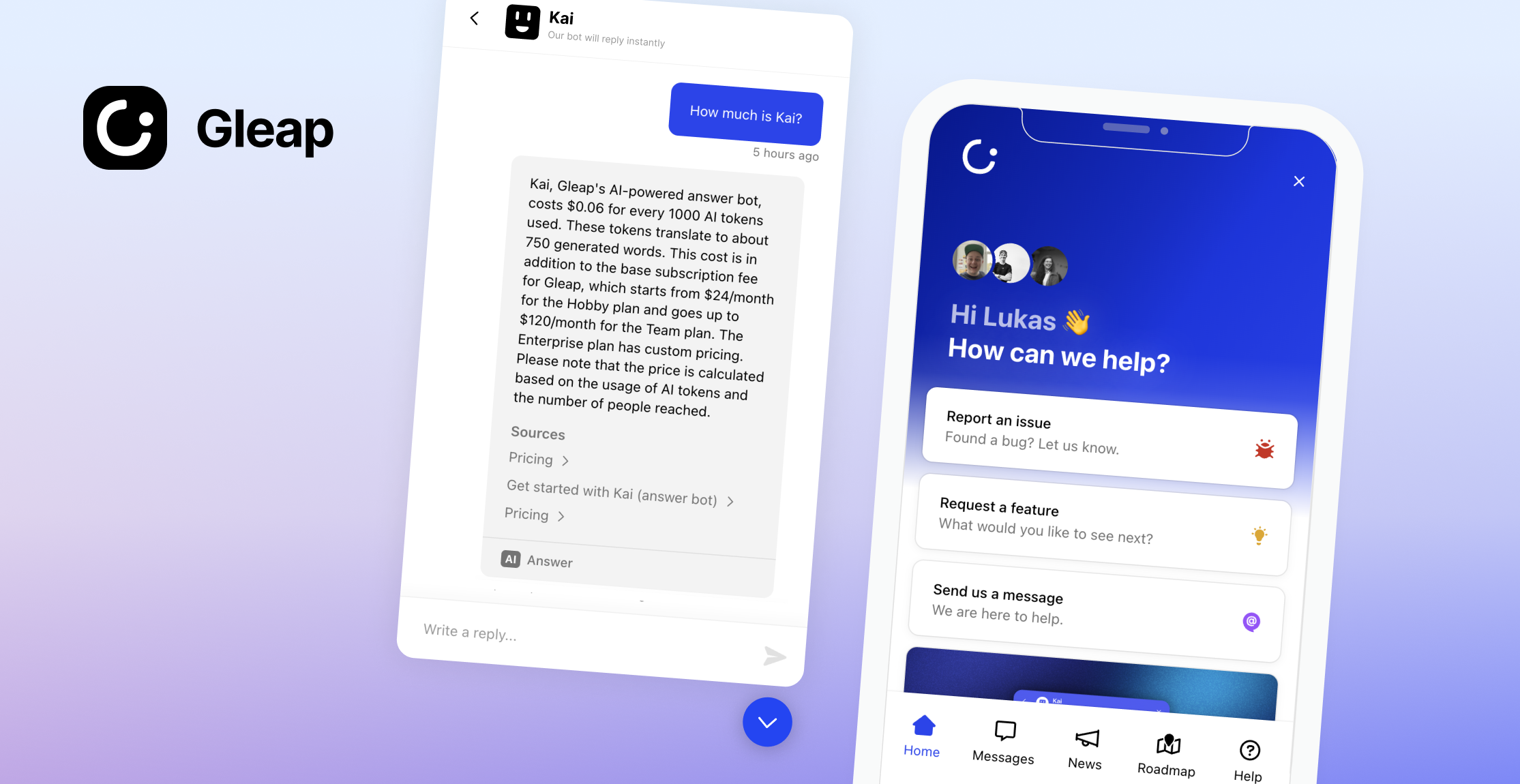
Welcome to the Gleap JavaScript SDK. Integrate AI-native customer support and feedback into your app in minutes. Leverage Kai, our autonomous AI agent, to resolve customer inquiries, automate complex workflows, and assist your support team with copilot-powered answers. Combine that with a built-in Help Center, outbound messaging, product roadmaps, bug tracking, and a unified multichannel inbox — everything your team needs to build better software, faster. Let's code, innovate, and grow together!
## 📖 Docs & Examples
Checkout our [documentation](https://docs.gleap.io/javascript) for full reference.
## 🚀 Getting started
1.) Register an account at [www.gleap.io](https://www.gleap.io). It's free and takes just a few seconds.
2.) Include the Gleap JS SDK within your apps.
### Installation via nom
Install the **Gleap** package via npm or yarn.
```
npm install gleap --save
```
Import the **Gleap** package.
```
import Gleap from 'gleap';
```
### Initialize the SDK
Add the following code to initialize the Gleap JavaScript SDK. Replace "SDK-TOKEN" with your actual SDK token from the [Gleap dashboard](https://app.gleap.io).
```
Gleap.initialize("SDK-TOKEN");
```
Congrats, you are now all set! Report your first bug by using the feedback button.
## 🤝 Need help?
We are here to help! hello@gleap.io