gatsby-plugin-satorare
Version:
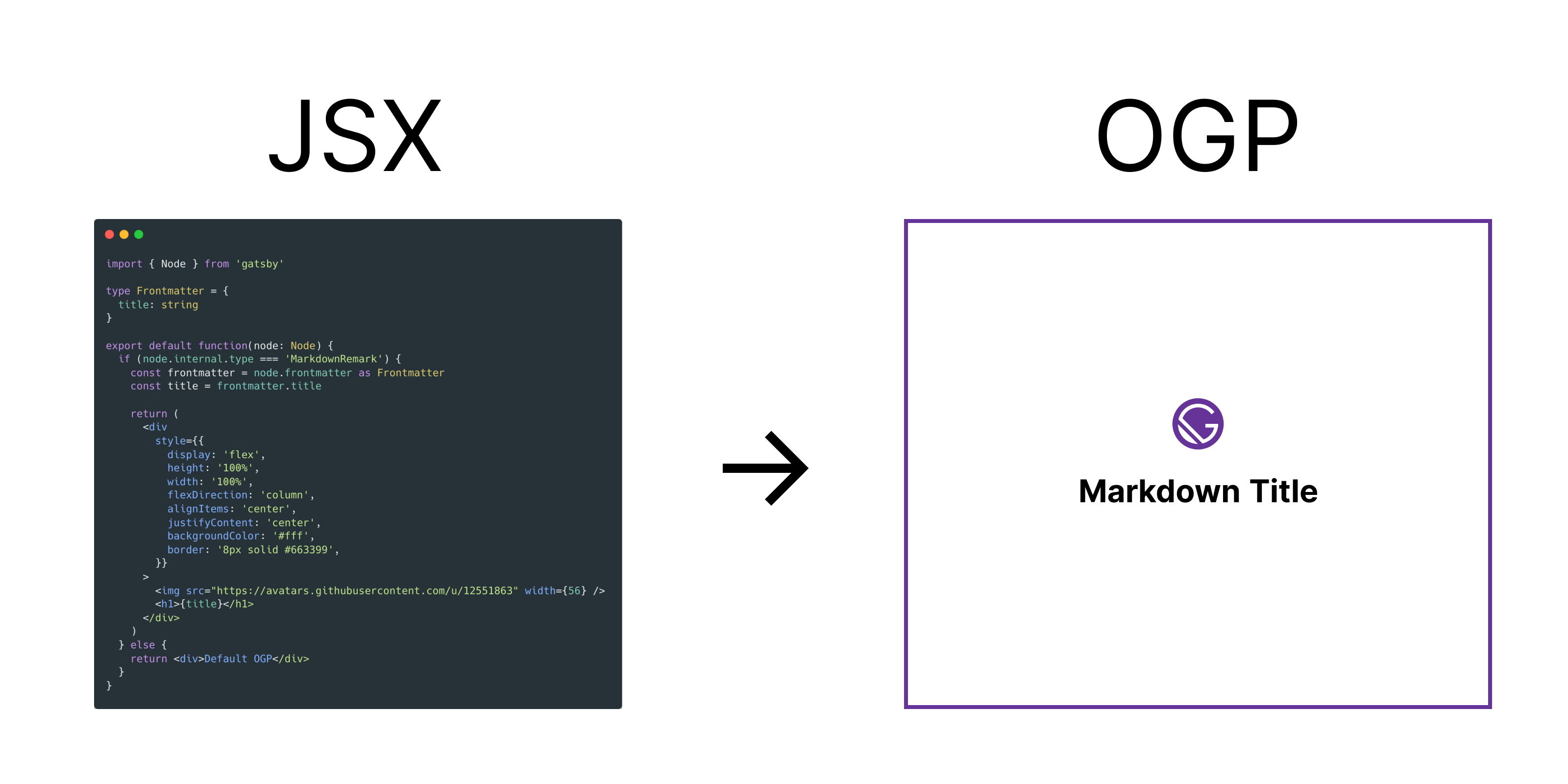
Gatsby plugin that can dynamically generate OG images using JSX syntax for site and markdowns.
207 lines (183 loc) • 5.88 kB
Markdown
<h2 align="center">
gatsby-plugin-satorare
</h2>
<div align="center">
[](https://github.com/okaryo/gatsby-plugin-satorare/actions/workflows/ci.yml)
[](https://www.npmjs.com/package/gatsby-plugin-satorare)
</div>
<p align="center">
Gatsby plugin that can dynamically generate OG images using JSX syntax for site and markdowns. This plugin uses <a href="https://github.com/vercel/satori">vercel/satori</a> internally.
</p>
```sh
npm install gatsby-plugin-satorare
```
```js
// In your gatsby-config.js
plugins: [
{
resolve: `gatsby-plugin-satorare`,
options: {
path: `${__dirname}/src/components/OgImage.tsx`,
width: 1200,
height: 630,
fonts: [
{
name: `FavoriteFont`,
path: `${__dirname}/src/assets/favorite_font.otf`,
},
],
graphemeImages: {
'🤯': 'https://cdnjs.cloudflare.com/ajax/libs/twemoji/14.0.2/svg/1f92f.svg',
},
target_nodes: ['Site', 'MarkdownRemark']
}
},
]
```
|option|type|description|default|
|:-----|:---|:----------|:------|
|`path`|string|Path to JSX/TSX file fot OG image. This option is **required**.||
|`width`|number|Width of og image. Default value|1200|
|`height`|number|Height of og image.|630|
|`fonts`|{name: string, path: string, weight?: number, style?: string, lang?: string}[]|Path to font used in OG image.|[`Noto Sans Japanese(Regular400)`](https://fonts.google.com/noto/specimen/Noto+Sans+JP)|
|`graphemeImages`|{[key: string]: string}|Image sources for specific graphemes. See details [here](https://github.com/vercel/satori#emojis).|{}|
|`target_nodes`|string[]|Node type for the source of OG image.|['Site', 'MarkdownRemark']|
The following frontmatter is assumed.
```md
---
title: "Hello World"
tags: ["Gatsby", "og:image"]
---
```
Export a default function that returns an ReactElement as follows. You can get node of the type specified in `target_nodes` in config options from argument.
[](https://og-playground.vercel.app) is useful to create OG images while previewing the generated image.
```tsx
// ./src/components/OgImage.tsx
import { Node } from 'gatsby'
type Frontmatter = {
title: string
tags: string[]
}
export default function(node: Node) {
if (node.internal.type === 'MarkdownRemark') {
const frontmatter = node.frontmatter as Frontmatter
const title = frontmatter.title
const tags = frontmatter.tags
return (
<div
style={{
display: 'flex',
padding: 48,
height: '100%',
backgroundColor: '#2e3440',
}}
>
<div
style={{
height: '100%',
width: '100%',
display: 'flex',
justifyContent: 'space-between',
flexDirection: 'column',
backgroundColor: 'white',
color: '#000000d1',
padding: 48,
borderRadius: 12,
}}
>
<div
style={{
display: 'flex',
flexDirection: 'column',
}}
>
<div style={{ fontSize: 64, maxWidth: 1000, fontWeight: 600 }}>{title}</div>
<div style={{ display: 'flex', flexWrap: 'wrap', alignItems: 'center', marginTop: 16, gap: 16 }}>
{tags.map((tag, i) => (
<div
key={i}
style={{
fontSize: 32,
fontWeight: 400,
backgroundColor: 'rgb(229,231,235)',
padding: '8px 24px',
borderRadius: 200,
}}
>
{tag}
</div>
))}
</div>
</div>
<div style={{ display: 'flex', justifyContent: 'space-between', marginTop: 16 }}>
<div style={{ fontSize: 48, fontWeight: 400, display: 'flex', alignItems: 'center' }}>
<img
src="https://avatars.githubusercontent.com/u/44517313?v=4"
width={72}
height={72}
style={{ borderRadius: '50%', marginRight: 16 }}
/>
okaryo
</div>
</div>
</div>
</div>
)
} else {
return (
<div>Default OG image</div>
)
}
}
```
```js
// query
`
query MyQuery($id: String!) {
markdownRemarkOgImage(parent: {id: {eq: $id}}) {
attributes {
publicURL
}
}
siteOgImage {
attributes {
publicURL
}
}
}
`
// result
{
"data": {
"markdownRemarkOgImage": {
"attributes": {
"publicURL": "/static/8d5a6b2a951985acb20f041bf8f52e61/8d5a6b2a951985acb20f041bf8f52e61.png"
}
},
"siteOgImage": {
"attributes": {
"publicURL": "/static/1d3db0d32c1e9ff61a30f15b2b9b6a2d/1d3db0d32c1e9ff61a30f15b2b9b6a2d.png"
}
}
}
}
```
```jsx
const yourSite = 'https://example.com'
return (
<>
{/* other meta tags */}
<meta property='og:image' content={`${yourSite}${data.markdownRemarkOgImage.attributes.publicURL}`} />
{/* other meta tags */}
<>
)
```
