fpdf2pic
Version:
A command line tool for converting PDF to images.
104 lines (77 loc) • 4.06 kB
Markdown
# fpdf2pic
A command line tool for converting PDF to images.
[![Build Status][build-status-image]][build-status]
[![license][license-image]][repository-url]
[](https://nodejs.org/)
[![NPM version][npm-image]][npm-url]
[![Release Date][rle-image]][rle-url]
[![npm download][download-image]][download-url]
<!--[![GitHub repo size][repo-size-image]][repository-url]-->
<!-- [![Sourcegraph][sg-image]][sg-url] -->
[repo-size-image]: https://img.shields.io/github/repo-size/funnyzak/fpdf2pic
[build-status-image]: https://github.com/funnyzak/fpdf2pic/actions/workflows/ci.yml/badge.svg
[build-status]: https://github.com/funnyzak/fpdf2pic/actions
[license-image]: https://img.shields.io/github/license/funnyzak/fpdf2pic.svg?style=flat-square
[repository-url]: https://github.com/funnyzak/fpdf2pic
[npm-image]: https://img.shields.io/npm/v/fpdf2pic.svg?style=flat-square
[npm-url]: https://npmjs.org/package/fpdf2pic
[download-image]: https://img.shields.io/npm/dm/fpdf2pic.svg?style=flat-square
[download-url]: https://npmjs.org/package/fpdf2pic
[sg-image]: https://img.shields.io/badge/view%20on-Sourcegraph-brightgreen.svg?style=flat-square
[sg-url]: https://sourcegraph.com/github.com/funnyzak/fpdf2pic
[rle-image]: https://img.shields.io/github/release-date/funnyzak/fpdf2pic.svg
[rle-url]: https://github.com/funnyzak/fpdf2pic/releases/latest
## Prerequisite
* [node >= 14.x](http://nodejs.cn/download/)
* [graphicsmagick](http://www.graphicsmagick.org/README.html#installation)
* [ghostscript](https://www.ghostscript.com/)
## Installation
```sh
npm i fpdf2pic -g
```
## Usage
```sh
# Show help
pdf2pic -h
# Convert a single PDF to the output directory
pdf2pic -i ./test.pdf -o ./tmp/output_dir
# All PDF files to the output directory in the conversion directory
pdf2pic -i ./pdf_file_dir -o ./tmp/output_dir
```
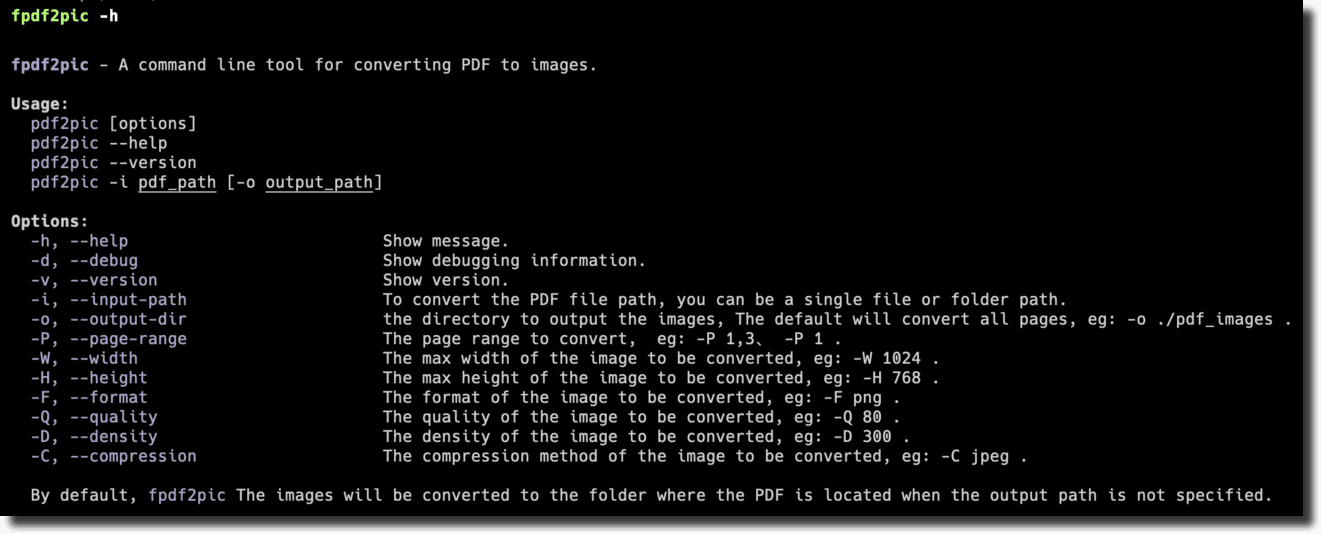
After installing it, run `pdf2pic --help` without arguments to see list of options:
```console
fpdf2pic - A command line tool for converting PDF to images.
Usage:
pdf2pic [options]
pdf2pic --help
pdf2pic --version
pdf2pic -i pdf_path [-o output_path]
Options:
-h, --help Show message.
-d, --debug Show debugging information.
-v, --version Show version.
-i, --input-path To convert the PDF file path, you can be a single file or folder path.
-o, --output-dir the directory to output the images, The default will convert all pages, eg: -o ./pdf_images.
-P, --page-range The page range to convert, eg: -P 1,3、 -P 1.
-W, --width The max width of the image to be converted, eg: -W 1024.
-H, --height The max height of the image to be converted, eg: -H 768.
-F, --format The format of the image to be converted, eg: -F png.
-Q, --quality The quality of the image to be converted, eg: -Q 80.
-D, --density The density of the image to be converted, eg: -D 300.
-C, --compression The compression method of the image to be converted, eg: -C jpeg.
By default, fpdf2pic The images will be converted to the folder where the PDF is located when the output path is not specified.
```
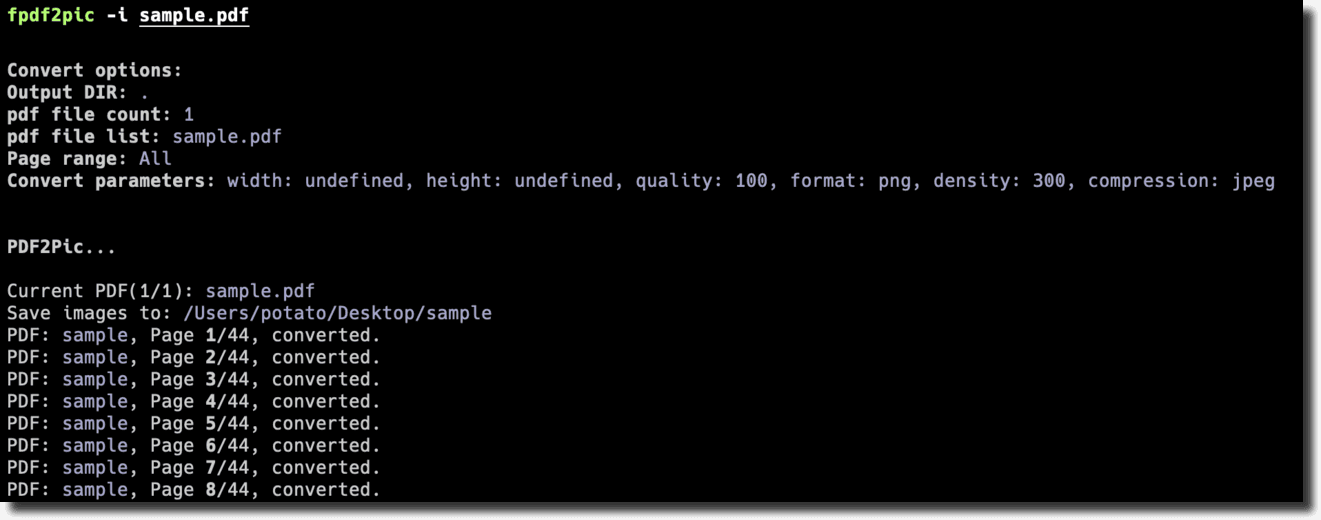
## Preview
## FAQ
### install graphicsmagick
See [installation](http://www.graphicsmagick.org/README.html#installation).
In Mac OS X, you can simply use Homebrew and do: `brew install graphicsmagick`
## Contribution
If you have any questions or suggestions, please feel free to open an issue or pull request.
<a href="https://github.com/funnyzak/fpdf2pic/graphs/contributors">
<img src="https://contrib.rocks/image?repo=funnyzak/fpdf2pic" />
</a>
## License
MIT License © 2022 [funnyzak](https://github.com/funnyzak)