fisheyegl-video
Version:
A JavaScript library for correcting fisheye, or barrel distortion, in videos in the browser with WebGL
70 lines (45 loc) • 2.96 kB
Markdown
FisheyeGl
====
A library for correcting fisheye, or barrel distortion, on images in the browser in JavaScript with WebGL.
Adapted from [fisheye-correction-webgl](https://github.com/bluemir/fisheye-correction-webgl) by @bluemir.
In the [live demo](https://jywarren.github.io/fisheyegl/example/), you can try it out -- use the default image or drag a new one in, and use the sliders to adjust the distortion.
Right click the image to save. Drag a new image in to use the same settings for multiple images.
You can now use the example page to generate preset URLs, since the settings are now stored in the URL (only in the demo):
* Mobius Action Cam (default lens): https://jywarren.github.io/fisheyegl/example/#a=1.048&b=1.059&Fx=0.09&Fy=0.22&scale=1.087&x=1&y=1
* [GoPro alternatives](https://publiclab.org/questions/warren/05-20-2017/cheap-lightweight-gopro-alternatives-for-aerial-mapping) (many almost identical): https://jywarren.github.io/fisheyegl/example/#a=1&b=1&Fx=0.16&Fy=0.16&scale=1.087&x=1&y=1
## Lens models
If you can manually correct a particular lens or camera, please [file an issue](https://github.com/jywarren/fisheyegl/issues) or email jeff@publiclab.org to get a preset made; we can save up some presets and add a feature for quick correction of known cameras. Please include the `a`, `b`, `Fx`, `Fy`, and `fov` parameters and the make/model of your camera with a before/after image pair, so we can add them to a presets listing.
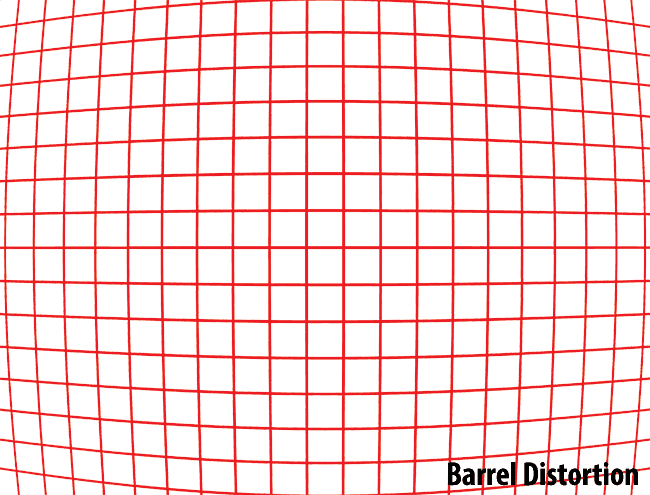
Before correcting lens (barrel) distortion:
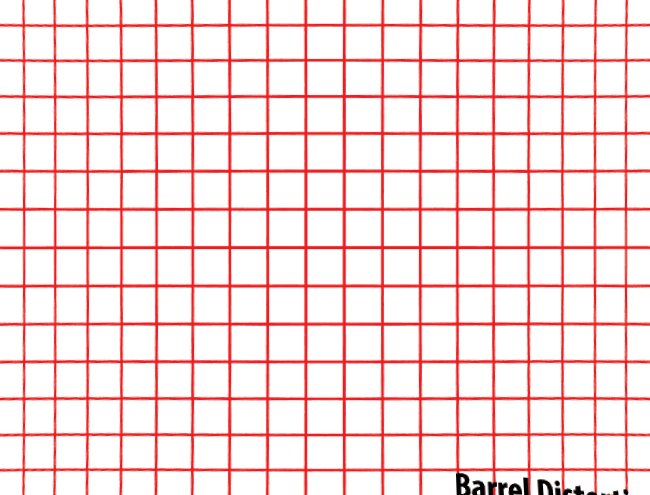
After:
## Using it in your code
See `main.js` in the examples folder for a working implementation, but the basics are:
```js
var distorter = FisheyeGl({
image: 'path/to/image.jpg',
selector: '#canvas', // a canvas element to work with
lens: {
a: 1, // 0 to 4; default 1
b: 1, // 0 to 4; default 1
Fx: 0.0, // 0 to 4; default 0.0
Fy: 0.0, // 0 to 4; default 0.0
scale: 1.5 // 0 to 20; default 1.5
},
fov: {
x: 1, // 0 to 2; default 1
y: 1 // 0 to 2; default 1
},
fragmentSrc: "path/to/fragment.glfs", // optional, defaults to an inbuilt fragment shader
vertexSrc: "path/to/vertex.glvs" // optional, defaults to an inbuilt vertex shader
});
distorter.getImage(); // <= returns a native JavaScript Image object based on the DOM element
distorter.getImage('image/png'); // <= format can be specified
distorter.setImage('path/to/image.jpg'); // <= load a new image with the same distortion settings
```
You do not need to provide links to shader files, but you may, if you wish to use a custom shader.
Lots of good info here: http://wiki.panotools.org/Lens_correction_model#Lens_distortion_a.2C_b_.26_c_parameters