figma-page-clone
Version:
One-click tool to clone a page
27 lines (20 loc) • 1.23 kB
Markdown
# PageClone [](https://www.figma.com/community/plugin/824942413886528676) [](https://www.npmjs.com/package/figma-page-clone)
One-click, fuss-free tool to clone a page.
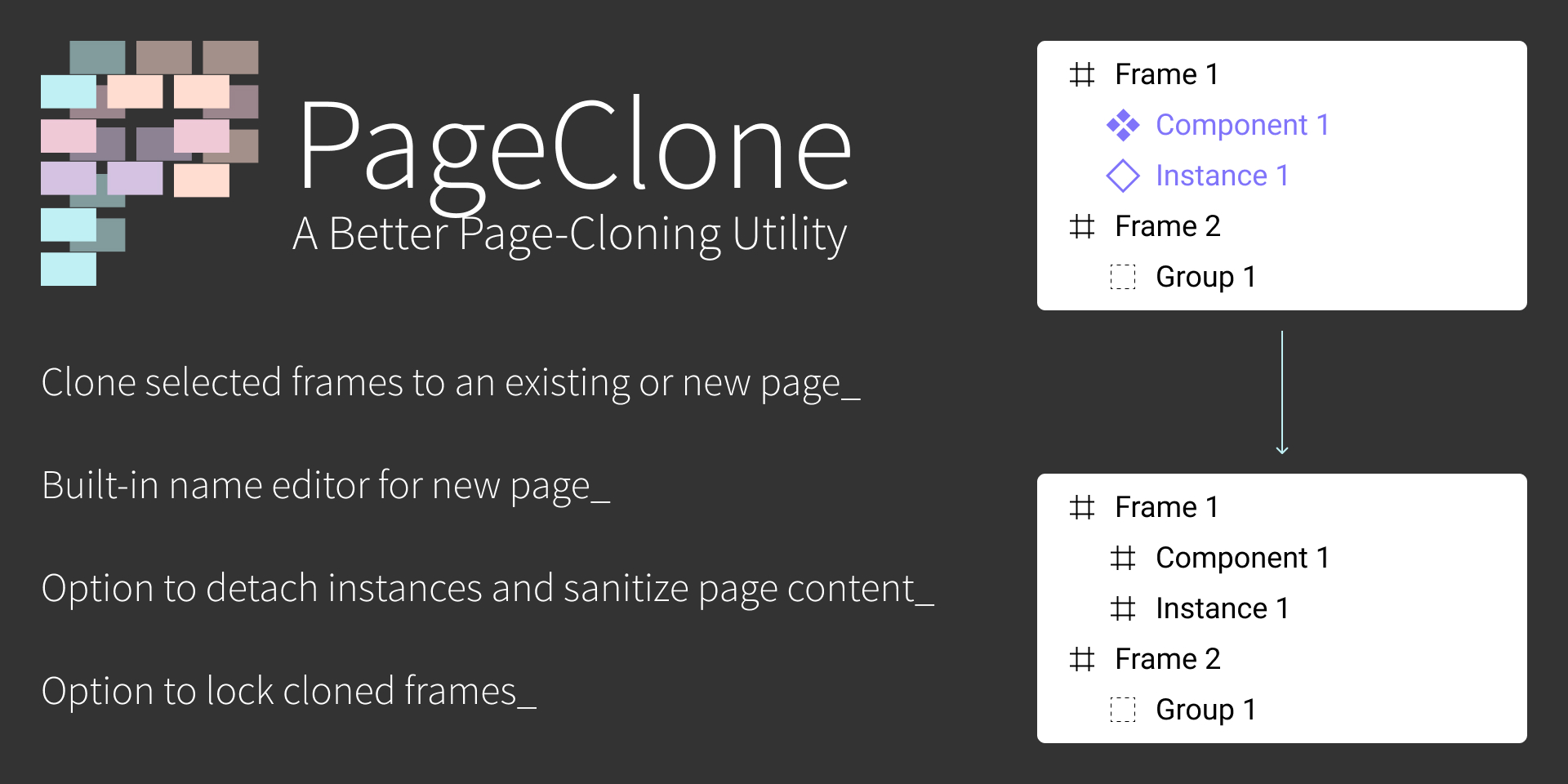
## How to Use:
- Launch the plugin
- While the plugin is active, you are free to move between pages
- Click on the plugin again once you're on the page you want to clone
- Verify that the "Current Page" name is reflected on the plugin UI
- Select the frames you want to clone
- Pro-tip: you can pre-select the frames you want to clone before launching the plugin
- Choose a destination page, or select New Page and name the page to be created
- Options available:
- Detach instances
- Useful if changes on original file should not affect cloned file
- Overwrite existing frames with the same name (if you choose to clone to an existing page)
- Remove hidden layers
- Automatically lock all frames
- Finally, click on "Clone" and let the plugin do the rest!
## License:
[MIT](/LICENSE)