express-api-doc
Version:
Auto generated express documentation
62 lines (58 loc) • 1.97 kB
Markdown
# Auto generated express documentation
### To create documentation:
__create file docs.js__:
```
const Docs = require('express-api-doc');
const app = require('./app'); // your app.js
const docs = new Docs(app);
docs.generate({
path: './public/template.html',
});
```
__run:__
```
node ./docs.js
```
template.html will be generated in ./public/
### Track requests and responses:
If You have coverage tests, you can track responses and requests, and add them to the documentation.
__in app.js, before routes declaration, add track function, so app.js will look like this:__
```
const Docs = require('express-api-doc');
...
const app = express();
...
const dock = new Docs(app);
dock.track({
path: './public/examples.txt', // responses and requests will save here
});
app.use('/', index);
...
```
__in docs.js file pass examples option to generate function:__
```
docs.generate({
path: './public/template.html',
examples: './public/examples.txt,
});
```
__now you can run tests with documentation generating:__
```
node ./node_modules/.bin/mocha -r should && node ./docs.js
```
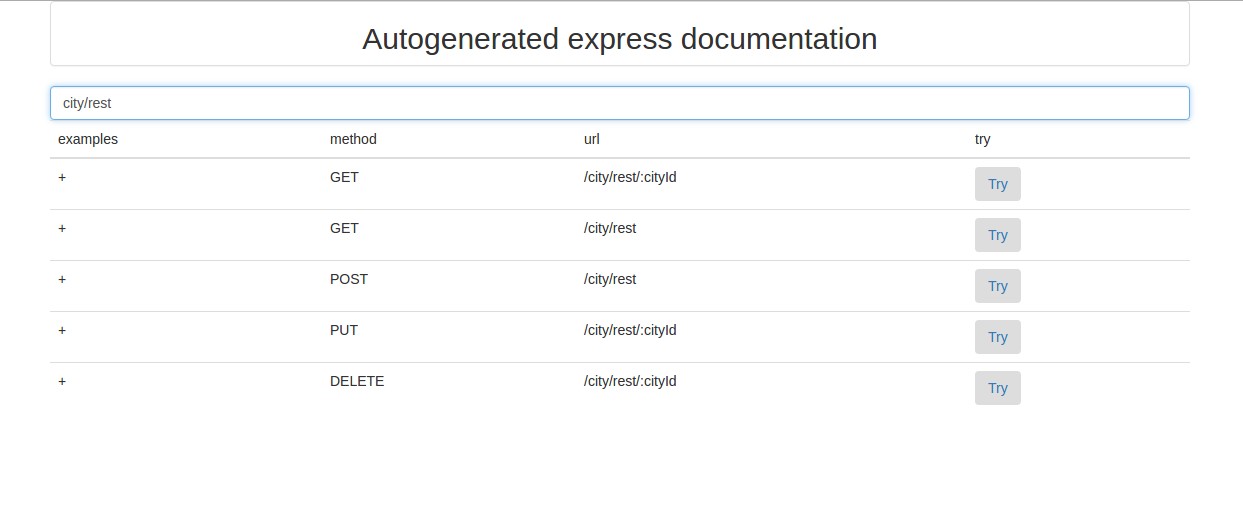
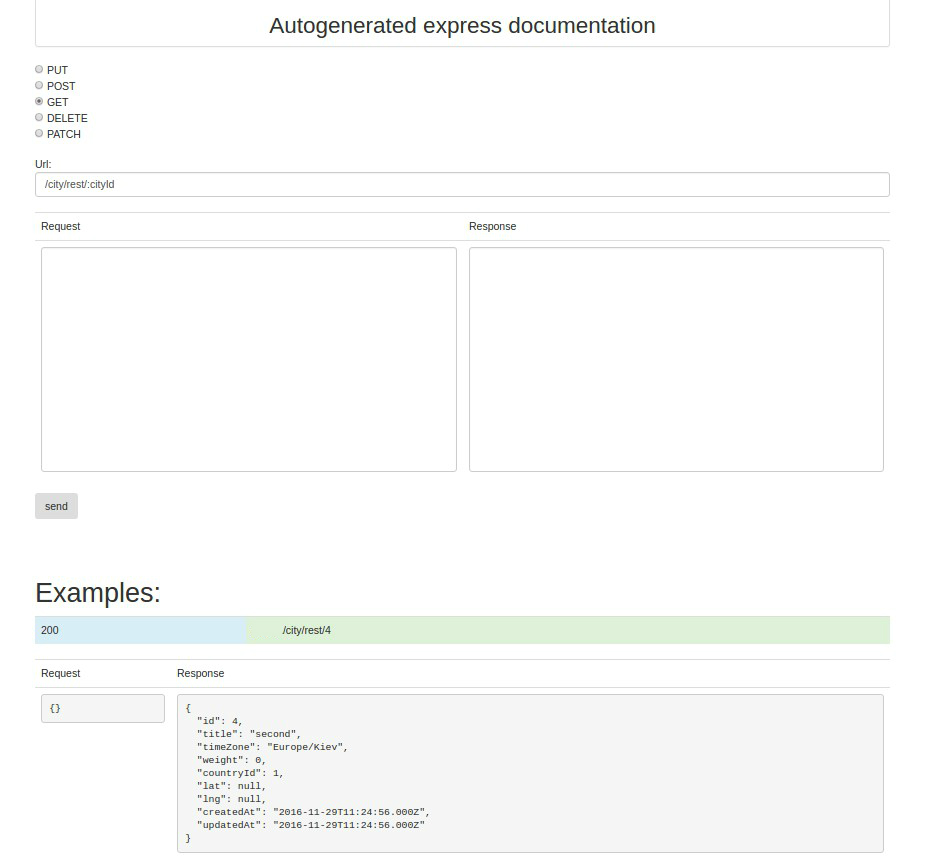
in generated html present list of available routes with search and sendbox,
where you can try to send json to your server. Under sendbox present list of examples,
where you can see request and response json which has been tracked (for instance during tests).
### List of available routes:
### Sendbox with example:
__you can change and generate your own template using [express-api-doc-template](https://github.com/forestlake/express-api-doc-template) project.__
__to use your template, pass template option to generate function in docs.js:__
```
docs.generate({
path: './public/template.html',
examples: './public/examples.txt,
template: './path/to/your/template.html',
});
```