el-dragmove
Version:
drag move element.
66 lines (49 loc) • 2.94 kB
Markdown
# 使用文档 | Usage
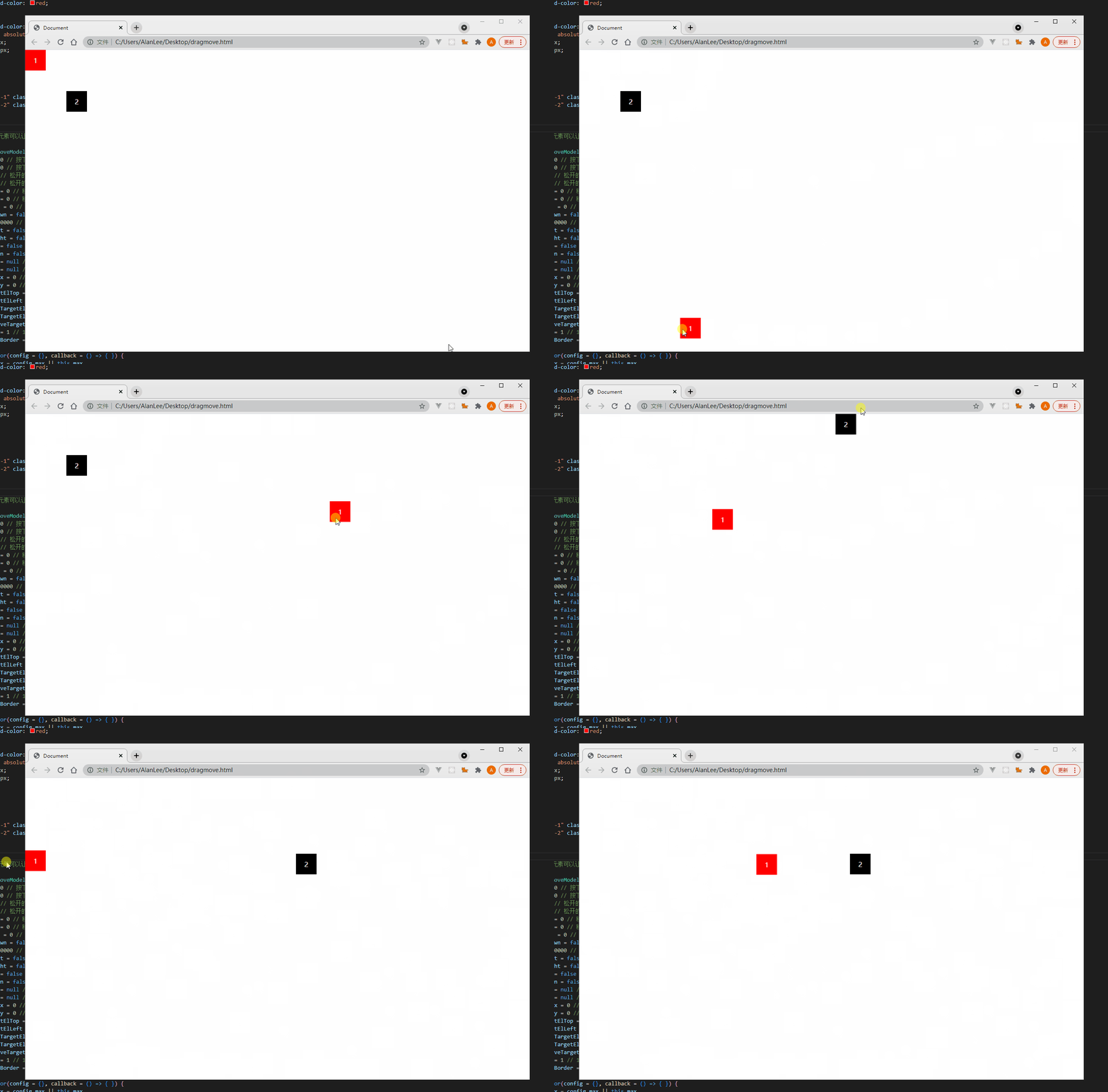
## 在线demo | Online Demo
- PC👉 [PC Online Demo](https://unpkg.com/el-dragmove@latest/example/index.html)
- H5👉 [H5 Online Demo](https://unpkg.com/el-dragmove@latest/example/h5.html)
## 使用示例
### CDN方式使用 | Using with CDN
```html
<div id="rect-1" class="rect">1</div>
<script src="https://unpkg.com/el-dragmove@latest/dist/index.min.js"></script>
<script>
const targetEl = document.getElementById('rect-1')
const moveModel = new DragMoveModel({ targetEl: targetEl }, (x, y, z) => console.log(x, y, z))
</script>
```
### 模块化项目中使用 | Using in Project
1. 安装 | install
```bash
npm i el-dragmove@latest -S
```
2. 引入 | import el-dragmove
```javascript
import Dragmove from 'el-dragmove/dist/es'
const el = document.getElementById('test')
const elDragmove = new Dragmove({
targetEl: el
})
// 销毁监听事件
// elDragmove.destroy()
```
## 构造函数初始化参数 | Initialize some parameters
- config,个性化配置
- callback, 回调函数,获取鼠标移动距离
### config参数配置 | config`s properties
| 属性 property | 说明 description | 类型 type | 默认值 defalut | 可选值 optional |
| --- | --- | --- | --- | --- |
| targetEl | 目标元素,需要拖动的元素<br>The element that needs to be dragged | HTMLElement | document.body | |
| limitMoveBorder | 是否限制拖动边界<br>Whether to restrict drag boundaries | Boolean | false | |
| moveMode | 拖动实现方式,transform为transform-translate方式移动,position为top,left方式移动<br>Drag implementation | String | transform |`transform`,`position` |
| h5 | 是否是h5<br>Whether it is H5 or not | Boolean | false | |
| disableMoveEl | 是否限制移动<br>Whether to restrict movement | Boolean | false | |
| maxMoveX | x轴最大移动距离<br>Maximum distance traveled on the x-axis | Number | 1000000 | |
| maxMoveY | y轴最大移动距离<br>Maximum distance traveled on the y-axis | Number | 1000000 | |
## 销毁方法 | Destroy
```javascript
moveModel.destroy()
```
# 实现原理解析 | How to implement
[https://juejin.cn/post/7165405623725588493](https://juejin.cn/post/7165405623725588493)