directus-extension-sync
Version:
This extension exposes routes to manage id mapping for Directus sync.
92 lines (59 loc) • 3.46 kB
Markdown
# `directus-extension-sync`
The `directus-sync` CLI provides a set of tools for managing and synchronizing the schema and
collections within Directus across different environments.
It allows to synchronize the following
elements: `dashboards`, `flows`, `folders`, `operations`, `panels`, `permissions`, `policies`, `presets`, `roles`, `settings` and `translations`.
More information about the `directus-sync` CLI tool can be found [here](https://github.com/tractr/directus-sync).
## Overview
The `directus-extension-sync` is an essential extension required for using the `directus-sync` CLI. It manages the
mapping between synchronization identifiers (SyncIDs) and Directus's internal entity IDs. This extension
allows `directus-sync` to perform version control and synchronization tasks across various Directus instances.
## Features
- **ID Mapping**: Maintains a mapping table linking SyncIDs with Directus's internal IDs.
- **Initialization**: Automatically creates the mapping table upon first use.
- **CRUD Operations**: Provides endpoints to create, read, update, and delete mappings.
## Installation
### Installation with NPM
In your Directus installation root, run:
```bash
npm install directus-extension-sync
```
Then, restart Directus.
### Use pre-built Docker image
You can use the pre-built Docker image with this extension pre-installed.
This image is available on Docker Hub: [tractr/directus-sync](https://hub.docker.com/r/tractr/directus-sync).
### Installation within custom Docker image
If you prefer to build your own Docker image, you can follow the instructions from this
issue: https://github.com/tractr/directus-sync/issues/63#issuecomment-2096657924
### Installation with Directus Marketplace
Unfortunately, the extension is not available in the Directus Marketplace out of the box.
Directus Marketplace does not support extensions that require a database
connection ([more details here](https://docs.directus.io/extensions/sandbox/sandbox-sdk.html#reference)).
**However**, you can force Directus Marketplace to show all extensions by setting the `MARKETPLACE_TRUST` environment
variable to `all`.
```bash
MARKETPLACE_TRUST=all
```
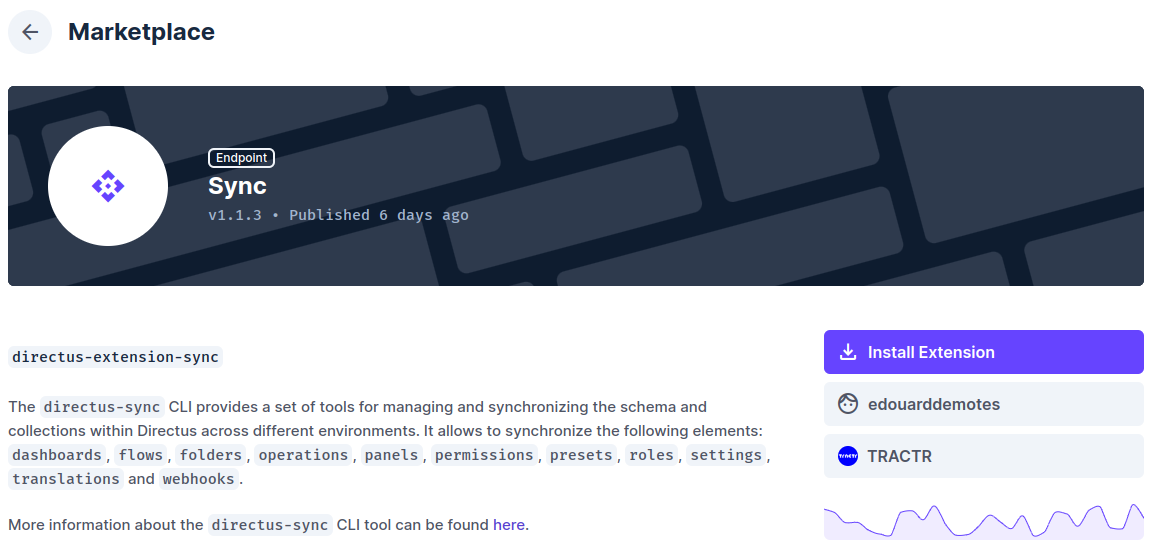
Then, go to the Directus Marketplace and search for the `directus-extension-sync` extension.
## Usage
The extension provides a set of RESTful endpoints that are used internally by the `directus-sync` tool to manage
SyncIDs. These endpoints include:
- `GET /directus-extension-sync/table/:table/sync_id/:sync_id`: Retrieve a mapping by SyncID.
- `GET /directus-extension-sync/table/:table/local_id/:local_id`: Retrieve a mapping by local ID.
- `GET /directus-extension-sync/table/:table`: Retrieve all mappings for a table.
- `POST /directus-extension-sync/table/:table`: Create a new mapping entry.
- `DELETE /directus-extension-sync/table/:table/sync_id/:sync_id`: Remove a mapping by SyncID.
- `DELETE /directus-extension-sync/table/:table/local_id/:local_id`: Remove a mapping by local ID.
### Helpers
- `DELETE /directus-extension-sync/helpers/permissions/duplicates`: Remove conflicts in permissions when there are
duplicated groups "policy + collection + action".
## Development
Link the package to a development Directus instance:
```bash
npm run link /path/to/directus/extensions
```
The run in development mode:
```bash
npm run dev
```