create-project-boilerplate
Version:
ES6+ boilerplate to create websites and web apps using tailwind, Babel and Parcel
162 lines (109 loc) • 4.88 kB
Markdown
# Create Project Boilerplate
[](https://img.shields.io/badge/npm%20package-v2.3.2-brightgreen)
Project boilerplate for a modern ES6+ cross-browser compatible workflow with no build configuration.
- [Check npm version](#check-npm-version) – How to check npm version.
- [Creating a boilerplate](#creating-a-boilerplate) – How to set up a project boilerplate.
- [Usage](#usage) – How to use the boilerplate to develop modern web apps.
Create Project Boilerplate works on macOS, Windows, and Linux.
## Prerequisites
[npm v5.2 or later](https://nodejs.org/)
## Quick Overview
```bash
mkdir my-dir
cd my-dir
npx create-project-boilerplate
npm start
```
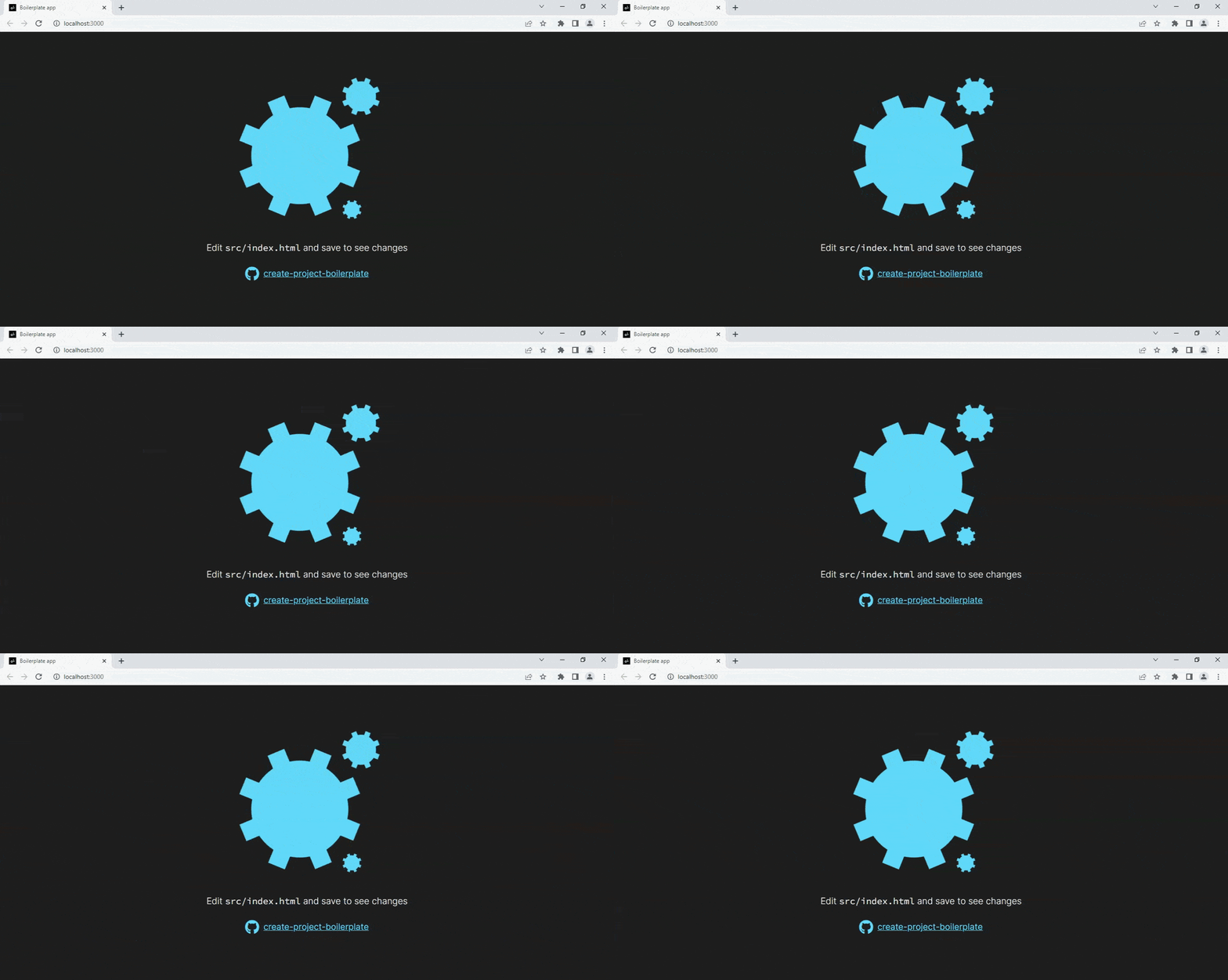
Then open http://localhost:3000/ to see your app.
When you’re ready to deploy to production, the **dist** folder can be deployed to the server.
## Get Started Immediately
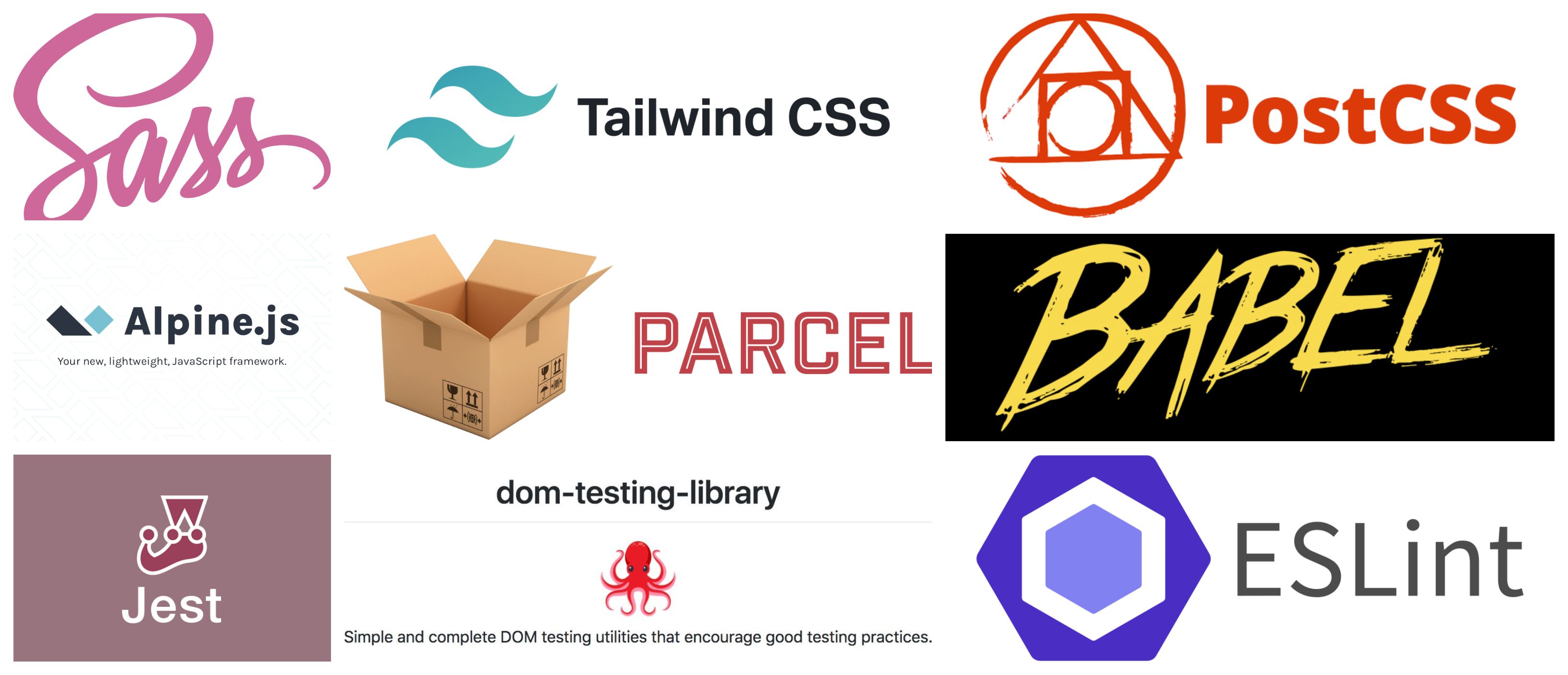
Comes with the following tools and libraries. You don’t need to install or configure anything.
- **Core languages supported**: HTML, CSS, Javascript
- **Helper libraries/frameworks**: Alpine.js, Tailwindcss
- **Module bundlers**: Parcel
- **Transcompilers**: Babel
- **Preprocessors**: SASS
- **Autoprefixers**: PostCSS
- **Icon libraries**: Fontawesome
- **Linting tools**: ESLint
- **Testing libraries**: Jest, DOM Testing Library
Create a project, and you’re good to go.
## Comes with the following libraries and utilities
## Features
- No build configuration. **dist** folder is rebuilt everytime you make changes in **src** folder
- Cross-browser compatible code using **[Babel](https://babeljs.io/)**
- Integrated **[Fontawesome](https://fontawesome.com/)** support using **CDN**
- Support for **[CSS Modules](https://parceljs.org/languages/css/#css-modules)** using **[Parcel](https://parceljs.org/)**
- Support for autoprefixers using **[PostCSS](https://postcss.org/)**
- **Hot Module Reload(HMR)** and support for **ES Modules** using **[Parcel](https://parceljs.org/)**
- Built-in **[Alpine.js](https://alpinejs.dev/)**, **[SASS](https://sass-lang.com/)** & **[tailwindcss](https://tailwindcss.com/)** support to help you write industry-level code
- **[ESLint](https://eslint.org/)** to quickly find and fix problems in your Javascript code
- Comes with testing libraries - **[Jest](https://jestjs.io/)** & **[DOM Testing Library](https://testing-library.com/)**
## Authors
[Biswajit Mukherjee](https://github.com/Biswajit-Mukherjee)
## Check npm version
To check npm version, type the following command in the terminal:
```bash
npm -v
```
As long as it is **5.2 or later**, you're good to go!
## Creating a boilerplate
**You’ll need to have npm 5.2 or later version**. We recommend using the latest LTS version of node.
**<h3>npx</h3>**
```bash
npx create-project-boilerplate
```
To know more, refer to the [usage](#Usage) section.
## Usage
- Create a working directory
```bash
mkdir my-dir
```
- Navigate to that directory in the terminal
```bash
cd my-dir
```
- Run the following command to create the project structure
```bash
npx create-project-boilerplate
```
Inside the working directory, it will generate the following project structure and install and configure all the required dependencies
```bash
my-dir
├── node_modules
├── package.json
├── package-lock.json
├── tailwind.config.js
├── .parcel-cache
├── .babelrc
├── .postcssrc
├── .gitignore
├── dist
│ ├── # bundled css and js files
│ └── index.html
└── src
├── scripts
│ └── main.js
├── styles
│ ├── base.css
│ ├── index.css
│ └── main.css
└── index.html
```
- Once the setup is finished, run the following command to start the server
```bash
npm start
```
This will build and start the server at [http://localhost:3000](http://localhost:3000) by default. It will rebuild your website/app everytime you make changes in the **src** folder. Once the website/app is production ready, the **dist** folder can be deployed to the server.
- To run tests using Jest
```bash
npm test
```
- To stop the server press **CTRL + C** (**CMD + C** for Mac/Linux)
- To restart the server
```bash
npm start
```
This will open the page on a new tab in the browser. The port number can be changed to any port of your choice in the **package.json** file.