create-kvell-app
Version:
Command line tool to setup Node.js applications
49 lines (29 loc) • 1.24 kB
Markdown
# Create-kvell-app
## Creating an application
To setup a kvell application, you just need to run the following command
```sh
npx create-kvell-app example-app
```

**Note**: [npx](https://medium.com/@maybekatz/introducing-npx-an-npm-package-runner-55f7d4bd282b) comes with npm 5.2+ and higher. If you use npm 5.1 or earlier, you need to install `create-kvell-app` globally instead:
```sh
npm i -g create-kvell-app
```
Once installed, you can create a kvell application by running:
```sh
create-kvell-app example-app
```
## Running the server
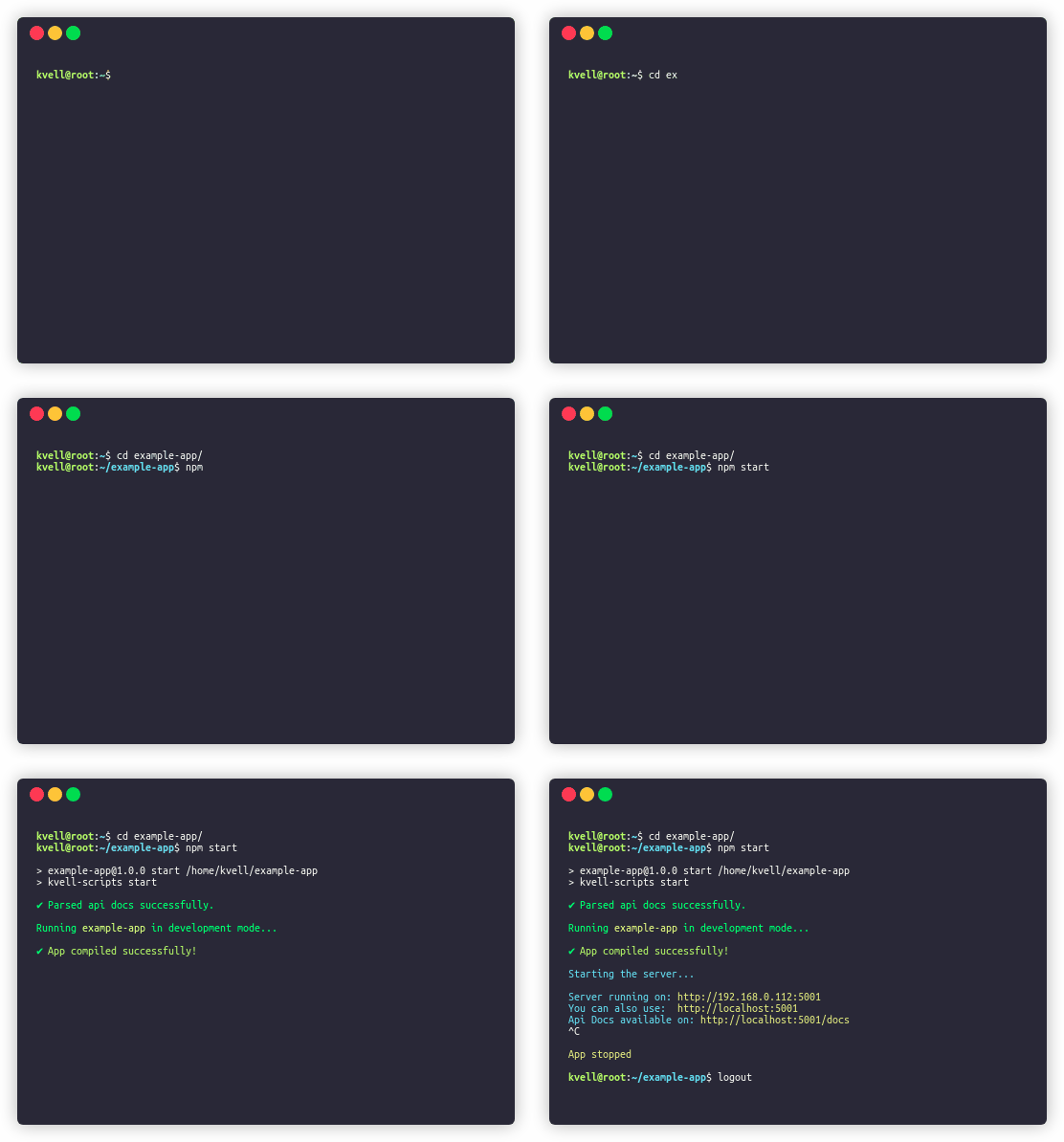
Now, you can change your directory to `example-app` and run the application in `development` mode by running:
```sh
cd example-app
npm start
```
That's it! This will start your server on [http://localhost:5001](http://localhost:5001).
## Optional Installation Method
You can also create an application using the `npm init` script.
```sh
npm init kvell-app example-app
```
For complete docs of Kvell, visit [Kvell Docs](https://kvelljs.now.sh/)