com.warwlock.node-graph-processor
Version:
Node graph editor framework focused on data processing using Unity UIElements and C# 4.7
176 lines (122 loc) • 6.83 kB
Markdown
# NodeGraphProcessor
**This is forked version of original [NodeGraphProcessor](https://github.com/alelievr/NodeGraphProcessor) for my open source projects.**
Installation
------------
- Go to `Project Settings --> Package Manager`
- Under Scoped Registries create a new one.
- Enter this:
- **Name:** Warwlock
- **URL:** `https://registry.npmjs.com`
- **Scope(s):** com.warwlock
Compatibility
------------
* **Unity Versions:** Compatible with 2021.3 and above.
## Original Description
Node graph editor framework focused on data processing using Unity UIElements, GraphView and C# 4.7
This node based solution provides a great C# API allowing you to implement conditional graphs, dependencies graphs, processing graphs and more.

Based on Unity's GraphView technology, NodeGraphProcessor is also very fast and works well with large graphs.

Simple and powerful C# node API to create new nodes and custom views.
```CSharp
using System.Collections;
using System.Collections.Generic;
using UnityEngine;
using GraphProcessor;
using System.Linq;
[System.Serializable, NodeMenuItem("Operations/Sub")] // Add the node in the node creation context menu
public class SubNode : BaseNode
{
[Input(name = "A")]
public float inputA;
[Input(name = "B")]
public float inputB;
[Output(name = "Out")]
public float output;
public override string name => "Sub";
// Called when the graph is process, process inputs and assign the result in output.
protected override void Process()
{
output = inputA - inputB;
}
}
```
## Community
Join the [NodeGraphProcessor Discord server](https://discord.gg/XuMd3Z5Rym)!
## Features
- Node and Graph property serialization (as json)
- Scriptable Object to store graph as a Unity asset.
- Highly customizable and simple node and links API
- Support multi-input into a container (multiple float into a list of float for example)
- Graph processor which execute node's logic with a dependency order
- [Documented C# API to add new nodes / graphs](https://github.com/alelievr/NodeGraphProcessor/wiki/Node-scripting-API)
- Exposed parameters that can be set per-asset to customize the graph processing from scripts or the inspector
- Parameter set mode, you can now output data from thegraph using exposed parameters. Their values will be updated when the graph is processed
- Search window to create new nodes
- Colored groups
- Node messages (small message with it's icon beside the node)
- Stack Nodes
- Relay nodes
- Display additional settings in the inspector
- Node creation menu on edge drop
- Simplified edge connection compared to default GraphView (ShaderGraph and VFX Graph)
- Multiple graph window workflow (copy/paste)
- Vertical Ports
- Sticky notes (requires Unity 2020.1)
- Renamable nodes
More details are available [in the Changelog](CHANGELOG.md)
## Documentation
API doc is available here: [alelievr.github.io/NodeGraphProcessor](https://alelievr.github.io/NodeGraphProcessor/api/index.html)
The user manual is hosted using [Github Wiki](https://github.com/alelievr/NodeGraphProcessor/wiki).
## Remaining to do
- Investigate for ECS/Jobs integration
- API to create the graph in C#
- Subgraphs
For more details consult our [Github Project page](https://github.com/alelievr/NodeGraphProcessor/projects/2).
## Projects made with NodeGraphProcessor
### [Mixture](https://github.com/alelievr/Mixture)
[](https://github.com/alelievr/Mixture)
Want to be in the made with list? [Send a message to the issue #14](https://github.com/alelievr/NodeGraphProcessor/issues/14)
## Gallery
### Minimap

### Relay nodes

### Node connection menu

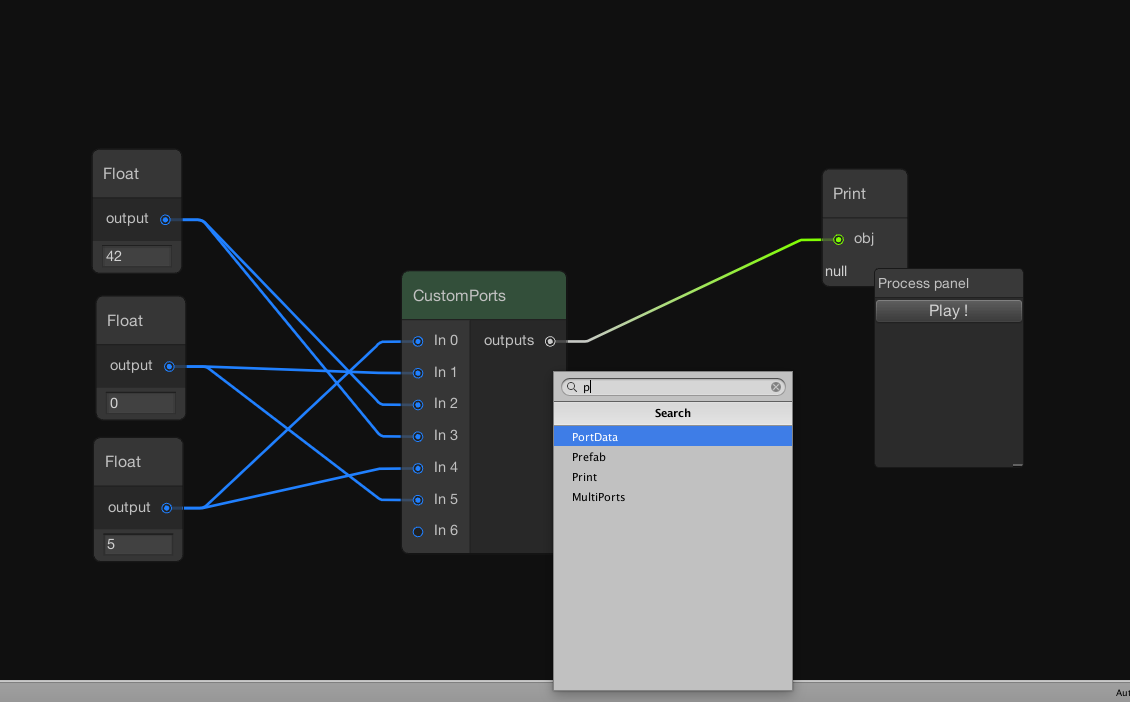
### Node creation menu
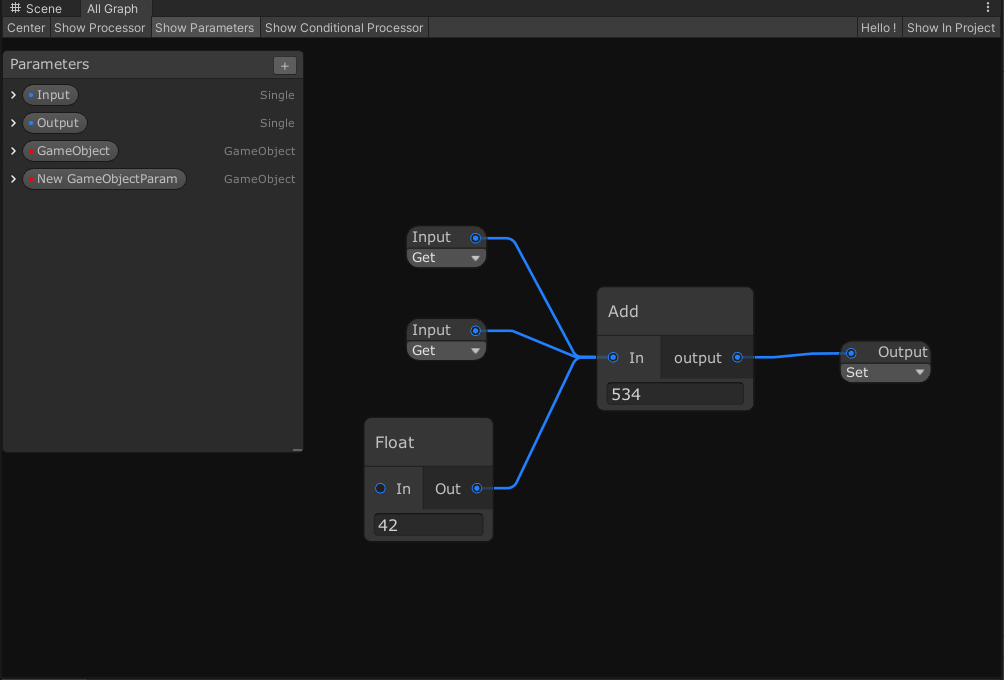
### Graph Parameters
### Groups

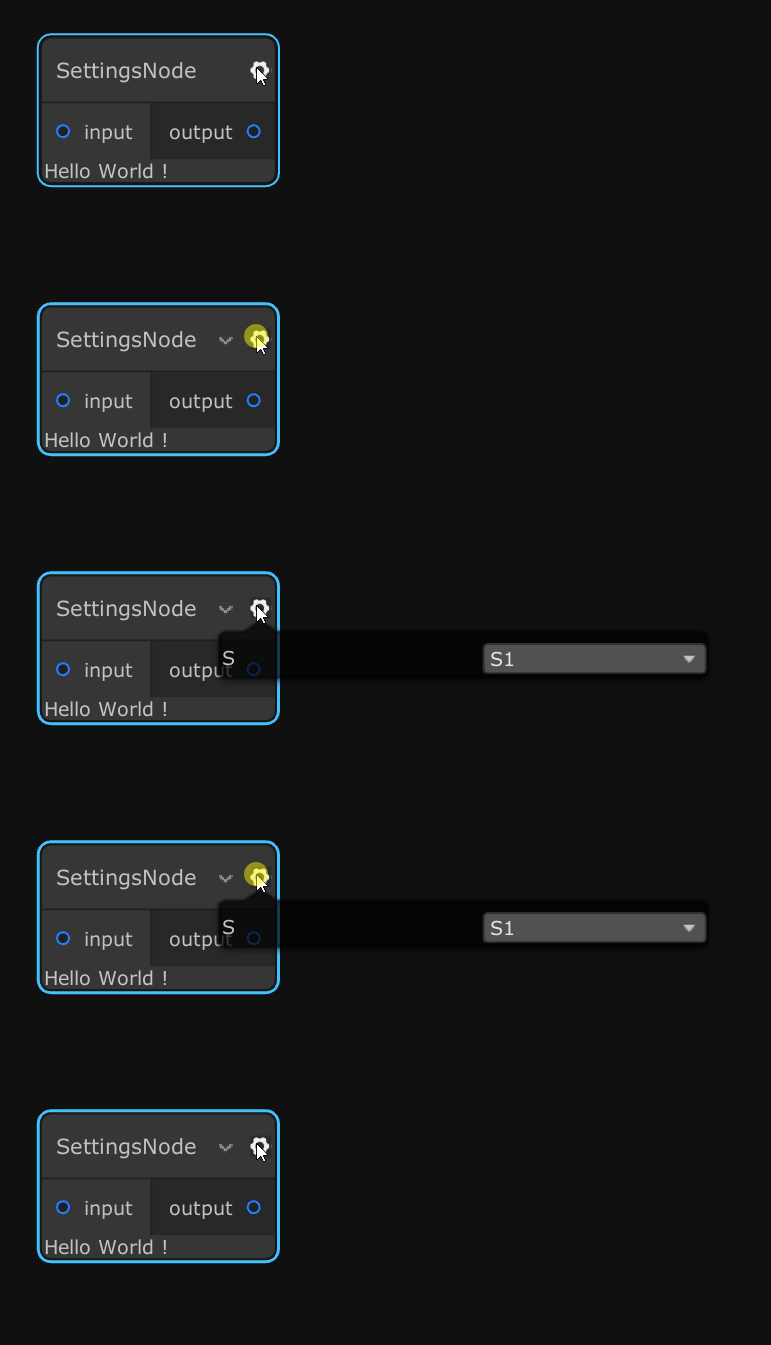
### Node Settings
### Node Messages

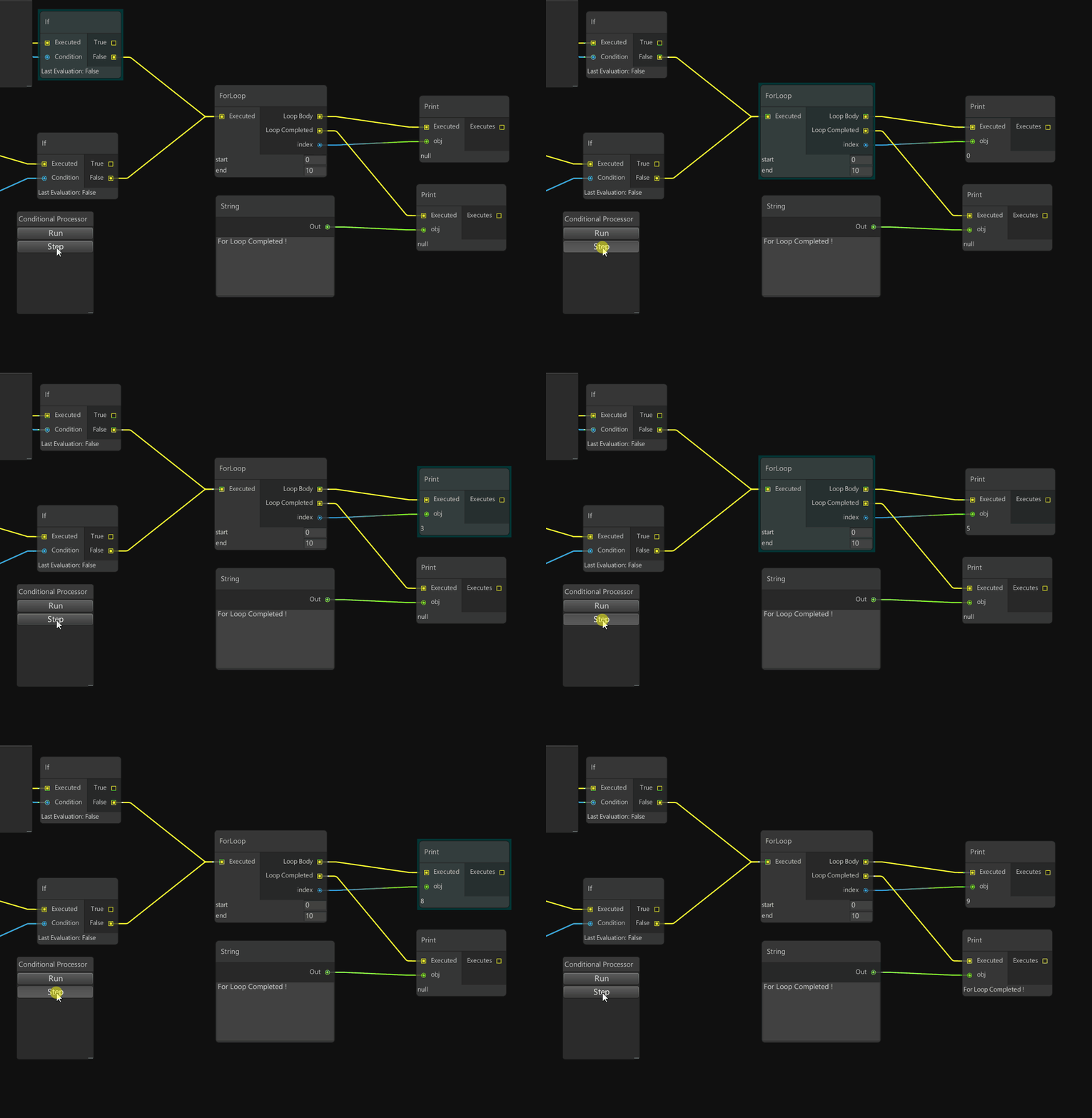
### Conditional Processing (in Example)
### Stacks

### Relay Node Packing
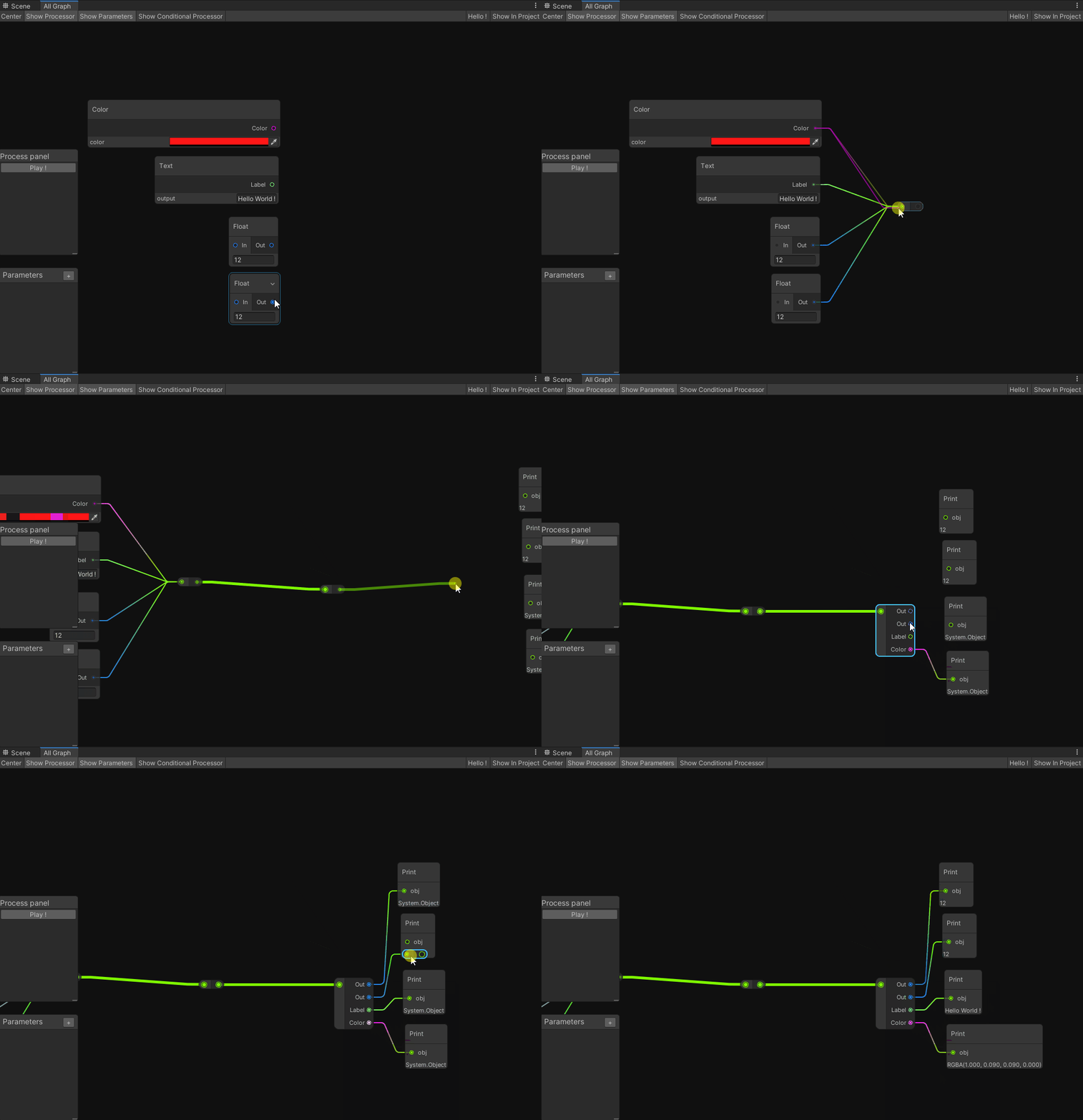
### Node Inspector

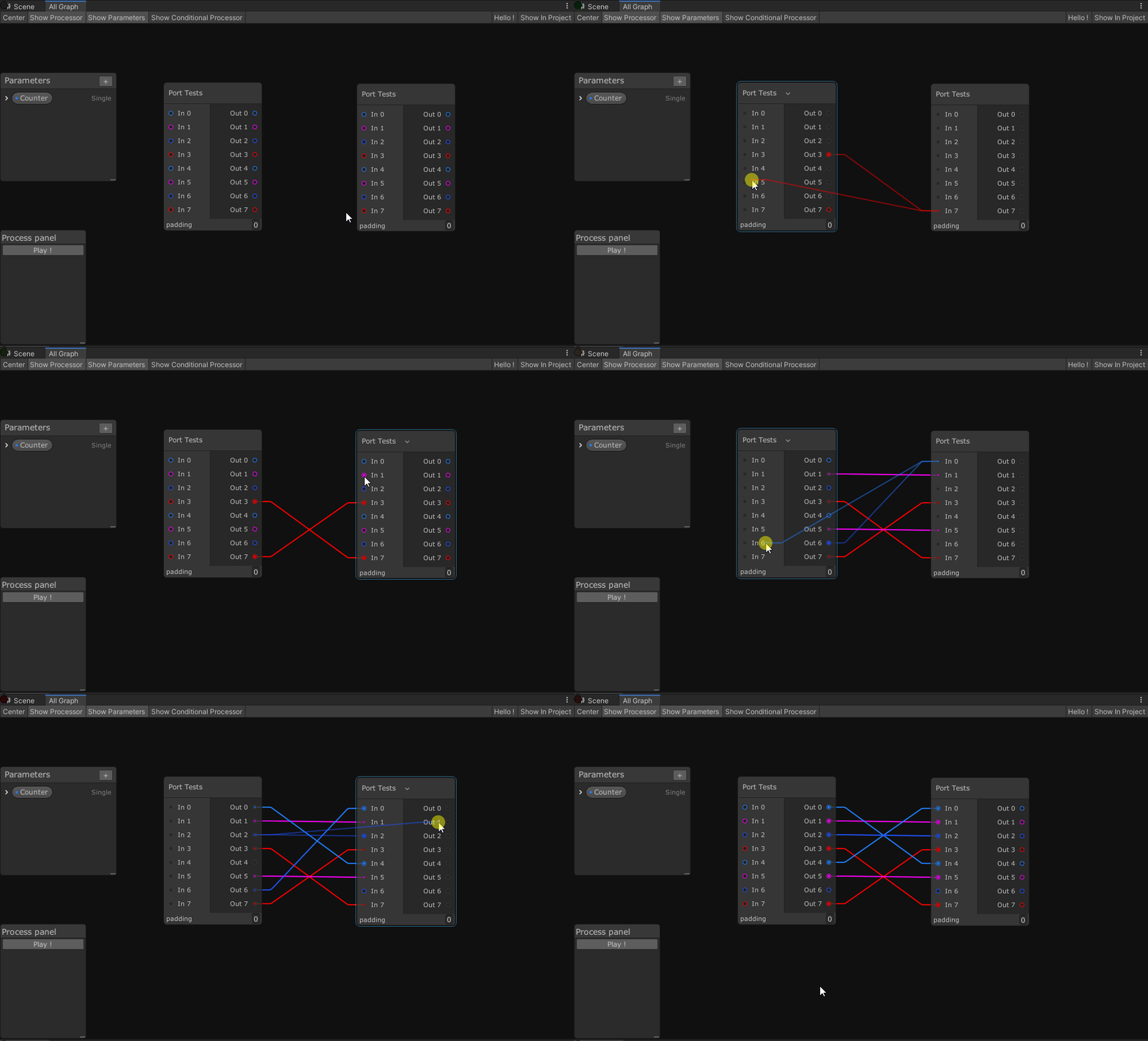
### Improved Edge Connection
### Multi-Window support

### Field Drawers (Thanks [@TeorikDeli](https://github.com/TeorikDeli)!)

### Sticky Notes (2020.1 or more required)

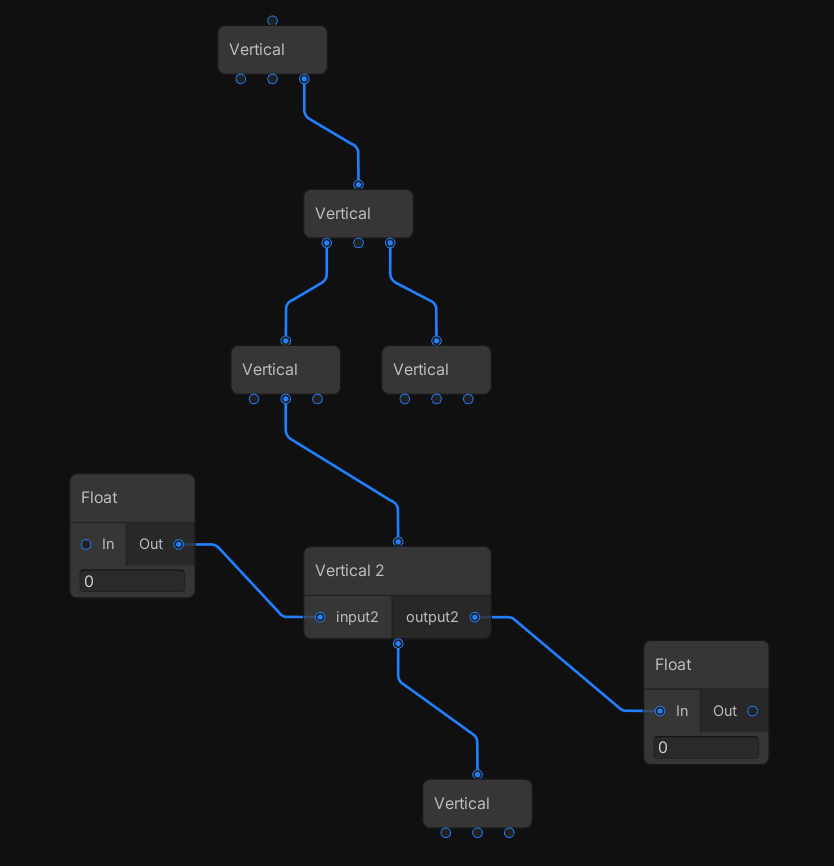
### Vertical Ports
### Drag And Drop Objects

### Renamable nodes
Just add this bit of code in your Node script to make it renamable in the UI.
```CSharp
public override bool isRenamable => true;
```
