clog-ai
Version:
Generate commit log with AI
69 lines (42 loc) • 1.32 kB
Markdown
使用 AI 自动生成 Commit Log
Generate commit log with AI
示例可参照本项目的 commit log
You can see the commit log of this project
```bash
npm install -g clog-ai
```
```bash
clog-ai init
```
then edit config file:
```
{
"language": "zh or en",
"datasource": "openai or azure",
"openai_api_key": "xxxxx",
"azure_api_key": "xxxxx",
"azure_deployment_id": "xxxx",
"azure_base_url": "https://xxxxxxx.openai.azure.com",
"azure_model": "gpt-3.5-turbo-16k",
"azure_api_version": "2023-07-01-preview",
}
```
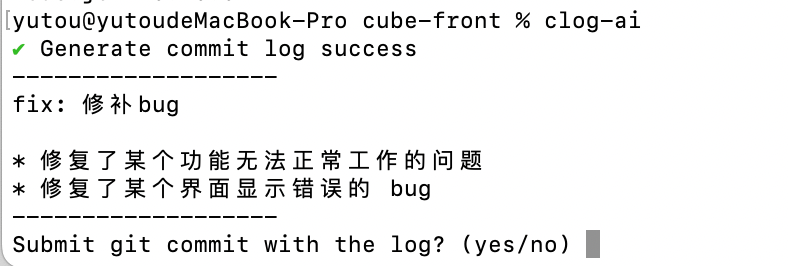
```bash
git add .
clog-ai
clog-ai --verbose
```
https://portal.azure.com/
首先免费申请 openai 服务,然后部署 gpt-3.5-turbo-16k 模型,最终将相关的配置写入配置文件
First, apply for openai service for free, then deploy the gpt-3.5-turbo-16k model, and finally write the relevant configuration into the configuration file
https://platform.openai.com/api-keys
申请 OpenAI API key,将其写入配置文件中
Apply for an OpenAI API key and write it into the configuration file.