cahir
Version:
flexible interface for method chaining using Proxy and tagged template literals
142 lines (98 loc) • 9.9 kB
Markdown
# POINTER ORB
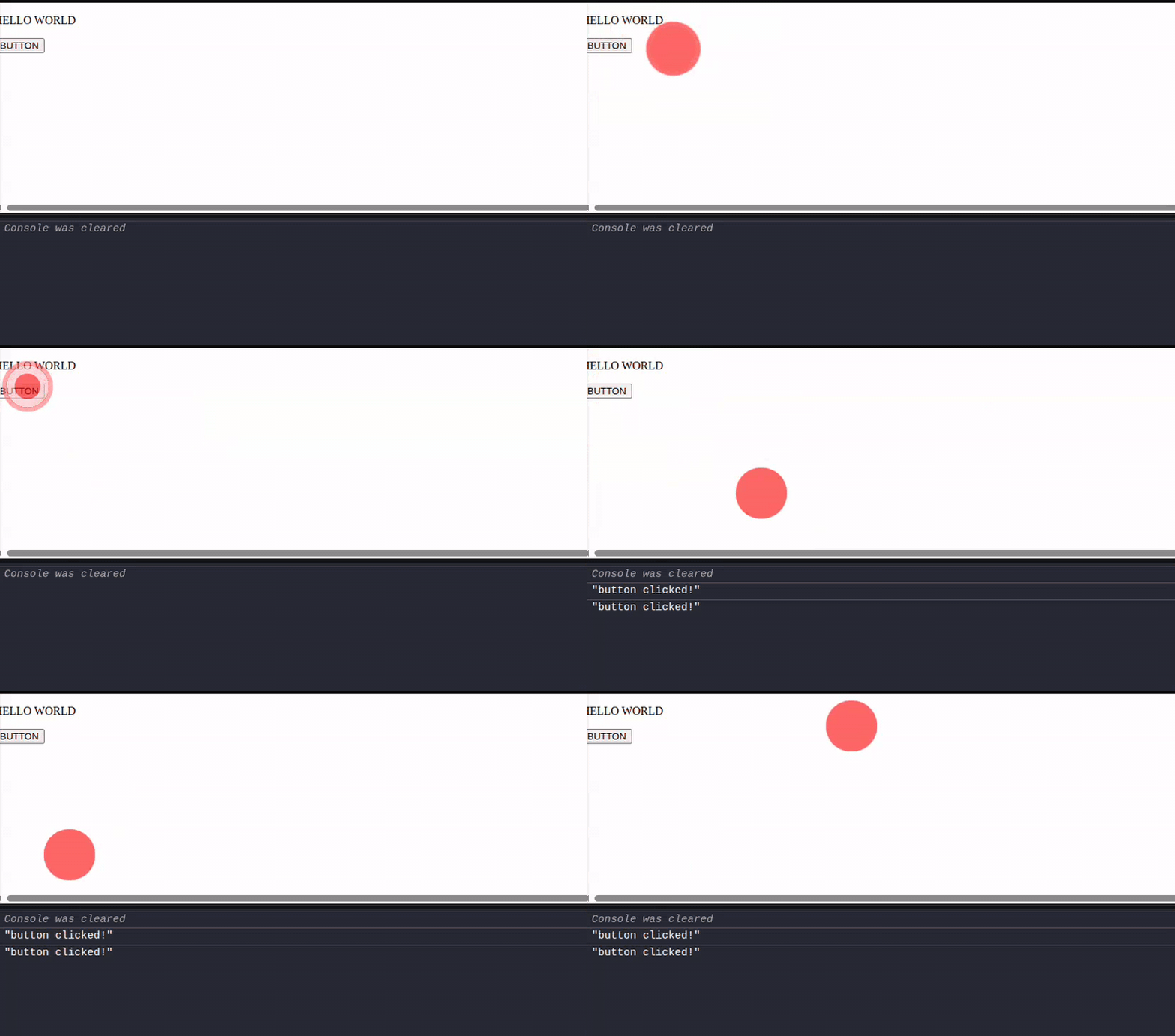
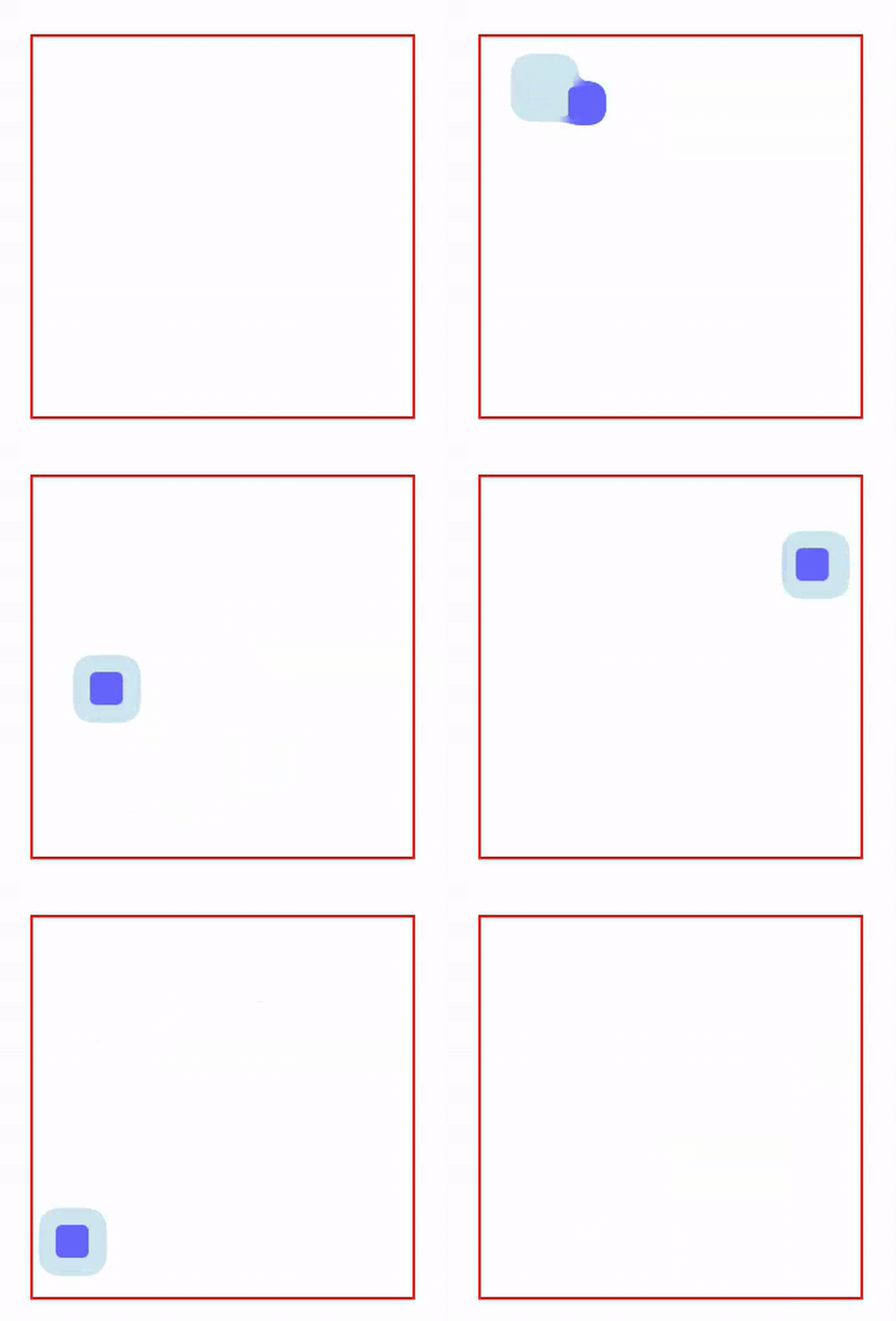
👉 [Codepen](https://codepen.io/editor/IbrahimTanyalcin/pen/019ceec8-2c8f-7fc9-aed0-a43930badcb5/e25d4fbe95c67f37ae0d9545d3dff3a7)
Pointer-orb is a pointer (mouse etc.) tracker that has a slight gooey effect that allows to track motion. It does not hijack default browser event and registers its own listeners. You can completely customize how the pointer looks and behaves by speciying your own svg filter elements and attributes.
The idea behid pointer-orb is a single html element (`#center`) that acts as a primary body. A satellite (`:after` pseudo element) that tracks the primary body with a slight sprint easing animation.
## Installation
### regular script
```html
<script src="https://cdn.jsdelivr.net/npm/cahir@0.1.1/dist/cahir.0.1.1.evergreen.umd.min.js"></script>
<script src="https://cdn.jsdelivr.net/npm/cahir@0.1.1/collections/DOM/ch.0.1.1.js"></script>
<script src="https://cdn.jsdelivr.net/npm/cahir@0.1.1/components/pointerOrb/pointer-orb.0.1.1.js"></script>
```
### es module
```html
<script type="module" src="./components/pointerOrb/pointer-orb.0.1.1.es.js"></script>
```
If you use a bundler, it should be able to handle the dependencies. If not please reach out to me and open an issue.
## Example markup
```html
<pointer-orb data-width="60">
</pointer-orb>
```
or use your custom filters and attributes
```html
<pointer-orb data-background-bubble="green" data-background-satellite="blue" data-background-primary="lightblue" data-width="45">
<feGaussianBlur in="SourceGraphic" stdDeviation="20" result="blur"></feGaussianBlur>
<feColorMatrix in="blur" mode="matrix" values="1 0 0 0 0 0 1 0 0 0 0 0 1 0 0 0 0 0 40 -10" result="filter"></feColorMatrix>
<feComposite in="SourceGraphic" in2="filter" operator="atop"/></feComposite>
</pointer-orb>
```
that's it.
## Example
Go to the [examples](../examples/) folder and run:
```shell
cd examples
node server.cjs
```
Visit `localhost:3000`
## List of Attributes:
- **data-border**:radius
- **data-width**: width of the cursor. Falls back to data-width-ratio. If data-width-ratio is not provided, falls back to 1/20th of the width of its parent.
- **data-width-ratio**: ratio of the width of this custom element wrt to its parent. It is overridden by data-width. Defaults to 0.05.
- **data-aspect-ratio**: ratio of the height to its weight. Can be bigger then 1. Defaults to 1.
- **data-padding**: sets the padding, defaults to 4px. You can use `--padding` if you don't use this attribute.
- **data-fadein**: If this attribute exists the element will start with a fadein animation upon first `connectedCallback`.
- **data-opacity**: Opacity of the cursor. Defaults to 0.6. Alternatively you can use `--cursor-opacity`.
- **data-background-primary**: The background css property of the primar body. It's value could be a single color or a graident. Basically anything that css background accepts.
- **data-background-satellite**: Same as background-primary, but for the satellite.
- **data-background-bubble**: The background css property of the bubble that grows when click/pointerdown effect is captured.
- **data-auto-mount**: By default, even if this attribute is not there, adding pointer-orb to document automatically adds an event listener to set `--orb-pointer-x` and `--orb-pointer-y` properties on the element. Set `data-auto-mount="false"` to turn it off. For manual control, use `moveTo` method.
- **data-auto-capture**: Similar to data-auto-mount, but for click/pointer down effect. By default it is active and captures left-click, right-click or pointer-down events on the window. Since `#center` itself does not receive events, this keeps your application functional while animating the bubble. Set `data-auto-capture="false"` to turn it off. Use `clicked` method to manually trigger it.
- **data-velocity-smoothing**: EMA factor for the satellite's direction signal. `0` = infinite smoothing (never updates direction from raw input), `1` = raw input only (no smoothing, jittery on small movements). Defaults to `0.3`. Lower values give a calmer trail, higher values a more reactive trail.
- **data-velocity-stale-ms**: Number of milliseconds of inactivity after which the smoothed velocity is reset to zero. Prevents stale direction state from biasing the next pointer movement. Defaults to `200`.
## List of Methods
```js
pointerOrb.remove(); //removes the element
pointerOrb.css(ruleString, position); //insert css rule string inside the shadow dom styles at given position. Defaults to appending.
pointerOrb.ready(); //returns a promise that resolves to true when the component is ready.
pointerOrb.nudge(); //forces the component to update, firing the connected Mutation Observer.
pointerOrb.toggle({forceState, nudge} = {}); //toggles the element on or off. If forceState is truthy, brings it back and vice versa. If the element is removed and readded back to DOM, set nudge to truthy when invoking this method so that events are reattached.
pointerOrb.moveTo(x,y); //programmatically moves the pointer to x,y in viewport coordinates.
pointerOrb.getPos(); //returns the current position of the orb. If no events have fired, returns [0,0].
pointerOrb.clicked(); //programmatically triggers pointerdown bubble.
```
## Limitations *(generated by AI)*
### Safari / iOS — gooey filter does not render
The component works on iOS Safari, but the SVG gooey-blend filter that visually merges the primary body with the trailing satellite **does not render reliably** on WebKit. The orb still tracks the cursor/finger correctly; only the gooey merge is missing. We tested the satellite both as a `::after` pseudo-element and as a real child `<div>` — both fail in the same way. This is a longstanding WebKit limitation in composing `feColorMatrix` and `feGaussianBlur` through a CSS-referenced filter applied to elements whose styles update on every frame. There is no component-side workaround that we know of.
When `touch-action: none` is set so that finger-tracking is continuous (see below), iOS Safari additionally **delays applying the filter for roughly one second** of continuous drag before the gooey effect kicks in. This is a paint-budget optimization inside WebKit and we cannot disable it from the component.
### Why the orb is driven by `transition` and not by `animation`
Earlier versions of pointer-orb drove the body with a CSS `animation` that read CSS-registered numeric custom properties through a `@keyframes` rule. On Safari this caused the orb to drift to the top-left corner of the viewport, because Safari does not apply `@property` registrations declared inside a shadow root and the keyframe-animated `var()` math fell back to unregistered string substitution. Switching to `transition` on `--orb-x` / `--orb-y` plus document-scoped property registration removed the drift on every engine. The cost is that the elastic spring-follow now retargets at every pointer event rather than running as a continuous keyframe loop. Subjectively the motion feels slightly more "canvasy" — more continuous during drag, with a clean spring settle when the pointer stops.
### Touch input requires `touch-action`
On touchscreens the browser interprets a finger drag as a native scroll/pan gesture by default. After the first few `pointermove` events the browser fires `pointercancel` and the orb stops following the finger. This is browser default behaviour, not a bug.
To enable continuous finger-tracking inside a region, set `touch-action: none` (or `pan-x` / `pan-y` for partial scroll preservation) on that region in your own page CSS. We deliberately do not set this from inside the component because the right scope (whole page vs. a single section) is application policy:
```html
<section style="touch-action: none">
<pointer-orb></pointer-orb>
<!-- interactive content here -->
</section>
```
### Refresh-rate-driven jitter on 60Hz screens
On 60Hz displays you may notice the orb stutter very briefly under heavy paint pressure. On 120Hz displays the motion is smooth. The component already coalesces all per-event style writes into a single `requestAnimationFrame` flush; the residual stutter on 60Hz is from the SVG filter recomputation cost on the slower frame budget. There is nothing else we can do at the component level.
### CSS `@property` and shadow DOM
CSS `@property` declarations placed inside a shadow root are currently ignored by all major browser engines — only document-level registrations are honored. Because the component depends on registered numeric custom properties for its motion math, on first instantiation it registers `--orb-x`, `--orb-y`, `--orb-pointer-x`, `--orb-pointer-y`, `--orb-dx`, `--orb-dy` **at document scope** through both `document.adoptedStyleSheets` and `CSS.registerProperty()` for redundancy. These property names are reserved globally on any page that uses pointer-orb — do not redefine them with conflicting `syntax` or `initial-value`.
### Public methods require `ready()`
Methods such as `moveTo`, `getPos`, `clicked`, `toggle`, `nudge`, `css`, `color`, and `remove` rely on the component's internal setup pipeline having resolved. Calling them before `ready()` resolves will throw. The intended pattern is:
```js
el.onready(el => el.moveTo(100, 200));
// or
await el.ready();
el.moveTo(100, 200);
```
We deliberately do not guard internal lookups with optional chaining — silently returning `undefined` from a method called too early would hide the real problem. An explicit error tells you exactly what to fix.
## Contributing
If this project has been useful to you, you can help to make it better via:
- submitting PR for features
- fixes / bugs that I wasn't aware of
- supporting with documentation