astro-scroll-observer
Version:
Viewport scroll position and direction watcher. Binds states data attributes to `HTML` for further JS/CSS usage. Scroll event is throttled for performance economy.
144 lines (106 loc) • 3.46 kB
Markdown
# 🚀 Astro — Scroll observer
[](https://www.npmjs.com/package/astro-scroll-observer)

[](https://github.com/JulianCataldo/web-garden/blob/develop/LICENSE)
[](https://makeapullrequest.com)
[](https://astro.build)
[](http://www.typescriptlang.org/)
[](https://prettier.io)
[](https://editorconfig.org)
[](https://eslint.org)
Viewport scroll **position** and **direction** watcher.
Binds states data attributes to `HTML` for further JS/CSS usage.
Scroll event is throttled for performance economy.
Scroll states are:
- Which current area? **TOP**, **BOTTOM**, and everything **in-between** (with a bit of margins).
- Is user scrolling **UP** or **DOWN**?
- Is viewport scrollbar present (i.e. is vertical viewport overflowing)?
## What for ?
With this tool, you can easily hook up and animate UI components like:
Scroll hints, back to top button, top navigation menu bar…
<!-- ## Demo
https://user-images.githubusercontent.com/603498/174468167-4f3cdbe3-ec90-49f6-8c51-d6028605c7d6.mp4 -->
## 📦 Installation
```sh
pnpm i astro-scroll-observer
```
## 🛠 Usage
```astro
---
import { ScrollObserver } from 'astro-scroll-observer';
// ...
---
```
```astro
<!-- ... -->
<head>
<!-- Place component inside `HEAD` tag -->
<ScrollObserver />
<!-- ... -->
</head>
```
### With SCSS
Firstly, import SCSS mixin in `astro.config.mjs`:
```js
export default defineConfig({
// ...
vite: {
css: {
preprocessorOptions: {
scss: {
additionalData: `
@use "astro-scroll-observer/scss" as *;
`,
},
},
},
},
// ...
});
```
Then, use it like this in your stylesheets:
```scss
nav {
@include scroll-is($bottom: true, $top: true, $going-up: false) {
opacity: 0;
transform: translateX(100%);
// ...
}
}
.scroll-down-hint {
@include scroll-is($top: true) {
opacity: 1;
// ...
}
}
```
### With vanilla CSS
```css
[data-is-scrolling-up='true'][data-is-top='false'] .my-element {
opacity: 1;
}
```
## 🎉 Result
```html
<!-- ... -->
<html
data-is-scrolling-up="true|false"
data-is-bottom="true|false"
data-is-top="true|false"
data-has-scroll="true|false"
>
<!-- ... -->
</html>
<!-- ... -->
```
# To do
- Create JS hook like [app/Breakpoints/use-breakpoints.ts](https://github.com/JulianCataldo/web-garden/blob/develop/app/Breakpoints/use-breakpoints.ts)
- Provide mixin option for scroll bar presence detector
<div class="git-footer">
---
## [LIVE DEMO 🎭 DOCUMENTATION WEBSITE ⎋](https://code.juliancataldo.com/)
[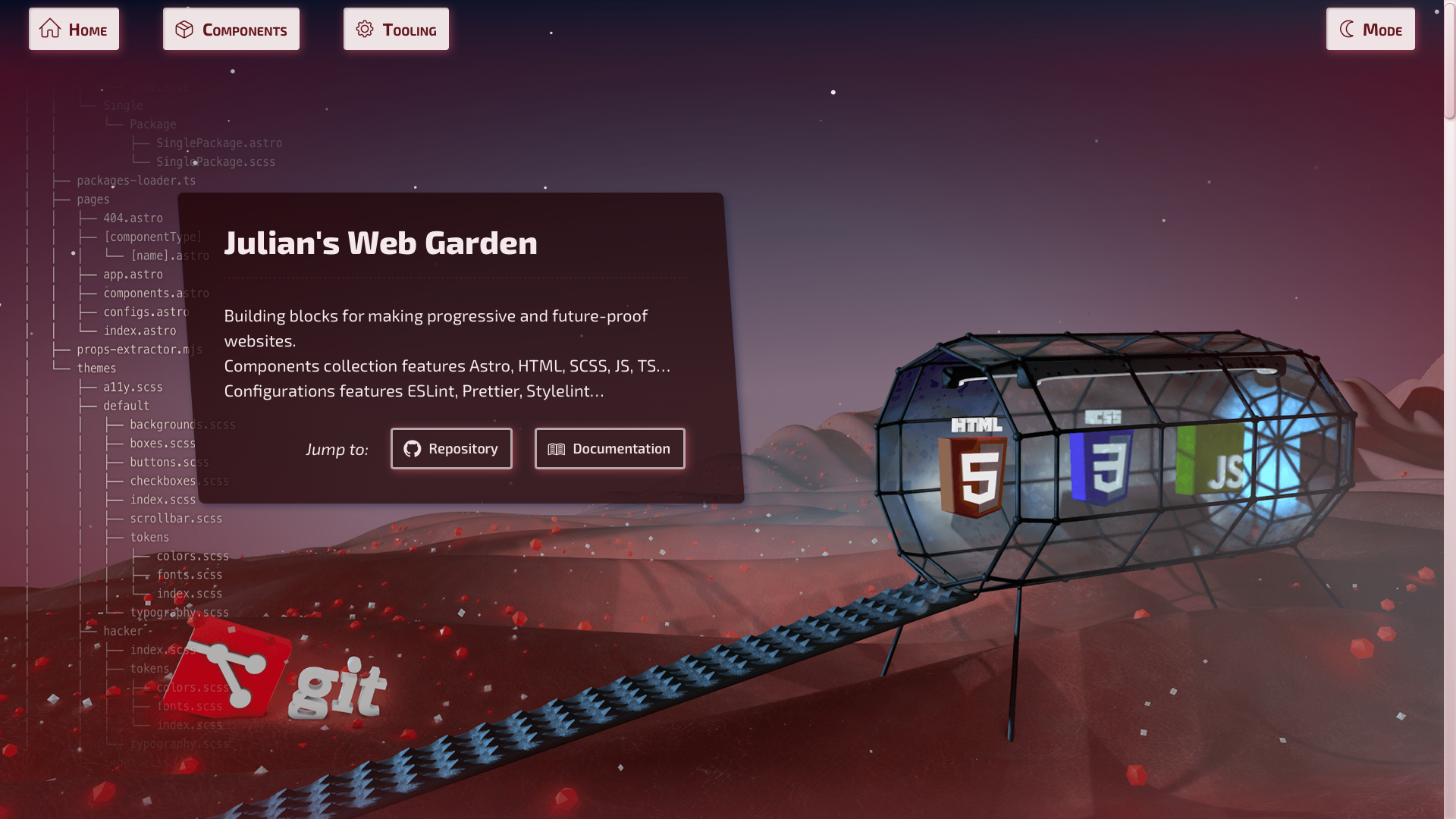](https://code.juliancataldo.com)
**_[`code.juliancataldo.com`](https://code.juliancataldo.com/)_**
---
🔗 [JulianCataldo.com](https://www.juliancataldo.com/)
</div>