animated-number-react
Version:
Super easy way to animate numbers with React
98 lines (70 loc) • 4.05 kB
Markdown
# animated-number-react
 [](https://travis-ci.org/Leocardoso94/animated-number-react) [](https://www.jsdelivr.com/package/npm/animated-number-react) 
> A simple animated number for React, using [anime](https://github.com/juliangarnier/anime).
> Live demo [here](https://codesandbox.io/s/1z7nw5rnp3)
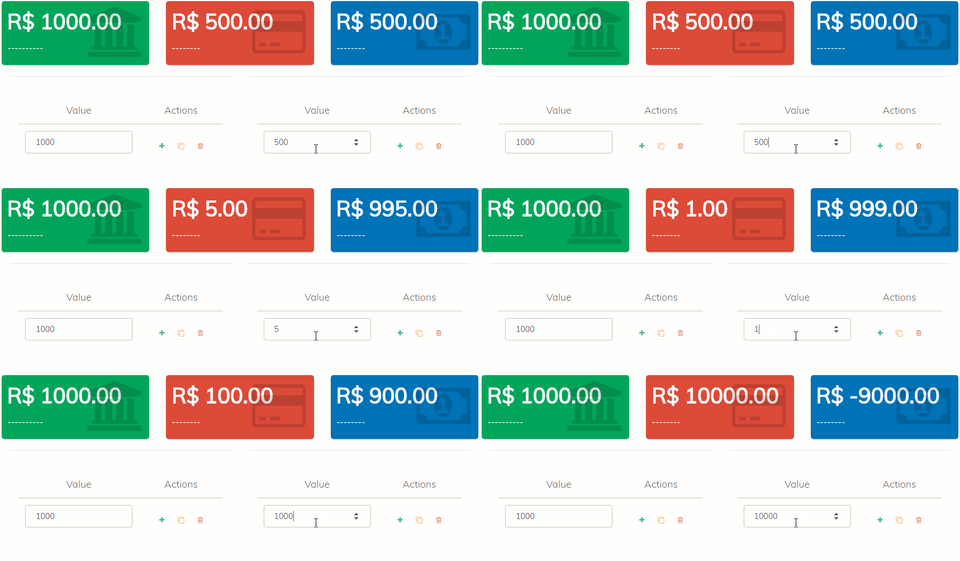
## Usage
```bash
$ npm install animated-number-react
# OR
$ yarn add animated-number-react
```
```jsx
import AnimatedNumber from "animated-number-react";
export default class App extends Component {
state = {
value: 150,
};
handleChange = ({ target: { value } }) => {
this.setState({ value });
};
formatValue = (value) => value.toFixed(2);
render() {
return (
<div>
<input
type="number"
onChange={this.handleChange}
value={this.state.value}
/>
<AnimatedNumber
value={this.state.value}
formatValue={this.formatValue}
/>
</div>
);
}
}
```
[View demo here](https://codesandbox.io/s/1z7nw5rnp3)
[](https://codesandbox.io/s/1z7nw5rnp3)
## Props
Following `props` are used while initialization
> Note : Only `value` is a required prop. Others are optional
| Prop Name | Type | Description | Default Value |
| ---------------------- | ----------------- | ---------------------------------------------------------------------------------------------- | ------------- |
| value `(required)` | [ Number, String] | number that will be animated | |
| duration `(optional)` | Number | the duration of animation | 1000 |
| delay `(optional)` | Number | the delay of animation | 0 |
| className `(optional)` | String | an className to add to the span | null |
| easing `(optional)` | String | you can found all valid values [here](https://github.com/juliangarnier/anime#easing-functions) | 'linear' |
#### Callbacks props
Execute a function at the beginning, during or when an animation or timeline is completed.
| Names | Types | Arguments | Info |
| ----------- | -------- | ------------------ | -------------------------------------------------- |
| formatValue | Function | value `Number` | A function that will manipulate the animated value |
| update | Function | animation `Object` | Called at time = 0 |
| run | Function | animation `Object` | Called after delay is finished |
| begin | Function | animation `Object` | Called after animation delay is over |
| complete | Function | animation `Object` | Called only after all the loops are completed |
### Format Value
`formatValue()` is used to format the animatedValue.
### Update
`update()` is called on every frame while the instance is playing.
### Begin
`begin()` is called once after the delay is finished.
Check if the animation has begun with `myAnimation.began`, return `true` or `false`.
### Run
`run()` is called every frame after the delay is finished.
### Complete
`complete()` is called once after the animation is finished.