alpinejs-cache
Version:
Persist and expire data easily with Alpine
160 lines (108 loc) • 5.01 kB
Markdown
# Alpine JS Cache
Sometimes you want to _persist_ data, but not _until the end of times_...
With **Alpine Cache**, you can easily persist the state across page loads until an expiration date.
Specially useful to remember temporary UI state, to cache API calls, to schedule recurring notifications, etc.
You can even use it inside Alpine context and outside of it, without losing reactivity!
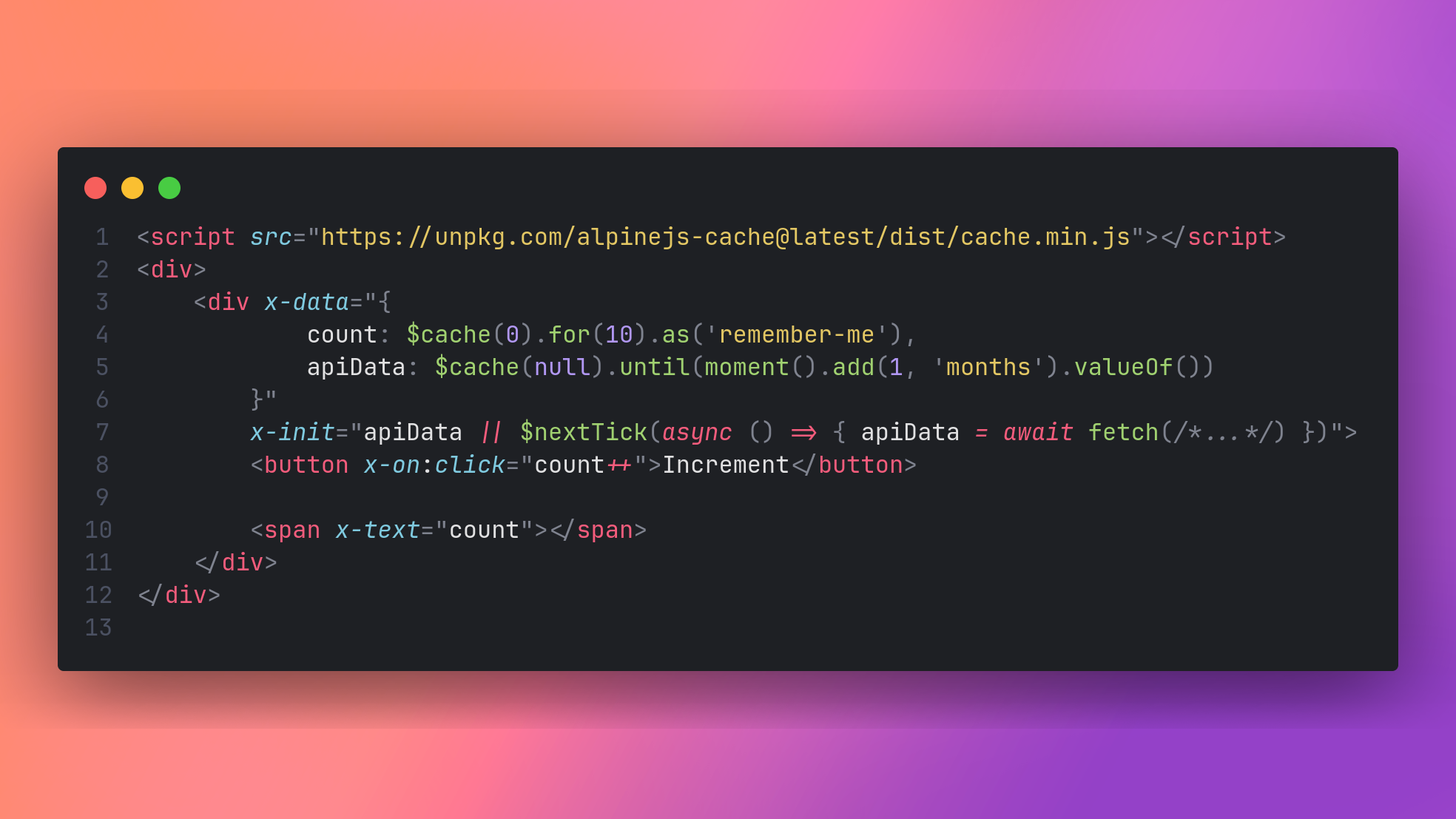
## Installation
### From a script tag
You can import Alpine Cache through a CDN like:
```html
<html>
<head>
<script src="https://unpkg.com/alpinejs@3.x.x/dist/cdn.min.js" defer></script>
<script src="https://unpkg.com/alpinejs-cache@latest/dist/cache.min.js"></script>
</head>
</html>
```
### As a module
If you're using a web bundler, you can install Alpine Cache via NPM:
```
npm i alpinejs-cache -D
```
Then import it and register the plugin:
```js
import Alpine from 'alpinejs'
import cache from 'alpinejs-cache'
Alpine.plugin(cache)
window.Alpine = Alpine
Alpine.start()
```
## Example
You can find an examples on the `examples/` directory of this repository.
## Usage
Cache was inspired by [Persist](https://alpinejs.dev/plugins/persist), and so, they share the same caveats and style of configuration.
### $cache
The primary API for using this plugin is the magic `$cache` method.
```html
<div x-data="{ count: $cache(0).for(20).as('my-counter') }">
<button x-on:click="count++">Increment</button>
<span x-text="count"></span>
</div>
```
You can set a default value, and an optional custom key which will be used to save the data with the `.as` modifier.
Unlike `$persist`, you can set the expiration time of the value, in seconds, with the `.for` modifier. Each time the value gets changed the cache will be revalidated by `.for` seconds (60 by default). If the cache gets invalidated the default value is set again on load.
An `.until` modifier can be used instead of `.for`, to put a timestamp instead of the amount of seconds.
### Custom Storage Driver
Alpine Cache uses the [localStorage Browser API](https://developer.mozilla.org/en-US/docs/Web/API/Window/localStorage) by default to store all data.
You can change the storage driver for a single record with the `.using` modifer.
```html
<div x-data="{ count: $cache(0).using(cookieStorage).for(10) }">
<button x-on:click="count++">Increment</button>
<span x-text="count"></span>
</div>
```
You can also change the default storage driver globally via:
```js
Alpine.cache.defaultDriver = MyCustomStorageDriver;
```
To create a custom driver, you must implement the following contract:
```ts
interface CacheStorageDriver {
setItem: (key: string, record: CacheRecord) => void,
getItem: (key: string) => ?CacheRecord
}
```
The way Alpine Cache works, is with simple `CacheRecord` objects that wraps your data and adds a timestamp to it:
```ts
type CacheRecord = {
data: any,
expires_at: number
}
```
You're responsable to serialize and deserialize this construct on the `setItem` and `getItem` methods.
### Using outside Alpine context
You can `get`, `set` and manually `invalidate` data, outside the Alpine context while still maintaining the reactivity of the Alpine components that are using `$cache`.
`Alpine.cache` is an object with the following signature:
```ts
type cacheUtils = {
defaultDriver: CacheStorageDriver,
invalidate: (key: string, storage: CacheStorageDriver?) => void,
set: (key: string, data: any, time: number, storage: CacheStorageDriver?) => void,
get: (key: string, storage: CacheStorageDriver?) => any
}
```
`set` and `get` works as you expect they would. `invalidate` is a shorthand to `set` the value to `undefined` which Alpine Cache detects as an expired record. The `storage` parameter is the equivalent to the `.using` modifier, to override the default driver.
### Using $cache with Alpine.data
As it happens with `$persist`, if you want to use `$cache` within `Alpine.data`, you need to be sure to use a standard function instead of an arrow function.
```js
Alpine.data('productsIndex', function () {
return {
fetchData: this.$cache(null).until(Date.now() + 1000 * 5),
init(){
if(!this.fetchData){
this.$nextTick(async () => {
this.fetchData = await fetch(/*...*/).then((v) => v.json());
})
}
}
}
})
```
A caveat not explained in the docs. The values from `$cache` (and `$persist`), are **read-only** on the first tick.
No data will be saved if you try to set the properties on `init()`. If this is your case, wrap the setter in a `$nextTick` callback.
## Stats