@zoom/videosdk
Version:
Zoom Web Video SDK
99 lines (69 loc) • 4.42 kB
Markdown
# Zoom Video SDK for Web
Use of this SDK is subject to our [Terms of Use](https://explore.zoom.us/en/video-sdk-terms/).
The [Zoom Video SDK](https://developers.zoom.us/docs/video-sdk/web/) enables you to build custom video experiences with Zoom's core technology through a highly optimized WebAssembly module.
## Installation
In your frontend project, install the Video SDK:
```bash
$ npm install @zoom/videosdk --save
```
## Usage
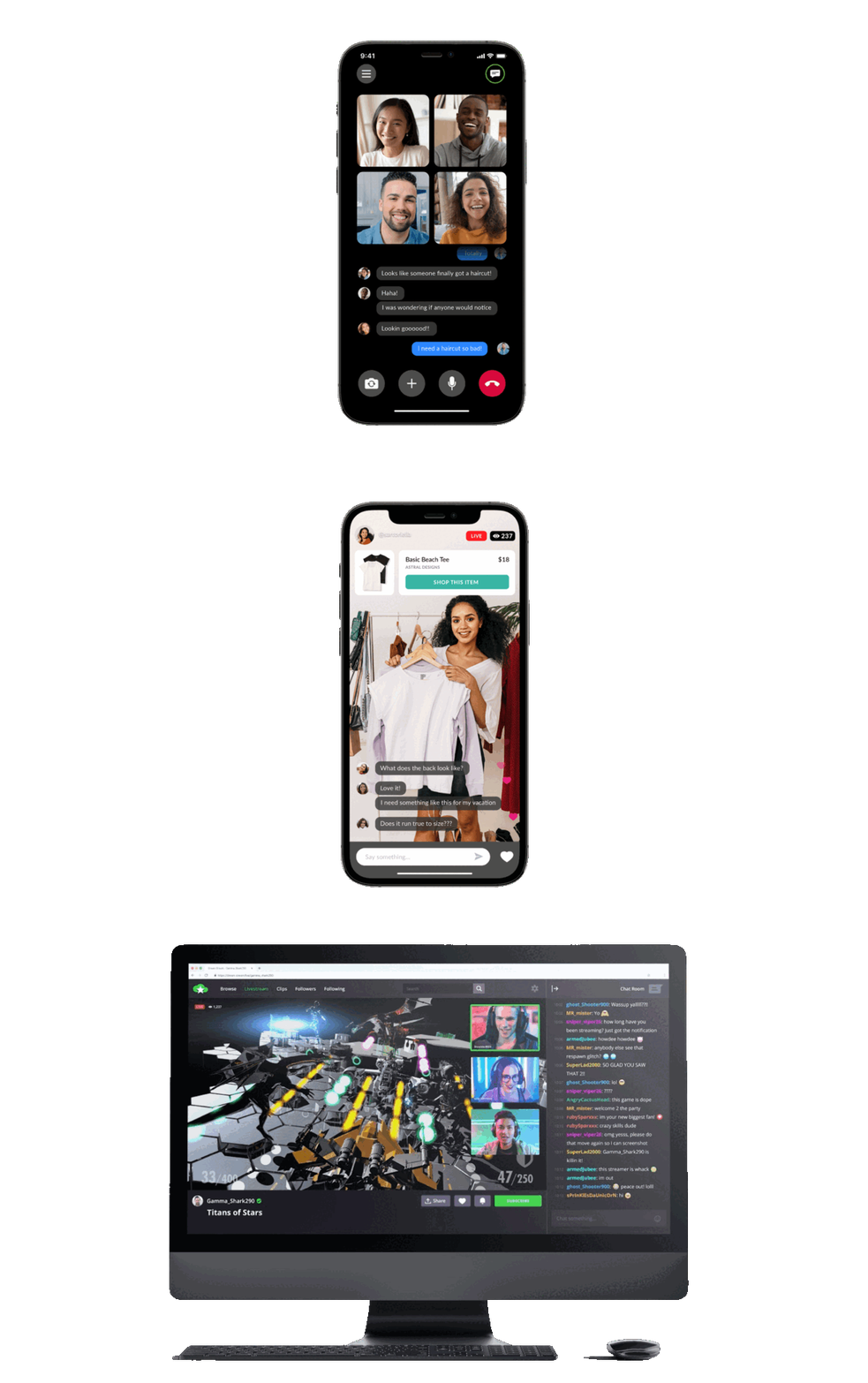
> The Video SDK provides video, audio, screen sharing, chat, data streams, and more, as a service. You can build with all of these features, or pick and choose. The Video SDK also comes with a full set of server side [APIs](https://developers.zoom.us/docs/api/rest/reference/video-sdk/methods/#overview) and [Webhooks](https://developers.zoom.us/docs/api/rest/reference/video-sdk/events/#overview).
In the component file where you want to use the Video SDK, import `ZoomVideo` and create the client.
```js
import ZoomVideo from '@zoom/videosdk'
const client = ZoomVideo.createClient()
```
Then init the SDK and declare the `stream` which we will define later:
```js
client.init('en-US', 'Global', { patchJsMedia: true })
let stream
```
Now we will start or join the session. Here are the required parameters for the `client.join()` function.
| Parameter | Parameter Description |
| -----------------------|-------------|
| topic | Required, a session name of your choice or the name of the session you are joining. |
| token | Required, your [Video SDK JWT](https://developers.zoom.us/docs/video-sdk/auth/). |
| userName | Required, a name for the participant. |
| password | Optional, a session passcode of your choice or the passcode of the session you are joining. |
Then start or join the session and define the stream, which will be used for [core features](#core-features).
```js
client.join(topic, token, userName, password).then(() => {
stream = client.getMediaStream()
}).catch((error) => {
console.log(error)
})
```
Now that we are in a session, we can start using core features like `stream.startVideo()`.
### Core Features:
- [Video](https://developers.zoom.us/docs/video-sdk/web/video/)
- [Audio](https://developers.zoom.us/docs/video-sdk/web/audio/)
- [Chat](https://developers.zoom.us/docs/video-sdk/web/chat/)
- [PSTN](https://developers.zoom.us/docs/video-sdk/web/pstn/)
- [Screen Share](https://developers.zoom.us/docs/video-sdk/web/share/)
- [Cloud Recording](https://developers.zoom.us/docs/video-sdk/web/recording/)
- [Command Channel](https://developers.zoom.us/docs/video-sdk/web/command-channel/)
- [Audio Video Preview](https://developers.zoom.us/docs/video-sdk/web/preview/)
- [Subsessions](https://developers.zoom.us/docs/video-sdk/web/subsessions/)
- [Transcription/Translation](https://developers.zoom.us/docs/video-sdk/web/transcription-translation/)
- [Virtual Background](https://developers.zoom.us/docs/video-sdk/web/video/#use-virtual-background)
For the full list of features and event listeners, as well as additional guides, see our [Video SDK docs](https://developers.zoom.us/docs/video-sdk/web/).
## Sample Apps
- [Video SDK web Sample](https://github.com/zoom/videosdk-web-sample)
- [Video SDK Auth Endpoint](https://github.com/zoom/videosdk-auth-endpoint-sample)
- [Webhook Sample](https://github.com/zoom/webhook-sample)
## Use ZFG(Zoom For Government). You need apply new sdk key for [ZFG](https://marketplace.zoomgov.com/).
### option1 change package.json and use zfg specific version
```
"@zoom/videosdk": "1.11.0-zfg",
zmClient.init('en-US', 'Global');
```
### option2 change dev.conf and use ZFG [init](https://marketplacefront.zoom.us/sdk/custom/web/modules/VideoClient.html#init) option [webEndpoint](https://marketplacefront.zoom.us/sdk/custom/web/interfaces/InitOptions.html)
```
zmClient.init('en-US', `https://source.zoomgov.com/videosdk/1.11.0/lib`, {
webEndpoint: "www.zoomgov.com",
});
```
## Need help?
If you're looking for help, try [Developer Support](https://devsupport.zoom.us) or our [Developer Forum](https://devforum.zoom.us). Priority support is also available with [Premier Developer Support](https://zoom.us/docs/en-us/developer-support-plans.html) plans.
[Open Source Software attribution](https://github.com/zoom/videosdk-web/blob/main/oss_attribution.txt)