@typehaus/metropolis
Version:
Modern, geometric typeface. Designed by Chris M. Simpson, updated and maintained by @typehaus.
184 lines (125 loc) • 3.68 kB
Markdown
<h1 align="center">
<a href="https://typehaus.org/metropolis" target="_blank" rel="noopener external"><img src="https://cdn.jsdelivr.net/gh/typehaus/metropolis/.github/assets/logo.png" alt="Metropolis from TypeHaus" align="center" title="View the Metropolis Docs at typehaus.org"></a>
</h1>
<h4 align="center">
<p>A modern, geometric typeface. Influenced by other popular geometric, minimalist sans-serif typefaces of the new millenium. Designed for optimal readability at small point sizes while beautiful at large point sizes.</p>
</h4>
<br>
## Getting Started
Metropolis has just been published by `typehaus` on the NPM registry! While still in experimental stages, this makes it easier than ever to include it in your projects.
<br>
### 1. Install
```bash
pnpm add /metropolis
```
> ***Don't have PNPM?*** [Click here to find out why you should dump NPM.](https://get.pnpm.io)
<br>
### 2. Import
The following methods work in most of the popular frontend frameworks.
- [Next.js](https://nextjs.org) — add it to `_app.tsx` or `_app.jsx`
- [SvelteKit](https://kit.svelte.dev): add it to `__layout.svelte` file.
- [Nuxt.js](https://nuxtjs.org): ...[consult their documentation](https://nuxtjs.org), because I'm not quite sure 😅
<br>
You can just import the whole family, if you're into that sort of thing:
```js
import '/metropolis'
```
<br>
You can also import individual weights (recommended). Both the normal and italic style are included in each weight, and (for compatibility) both the keyword or numeric filename work just fine.
<details open><summary>100 · Thin</summary>
```js
import '/metropolis/thin.css'
```
```js
import '/metropolis/100.css'
```
</details>
<details><summary>200 · ExtraLight</summary>
```js
import '/metropolis/extralight.css'
```
```js
import '/metropolis/xlight.css'
```
```js
import '/metropolis/200.css'
```
</details>
<details><summary>300 · Light</summary>
```js
import '/metropolis/light.css'
```
```js
import '/metropolis/300.css'
```
</details>
<details><summary>400 · Regular</summary>
```js
import '/metropolis/regular.css'
```
```js
import '/metropolis/book.css'
```
```js
import '/metropolis/400.css'
```
</details>
<details><summary>500 · Medium</summary>
```js
import '/metropolis/medium.css'
```
```js
import '/metropolis/500.css'
```
</details>
<details><summary>600 · SemiBold</summary>
```js
import '/metropolis/semibold.css'
```
```js
import '/metropolis/600.css'
```
</details>
<details><summary>700 · Bold</summary>
```js
import '/metropolis/bold.css'
```
```js
import '/metropolis/700.css'
```
</details>
<details><summary>800 · ExtraBold</summary>
```js
import '/metropolis/extrabold.css'
```
```js
import '/metropolis/xbold.css'
```
```js
import '/metropolis/800.css'
```
</details>
<details><summary>900 · Black</summary>
```js
import '/metropolis/black..css'
```
```js
import '/metropolis/900.css'
```
</details>
<br>
### 3. Implement
Now you just need to add it to your actual CSS!
With some backups, so nobody is stuck with `Times New Roman`:
```css
html, body {
font-family: 'Metropolis', -apple-system, BlinkMacSystemFont, 'Segoe UI', Roboto, 'Open Sans', 'Helvetica Neue', sans-serif;
}
```
---
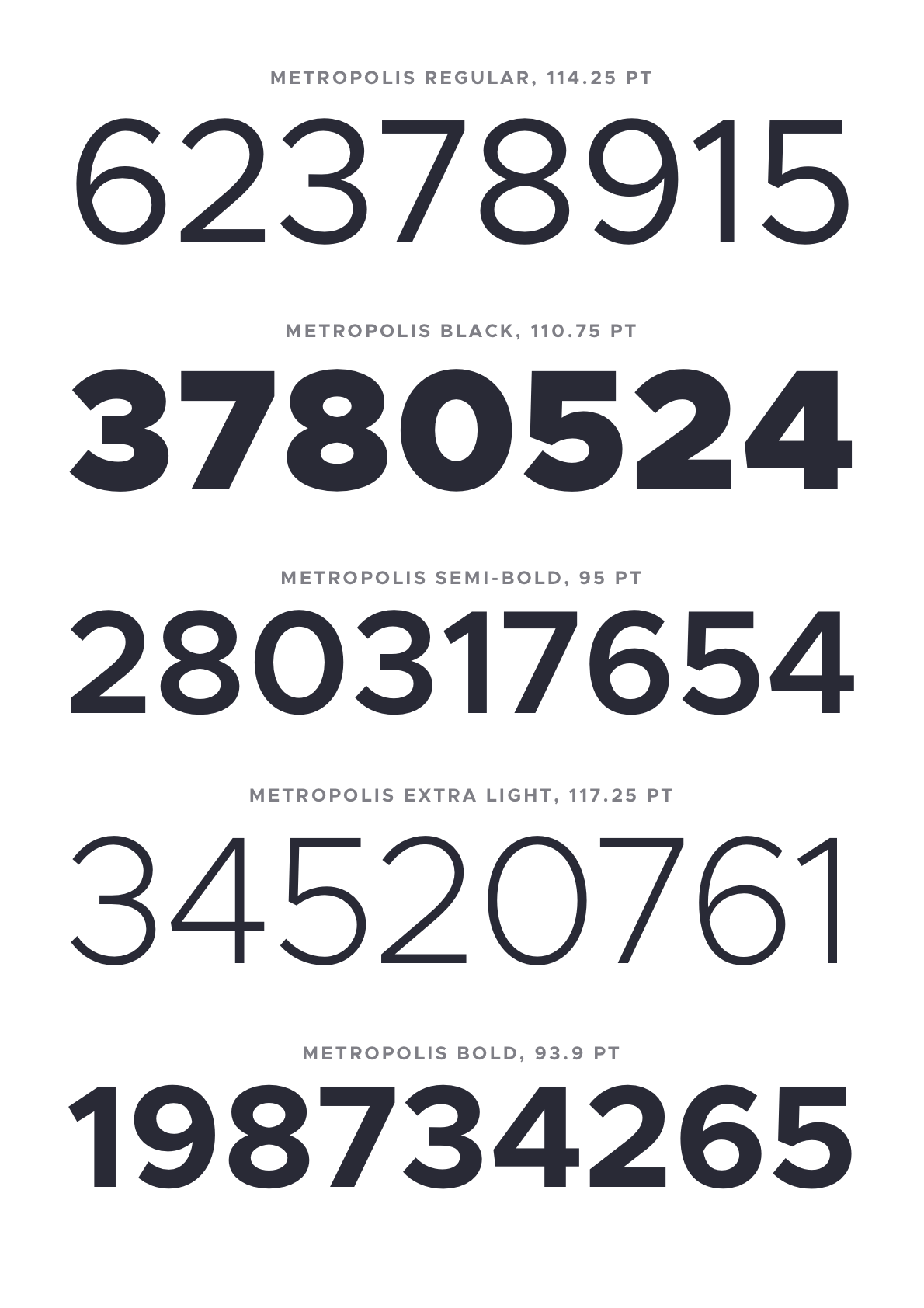
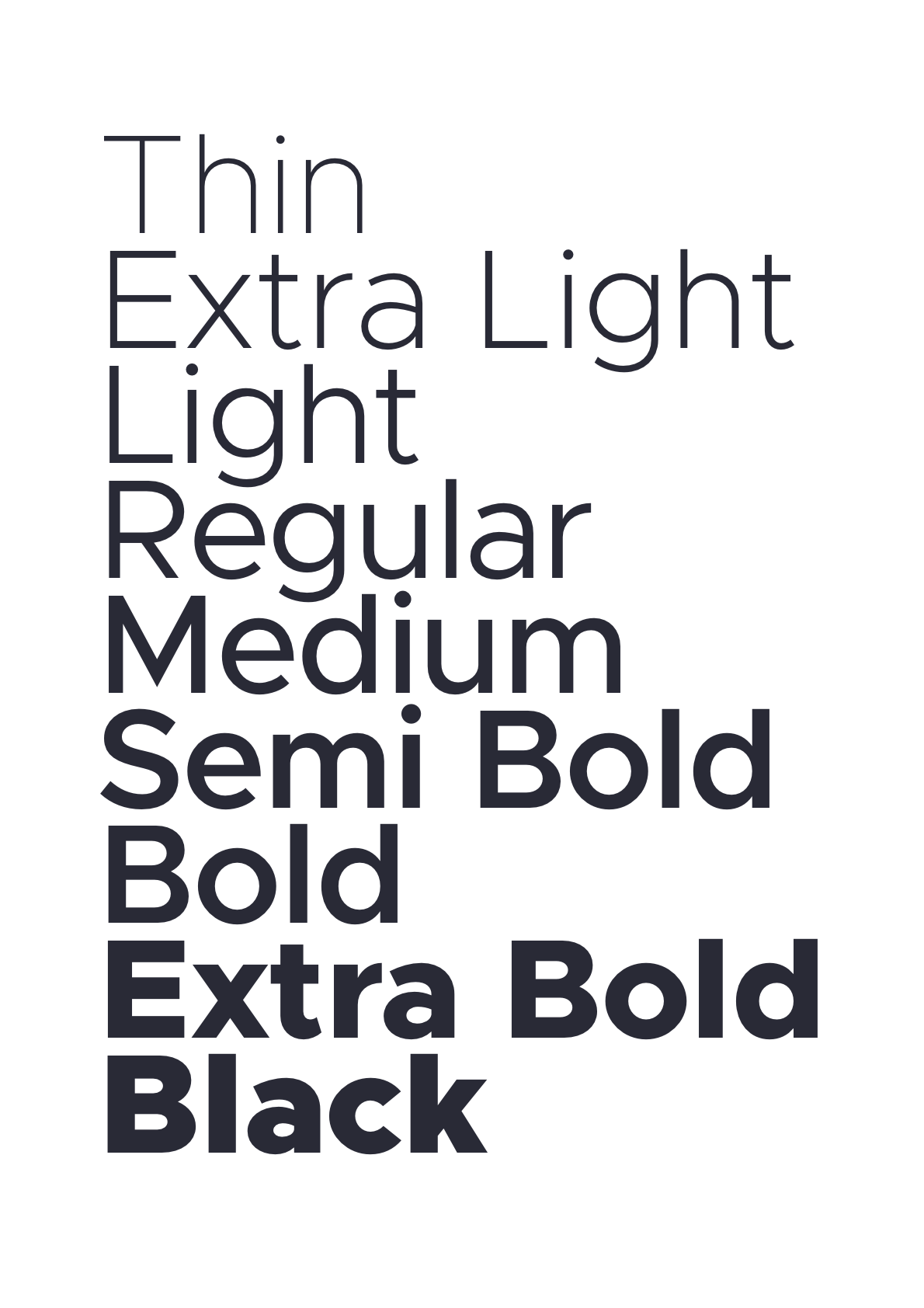
## Specimens
---
### The Unlicense
Contributions welcome.