@taylorwhite/copacetic-frontity-theme
Version:
A frontity theme made with Chakra UI
126 lines (102 loc) • 4.08 kB
Markdown
# copacetic-frontity :art:
:fire: A totally copacetic, beautiful frontity theme.
:zap: Check out an [example site here](https://taylorchasewhite.com/).
:clap: Special thanks to [Segun Adebayo](https://twitter.com/thesegunadebayo) for creating the [Chakra UI theme](https://github.com/chakra-ui/frontity-chakra-ui-theme) of which this is based off of.
# Demo :video_camera:
<p align="center">
<img alt="Demo of Copacetic" src="https://github.com/taylorchasewhite/copacetic-frontity/blob/master/readme/2020-09-04 - Frontity Site - Video.gif?raw=true">
</p>
# Installation :wrench:
## 1. For new projects: clone this project.
1. `git clone https://github.com/taylorchasewhite/copacetic-frontity`.
2. `cd copacetic-frontity`.
3. `npm install && npx frontity dev` (from the project's root directory).
4. Your site will now be available at `http://localhost:3000/`
## 2. For new/existing project: use npm.
1. `npm install @taylorwhite/copacetic-frontity`.
2. Add the package in `frontity-settings.js`.
```javascript
packages: [
{
name: "@taylorwhite/copacetic-frontity",
state: {
theme: {
logo: "Test Frontity Blog", // The logo can be a text or an image url
showBackgroundPattern: true, // show background pattern
showSocialLinks: true, // show social links
"menu": [
[
"Home",
"/"
],
[
"Nature",
"/category/nature/"
],
[
"Travel",
"/category/travel/"
],
[
"Japan",
"/tag/japan/"
],
[
"About Us",
"/about-us/"
]
],
// the social links
socialLinks: [
["facebook", "https://www.facebook.com/taylorchasewhite/"],
["twitter", "https://twitter.com/taychasewhite/"],
["linkedin", "https://www.linkedin.com/in/taylorchasewhite/"],
["instagram", "https://www.instagram.com/taylorchasewhite/"]
],
// color shades to use in the blog
colors: {
primary: {
"50": "#e9f5f2",
"100": "#d4dcd9",
"200": "#bbc3be",
"300": "#a1aba5",
"400": "#87938b",
"500": "#6d7972",
"600": "#555f58",
"700": "#000000",
"800": "#000000",
"900": "#000000"
},
accent: {
"50": "#e6f3fe",
"100": "#80c2f9",
"200": "#7bcfff",
"300": "#49bbff",
"400": "#1aa8ff",
"500": "#008ee6",
"600": "#006fb4",
"700": "#004f82",
"800": "#002f51",
"900": "#001121"
}
}
}
}
},
```
3. Remove your previous theme (`mars-theme`?) from `frontity-settings.js`.
4. `npx frontity dev` (from project's root directory).
5. Your site will be available at `http://localhost:3000/`.
## Credits :white_flower:
- Build with love :blue_heart:, using [Frontity's](https://frontity.org) [frontity-chakra-theme](https://www.npmjs.com/package/frontity-chakra-theme) as base.
## Authors
1. [Taylor White](https://twitter.com/taychasewhite)
## License :scroll:

- **[GPLv2](https://www.gnu.org/licenses/old-licenses/gpl-2.0.en.html)**
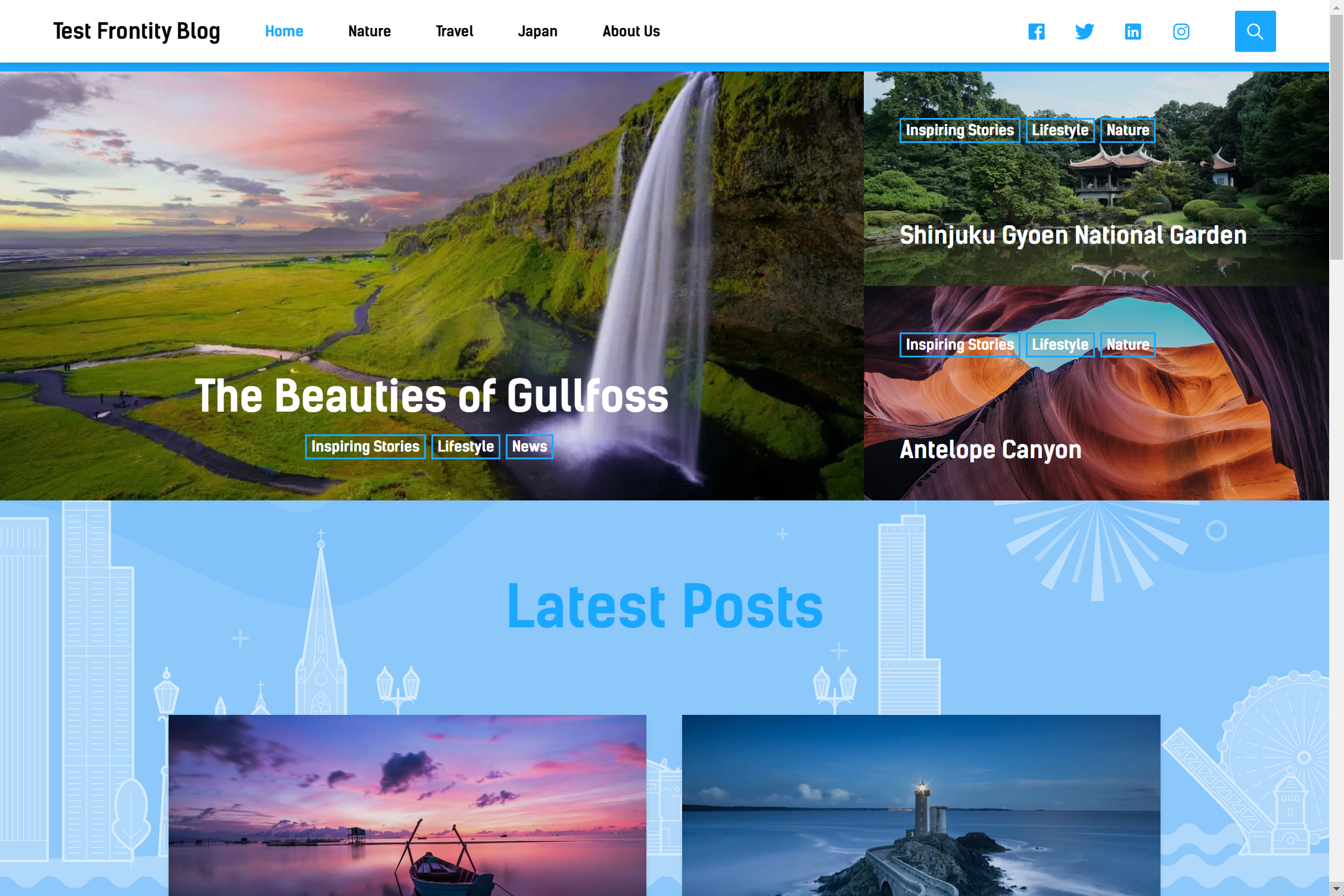
## Home Page :camera:
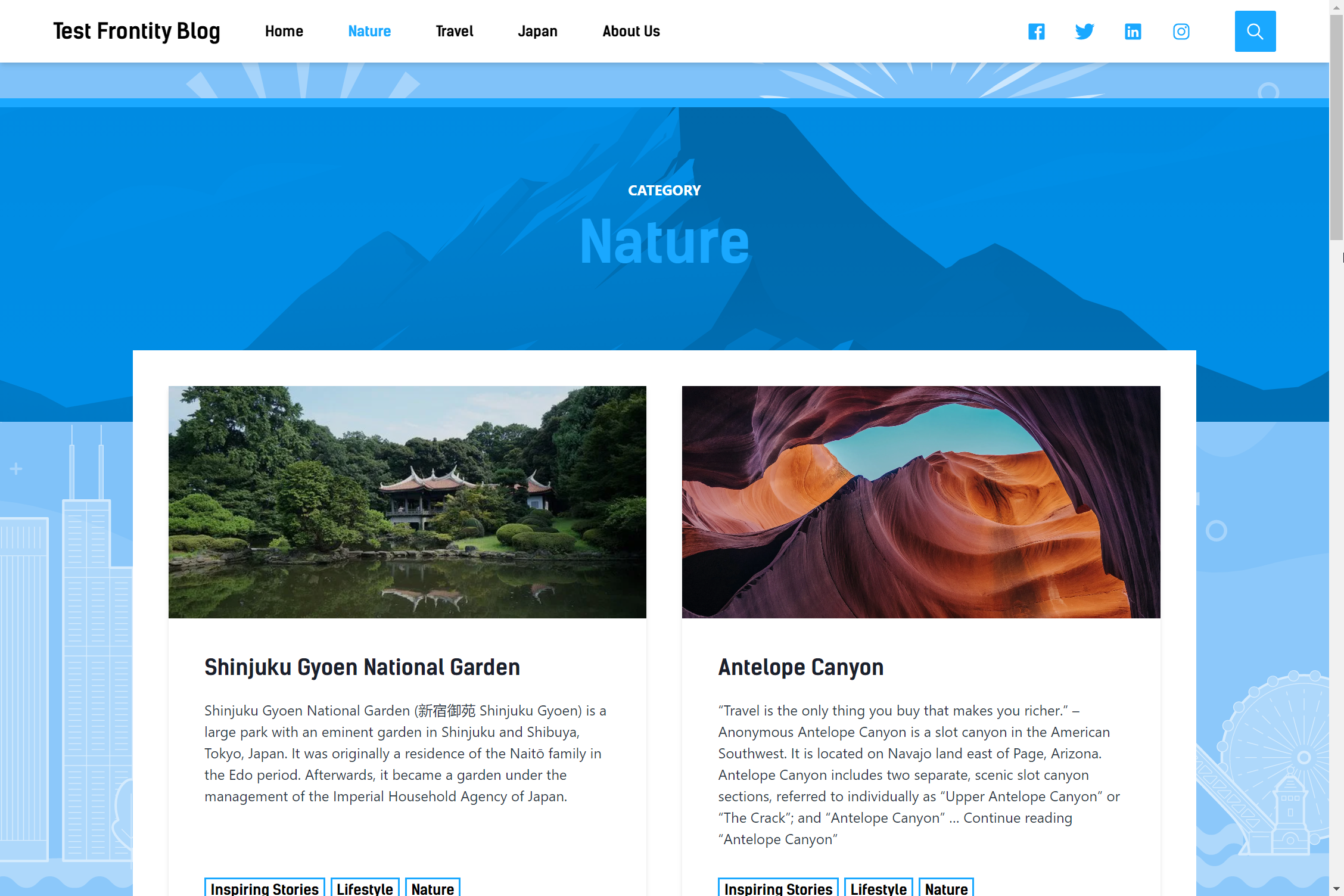
## Category :camera:
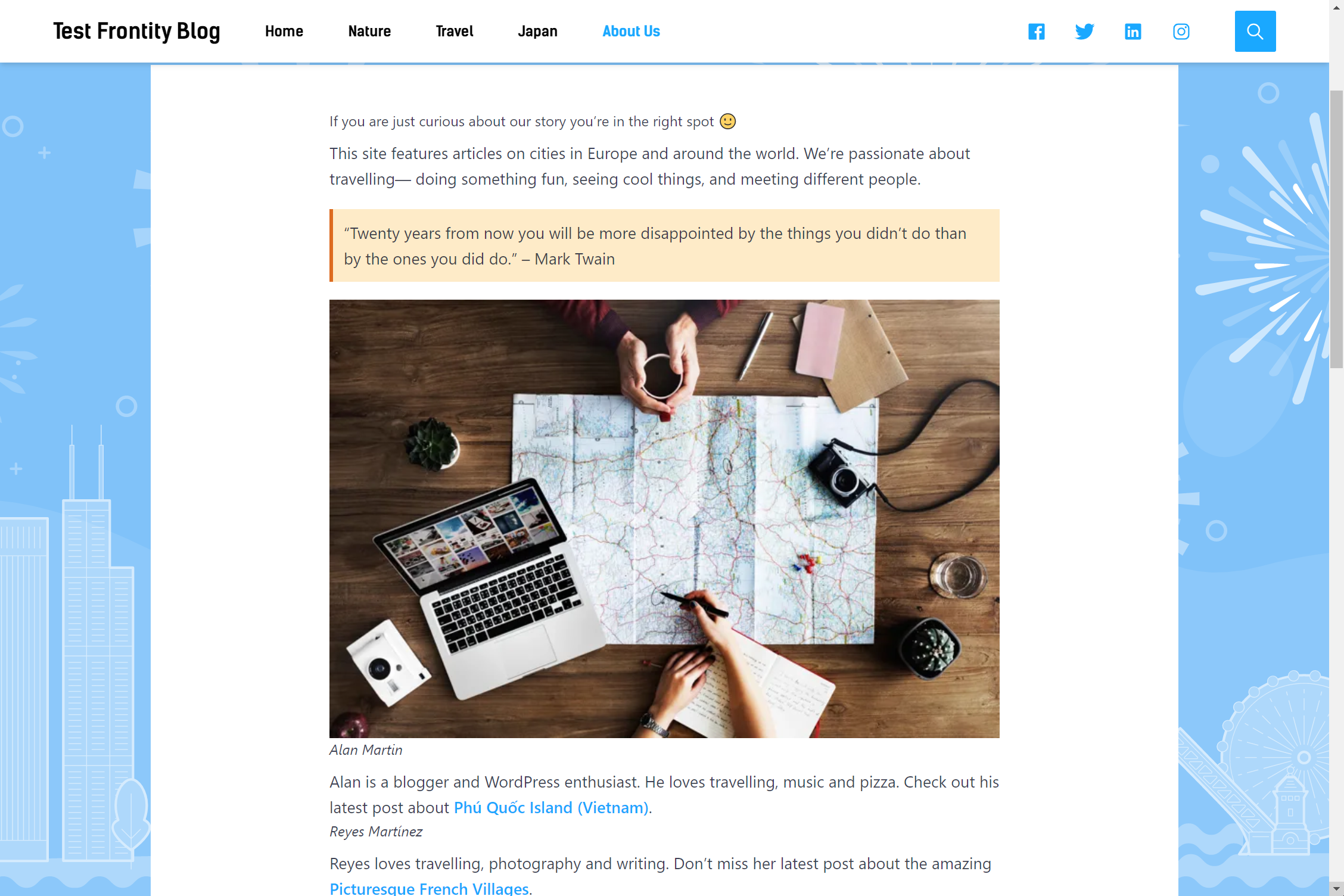
## About Page :camera: