@sur97c/ckeditor5-build-classic-font-image-alignment
Version:
Build of CKEditor 5 – Plugins added: Font, Alignment and Image alignment with base64 adapter.
73 lines (54 loc) • 3.5 kB
Markdown
CKEditor 5 classic editor custom build
========================================
[](https://www.npmjs.com/package/@ckeditor/ckeditor5-build-classic)
[](https://travis-ci.org/ckeditor/ckeditor5-build-classic)
<br>
[](https://david-dm.org/ckeditor/ckeditor5-build-classic)
[](https://david-dm.org/ckeditor/ckeditor5-build-classic?type=dev)
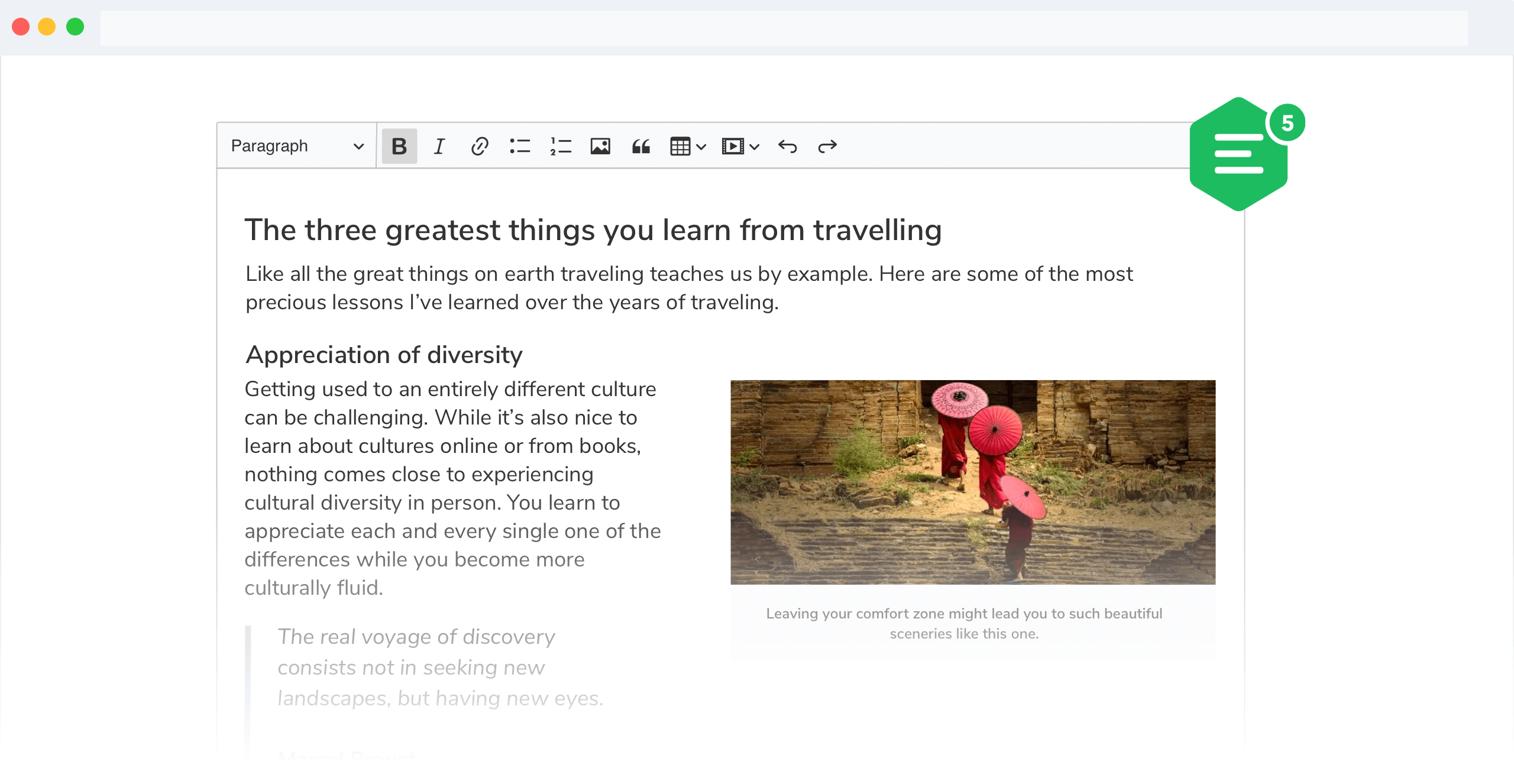
Build for CKEditor 5. Read more about the [classic editor build](https://ckeditor.com/docs/ckeditor5/latest/builds/guides/overview.html#classic-editor) and see the [demo](https://ckeditor.com/docs/ckeditor5/latest/examples/builds/classic-editor.html).
## Documentation
See:
* [Installation](https://ckeditor.com/docs/ckeditor5/latest/builds/guides/integration/installation.html) for how to install this package and what it contains.
* [Basic API](https://ckeditor.com/docs/ckeditor5/latest/builds/guides/integration/basic-api.html) for how to create an editor and interact with it.
* [Configuration](https://ckeditor.com/docs/ckeditor5/latest/builds/guides/integration/configuration.html) for how to configure the editor.
* [Creating custom builds](https://ckeditor.com/docs/ckeditor5/latest/builds/guides/development/custom-builds.html) for how to customize the build (configure and rebuild the editor bundle).
## Quick start
First, install the build from npm:
```bash
npm install --save @sur97c/ckeditor5-build-classic-font-image-alignment
```
And use it in your website:
```html
<div id="editor">
<p>This is the editor content.</p>
</div>
<script src="./node_modules/@sur97c/ckeditor5-build-classic-font-image-alignment/build/ckeditor.js"></script>
<script>
ClassicEditor
.create( document.querySelector( '#editor' ) )
.then( editor => {
window.editor = editor;
} )
.catch( error => {
console.error( 'There was a problem initializing the editor.', error );
} );
</script>
```
Or in your JavaScript application:
```js
import ClassicEditor from '@sur97c/ckeditor5-build-classic-font-image-alignment';
// Or using the CommonJS version:
// const ClassicEditor = require( '@sur97c/ckeditor5-build-classic-font-image-alignment' );
ClassicEditor
.create( document.querySelector( '#editor' ) )
.then( editor => {
window.editor = editor;
} )
.catch( error => {
console.error( 'There was a problem initializing the editor.', error );
} );
```
**Note:** If you are planning to integrate CKEditor 5 deep into your application, it is actually more convenient and recommended to install and import the source modules directly (like it happens in `ckeditor.js`). Read more in the [Advanced setup guide](https://ckeditor.com/docs/ckeditor5/latest/builds/guides/integration/advanced-setup.html).
## License
Licensed under the terms of [GNU General Public License Version 2 or later](http://www.gnu.org/licenses/gpl.html). For full details about the license, please check the `LICENSE.md` file or [https://ckeditor.com/legal/ckeditor-oss-license](https://ckeditor.com/legal/ckeditor-oss-license).