@rocksky/cli
Version:
Command-line interface for Rocksky – scrobble tracks, view stats, and manage your listening history
359 lines (260 loc) • 7.26 kB
Markdown
## Rocksky CLI
🎧 The official command-line interface for [Rocksky](https://rocksky.app) — a modern, decentralized music tracking and discovery platform built on [AT Protocol](https://atproto.com).
📚 **[View Full Documentation](https://docs.rocksky.app)**
## Features
- 🔐 Authenticate with your Rocksky account using OAuth
- 🎵 View your currently playing track
- 📈 See your recent scrobbles
- 📤 Manually scrobble tracks
- 🛠️ Useful developer tools for integrating Rocksky into your workflows
- 🤖 MCP Server
## Table of Contents
- [Documentation](#documentation)
- [Installation](#installation)
- [Run in development](#run-in-development)
- [Usage](#usage)
- [Available Commands](#available-commands)
- [Rocksky MCP Server Tools](#rocksky-mcp-server-tools)
- [whoami](#whoami)
- [nowplaying](#nowplaying)
- [scrobbles](#scrobbles)
- [search](#search)
- [stats](#stats)
- [artists](#artists)
- [albums](#albums)
- [tracks](#tracks)
## Documentation
For comprehensive guides, API references, and tutorials, visit the official documentation at **[docs.rocksky.app](https://docs.rocksky.app)**.
## Installation
```sh
npm install -g @rocksky/cli
```
You can also use the CLI without installing it globally by running `npx`:
```sh
npx @rocksky/cli --help
```
## Run in development
To run the CLI in development mode, install the dependencies:
```bash
bun install
```
Then, run the CLI with:
```bash
bun run dev --help
```
## Usage
```bash
rocksky <command> [options]
```
## Available Commands
`login` - Initiates a browser-based OAuth login flow and saves your access token securely on your machine.
```bash
rocksky login
```
`nowplaying` - Displays the currently playing track on your/other Rocksky account.
```bash
rocksky nowplaying
```
`scrobble` - Manually scrobbles a track.
```bash
rocksky scrobble "Karma Police" "Radiohead"
```
`scrobbles` - Lists all recently scrobbled tracks.
```bash
rocksky scrobbles
```
`search` - Searches for tracks, albums, artists or Rocksky users.
```bash
rocksky search <query>
```
`stats` - Displays your Rocksky account statistics.
```bash
rocksky stats [did]
```
`artists` - Lists the user's top artists.
```bash
rocksky artists [did]
```
`albums` - Lists the user's top albums.
```bash
rocksky albums [did]
```
`tracks` - Lists the user's top tracks.
```bash
rocksky tracks [did]
```
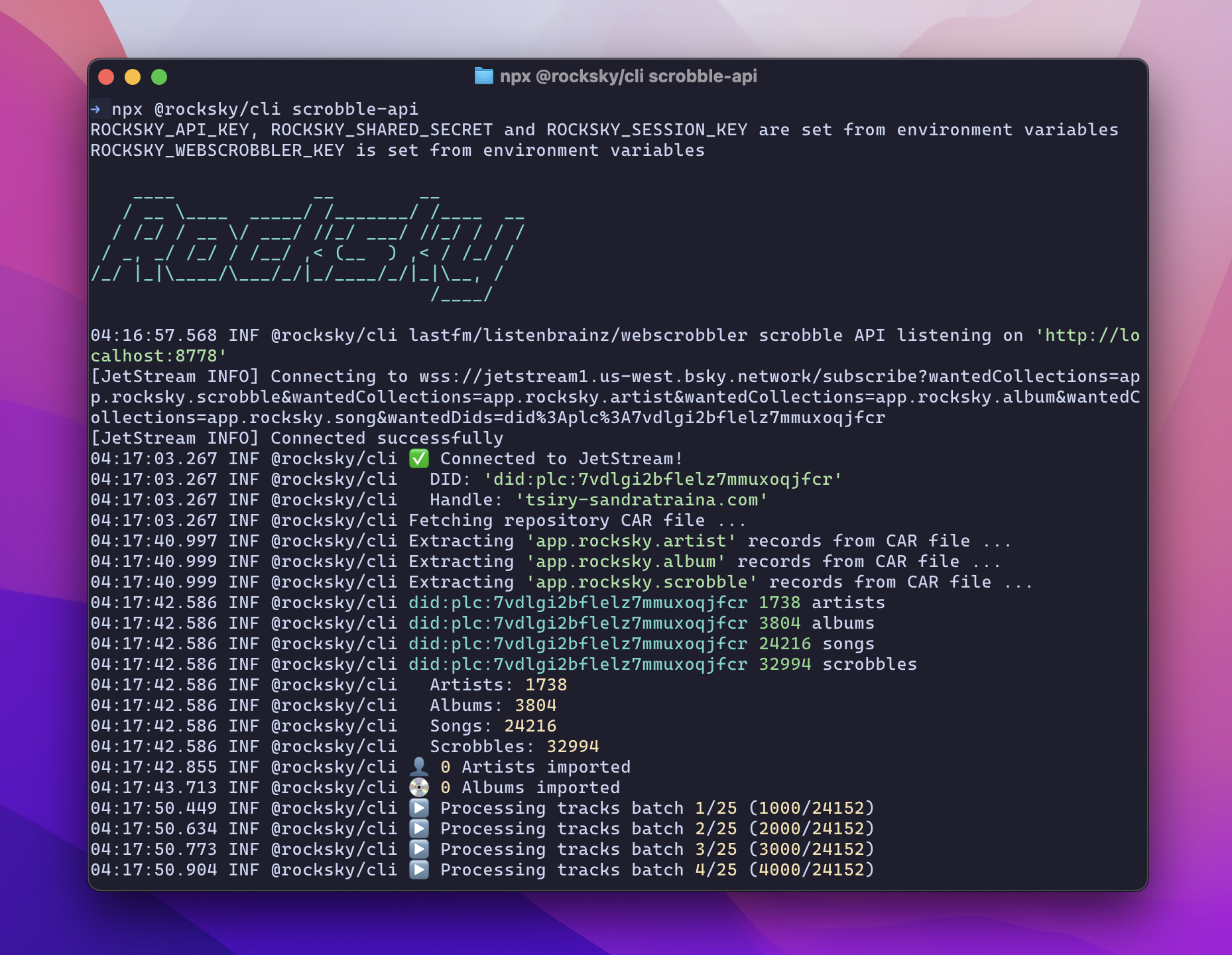
`scrobble-api` - Start a local listenbrainz/lastfm compatibility server
```bash
rocksky scrobble-api
```
`sync` - Sync your local Rocksky data from AT Protocol
```bash
rocksky sync
```
`whoami` - Displays the current user's information.
```bash
rocksky whoami
```
`mcp` - Starts the Rocksky MCP server.
```bash
rocksky mcp
```
## Rocksky MCP Server Tools
Here is a list of tools provided by the Rocksky MCP server:
### whoami
Get the current user's information.
**Example:**
```json
{
"name": "whoami"
}
```
**Returns:**
The current user's information, including their DID, handle, and other relevant details.
### nowplaying
Get the currently playing track.
**Parameters:**
- `did` (optional): The DID or handle of the user to get the now playing track for. If not provided, it defaults to the current user.
**Example:**
```json
{
"name": "nowplaying",
"args": {
"did": "did:plc:7vdlgi2bflelz7mmuxoqjfcr"
}
}
```
**Returns:**
The currently playing track for the specified user.
### scrobbles
Display recently played tracks (recent scrobbles).
**Parameters:**
- `did` (optional): The DID or handle of the user to get scrobbles for. If not provided, it returns all recent scrobbles from Rocksky.
**Example:**
```json
{
"name": "scrobbles",
"args": {
"did": "did:plc:7vdlgi2bflelz7mmuxoqjfcr"
}
}
```
**Returns:**
A list of recently played tracks for the specified user.
### my-scrobbles
Display recently played tracks (recent scrobbles) for the current user.
**Example:**
```json
{
"name": "my-scrobbles"
}
```
**Returns:**
A list of recently played tracks for the current user.
### search
Search for tracks, albums, artists, or Rocksky users.
**Parameters:**
- `query`: The search query string.
- `limit` (optional): The maximum number of results to return. Defaults to 10.
- `albums` (optional): If true, search for albums. Defaults to false.
- `artists` (optional): If true, search for artists. Defaults to false.
- `tracks` (optional): If true, search for tracks. Defaults to false.
- `users` (optional): If true, search for Rocksky users. Defaults to false.
**Example:**
```json
{
"name": "search",
"args": {
"query": "Radiohead",
"limit": 5,
"albums": false,
"artists": false,
"tracks": false,
"users": false
}
}
```
**Returns:**
A list of search results based on the specified query and filters.
### artists
List the user's top artists or current user's top artists if no `did` is provided.
**Parameters:**
- `did` (optional): The DID or handle of the user to get top artists for. If not provided, it defaults to the current user.
- `limit` (optional): The maximum number of artists to return. Defaults to 20.
**Example:**
```json
{
"name": "artists",
"args": {
"did": "did:plc:7vdlgi2bflelz7mmuxoqjfcr",
"limit": 20
}
}
```
**Returns:**
A list of the user's top artists, including their names and play counts.
### albums
List the user's top albums or current user's top albums if no `did` is provided.
**Parameters:**
- `did` (optional): The DID or handle of the user to get top albums for. If not provided, it defaults to the current user.
- `limit` (optional): The maximum number of albums to return. Defaults to 20.
**Example:**
```json
{
"name": "albums",
"args": {
"did": "did:plc:7vdlgi2bflelz7mmuxoqjfcr",
"limit": 20
}
}
```
**Returns:**
A list of the user's top albums, including their names and play counts.
### tracks
List the user's top tracks or current user's top tracks if no `did` is provided.
**Parameters:**
- `did` (optional): The DID or handle of the user to get top tracks for. If not provided, it defaults to the current user.
- `limit` (optional): The maximum number of tracks to return. Defaults to 20.
**Example:**
```json
{
"name": "tracks",
"args": {
"did": "did:plc:7vdlgi2bflelz7mmuxoqjfcr",
"limit": 20
}
}
```
**Returns:**
A list of the user's top tracks, including their names and play counts.
### stats
Display the user's Rocksky account statistics or current user's statistics if no `did` is provided.
**Parameters:**
- `did` (optional): The DID or handle of the user to get statistics for. If not provided, it defaults to the current user.
**Example:**
```json
{
"name": "stats",
"args": {
"did": "did:plc:7vdlgi2bflelz7mmuxoqjfcr"
}
}
```
### create-apikey
Create a new API key for the current user.
**Parameters:**
- `name`: The name of the API key.
- `description` (optional): A description of the API key.
**Example:**
```json
{
"name": "create-apikey",
"args": {
"name": "My API Key",
"description": "This is my API key."
}
}
```
**Returns:**
A confirmation message indicating that the API key was created successfully.