@pipedream/api4ai
Version:
Pipedream API4AI Components
74 lines (47 loc) • 2.86 kB
Markdown
# Overview
⭐️ **NSFW Image Recognition** – is a content moderation solution for NSFW (Not Safe For Work) sexual images identification.
Leveraging AI-powered technology this solution recognizes potentially offensive content in the image that may be inappropriate for public places or workspace viewing. It provides a confidence level to indicate how certain it is that the content is NSFW.
## 🤖 Demo
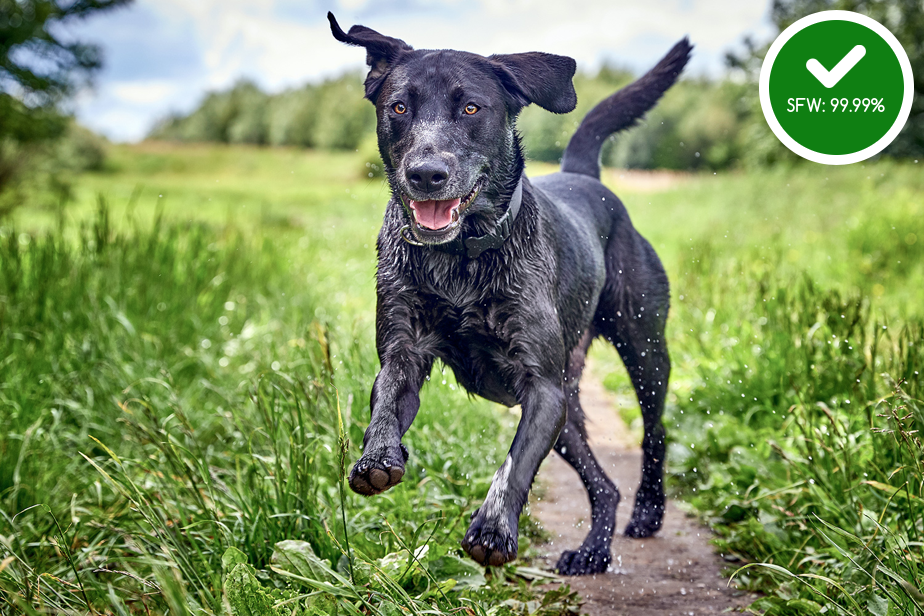
Explore the NSFW Image Recognition Web demo for free before delving into the details (no registration is required): https://api4.ai/apis/nsfw#demo-wrapper
# Getting started
## 🚀 Subscribe and get API key
To use NSFW Image Recognition, start at [RapidAPI](https://rapidapi.com/), a well-known API hub. Register, subscribe to begin, and obtain an API key:
1. Register on RapidAPI and subscribe to API4AI [NSFW API](https://rapidapi.com/api4ai-api4ai-default/api/nsfw3/pricing) to start.
2. Navigate to the [NSFW API endpoints](https://rapidapi.com/api4ai-api4ai-default/api/nsfw3) list.
3. In the "Header Parameters" section, your API Key will be shown in the `X-RapidAPI-Key` field.
## 🛠 Parameters
### API Key
An API Key is required. Register and subscribe on RapidAPI to receive one.
### Image
Input image. Various types are accepted:
* a **path** to a file
```
/tmp/myfile.jpg
```
* a **URL** to a file
```
https://storage.googleapis.com/api4ai-static/samples/nsfw-1.jpg
```
* a file's content encoded as a **base64** string
```
iVBORw0KGgoAAAANSUhEUgAABdwAAAPoCAYAAADEDjzlAAEAAElEQVR4nO...
```
* a file's content as a **Buffer** encoded in JSON
```json
{
"type": "Buffer",
"data": [255,216,255,224,0,16,74,70,73,70,0,1,1,0,...]
}
```
* a file's content as an **Array** of bytes
```json
[255,216,255,224,0,16,74,70,73,70,0,1,1,0,0,1,0,1,0,0,,...]
```
### Strictness
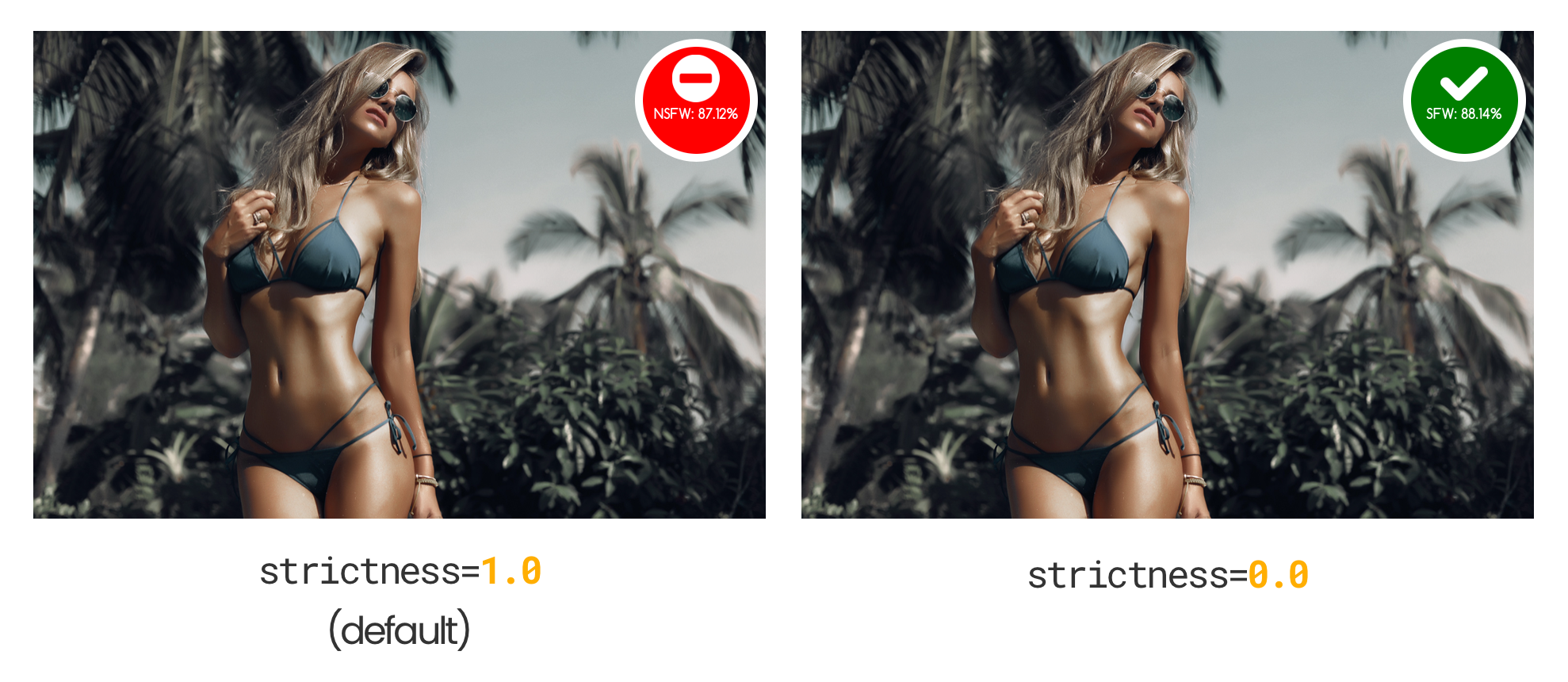
Term NSFW is not well defined. The same appearance may be appropriate or not depending on context. E.g. photo of woman in bikini may considered both as SFW and NSFW. In order to satisfy needs in various scenarios we introduces strictness query parameter in order to control how strict algorithm should be.
By default algorithms is as strict as possible (strictness `1.0`) and even photo of woman in bikini is considered as NSFW. But you may reduces strictness if it suites better your needs (up to `0.0` value).
## ↩️ Returned values
The "NSFW Image Recognition" action returns the following value:
* `nsfw` (number) – Represents the NSFW probability. Is a number, typically ranging from `0.0` (safe) to `1.0` (not safe). A special negative value `-1.0` used to indicate processing error.