@pipedream/api4ai
Version:
Pipedream API4AI Components
150 lines (120 loc) • 5.87 kB
Markdown
# Overview
⭐️ **Alcohol Label Recognition** – is a advanced label scanning API, powered by cutting-edge computer vision and neural network technology, designed to accurately identify various alcoholic beverages from their labels.
This solution analyzes an image containing one or several alcohol labels and provides detailed information about the type of each beverage, along with its unique properties.
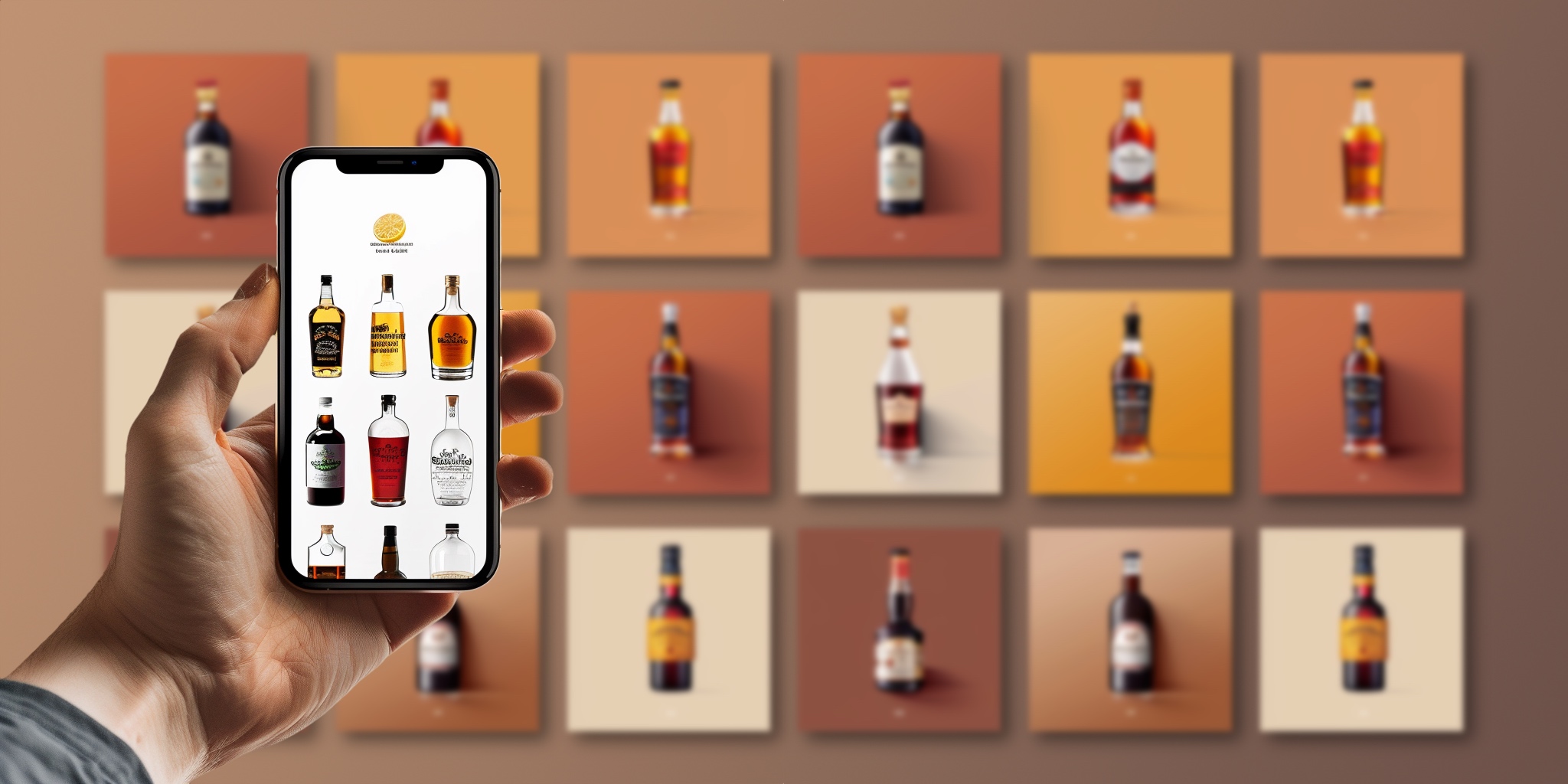
✅ **All-in-One.** This API is more than just a wine recognition tool! It supports a diverse range of beverages, including beer, wine, vodka, whiskey, bourbon, brandy, cognac, rum, tequila, and liqueur.
✅ **Multiple labels.** The advanced alcohol label recognition algorithm can accurately analyze multiple labels, individually corresponding to different drinks, within a single image.
✅ **Characteristics.** The algorithm provides unique attributes for each drink type, such as winery, country, variety, vintage, and region for wines, and brand, country, and malt for whiskey, improving searchability.
✅ **Databaseless.** The solution operates efficiently without the need for pre-populating a label database, offering an immediate, out-of-the-box solution that works seamlessly for users.
<table>
<tr>
<td align="center">
<img width="256" height="256" src="https://storage.googleapis.com/api4ai-static/rapidapi/alco-rec/vodka.png">
<h3>Vodka</h3>
</td>
<td align="center">
<img width="256" height="256" src="https://storage.googleapis.com/api4ai-static/rapidapi/alco-rec/brandy.png">
<h3>Brandy</h3>
</td>
<td align="center">
<img width="256" height="256" src="https://storage.googleapis.com/api4ai-static/rapidapi/alco-rec/beer.png">
<h3>Beer</h3>
</td>
<td align="center">
<img width="256" height="256" src="https://storage.googleapis.com/api4ai-static/rapidapi/alco-rec/tekila.png">
<h3>Tekila</h3>
</td>
</tr>
<tr>
<td align="center">
<img width="256" height="256" src="https://storage.googleapis.com/api4ai-static/rapidapi/alco-rec/bourbon.png">
<h3>Bourbon</h3>
<td align="center" colspan="2">
<h1>10 drinks</h1>
</td>
<td align="center">
<img width="256" height="256" src="https://storage.googleapis.com/api4ai-static/rapidapi/alco-rec/rum.png">
<h3>Rum</h3>
</td>
</tr>
<tr>
<td align="center">
<img width="256" height="256" src="https://storage.googleapis.com/api4ai-static/rapidapi/alco-rec/wine.png">
<h3>Wine</h3>
</td>
<td align="center">
<img width="256" height="256" src="https://storage.googleapis.com/api4ai-static/rapidapi/alco-rec/liqueur.png">
<h3>Liqueur</h3>
</td>
<td align="center">
<img width="256" height="256" src="https://storage.googleapis.com/api4ai-static/rapidapi/alco-rec/whiskey.png">
<h3>Whiskey</h3>
</td>
<td align="center">
<img width="256" height="256" src="https://storage.googleapis.com/api4ai-static/rapidapi/alco-rec/cognac.png">
<h3>Cognac</h3>
</td>
</tr>
</table>
## 🤖 Demo
Explore the Alcohol Label Recognition Web demo for free before delving into the details (no registration is required): https://api4.ai/apis/household-stuff#demo-wrapper
# Getting started
## 🚀 Subscribe and get API key
To use Alcohol Label Recognition, start at [RapidAPI](https://rapidapi.com/), a well-known API hub. Register, subscribe to begin, and obtain an API key:
1. Register on RapidAPI and subscribe to API4AI [Alcohol Label Recognition API](https://rapidapi.com/api4ai-api4ai-default/api/alcohol-label-recognition/pricing) to start.
2. Navigate to the [Alcohol Label Recognition API endpoints](https://rapidapi.com/api4ai-api4ai-default/api/alcohol-label-recognition) list.
3. In the "Header Parameters" section, your API Key will be shown in the `X-RapidAPI-Key` field.
## 🛠 Parameters
### API Key
An API Key is required. Register and subscribe on RapidAPI to receive one.
### Image
Input image. Various types are accepted:
* a **path** to a file
```
/tmp/myfile.jpg
```
* a **URL** to a file
```
https://storage.googleapis.com/api4ai-static/samples/nsfw-1.jpg
```
* a file's content encoded as a **base64** string
```
iVBORw0KGgoAAAANSUhEUgAABdwAAAPoCAYAAADEDjzlAAEAAElEQVR4nO...
```
* a file's content as a **Buffer** encoded in JSON
```json
{
"type": "Buffer",
"data": [255,216,255,224,0,16,74,70,73,70,0,1,1,0,...]
}
```
* a file's content as an **Array** of bytes
```json
[255,216,255,224,0,16,74,70,73,70,0,1,1,0,0,1,0,1,0,0,,...]
```
## ↩️ Returned values
The "Alcohol Label Recognition" action returns the following value:
* `labels` (array) – An array of labels identified in an input image.
Labels are objects. Each label always has property drink which defines the kind of the drink. Possible values: `beer`, `wine`, `vodka`, `whiskey`, `bourbon`, `brandy`, `cognac`, `rum`, `tekila`, `liqueur`.
The other properties of a label object depends on kind of the drink. For example a `wine` label will contain the following properties (besides `drink`): `country`, `variety`, `vintage`, `region`. While a `beer` label will contain the following properties (besides `drink`, again): `brewery`, `country`, `abv`, `type`.
`N/A` – is special value for properties which is used in cases when the algorithm can not identify proper value.
**Example**
```json
[
{
"drink": "wine",
"winery": "Tierra de Almas",
"country": "Spain",
"variety": "Tempranillo",
"vintage": "2020",
"region": "Rioja"
},
{
"drink": "beer",
"brewery": "Löwenbräu",
"country": "Germany",
"abv": "0.0",
"type": "Wheat Beer"
}
]
```