@pinojs/json-colorizer
Version:
A library to format JSON with colors for display in the console
73 lines (54 loc) • 1.73 kB
Markdown
# json-colorizer
A library for colorizing JSON strings
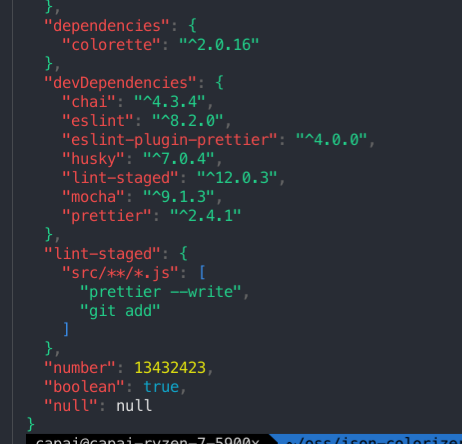
This package is a simple console syntax highlighter for JSON.
## Installation
```sh
npm install --save @pinojs/json-colorizer
```
## Usage
```js
const colorize = require('@pinojs/json-colorizer')
console.log(colorize({ foo: 'bar' }))
```
If you pass a string to the colorize function, it will treat it as pre-serialized JSON. This can be used in order to colorize pretty-printed JSON:
```js
const colorize = require('@pinojs/json-colorizer')
const json = JSON.stringify({ foo: 'bar' }, null, 2)
console.log(colorize(json))
```
## Pretty-printing output
To pretty-print the resulting JSON, pass the `pretty: true` option to the options object:
```js
const colorize = require('@pinojs/json-colorizer')
const json = '{"foo": "bar"}'
console.log(colorize(json, { pretty: true }))
```
## Specifying colors
You can specify a color to use for coloring individual tokens by providing a `colors` object in the options object. This should map token types to the names of color functions (see the [colorette styles reference](https://github.com/jorgebucaran/colorette#supported-colors)).
A color can also be specified as a hex value starting with the `#` symbol.
```js
const colorize = require('@pinojs/json-colorizer')
console.log(
colorize(
{ foo: 'bar' },
{
colors: {
STRING_KEY: 'green',
STRING_LITERAL: 'magentaBright',
NUMBER_LITERAL: 'blue'
}
}
)
)
```
The tokens available are:
- `BRACE`
- `BRACKET`
- `COLON`
- `COMMA`
- `STRING_KEY`
- `STRING_LITERAL`
- `NUMBER_LITERAL`
- `BOOLEAN_LITERAL`
- `NULL_LITERAL`