@nymeria/nymeria-js
Version:
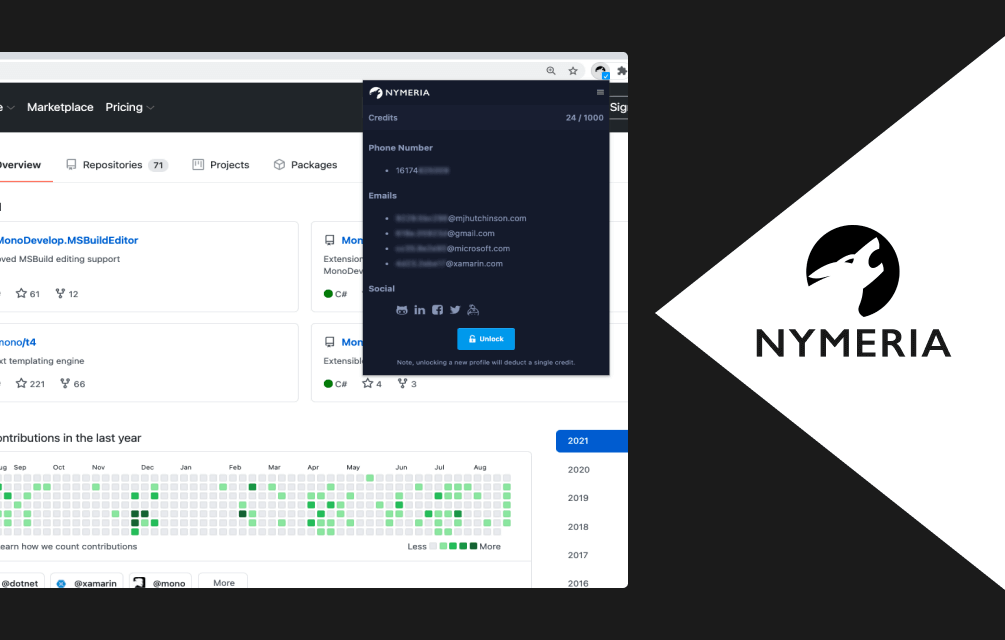
Nymeria makes it easy to discover and connect with anyone on LinkedIn, Facebook, Twitter and Github.
212 lines (157 loc) • 5.78 kB
Markdown
# Nymeria
[](https://www.npmjs.com/package/@nymeria/nymeria-js)
The official npm package to interact with the Nymeria's service. Nymeria
works in the browser and in Node itself. This package can be used to verify
email addresses, enrich profiles with contact information such as email
addresses, phone numbers and social links.
The npm package wraps Nymeria's [public API](https://www.nymeria.io/developers) so you don't have to.
## Browser
You can leverage unpkg to use Nymeria in the browser. This method should be
used with caution. Do not expose your Nymeria API key to end users. Use this
method if the environment is in your control or you have a secure method of
transferring the API key to your client.
### Installation
```html
<script src="https://unpkg.com/@nymeria/nymeria-js@latest/dist/index.js"></script>
```
### Usage
You can then use Nymeria within your webpage, browser plugin, electron app, etc. For example:
```javascript
let client = nymeria('YOUR API KEY GOES HERE');
client.person.enrich({ profile: 'github.com/nymeriaio' }).then(function (resp) {
console.log(resp.data.emails);
console.log(resp.data.phone_numbers);
console.log(resp.data.profiles);
});
client.email.verify('dev@nymeria.io').then(function (resp) {
if (resp.data.result === 'valid') {
console.log('Email is valid!');
}
});
```
Errors can be caught and handled.
```javascript
let client = nymeria('YOUR API KEY GOES HERE');
client.person.enrich({ profile: 'github.com/nymeriaio' }).then(function (resp) {
console.log(resp.data.emails);
console.log(resp.data.profiles);
}).catch( resp => {
if (resp && resp.error) {
console.log(`Looks like an error happened: ${resp.message} -> more details: ${resp.developers}`)
}
});
```
## Node
All actions that interact with the Nymeria service assume an API key has been
set and will fail if a key hasn't been set. A key only needs to be set once and
can be set at the start of your program.
### Installation
```bash
npm install @nymeria/nymeria-js
```
### Usage
```javascript
let nymeria = require('@nymeria/nymeria-js');
let client = nymeria('YOUR API KEY GOES HERE');
client.person.enrich({ profile: 'github.com/nymeriaio' }).then(function (resp) {
console.log(resp.data.emails);
console.log(resp.data.phone_numbers);
console.log(resp.data.social);
});
client.email.verify('bill@microsoft.com').then(function (resp) {
if (resp.result === 'valid') {
console.log('Email is valid!');
}
});
```
## Verifying an Email Address
You can verify the deliverability of an email address using Nymeria's service.
The response will contain a result and tags.
The result will either be "valid" or "invalid". The tags will give you
additional details regarding the email address. For example, the tags will tell
you if the mail server connection was successful, if the domain's DNS records
are set up to send and receive email, etc.
## Enriching Profiles
You can enrich profiles using a number of different parameters:
1. `profile` (address of a person's social media profile, like LinkedIn, Twitter, Facebook or Github)
2. `email` (a person's email address)
3. `identifier` (a numeric identifier, such as a LinkedIn member ID `lid:12345` or a Facebook ID `fid:12345`)
You can specify more than one parameter for each enrichment lookup. For
example,
```javascript
let nymeria = require('@nymeria/nymeria-js');
let client = nymeria('YOUR API KEY GOES HERE');
let query = [
{ params: { profile: 'github.com/dhh' } },
{ params: { email: 'someoen@somewhere.com' } },
];
client.person.bulk_enrich(query).then(function(resp) {
resp.forEach((r) => {
console.log(r.data.emails);
console.log(r.data.phone_numbers);
console.log(r.data.social);
})
});
```
At this time, Nymeria supports look ups for the following sites:
1. LinkedIn
1. Facebook
1. Twitter
1. GitHub
Please note, if using LinkedIn urls provide the public profile
LinkedIn url.
Two other common parameters are filter and require. If you wish
to filter out professional emails (only receive personal
emails) you can do so by specifying "professional-emails"
as the filter parameter.
The require parameter works by requiring certain kinds of data.
For example, you can request an enrichment but only receive a
result if the profile contains a phone number (or an email,
personal email, professional email, etc). The following are
all valid requirements:
1. "email"
1. "phone"
1. "professional-email"
1. "personal-email"
You can specify multiple requirements by using
a comma between each requirement. For example
you can require a phone and personal email
with: "phone,personal-email" as the require
parameter.
## Searching for People
Currently you can search for:
1. `first_name`
1. `last_name`
1. `title`
1. `company`
1. `industry`
1. `location`
1. `country`
```javascript
let nymeria = require('@nymeria/nymeria-js');
let client = nymeria('YOUR API KEY GOES HERE');
let query = {
company: 'nymeria',
title: 'founder',
limit: 1,
};
client.person.search(query).then(response => {
response.data.forEach(person => {
console.log(person.first_name, person.emails);
});
});
```
By default, 10 people will be returned for
each page of search results. You can
specify the page as part of your object if
you want to access additional pages of
people.
You can filter the search results and if
you want to reveal the complete details you
can do so by sending the uuids via reveal.
Please note, credit will be consumed for
each person that is revealed.
License
-------
[MIT](LICENSE)