@ms-v3/rn-foreground-service
Version:
A Foreground Service for React Native
177 lines (143 loc) • 5.01 kB
Markdown
# -v3/rn-foreground-service 🤟
## Disclaimer
This package is being published out of necessity until the changes contained in it are published in the original library.
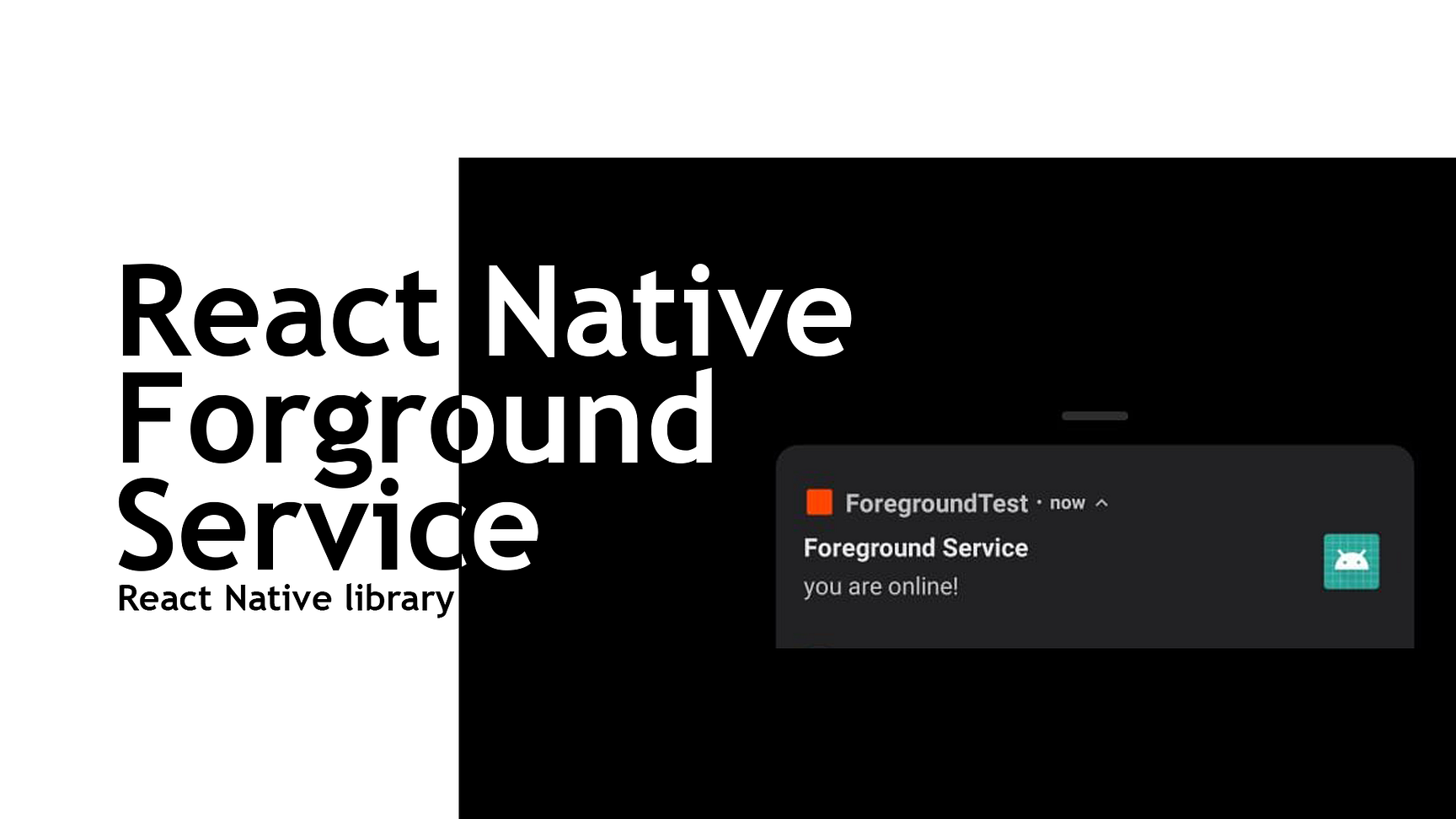
[DEMO](https://github.com/Raja0sama/ForegroundSerivceExample)
### When to use this ?
If you want a foreground service in react native, RN-foreground-service is the way to go. This plugin handels Headless task, multiple task, notification customization, and notification interactions.
[](https://www.npmjs.com/package/@ms-v3/rn-foreground-service) [](https://standardjs.com)
## Install
```bash
yarn add -v3/rn-foreground-service
```
### Update Native Files
#### AndroidManifest.xml
```xml
<manifest
xmlns:android="http://schemas.android.com/apk/res/android"
package="com.cool.app"
>
<!-- Add the next two lines -->
<uses-permission android:name="android.permission.FOREGROUND_SERVICE" />
<uses-permission android:name="android.permission.WAKE_LOCK" />
<application
// ...
>
// ...
<!-- Add these -->
<meta-data
android:name="com.supersami.foregroundservice.notification_channel_name"
android:value="Sticky Title"
/>
<meta-data
android:name="com.supersami.foregroundservice.notification_channel_description"
android:value="Sticky Description."
/>
<meta-data
android:name="com.supersami.foregroundservice.notification_color"
android:resource="@color/blue"
/>
<service android:name="com.supersami.foregroundservice.ForegroundService"></service>
<service android:name="com.supersami.foregroundservice.ForegroundServiceTask"></service>
<!-- End of content to add -->
</application>
</manifest>
```
#### MainActivity.java
```java
package com.cool.app;
import android.os.Bundle;
import com.facebook.react.ReactActivity;
// Add the following imports
import android.content.Intent;
import android.util.Log;
import com.facebook.react.bridge.WritableMap;
import com.facebook.react.bridge.Arguments;
import com.facebook.react.modules.core.DeviceEventManagerModule;
public class MainActivity extends ReactActivity {
// ...
// Add from here down to the end of your MainActivity
public boolean isOnNewIntent = false;
public void onNewIntent(Intent intent) {
super.onNewIntent(intent);
isOnNewIntent = true;
ForegroundEmitter();
}
protected void onStart() {
super.onStart();
if(isOnNewIntent == true){}else {
ForegroundEmitter();
}
}
public void ForegroundEmitter(){
// this method is to send back data from java to javascript so one can easily
// know which button from notification or the notification button is clicked
String main = getIntent().getStringExtra("mainOnPress");
String btn = getIntent().getStringExtra("buttonOnPress");
String btn2 = getIntent().getStringExtra("button2OnPress");
WritableMap map = Arguments.createMap();
if (main != null) {
map.putString("main", main);
}
if (btn != null) {
map.putString("button", btn);
}
if (btn2 != null) {
map.putString("button", btn);
}
try {
getReactInstanceManager().getCurrentReactContext()
.getJSModule(DeviceEventManagerModule.RCTDeviceEventEmitter.class)
.emit("notificationClickHandle", map);
} catch (Exception e) {
Log.e("SuperLog", "Caught Exception: " + e.getMessage());
}
}
}
```
#### colors.xml
If this file doesn't exist in your android path at `android/app/src/main/res/values/colors.xml`, add it. This sets the notification color specified in `AndroidManifest.xml`.
```xml
<resources>
<item name="blue" type="color">#00C4D1
</item>
<integer-array name="androidcolors">
<item>/blue</item>
</integer-array>
</resources>
```
## Usage
### Register a Headless Task
index.js
```js
// Import the library
import ReactNativeForegroundService from '-v3/rn-foreground-service';
import { AppRegistry } from 'react-native';
import { name as appName } from './app.json';
import App from './src/App.tsx';
// Register the service
ReactNativeForegroundService.register();
AppRegistry.registerComponent(appName, () => App);
```
### Add a Task
```js
ReactNativeForegroundService.add_task(() => console.log('I am Being Tested'), {
delay: 100,
onLoop: true,
taskId: 'taskid',
onError: (e) => console.log(`Error logging:`, e),
});
```
## Starting Foreground service
```js
ReactNativeForegroundService.start({
id: 144,
title: 'Foreground Service',
message: 'you are online!',
});
```
[You can learn more about Rn-foreground-service.](https://medium.com/javascript-in-plain-english/react-native-foreground-service-f7fc8e617fba)
## License
MIT © [rajaosama](https://github.com/raja0sama)