@merkur/create-widget
Version:
CLI for creating merkur widget easily.
85 lines (58 loc) • 4.12 kB
Markdown
<p align="center">
<a href="https://merkur.js.org/docs/getting-started" title="Getting started">
<img src="https://raw.githubusercontent.com/mjancarik/merkur/master/images/merkur-logo.png" width="100px" height="100px" alt="Merkur illustration"/>
</a>
</p>
# Merkur
[](https://github.com/mjancarik/merkur/actions/workflows/ci.yml)
[](https://www.npmjs.com/package/@merkur/core)

[](https://github.com/prettier/prettier)
The [Merkur](https://merkur.js.org/) is tiny extensible javascript library for front-end microservices(micro frontends). It allows by default server side rendering for loading performance boost. You can connect it with other frameworks or languages because merkur defines easy API. You can use one of six predefined template's library [Preact](https://preactjs.com/), [µhtml](https://github.com/WebReflection/uhtml#readme), [Svelte](https://svelte.dev/) and [vanilla](https://developer.mozilla.org/en-US/docs/Web/JavaScript/Reference/Template_literals) but you can easily extend for others.
## Features
- Flexible templating engine
- Usable with all tech stacks
- SSR-ready by default
- Easy extensible with plugins
- Tiny - 1 KB minified + gzipped
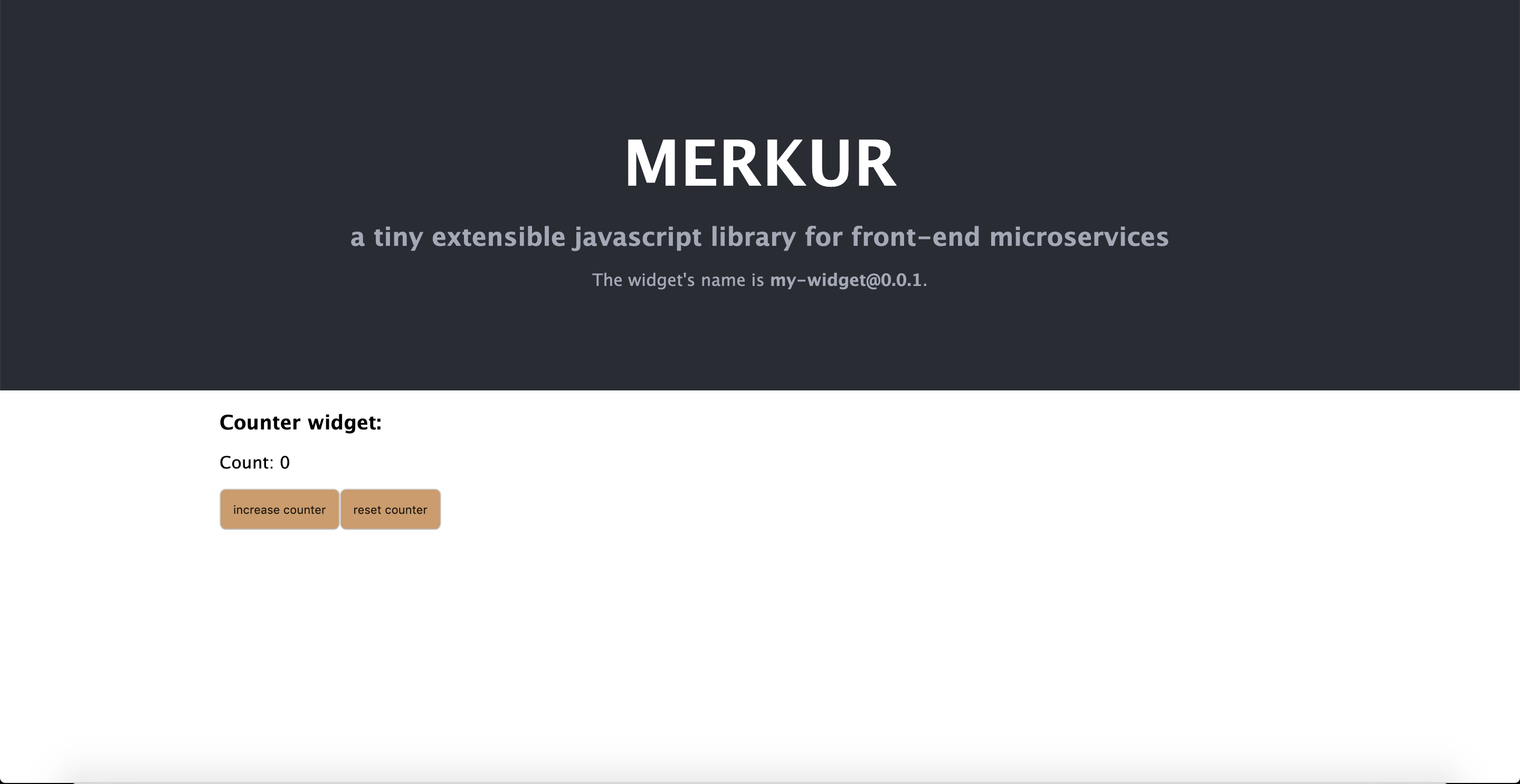
## Getting started
```bash
npx @merkur/create-widget <name>
cd name
npm run dev // Point your browser at http://localhost:4444/
```
## Documentation
To check out [live demo](https://merkur.js.org/demo) and [docs](https://merkur.js.org/docs), visit [https://merkur.js.org](https://merkur.js.org).
## Contribution
Contribute to this project via [Pull-Requests](https://github.com/mjancarik/merkur/pulls).
We are following [Conventional Commits Specification](https://www.conventionalcommits.org/en/v1.0.0/#summary). To simplify the commit process, you can use `npm run commit` command. It opens an interactive interface, which should help you with commit message composition.
### Release
To release a version you must have the right permissions, please contact one of the repo maintainers.
#### Regular version release
To do a regular release, in the root of the monorepo run:
```
npm run release
```
#### RC (preversion) release
1. From the specific package directory, use this `lerna version` command to bump package versions:
```
npx lerna version <preminor | prepatch | prerelease> --no-git-tag-version --no-push
// prerelease increments the pre* version's last number, e.g. v0.44.0-rc.0 => v0.44.0-rc.1
```
- alternatively, manually change the version in the package's `package.json` and in `lerna.json`, and run `npm install` from the root of the monorepo.
2. Restore all files not related to the package you intend to release. These files should remain:
- the package's own `package.json`
- `lerna.json` (otherwise lerna will stop incrementing the pre-version's number, for some reason)
- `package-lock.json`
3. Commit the changes (must still be a conventional commit. Suggested: `chore(release): publish`).
4. Tag the commit with the version (e.g. `v0.44.0-rc.0`).
5. Push the commit to the repo.
6. Push the tag to the repo: `git push origin tag <tagname>` (e.g. `git push origin tag v0.44.0-rc.0`).
The packages are released from a GitHub Action that is triggered when a new version tag is pushed to the repository.
Before the actual release, it's safer to return all version numbers to the last stable version. Another option is to release from a separate branch, so your feature branch stays clean.
---
Thank you to all the people who already contributed to Merkur!
<a href="https://github.com/mjancarik/merkur/graphs/contributors">
<img src="https://contrib.rocks/image?repo=mjancarik/merkur" />
</a>