@joyday/vue-loop-scroll
Version:
A high-performance Vue component for loop scrolling, supporting large data sets, adaptive resizing, real-time data updates, and flexible scrolling controls.
180 lines (134 loc) • 4.82 kB
Markdown
# Vue Loop Scroll
[](http://commitizen.github.io/cz-cli/)
**中文** | [English](./README.md)
## 🚀 特性
- 🔥 超大数据流畅滚动
- 即使 10 万条数据,也能丝滑滚动不卡顿!仅渲染可视区域的 2 倍数据,大幅减少 DOM 负担,让滚动更流畅。
- 🌟 适应变化,始终顺滑
- 支持容器大小动态调整,即使数据实时更新,依然能保持平滑滚动,提供最佳用户体验。
- 🔧 灵活滚动控制
- 支持四向滚动、单步停顿、滚动速度调节、鼠标悬停控制等多种配置,让滚动更符合需求。
## 文档
<https://joydayX.github.io/website-vue-loop-scroll/>
## 📦 安装
```bash
# npm
npm i @joyday/vue-loop-scroll
# pnpm
pnpm i @joyday/vue-loop-scroll
# yarn
yarn add @joyday/vue-loop-scroll
```
## 示例
### 1. 四个方向滚动




### 2. 滚动停顿
#### 单步滚动暂停


#### 翻页滚动暂停

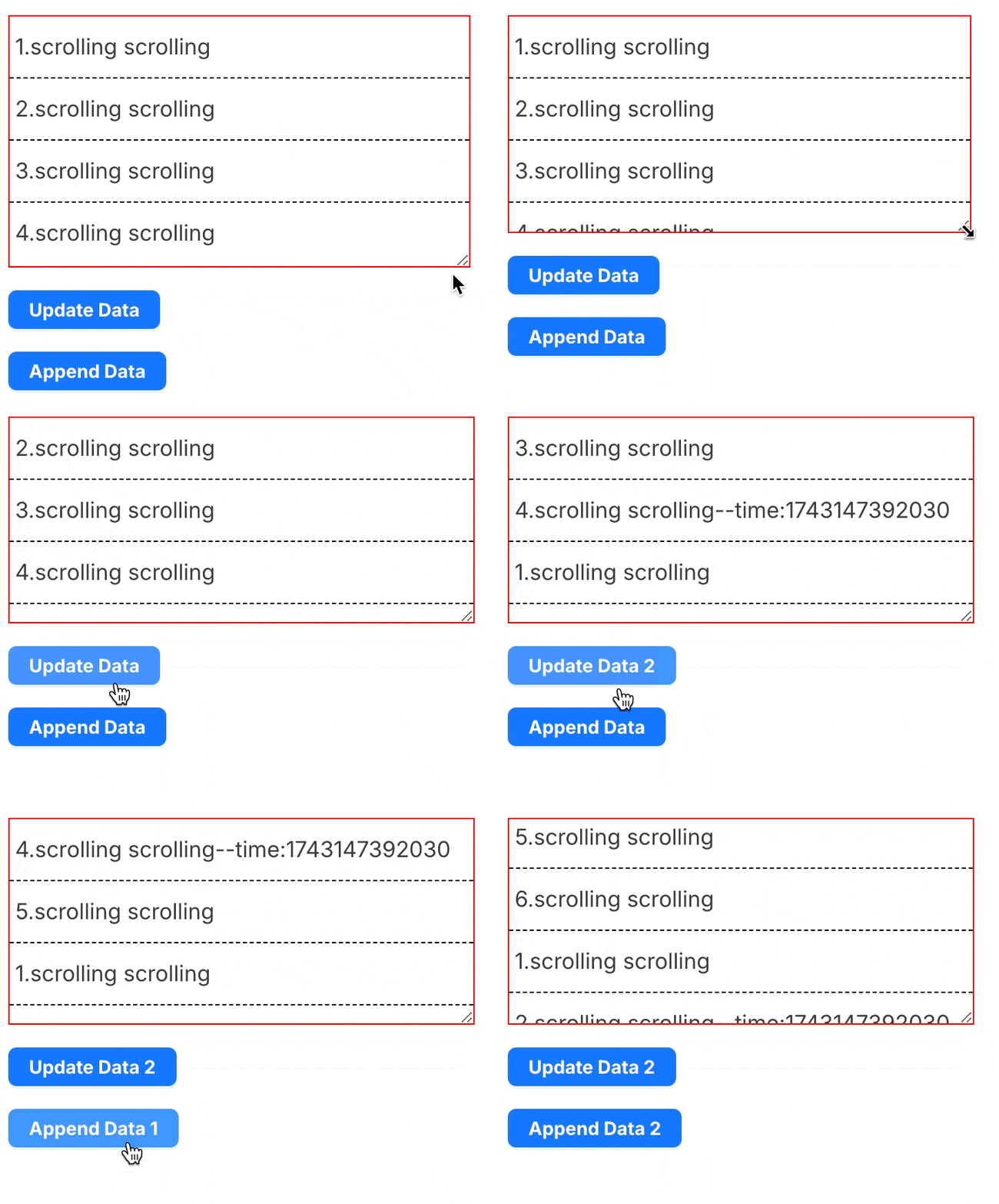
### 3. 自适应视口大小 & 动态数据更新
## 🦄 使用
### 1. 基础用法
组件的基本使用方法。
```html
<script setup lang="ts">
import { ref } from "vue";
import { LoopScroll } from "@joyday/vue-loop-scroll";
const dataSource = ref([
"1. scrolling scrolling scrolling",
"2. scrolling scrolling scrolling",
"3. scrolling scrolling scrolling",
"4. scrolling scrolling scrolling",
]);
</script>
<template>
<div class="box">
<LoopScroll :dataSource></LoopScroll>
</div>
</template>
<style scoped>
.box {
height: 150px;
border: 1px solid red;
:deep(.scroll-loop-item) {
border-bottom: 1px dashed #000;
padding: 10px 4px;
}
}
</style>
```
### 2. 自定义用法
可以使用插槽自定义渲染内容。
```html
<script setup lang="ts">
import { ref } from "vue";
import { LoopScroll } from "@joyday/vue-loop-scroll";
const dataSource = ref([
"1. scrolling scrolling scrolling",
"2. scrolling scrolling scrolling",
"3. scrolling scrolling scrolling",
"4. scrolling scrolling scrolling",
]);
</script>
<template>
<div class="box">
<LoopScroll :dataSource>
<template #default="{ item }">
<span style="color: green">{{ item }}</span>
</template>
</LoopScroll>
</div>
</template>
<style scoped>
.box {
height: 150px;
border: 1px solid red;
:deep(.scroll-loop-item) {
border-bottom: 1px dashed #000;
padding: 10px 4px;
}
}
</style>
```
### 3. 高级用法
可以配置滚动方向、单步暂停时间,并为数据项指定唯一标识键。
```html
<script setup lang="ts">
import { ref } from "vue";
import { LoopScroll } from "@joyday/vue-loop-scroll";
const dataSource = ref(
Array.from({ length: 4 }, (_, index) => ({
id: index + 1,
value: "scrolling scrolling",
})),
);
</script>
<template>
<div class="box">
<LoopScroll :dataSource itemKey="id" direction="left" :waitTime="1000">
<template #default="{ item }">
<span>{{ item.id }}.{{ item.value }}</span>
</template>
</LoopScroll>
</div>
</template>
<style scoped>
.box {
border: 1px solid red;
width: 500px;
:deep(.scroll-loop-item) {
padding: 10px;
}
}
</style>
```
## 贡献指南
欢迎参与贡献!请阅读[贡献指南](./CONTRIBUTING.md)了解详情。
## 开源协议
本项目基于 [MIT 协议](./LICENSE) 授权。