@joyday/vue-loop-scroll
Version:
A high-performance Vue component for loop scrolling, supporting large data sets, adaptive resizing, real-time data updates, and flexible scrolling controls.
180 lines (134 loc) • 4.87 kB
Markdown
# Vue Loop Scroll
[](http://commitizen.github.io/cz-cli/)
**English** | [中文](./README.zh-CN.md)
## 🚀 Features
- 🔥 Ultra-Smooth Scrolling for Large Data Sets
- Efficiently handles large data sets, rendering only visible content for smooth performance.
- 🌟 Adaptive & Seamless with Dynamic Changes
- Seamlessly adapts to container size changes and real-time data updates, ensuring a consistently smooth scrolling experience.
- 🔧 Flexible Scrolling Controls
- Offers flexible controls including four-direction scrolling, step pauses, speed adjustments, and hover interactions.
## Documentation
<https://joydayX.github.io/website-vue-loop-scroll/>
## 📦 Install
```bash
# npm
npm i @joyday/vue-loop-scroll
# pnpm
pnpm i @joyday/vue-loop-scroll
# yarn
yarn add @joyday/vue-loop-scroll
```
## Demo
### 1. Scroll in All Directions




### 2. Step-by-Step Pause
#### Item-based Pause


#### Page-based Pause

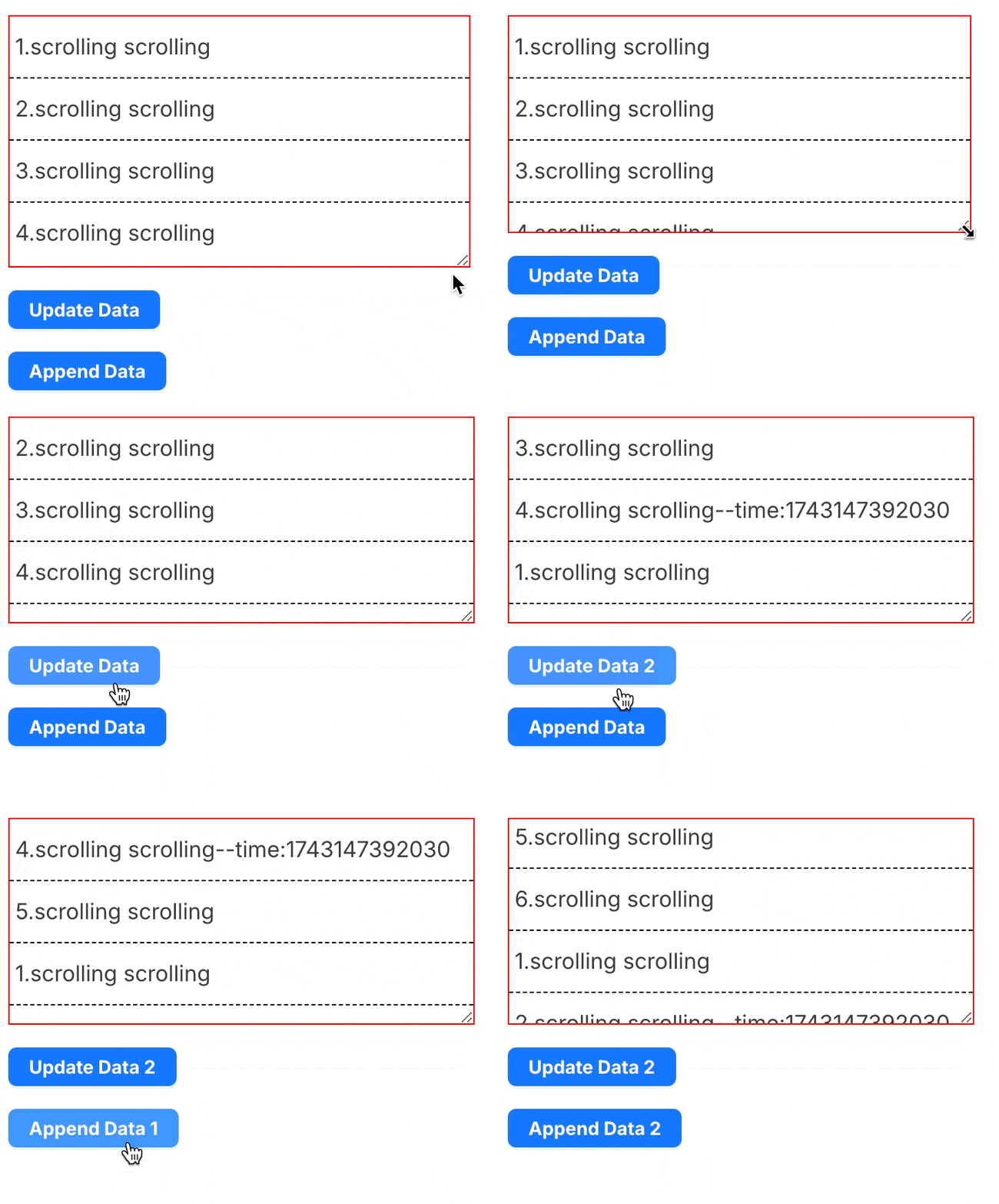
### 3. Responsive Viewport & Dynamic Data Update
## 🦄 Usage
### 1. Basic Usage
The basic usage of the component.
```html
<script setup lang="ts">
import { ref } from "vue";
import { LoopScroll } from "@joyday/vue-loop-scroll";
const dataSource = ref([
"1. scrolling scrolling scrolling",
"2. scrolling scrolling scrolling",
"3. scrolling scrolling scrolling",
"4. scrolling scrolling scrolling",
]);
</script>
<template>
<div class="box">
<LoopScroll :dataSource></LoopScroll>
</div>
</template>
<style scoped>
.box {
height: 150px;
border: 1px solid red;
:deep(.scroll-loop-item) {
border-bottom: 1px dashed #000;
padding: 10px 4px;
}
}
</style>
```
### 2. Customize Usage
You can customize the rendering content using `slot`.
```html
<script setup lang="ts">
import { ref } from "vue";
import { LoopScroll } from "@joyday/vue-loop-scroll";
const dataSource = ref([
"1. scrolling scrolling scrolling",
"2. scrolling scrolling scrolling",
"3. scrolling scrolling scrolling",
"4. scrolling scrolling scrolling",
]);
</script>
<template>
<div class="box">
<LoopScroll :dataSource>
<template #default="{ item }">
<span style="color: green">{{ item }}</span>
</template>
</LoopScroll>
</div>
</template>
<style scoped>
.box {
height: 150px;
border: 1px solid red;
:deep(.scroll-loop-item) {
border-bottom: 1px dashed #000;
padding: 10px 4px;
}
}
</style>
```
### 3. Advanced Usage
You can pass scrolling direction, pause time per step, and specify a unique key for each data item.
```html
<script setup lang="ts">
import { ref } from "vue";
import { LoopScroll } from "@joyday/vue-loop-scroll";
const dataSource = ref(
Array.from({ length: 4 }, (_, index) => ({
id: index + 1,
value: "scrolling scrolling",
})),
);
</script>
<template>
<div class="box">
<LoopScroll :dataSource itemKey="id" direction="left" :waitTime="1000">
<template #default="{ item }">
<span>{{ item.id }}.{{ item.value }}</span>
</template>
</LoopScroll>
</div>
</template>
<style scoped>
.box {
border: 1px solid red;
width: 500px;
:deep(.scroll-loop-item) {
padding: 10px;
}
}
</style>
```
## Contributing
Contributions are welcome! Please read our [Contributing Guide](./CONTRIBUTING.md) for details.
## License
This project is licensed under the MIT License.