@ion-cloud/core
Version:
JavaScript game engine with animation, scene management & map generation
52 lines (47 loc) • 2.79 kB
Markdown
# ion-cloud
JavaScript game engine by Nathaniel Inman.
## Description
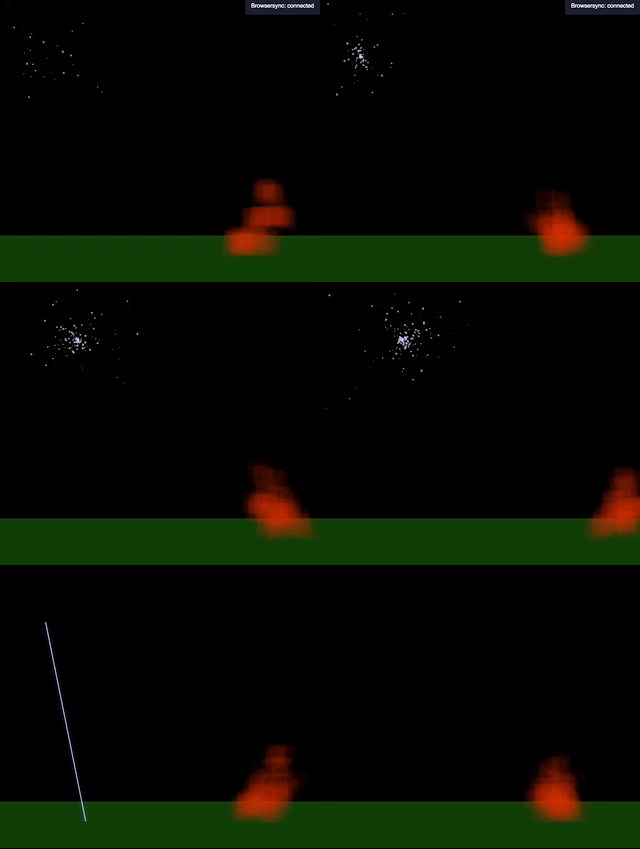
Ion Cloud is a JavaScript game engine available on npm at `@ion-cloud/core`. Alternatively you can individually choose and load just the components you need:
- **Easel** : *sets up a canvas that can fill a screen and automatically resize*
- [here is the documentation](https://github.com/ion-cloud/easel) `@ion-cloud/easel`
- Supports both traditional 2d canvas and a WebGL enhanced 2d canvas
- **Ion** : *tweaning and basic animation instance*
- [here is the documentation](https://github.com/ion-cloud/ion) `@ion-cloud/ion`
- **Cloud** : *animation collections and scene management*
- [here is the documentation](https://github.com/ion-cloud/cloud) `@ion-cloud/cloud`
- **Ink** : *A tiny color manipulation and translation library with robust validation and error handling that shines in places where you can't trust the input color or random generation and games*
- [here is the documentation](https://github.com/ion-cloud/ink) `@ion-cloud/ink`
- translate between color spaces: hex, cmyk, rgb, rgba, hsl, hsla, hsva, hsv, hsba or hsb
- apply weights to r(ed),g(green),b(lue),l(ightness) or s(aturation)
- apply a minimum or maximum lightness threshold on a color
- coerce a color to a certain lightness percent
- apply a minimum or maximum saturation threshold on a color
- coerce a color to a certain saturation percent
- apply an alpha value
- output to javascript object {r,g,b,a}
- **Phaser** : *gradient animation and initialization helper*
- [here is the documentation](https://github.com/ion-cloud/phaser) `@ion-cloud/phaser`
- **Dice**: *take a complex dice string and compute results based on it.*
- [here is the documentation](https://github.com/ion-cloud/dice) `@ion-cloud/dice`
- `3d8+23-2d4` would roll 3 8-sided dice, add 23 then subtract the results of 2 rolled 4-sided dice
- **Compass**: *JavaScript mapping classes and random generation algorithms.*
- [here is the documentation](https://github.com/ion-cloud/compass) `@ion-cloud/compass`
If you need help setting up a project using `@ion-cloud/core` you can use a scaffolding engine like `slush`. For more information see [this project](https://www.npmjs.com/package/slush-jugs).
## Setup
You can install the entire JavaScript `ion-cloud` engine simply by
```
npm i @ion-cloud/core
```
and then importing only what you need into your project with
```
import {Easel,Ion} from '@ion-cloud/core';
```
Alternatively you can install only the components you need such as
```
npm i -g @ion-cloud/dice
```
And then using just those in your project
```
import {Dice} from '@ion-cloud/dice';
```