@geoapify/geocoder-autocomplete
Version:
A JavaScript address autocomplete input, compatible with Leaflet, MapLibre, OpenLayers, and other map libraries for efficient location search and geocoding.
161 lines (113 loc) • 14.3 kB
Markdown
# Geoapify Geocoder Autocomplete
[](https://geoapify.github.io/geocoder-autocomplete/)
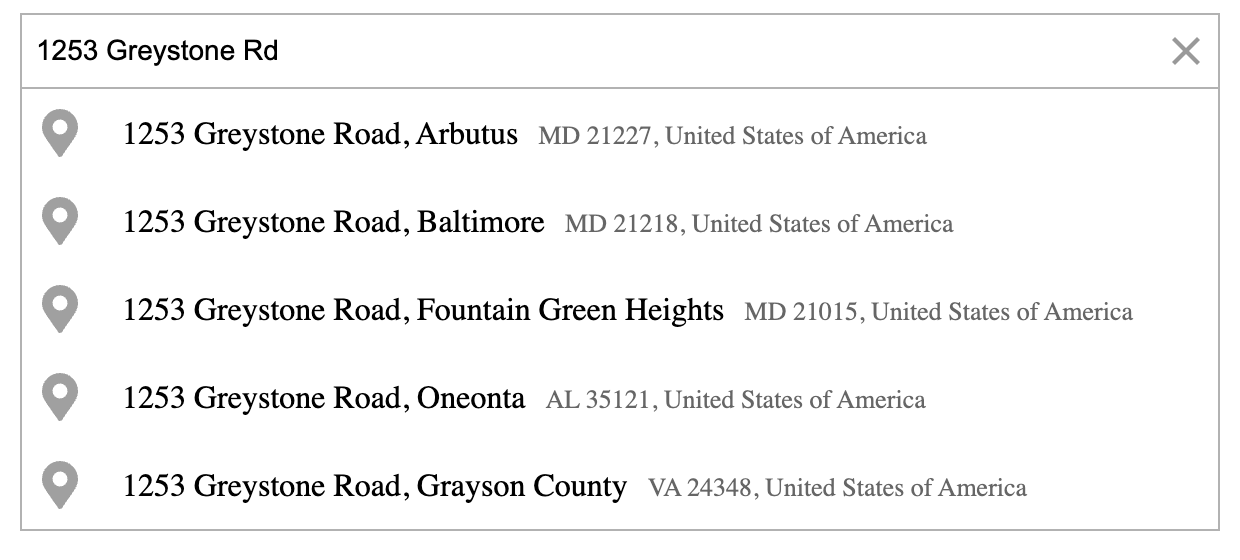
A lightweight TypeScript/JavaScript library that adds fast, reliable **address autocomplete** and **address autofill** to any web app.
It’s powered by the [Geoapify Address Autocomplete API](https://www.geoapify.com/address-autocomplete/), delivering accurate, global results with flexible configuration options.
## Table of Contents
- [Features](#features)
- [Quick Start](#quick-start)
- [Documentation](#documentation)
- [Try It Now](#try-it-now)
- [Contributions and Support](#contributions-and-support)
## Features
* **Customizable Address Input** — Easily embed address autocomplete fields anywhere in your web app. Attach them to any HTML container (e.g., a `DIV`) and style them freely.
* **Powered by Geoapify APIs** — Connects seamlessly to the [Geoapify Address Autocomplete API](https://www.geoapify.com/address-autocomplete/) for real-time, global address suggestions. Optionally, you can integrate or extend it with other geocoding APIs for hybrid use cases.
* **Advanced Search Customization** — Fine-tune autocomplete behavior with flexible filters and bias settings (country, circle, rectangle, proximity) for highly relevant and localized results.
* **Structured Address Forms** — Use the `type` parameter to build structured input fields (e.g., country, city, postcode, street, or amenity), perfect for checkout or registration forms.
* **Category & POI Search** — Enable category-based lookups such as restaurants, hotels, or gas stations. When active, category suggestions appear alongside address results for richer, context-aware searches.
* **Built-in Places List** — Display categorized places directly in your interface with data from the [Geoapify Places API](https://www.geoapify.com/places-api/). The list includes name, address, and opening hours, plus lazy loading for more results.
* **Place Details Integration** — Optionally fetch additional information and geometries from the [Geoapify Place Details API](https://www.geoapify.com/place-details-api/) — ideal for showing boundaries, polygons, or rich place context.
* **Fully Customizable Look & Feel** — Choose from four built-in light/dark themes or override styles using provided CSS classes for seamless integration with your app design.
* **Zero Dependencies** — No external libraries required. Clean, lightweight, and framework-agnostic by design.
## Quick Start
### 1. Install the library
You can install the Geoapify Geocoder Autocomplete package using your preferred package manager:
```bash
npm install @geoapify/geocoder-autocomplete
# or
yarn add @geoapify/geocoder-autocomplete
````
Alternatively, load it directly from a CDN:
```html
<link rel="stylesheet" href="https://unpkg.com/@geoapify/geocoder-autocomplete/styles/minimal.css" />
<script src="https://unpkg.com/@geoapify/geocoder-autocomplete/dist/index.min.js"></script>
```
Here’s the improved section for step 2:
### 2. Get a Geoapify API Key
Visit [Geoapify.com](https://www.geoapify.com/) to sign up and get your **free API key**.
Geoapify offers a **Free Plan** that includes up to **3,000 address search requests per day**, making it ideal for testing, prototyping, and small projects.
You can explore all available plans and usage limits on the [Geoapify Pricing page](https://www.geoapify.com/pricing/).
### 3. Add the component to your project
Create an HTML container and initialize the autocomplete:
```html
<!-- Container must have position: relative (or absolute) -->
<div id="autocomplete" style="position: relative;"></div>
```
```javascript
import { GeocoderAutocomplete } from '@geoapify/geocoder-autocomplete';
const container = document.getElementById('autocomplete');
// When using CDN, access the control as `autocomplete.GeocoderAutocomplete`
const autocomplete = new GeocoderAutocomplete(container, 'YOUR_API_KEY', {
placeholder: 'Enter address...',
lang: 'en',
limit: 5
});
```
This creates an interactive input that fetches address suggestions in real time. You can customize its behavior through the [constructor](https://geoapify.github.io/geocoder-autocomplete/api-reference/geocoder-autocomplete/#constructor) and available [options](https://geoapify.github.io/geocoder-autocomplete/api-reference/geocoder-autocomplete-options/).
### 4. Listen for events
Subscribe to events to react to user selections or API updates:
```javascript
autocomplete.on('select', (feature) => {
console.log('Selected location:', feature);
});
autocomplete.on('suggestions', (suggestions) => {
console.log('Address suggestions:', suggestions);
});
autocomplete.on('open', () => console.log('Dropdown opened'));
autocomplete.on('close', () => console.log('Dropdown closed'));
```
See the full list of available events in the [Events Reference](https://geoapify.github.io/geocoder-autocomplete/api-reference/geocoder-autocomplete/#listening-for-events).
## Documentation
For detailed usage, options, and examples:
[](https://geoapify.github.io/geocoder-autocomplete/)
The documentation covers everything you need to integrate and customize the autocomplete widget:
* **[API Reference](https://geoapify.github.io/geocoder-autocomplete/api-reference/geocoder-autocomplete/)** – Full list of methods, options, and events
* **[Styling Guide](https://geoapify.github.io/geocoder-autocomplete/styling/)** – Themes, CSS classes, and customization tips
## Try It Now
### Address Autocomplete Playground
Try the address autocomplete in the Playground. Experiment with different options, such as geocoding, biasing results, and more, to see how the autocomplete behavior adapts:
* [Playground](https://apidocs.geoapify.com/playground/geocoding/#autocomplete)
### Live Demo Collection
A complete set of ready-to-run demos is available in this repository.
These examples demonstrate how to integrate **Geoapify Geocoder Autocomplete** into different use cases — from simple address forms to advanced map-based applications.
| Preview | Description | | |
|---|---|---|---|
| [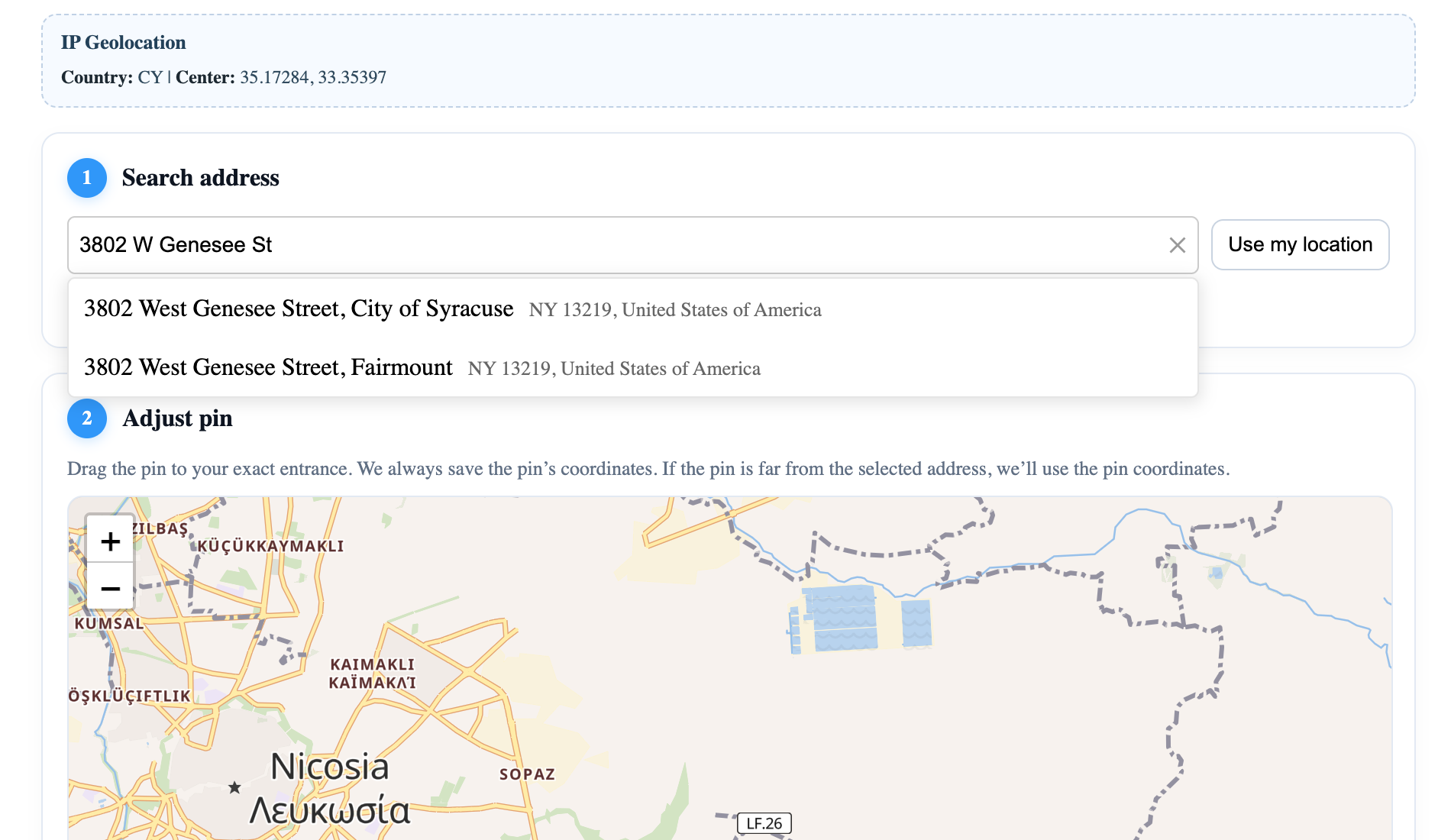](https://geoapify.github.io/geocoder-autocomplete/demo/address-form-one-field/index.html) | **One Field Address Form** — Single-field autocomplete input | [Open](https://geoapify.github.io/geocoder-autocomplete/demo/address-form-one-field/index.html) | [Source](https://github.com/geoapify/geocoder-autocomplete/tree/master/demo/address-form-one-field) |
| [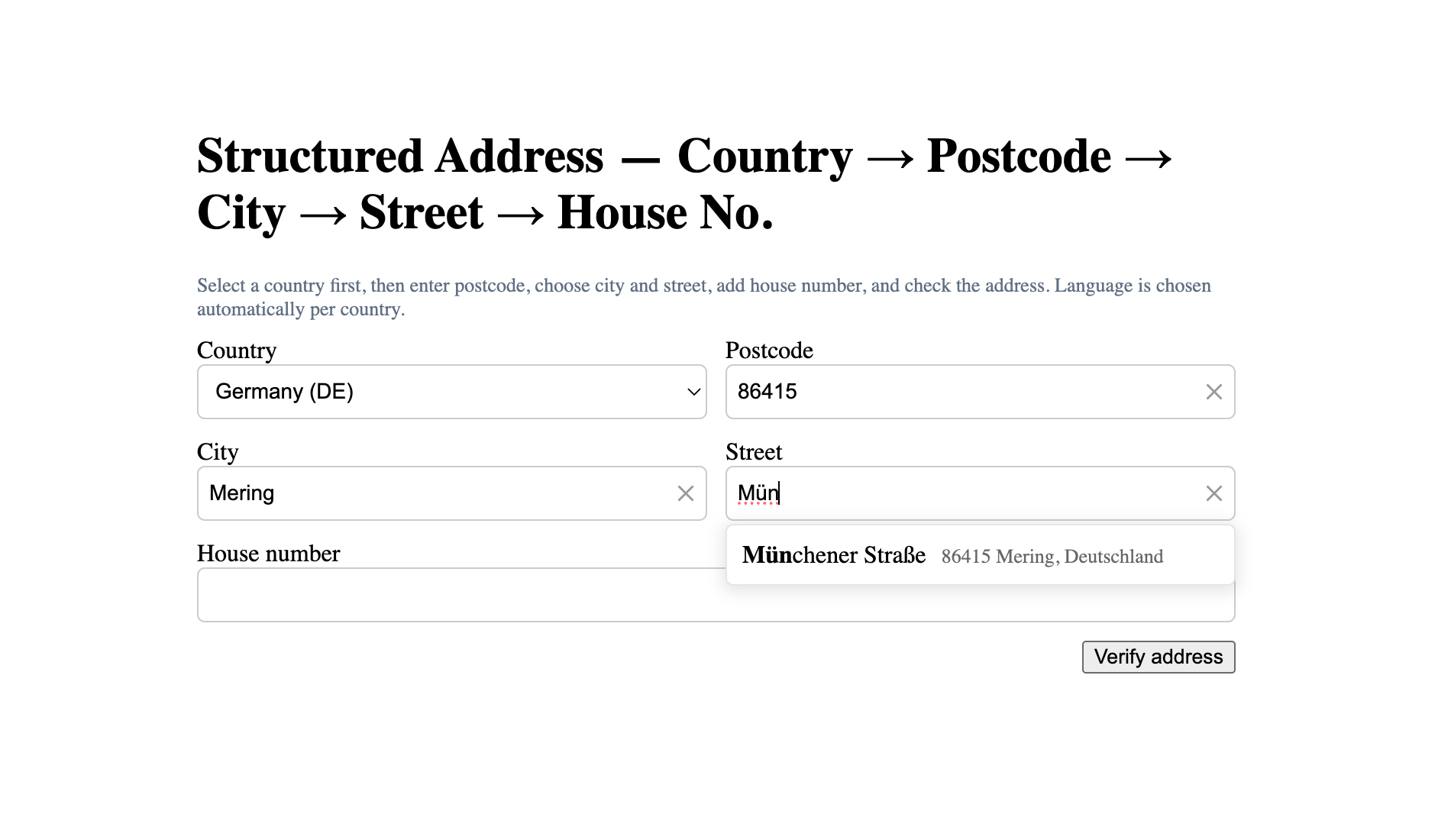](https://geoapify.github.io/geocoder-autocomplete/demo/address-form-from-country-to-housenumber/index.html) | **Multi-field Address Form** — Step-by-step structured address input | [Open](https://geoapify.github.io/geocoder-autocomplete/demo/address-form-from-country-to-housenumber/index.html) | [Source](https://github.com/geoapify/geocoder-autocomplete/tree/master/demo/address-form-from-country-to-housenumber) |
| [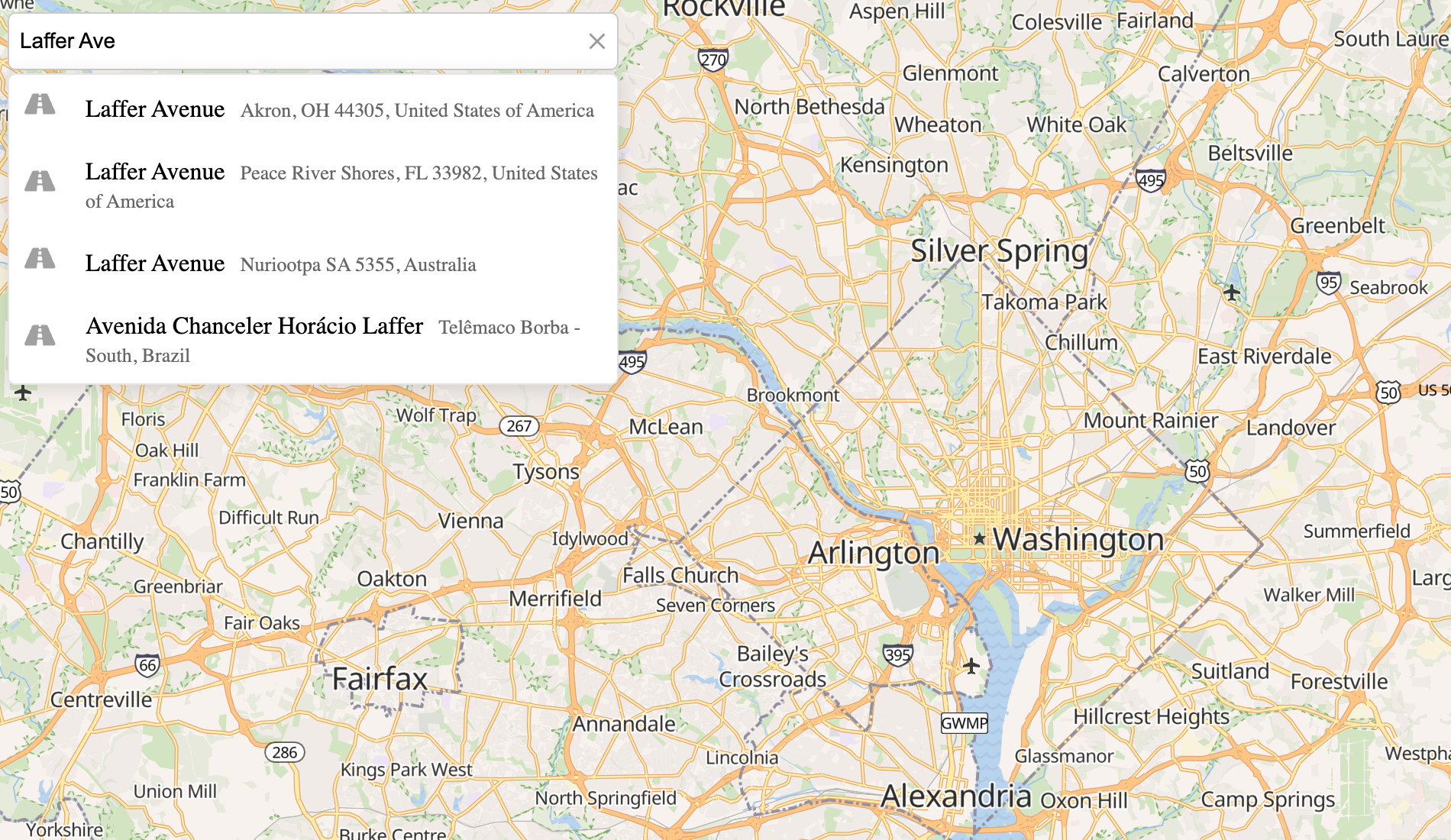](https://geoapify.github.io/geocoder-autocomplete/demo/address-form-search-plus-map/index.html) | **Address Form + Map** — Combined address search with interactive map | [Open](https://geoapify.github.io/geocoder-autocomplete/demo/address-form-search-plus-map/index.html) | [Source](https://github.com/geoapify/geocoder-autocomplete/tree/master/demo/address-form-search-plus-map) |
| [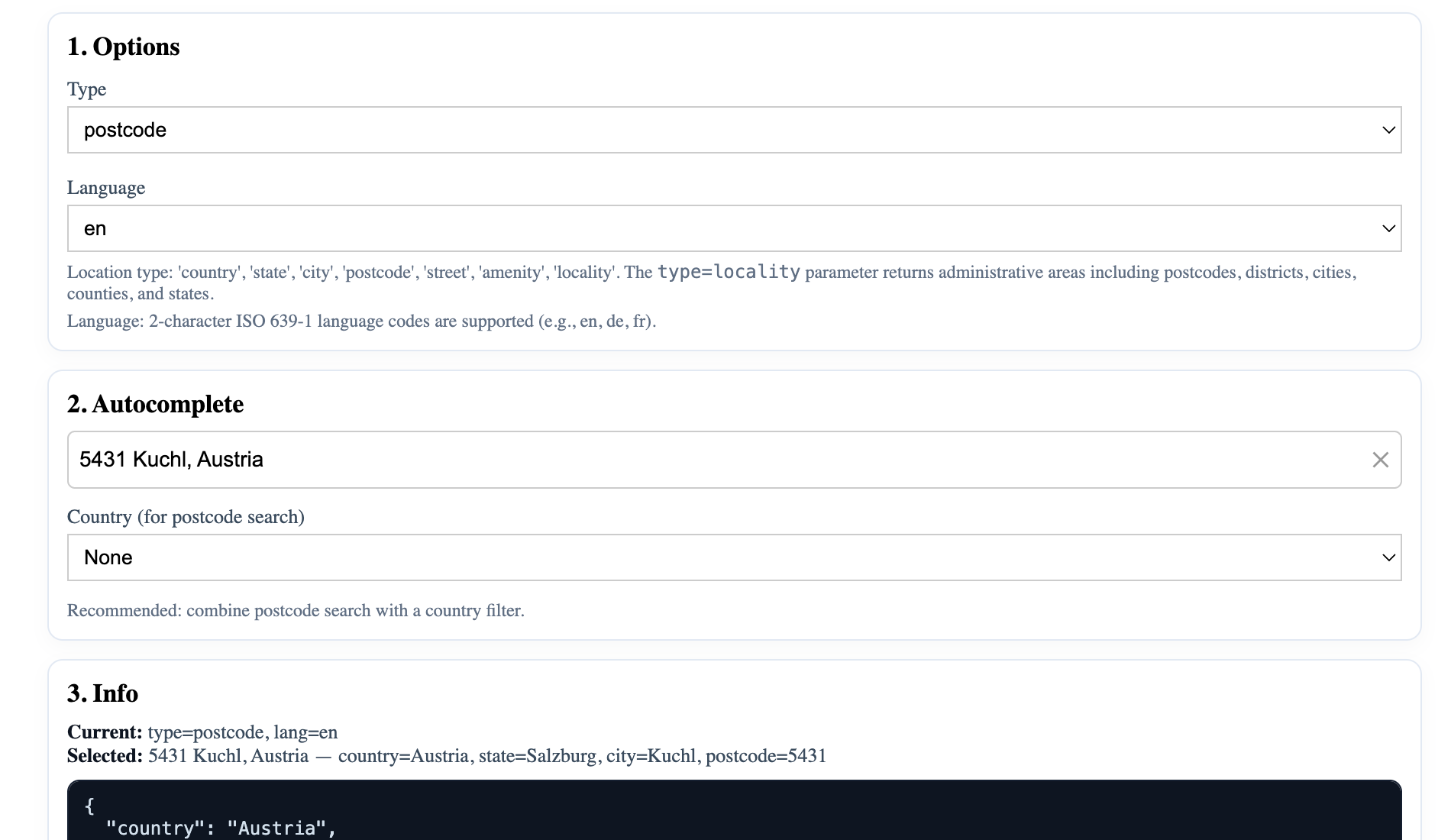](https://geoapify.github.io/geocoder-autocomplete/demo/autocomplete-features-types/index.html) | **Autocomplete Types** — Filter results by location type | [Open](https://geoapify.github.io/geocoder-autocomplete/demo/autocomplete-features-types/index.html) | [Source](https://github.com/geoapify/geocoder-autocomplete/tree/master/demo/autocomplete-features-types) |
| [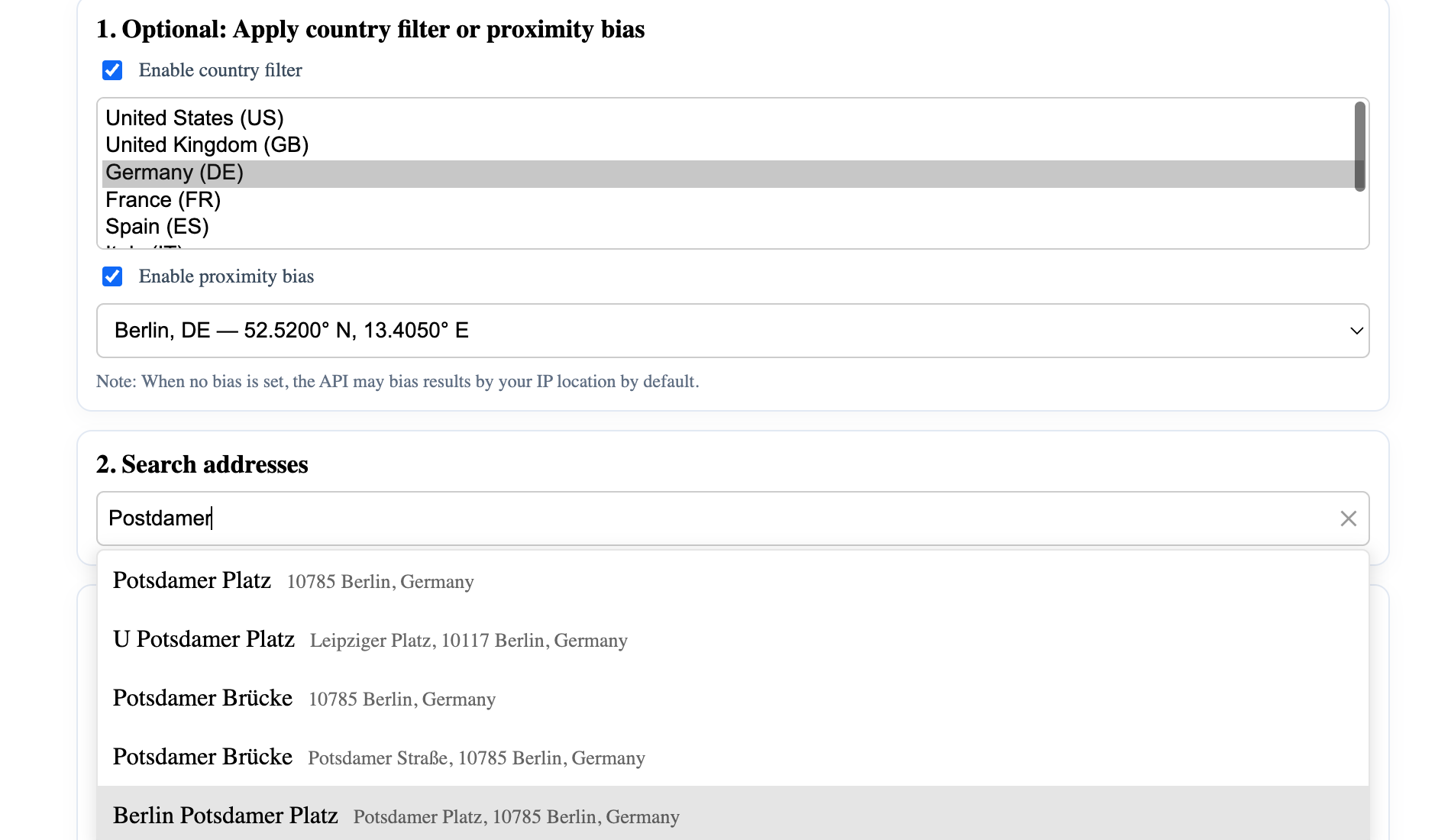](https://geoapify.github.io/geocoder-autocomplete/demo/autocomplete-features-filters-and-bias/index.html) | **Filters & Bias** — Demonstrates filter and bias customization | [Open](https://geoapify.github.io/geocoder-autocomplete/demo/autocomplete-features-filters-and-bias/index.html) | [Source](https://github.com/geoapify/geocoder-autocomplete/tree/master/demo/autocomplete-features-filters-and-bias) |
| [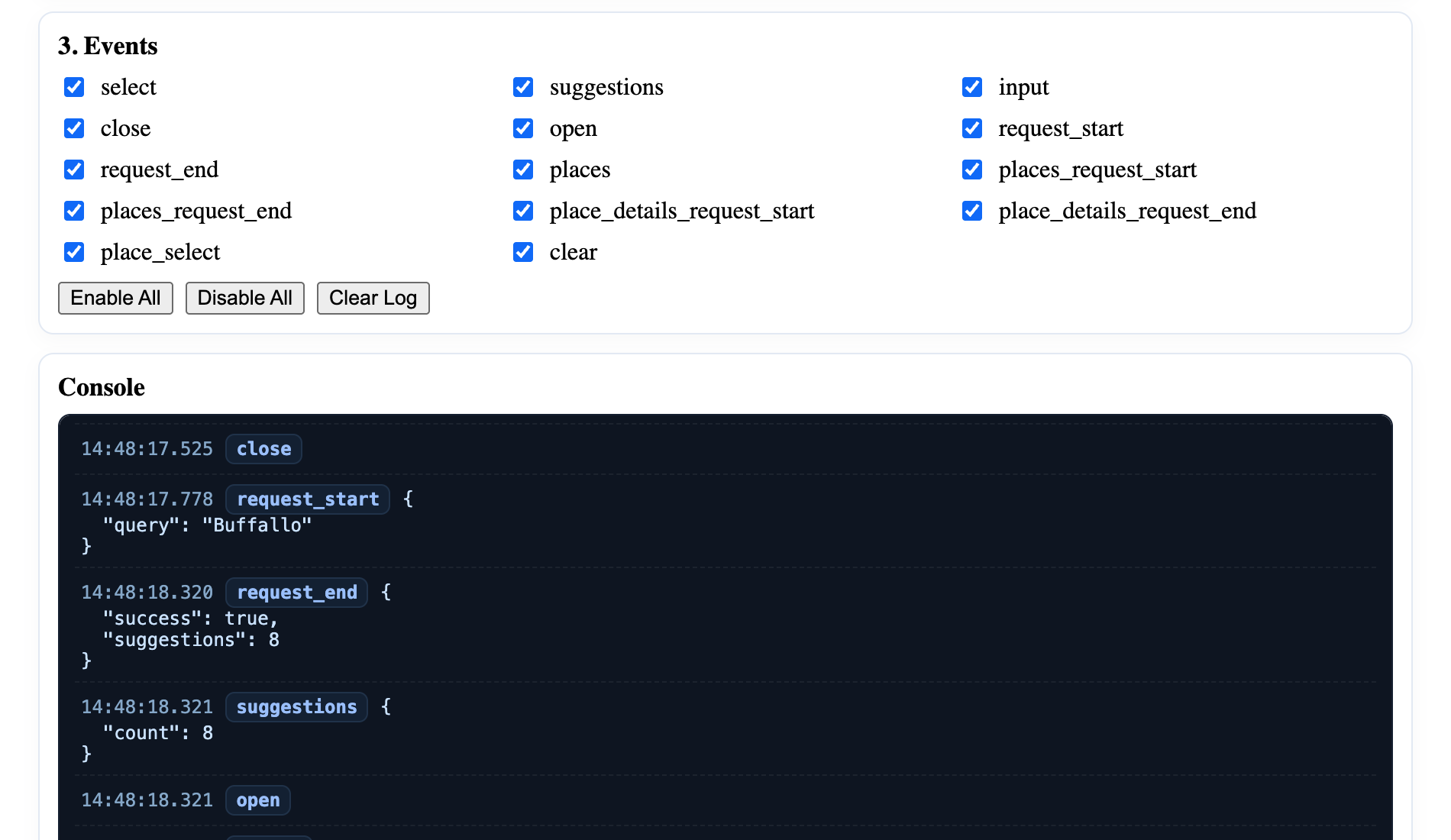](https://geoapify.github.io/geocoder-autocomplete/demo/autocomplete-features-events/index.html) | **Events Showcase** — Demonstrates available events and callbacks | [Open](https://geoapify.github.io/geocoder-autocomplete/demo/autocomplete-features-events/index.html) | [Source](https://github.com/geoapify/geocoder-autocomplete/tree/master/demo/autocomplete-features-events) |
| [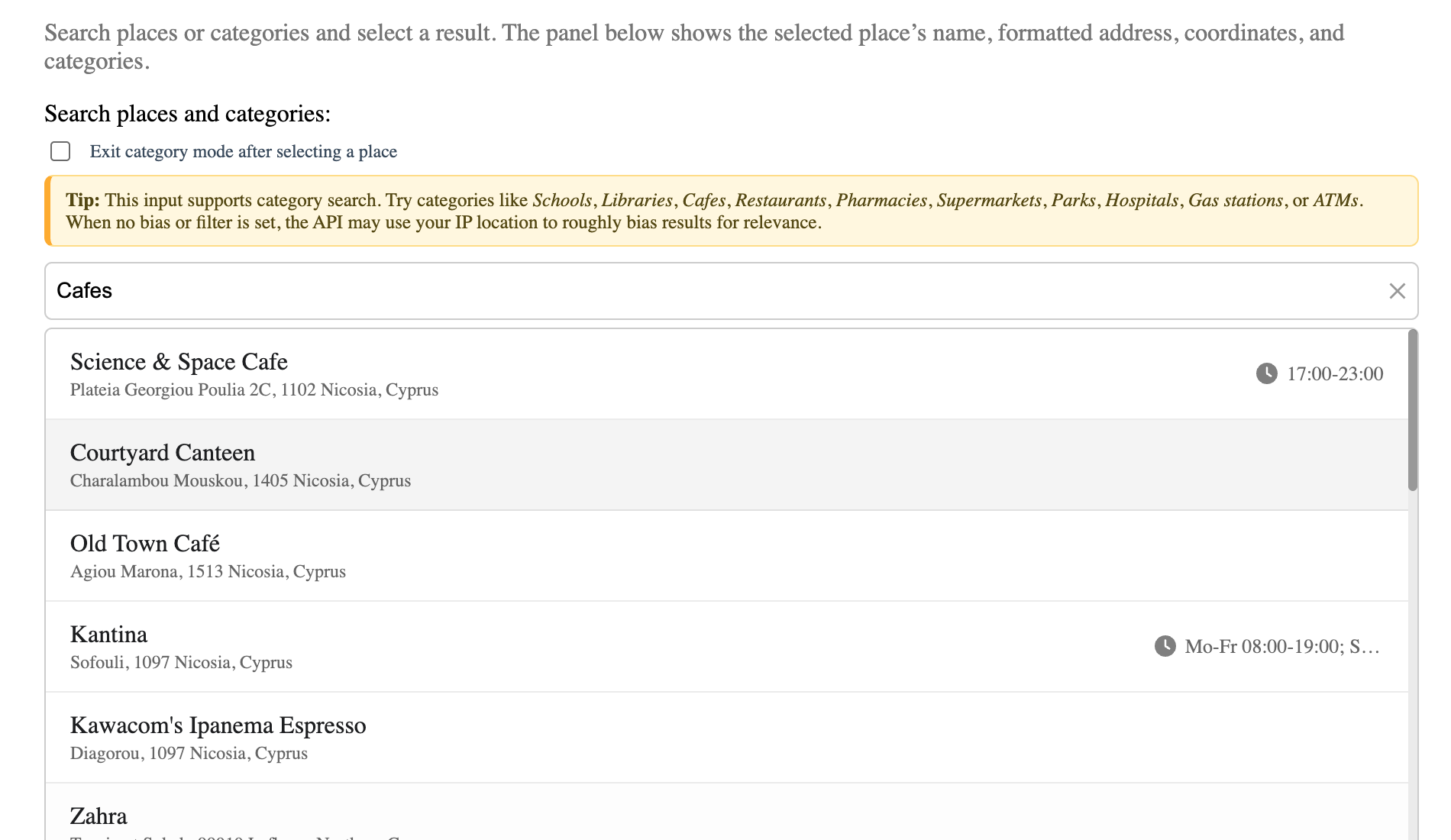](https://geoapify.github.io/geocoder-autocomplete/demo/places-seach-no-map-built-in-list/index.html) | **Places Search (No Map)** — Category search with built-in list | [Open](https://geoapify.github.io/geocoder-autocomplete/demo/places-seach-no-map-built-in-list/index.html) | [Source](https://github.com/geoapify/geocoder-autocomplete/tree/master/demo/places-seach-no-map-built-in-list) |
| [](https://geoapify.github.io/geocoder-autocomplete/demo/integration-with-leaflet/index.html) | **Leaflet Integration** — Address search and markers on interactive map | [Open](https://geoapify.github.io/geocoder-autocomplete/demo/integration-with-leaflet/index.html) | [Source](https://github.com/geoapify/geocoder-autocomplete/tree/master/demo/integration-with-leaflet) |
| [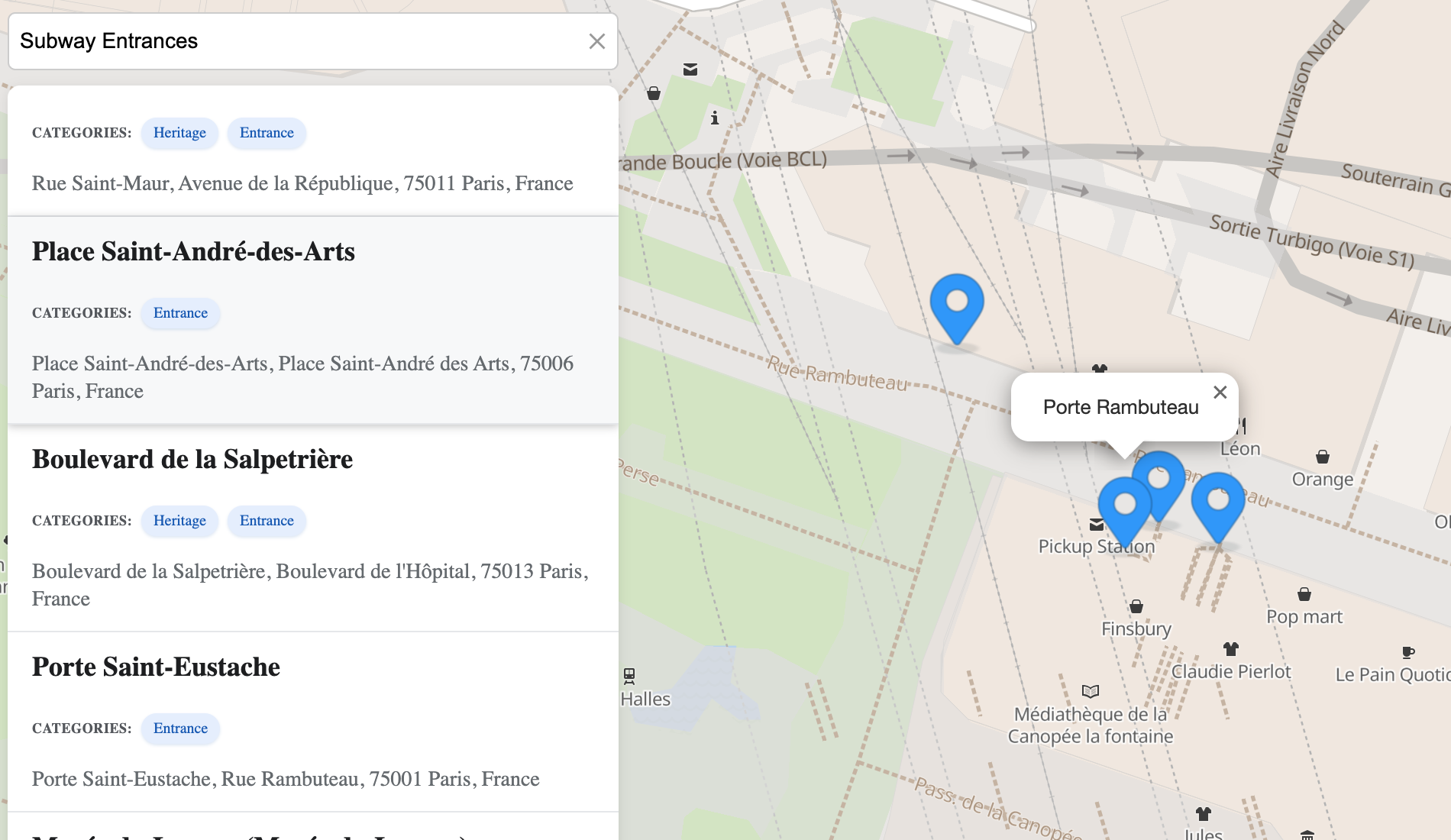](https://geoapify.github.io/geocoder-autocomplete/demo/places-search-leaflet-custom-list/index.html) | **Leaflet + Custom Places List** — Custom UI for places results | [Open](https://geoapify.github.io/geocoder-autocomplete/demo/places-search-leaflet-custom-list/index.html) | [Source](https://github.com/geoapify/geocoder-autocomplete/tree/master/demo/places-search-leaflet-custom-list) |
| [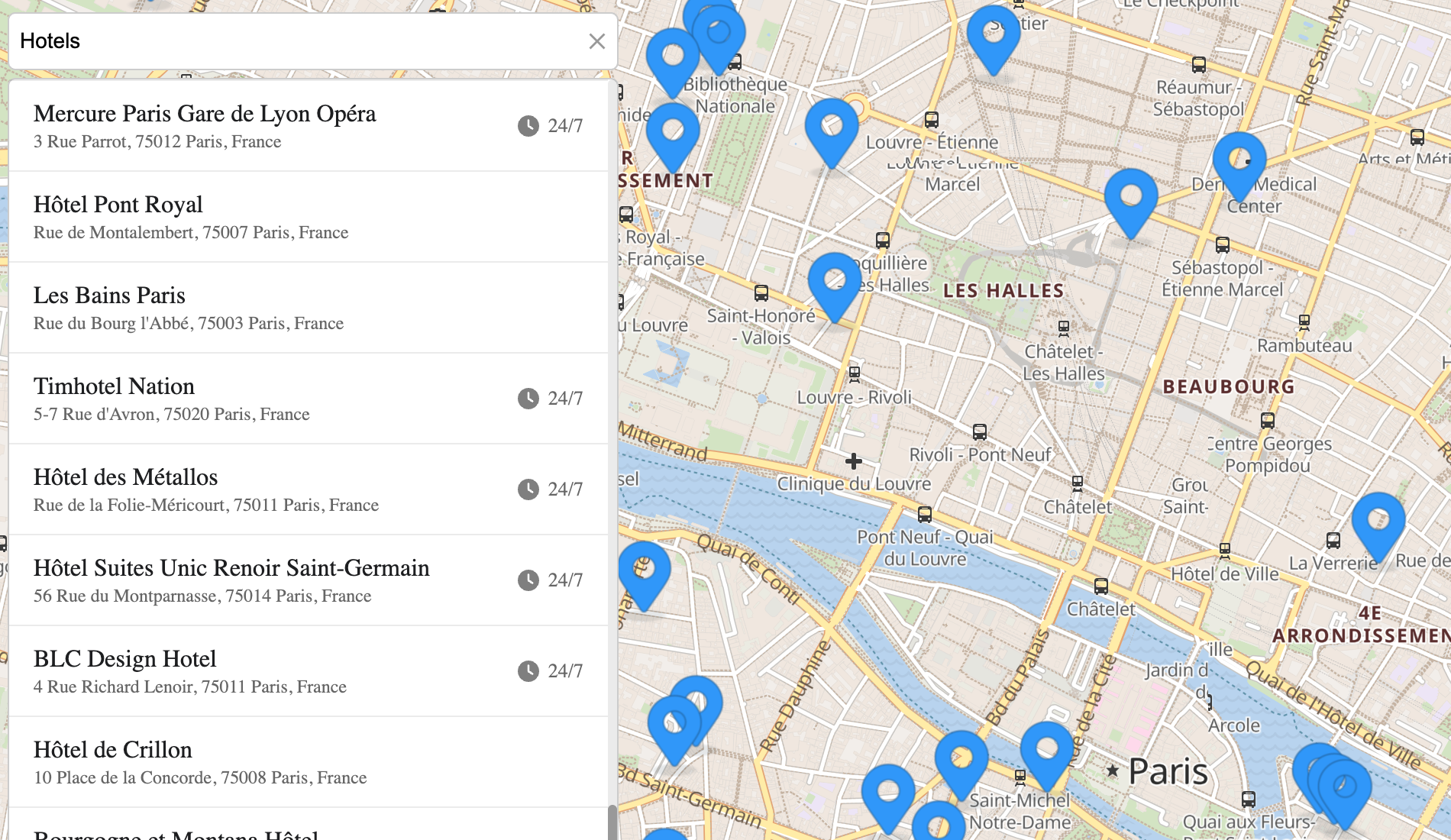](https://geoapify.github.io/geocoder-autocomplete/demo/places-search-leaflet-built-in-list/index.html) | **Leaflet + Built-in Places List** — Category search with default UI | [Open](https://geoapify.github.io/geocoder-autocomplete/demo/places-search-leaflet-built-in-list/index.html) | [Source](https://github.com/geoapify/geocoder-autocomplete/tree/master/demo/places-search-leaflet-built-in-list) |
| [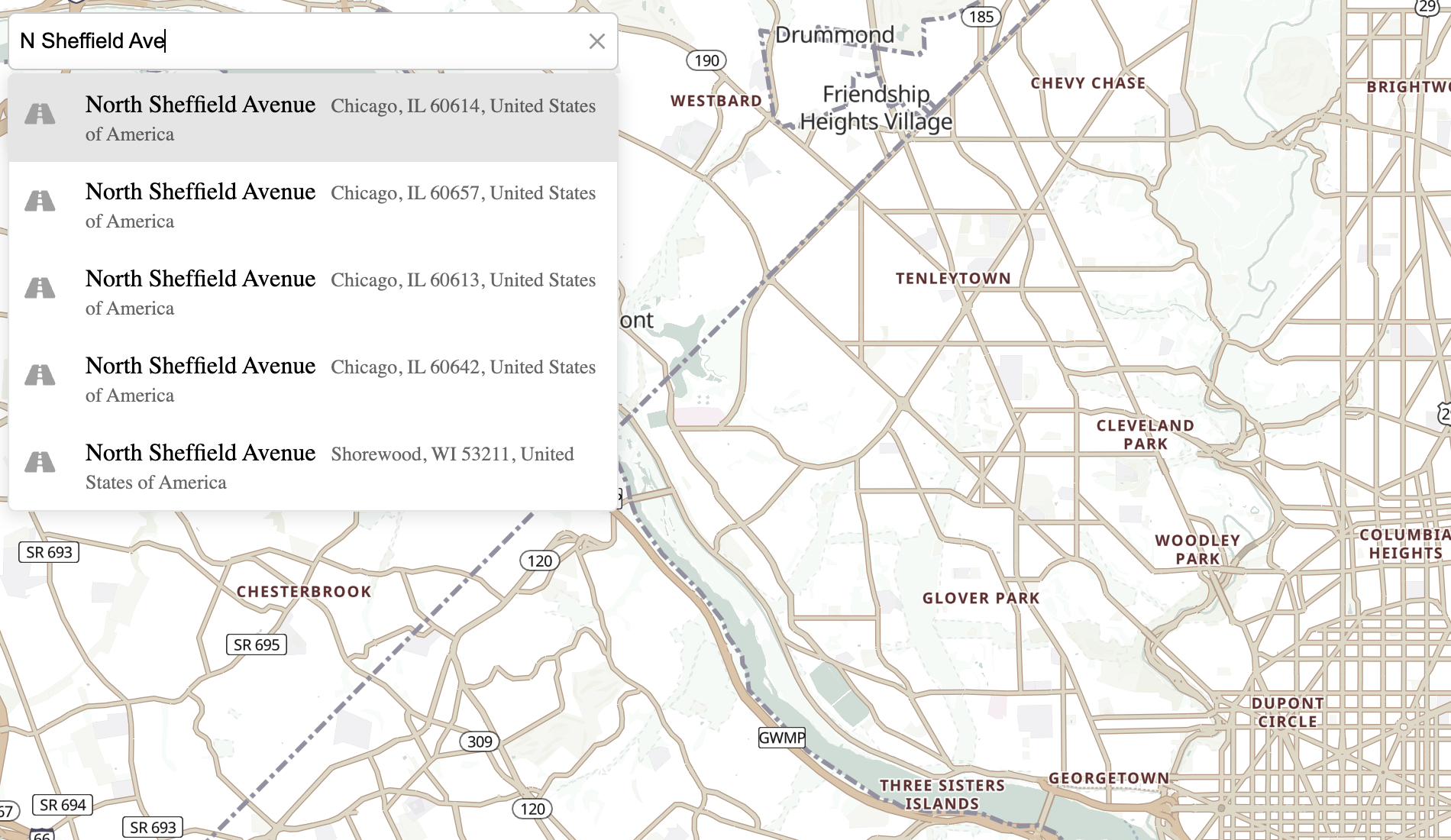](https://geoapify.github.io/geocoder-autocomplete/demo/integration-with-maplibre-gl/index.html) | **MapLibre GL Integration** — Vector maps and reverse geocoding on click | [Open](https://geoapify.github.io/geocoder-autocomplete/demo/integration-with-maplibre-gl/index.html) | [Source](https://github.com/geoapify/geocoder-autocomplete/tree/master/demo/integration-with-maplibre-gl) |
### JSFiddle Demos
Explore live examples demonstrating how to use **Geoapify Geocoder Autocomplete** with various map libraries and input scenarios.
| Demo | Description | Link |
|------|--------------|------|
| **Address Field + Leaflet Map** | Integrates the autocomplete field with a Leaflet map for interactive address search. | [Open JSFiddle](https://jsfiddle.net/Geoapify/jsgw53z8/) |
| **Address Field + MapLibre GL Map** | Shows how to connect the autocomplete with a MapLibre GL map. | [Open JSFiddle](https://jsfiddle.net/Geoapify/sf3hp2a6/) |
| **Address Form 1** | Simple address form demonstrating address search and autofill. | [Open JSFiddle](https://jsfiddle.net/Geoapify/t0eg541k/) |
| **Address Form 2** | Another address form example with multiple fields. | [Open JSFiddle](https://jsfiddle.net/Geoapify/stgek5wf/) |
| **Precise Location for Shipping** | Shows how to validate and confirm precise delivery locations. | [Open JSFiddle](https://jsfiddle.net/Geoapify/g9xhcye0/) |
| **Custom Geocoding Function** | Example of a custom autocomplete logic using Geoapify’s Address Autocomplete API. | [Open JSFiddle](https://jsfiddle.net/Geoapify/916oxfja/) |
> ⚠️ **Note:** Address autocomplete speeds up user input, but no service guarantees 100% precision or global coverage.
> For critical use cases like shipping or delivery, always verify locations using map previews or reverse geocoding (e.g., the [Geoapify Reverse Geocoding API](https://www.geoapify.com/reverse-geocoding-api/)).
## Contributions and Support
We welcome contributions! Here's how you can help:
1. **Open Issues**: If you encounter any bugs or have feature requests, please open an issue on [GitHub Issues](https://github.com/geoapify/geocoder-autocomplete/issues).
2. **Submit a Pull Request**: Fork the repository, make your changes, and submit a pull request for review.
3. **Documentation Updates**: Help improve this documentation by submitting corrections or enhancements.
If you need assistance or have any questions, feel free to reach out to our support team at [info@geoapify.com](mailto:info@geoapify.com).