@filerobot-strapi/content-plugin
Version:
Scaleflex DAM normalizes, resizes, optimizes and distributes your images rocket fast around the world.
74 lines (37 loc) • 2.46 kB
Markdown
# Scaleflex DAM plugin for Strapi v5
## Intro
Strapi v5.x.x
To know which versions of Node goes with which versions of Strapi, refer to here: https://github.com/strapi/strapi/releases
If you are not familiar with using the Strapi CMS, here are some quick tutorials:
Strapi v5: https://docs.strapi.io/cms/quick-start
## Install Strapi CMS
You can run, for example: `npx create-strapi-app@5.33.0`
## Plugin
https://www.npmjs.com/package/@filerobot-strapi/content-plugin
At this point, assuming that you already have a Strapi CMS installed and set up, and that you already have a super-admin user configured. It's time to install the Scaleflex DAM plugin for Strapi v5:
`npm install @filerobot-strapi/content-plugin`
(Use `npm install @filerobot-strapi/content-plugin --legacy-peer-deps` if you need to)
## Run
`yarn build`
`yarn start`
## Configure
Click "Scaleflex DAM" on the left vertical menu (under the plugins section)
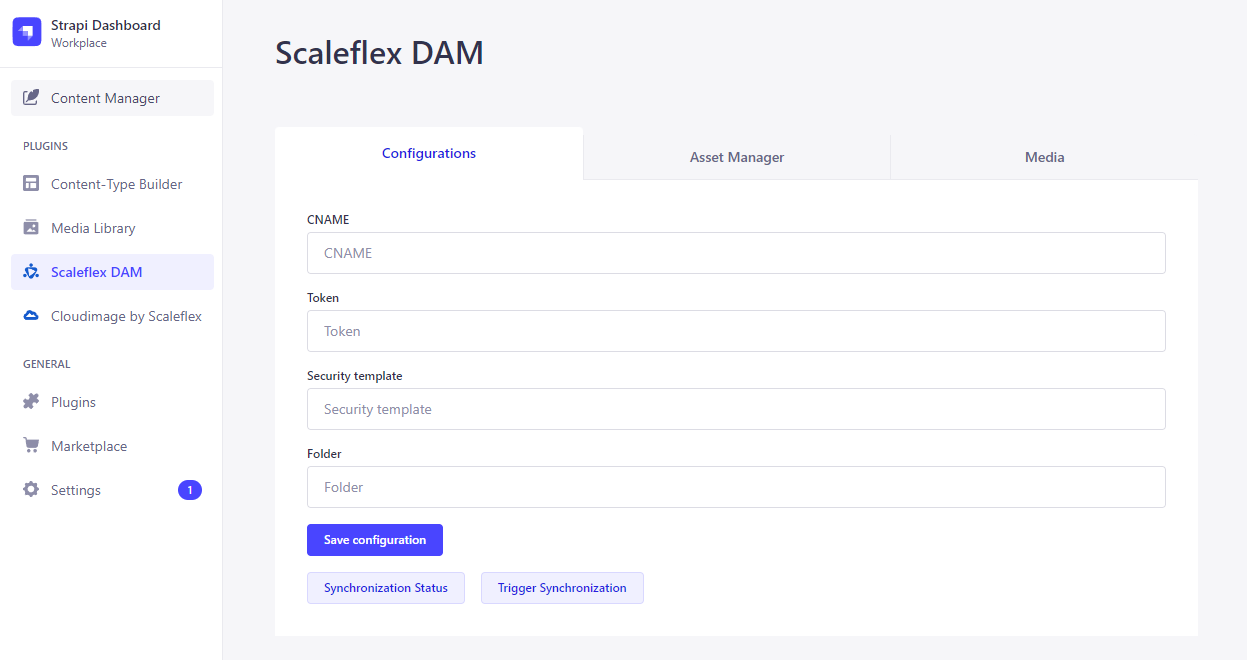
- **CNAME** should be without `https://`
- **Folder** can have a preceding `/` , but it's not necessary. So both `/folder_name` and `folder_name` are ok
## Usage
Now you can make use of the "Synchronization Status" and "Trigger Synchronization" buttons.
### Media Tab
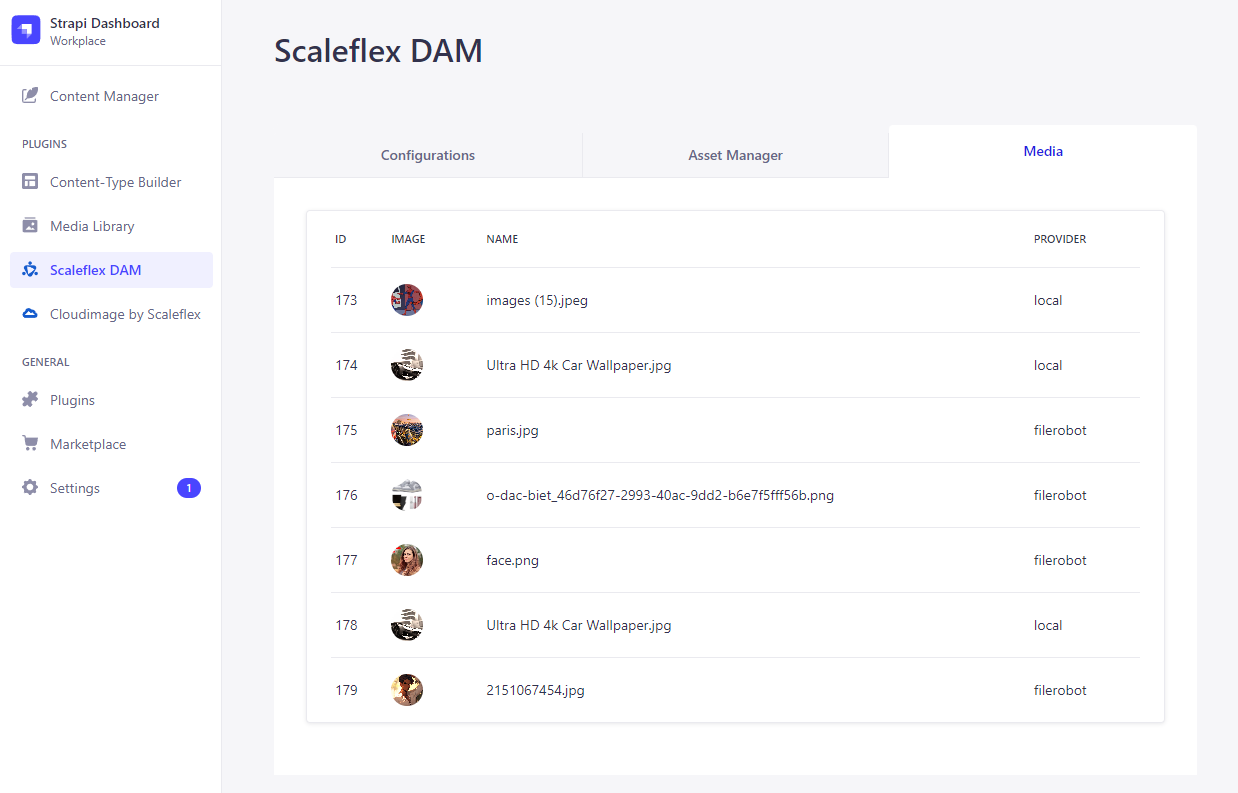
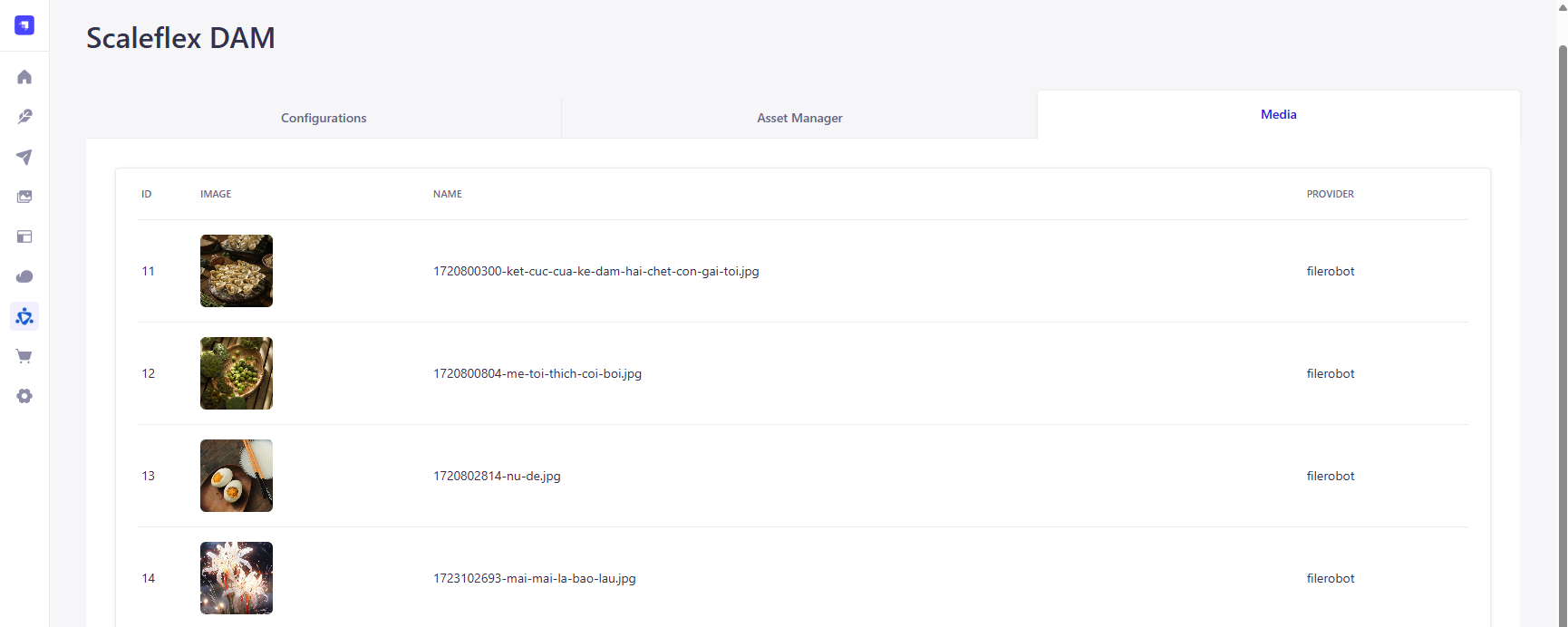
The **Media Tab** keeps a "log" of all your media assets.
Indeed, there are 3 local images that are yet to be synchronized to the **Scaleflex DAM**.
And there are indeed 4 remote images on the **Scaleflex DAM** that are yet to be synchronized down to the Strapi CMS.
### Trigger Synchronization
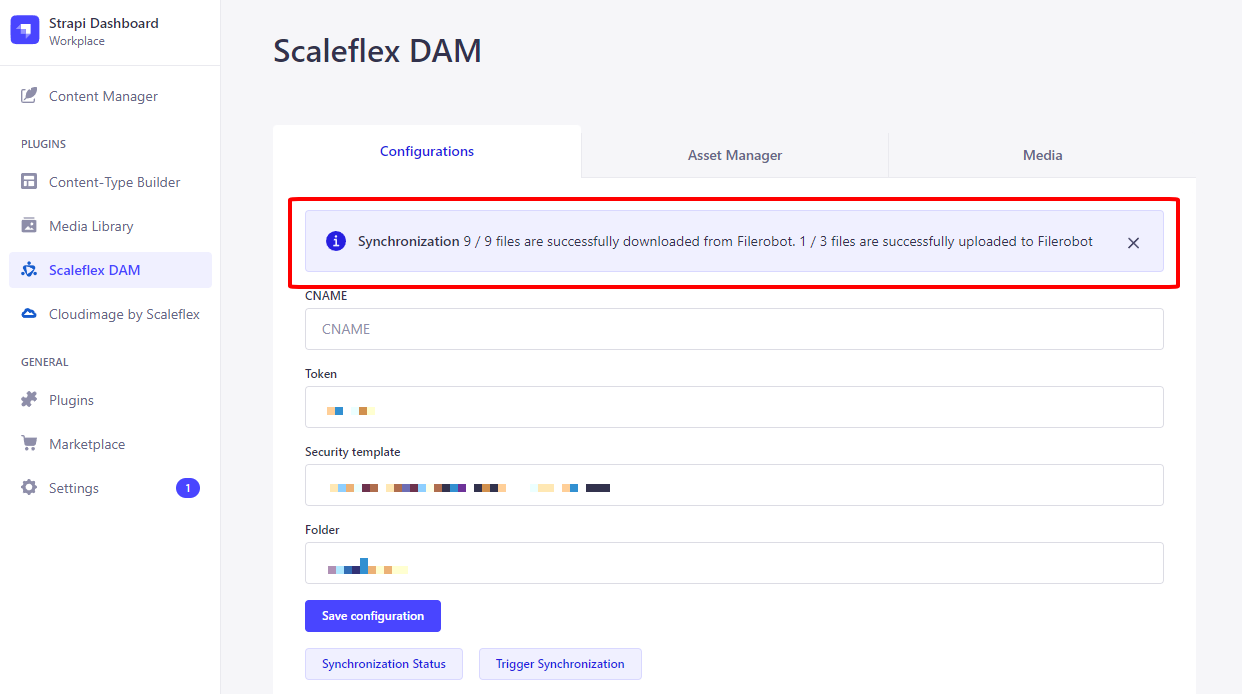
Afterwards, the logs will be updated:
## Asset Manager Tab
When you **Upload**, the image will be uploaded to the **Scaleflex DAM**. Also, the same image (with **Scaleflex DAM** URL) will go into the Strapi CMS:
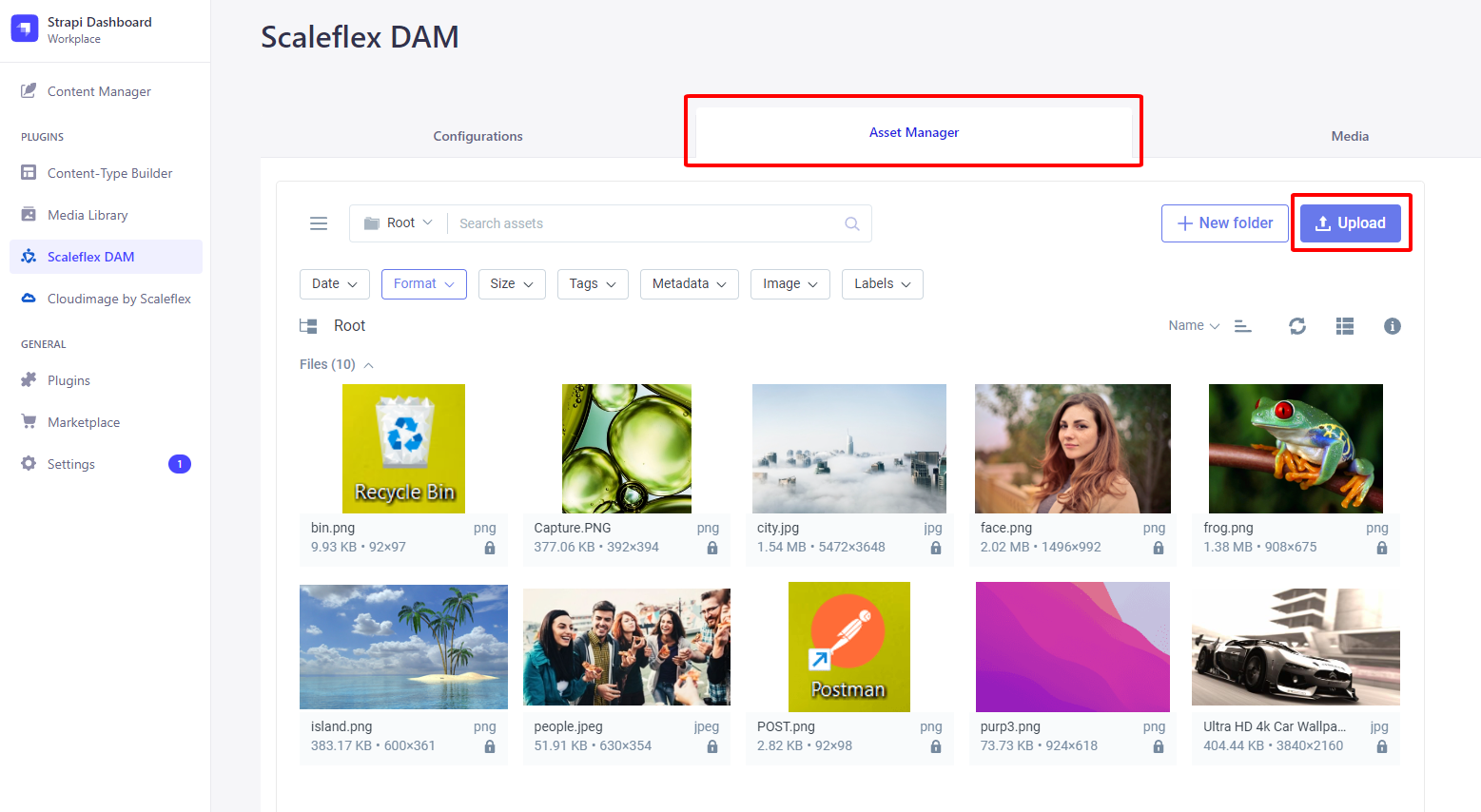
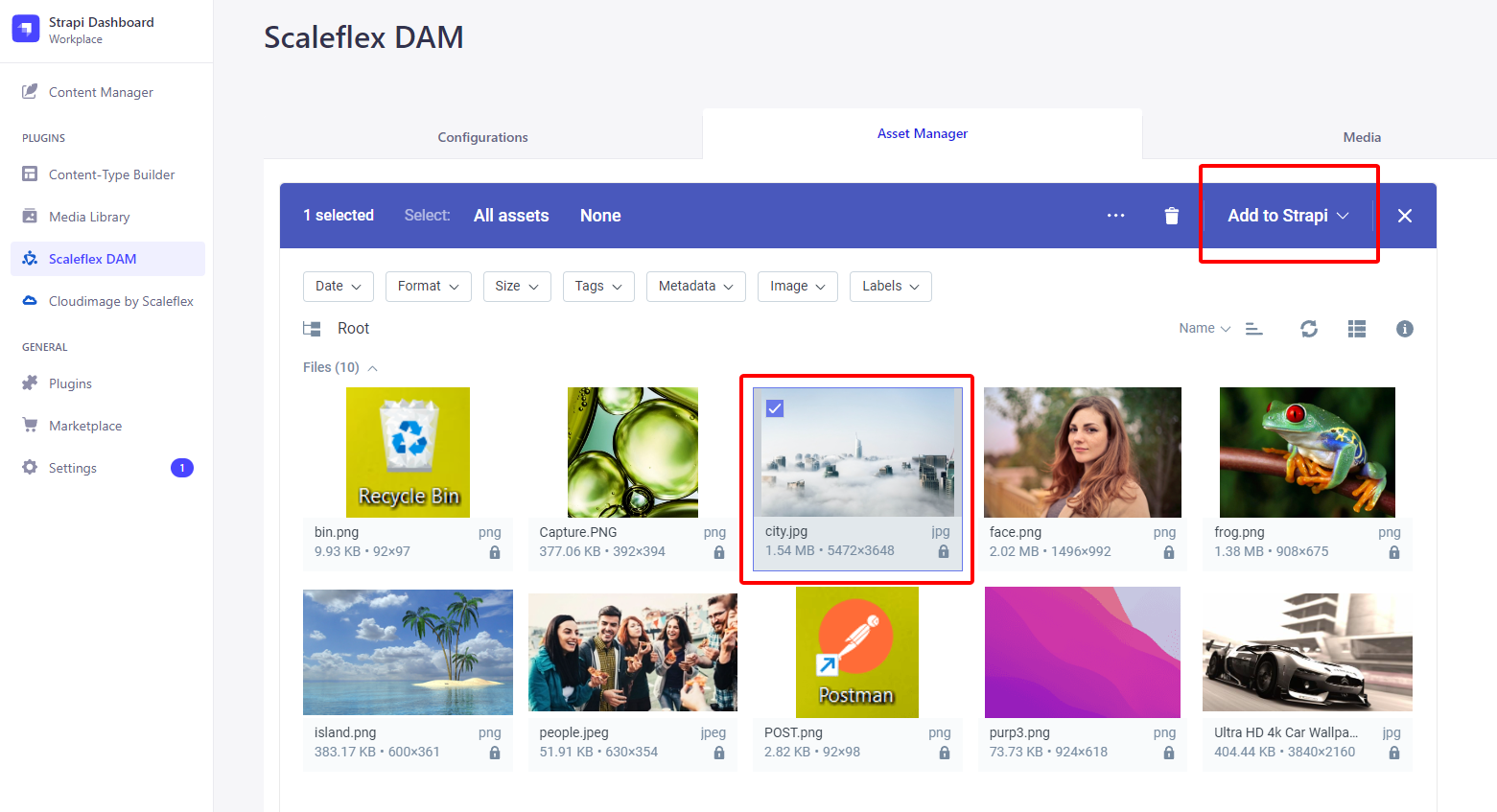
If you know that `city.jpg` only exists on the **Scaleflex DAM** (ie: haven't yet been synchronized down to the Strapi CMS), then you can check it and press "**Add to Strapi**":