@extjs/sencha-cmd-macos-jre
Version:
Productivity and performance optimization tool for building applications with Sencha Ext JS and Sencha Touch.
35 lines (20 loc) • 1.49 kB
Markdown
# Sencha Cmd
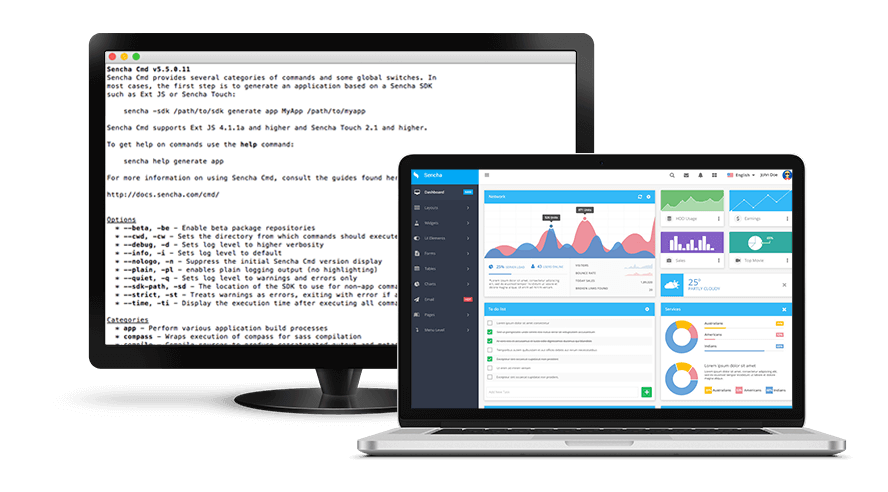
Sencha Cmd is the cornerstone for building your Sencha Ext JS and Sencha Touch applications. Sencha Cmd provides a full set of lifecycle management features such as scaffolding, code minification, production build generation, and more, to complement your Sencha projects.
# How to use this package?
This is an NPM installer for Sencha Cmd, it allows you to install Sencha Cmd into your project (locally) or to your system (globally).
## To install Sencha Cmd globally
To add the `sencha` command to your system install this module globally:
$ npm install -g sencha-cmd
The `sencha` command should be available in your command prompt immediately after.
## To use as a package dependency:
Install `sencha-cmd` with --save:
$ npm install --save sencha-cmd
You can then use the `sencha` command in your [npm scripts](https://docs.npmjs.com/misc/scripts).
# License
Sencha Cmd is licensed commercially for free.
See [http://www.sencha.com/legal/sencha-tools-software-license-agreement](http://www.sencha.com/legal/sencha-tools-software-license-agreement) for license terms.
For third party licenses see [LICENSE.md](LICENSE.md)
# User feedback
## Issues
If you have any problems with or questions about Sencha Cmd or this module, please use our [Forums](https://www.sencha.com/forum/forumdisplay.php?8-Sencha-Cmd) or [Support Portal](https://support.sencha.com/#login).