@etchteam/storybook-addon-status
Version:
Add component status to the storybook UI
114 lines (84 loc) • 2.35 kB
Markdown
# Storybook Addon Status
Storybook Status Addon can be used to add a component status label in [Storybook](https://storybook.js.org).
## Installation
```sh
npm install @etchteam/storybook-addon-status --save-dev
```
## Configuration
Then create a file called `main.js` in your storybook config.
Add the following content to it:
```js
export default {
addons: ['@etchteam/storybook-addon-status'],
};
```
In `preview.js` you can globally configure custom status configurations, or overwrite the built in "beta", "deprecated", "stable" & "releaseCandidate"
```js
export default {
parameters: {
status: {
statuses: {
released: {
background: '#0000ff',
color: '#ffffff',
description: 'This component is stable and released',
},
},
},
}
};
```
## Story Usage
Then write your stories like this:
**.js**
```js
export default {
title: 'BetterSoftwareLink',
parameters: {
status: {
type: 'beta', // 'beta' | 'stable' | 'deprecated' | 'releaseCandidate'
url: 'http://www.url.com/status', // will make the tag a link
statuses: {...} // add custom statuses for this story here
}
},
};
export const Default = () => (
<a href="https://makebetter.software">Make Better Software</a>
);
```
For multiple statuses `type` also accepts array values.
If not specifically set every status uses `status.url` as the linked Url.
```js
export default {
parameters: {
status: {
type: [
'beta',
'released',
'myCustomStatus',
{
name: 'stable',
url: 'http://www.example.com'
}
],
// url, statuses ..
},
},
}
```
**NOTE:** The status dot in the sidebar only shows the color of the first status.
**.mdx** (using addon-docs)
```js
import { Meta } from "@storybook/addon-docs/blocks";
<Meta
title="BetterSoftwareLink"
parameters={{ status: { type: 'beta' } }}
/>
```
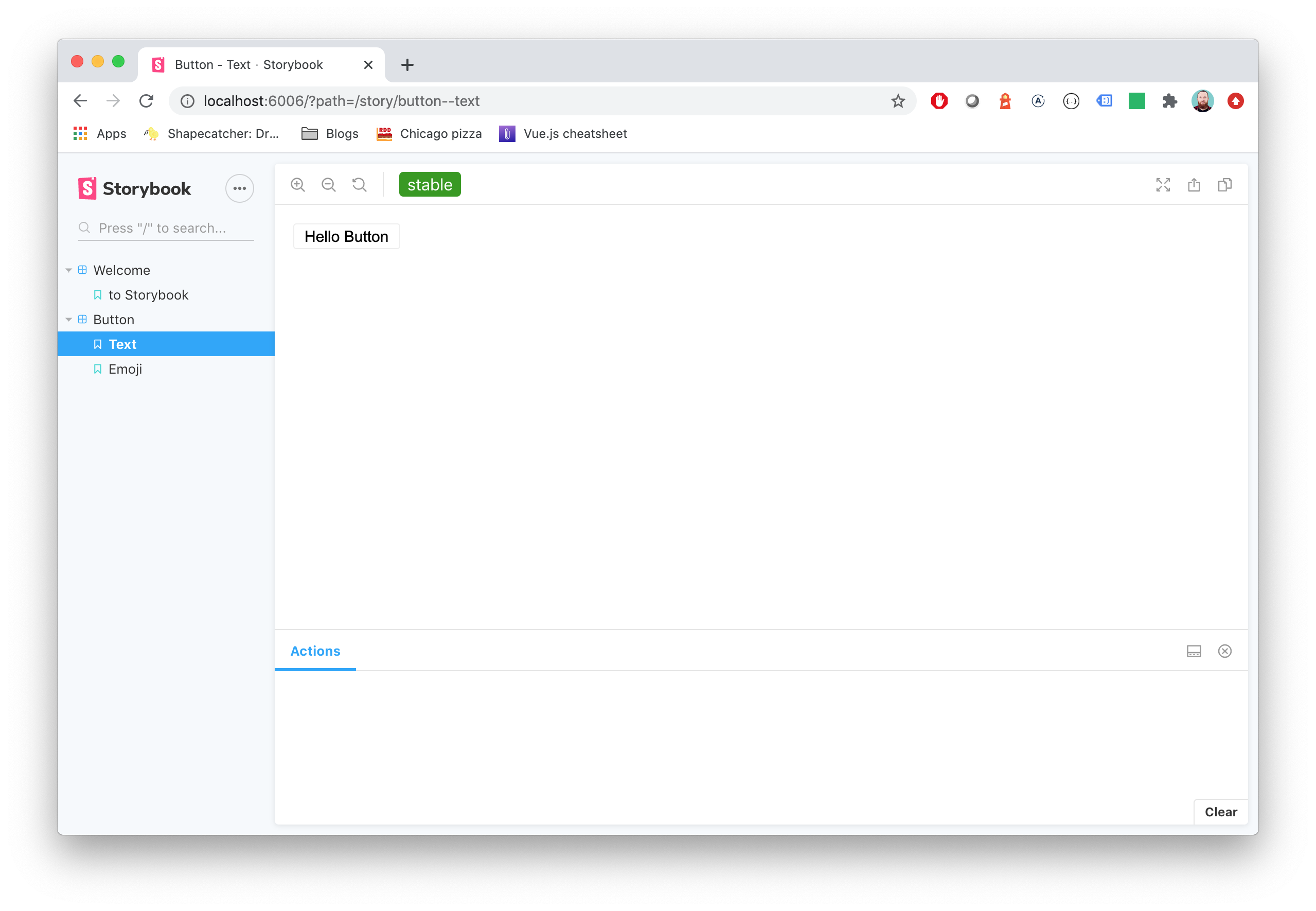
You'll get a label injected in the top toolbar and the sidebar.
**Note** the `type` will be used as label for tag and will convert camelCase to words
## Migration guide
Need to [update your major version](Migration.md)?
---
Made with ☕ at [Etch](https://etch.co)