@directus-labs/switch-interface
Version:
Directus toggle switch interface for boolean fields.
20 lines (10 loc) • 1.18 kB
Markdown
# Switch Interface
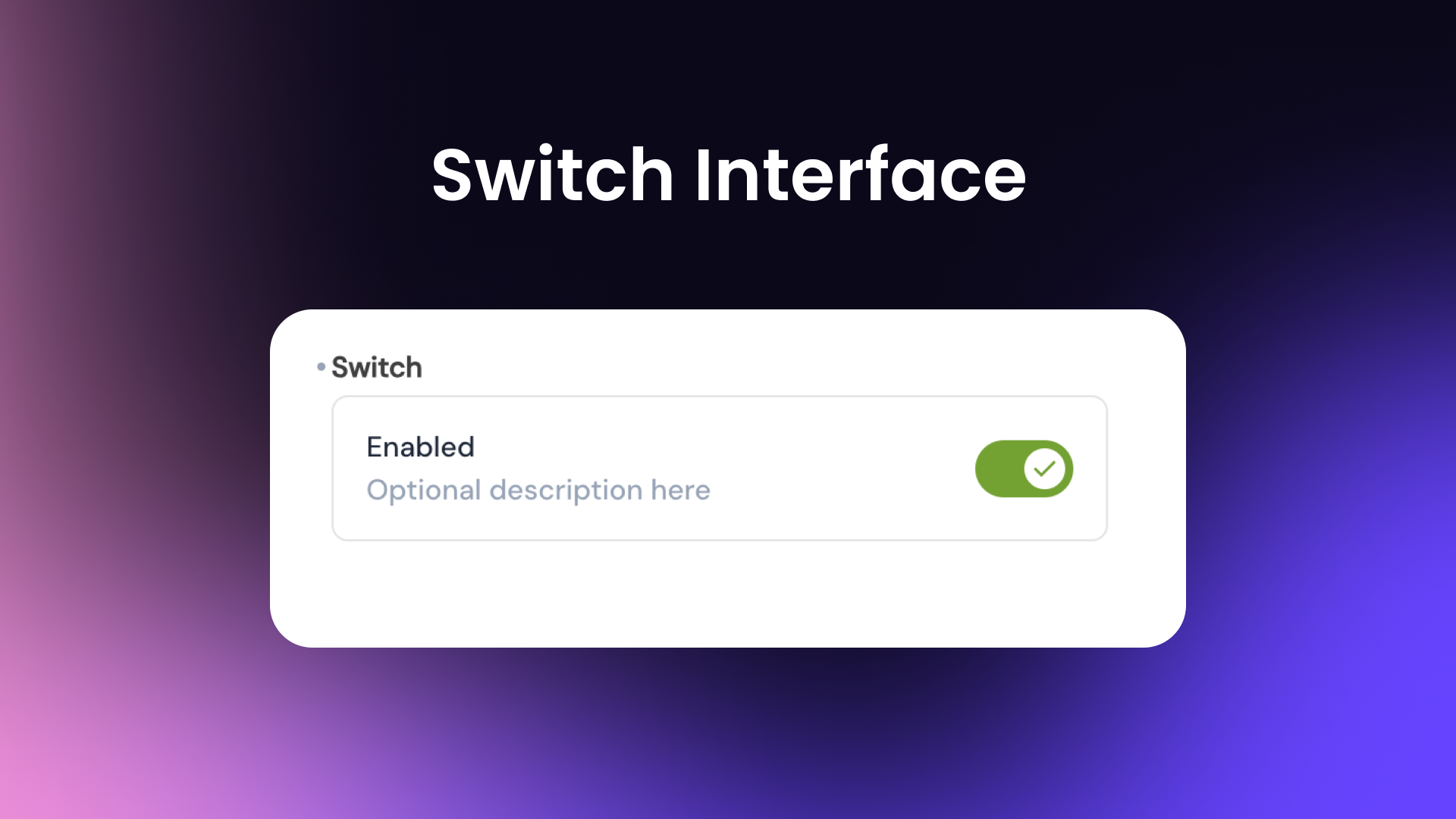
This interface displays a more traditional toggle switch for boolean fields vs the default Toggle interface.

## Installation
Refer to the [Official Guide](https://docs.directus.io/extensions/installing-extensions.html) for details on installing the extension from the Marketplace or manually.
## Usage
Within the data model settings, add the Switch Interface to your boolean field. You can customize the label, description, and icons for the switch.
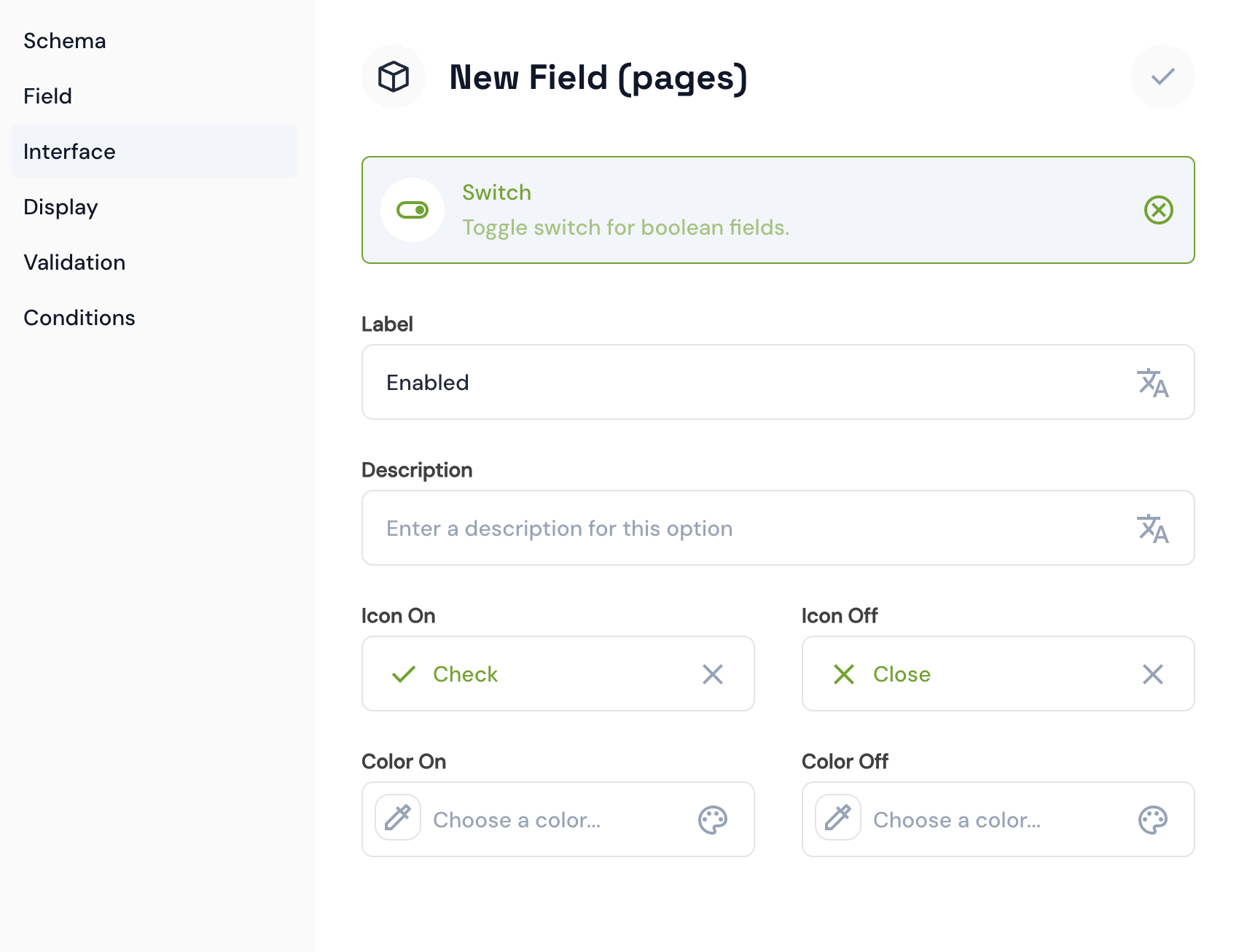
The Switch Interface can be used for any boolean field in your collection. It provides a visually appealing toggle switch with customizable icons and colors along with an option description.