@directus-labs/simple-list-interface
Version:
Input a simple list of items with full keyboard support.
47 lines (27 loc) • 1.55 kB
Markdown
# Simple List Interface
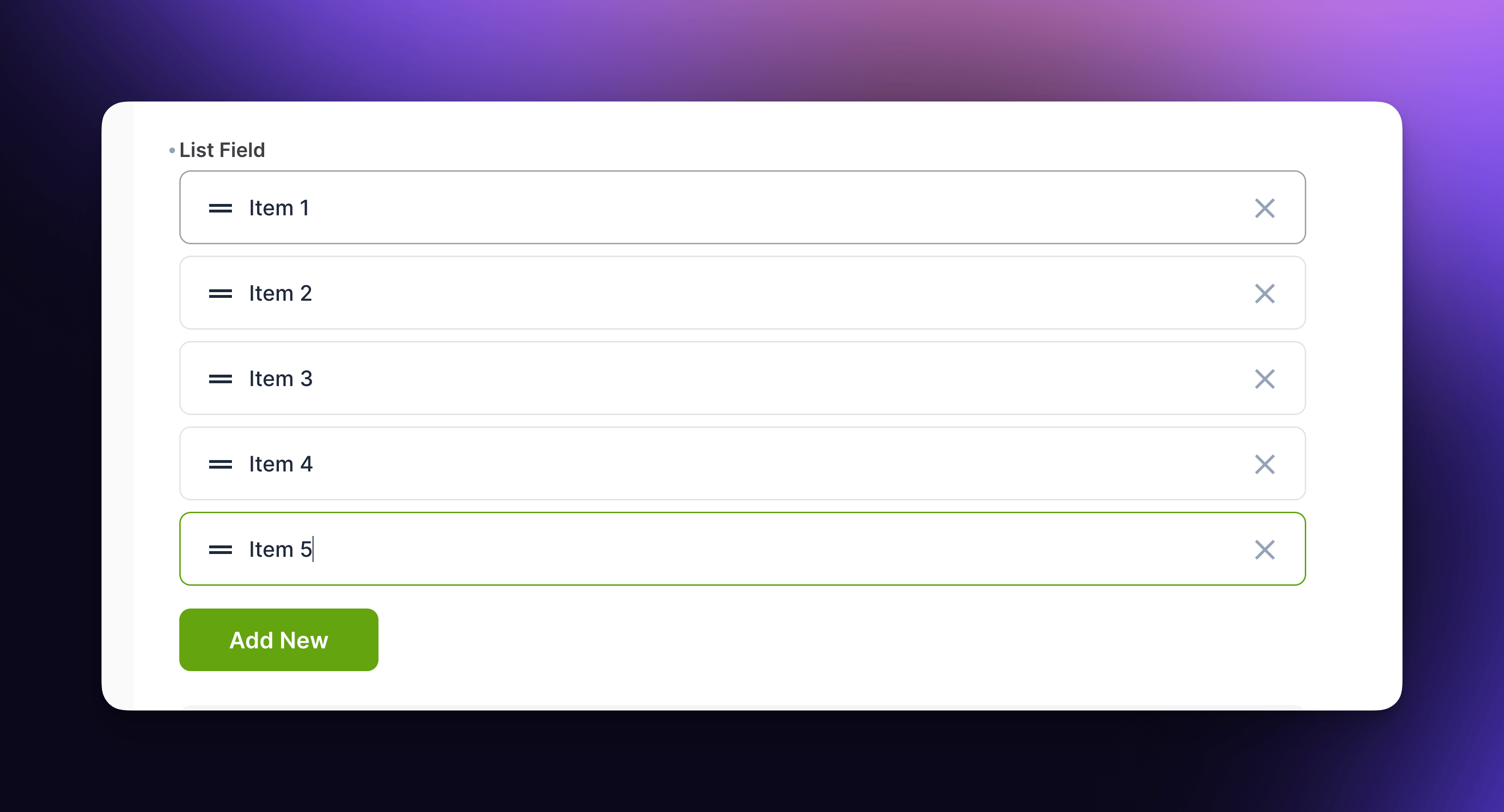
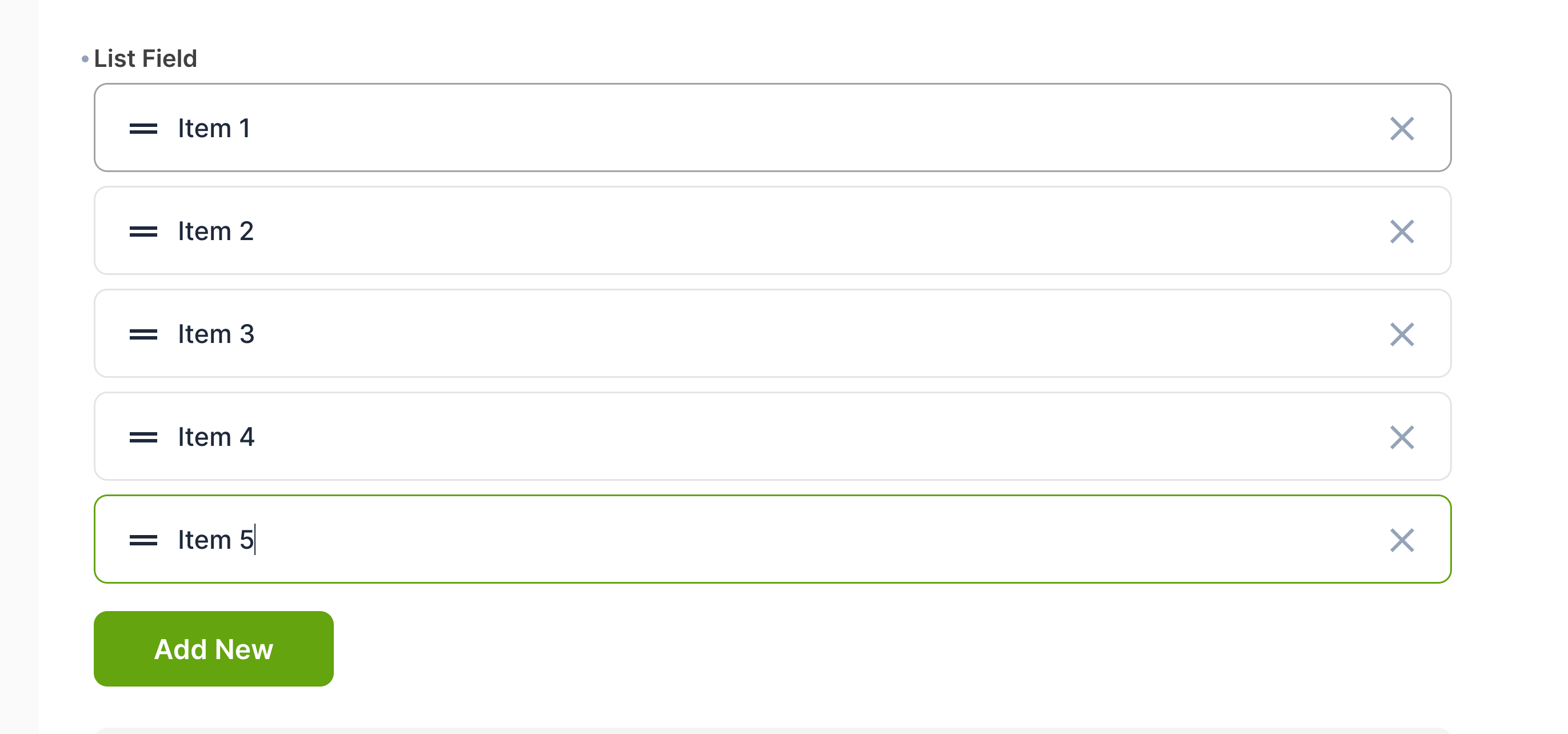
Easily create and manage simple lists with full keyboard support.
A great alternative to the Tags interface if you need to reorder and edit items within a list.
- Add new items to list with `Enter`
- Remove items with `Backspace`.
- Use `up` and `down` arrow keys to navigate between list items.
- Drag and drop to re-order list items.
- Value stored as JSON or CSV.
---
## Interface
### **Configuration Options**
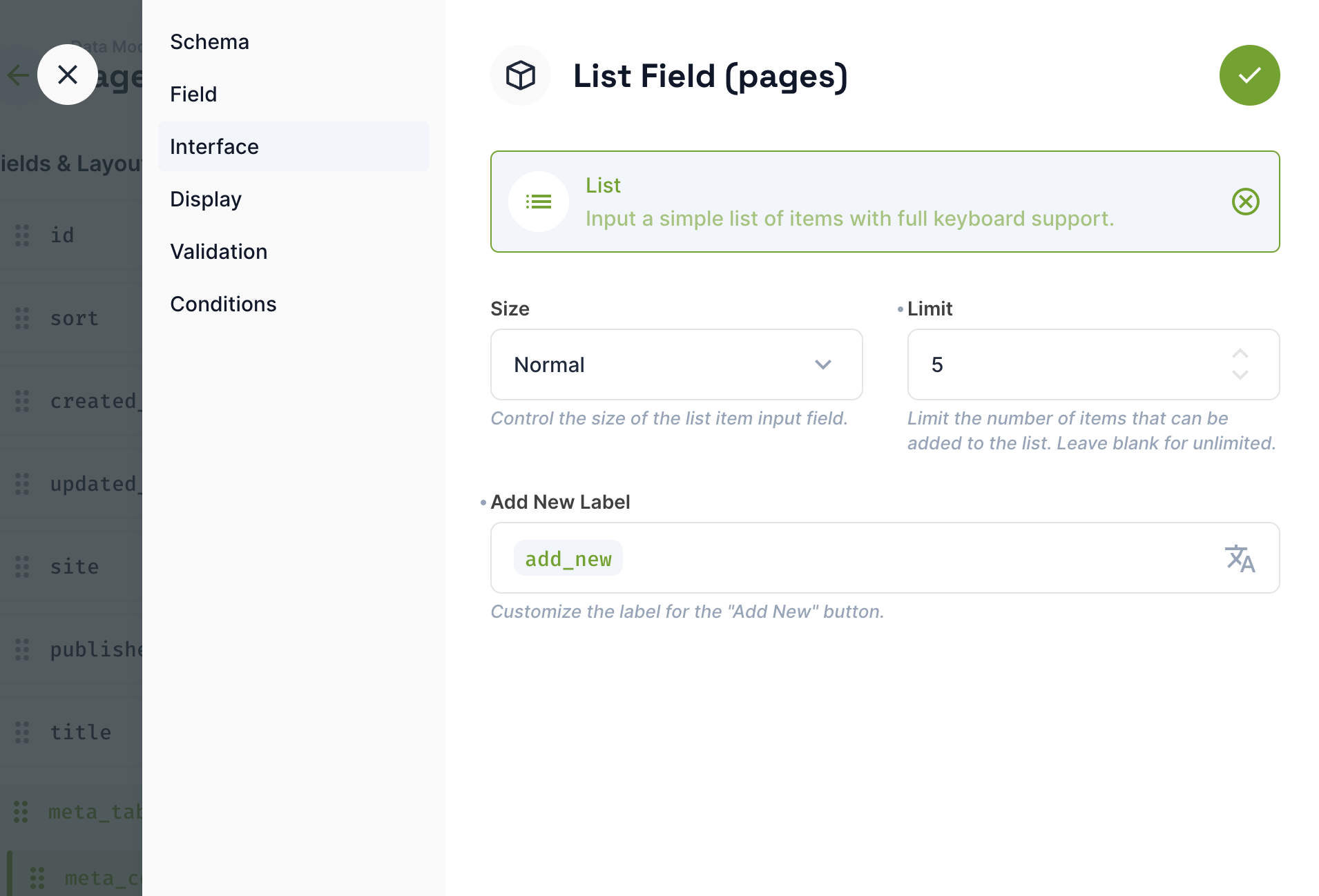
**Size**
Control the size of the input within the list item.
- Small
- Normal
**Limit**
Restrict the number of items that can be added to the list. Leave black for unlimited.
**Add New Label**
Specify the text for the button that adds a new item to the list. Translatable using custom translation strings.
---
## Installation & Setup
1. Install the extension. Review the the [Official Guide](https://docs.directus.io/extensions/installing-extensions.html) for more info.
2. Open a collection within your Settings > Data Model and click the add new field button.
3. Choose the List interface, add a key, choose between and save the new field