@directus-labs/extension-steps-component
Version:
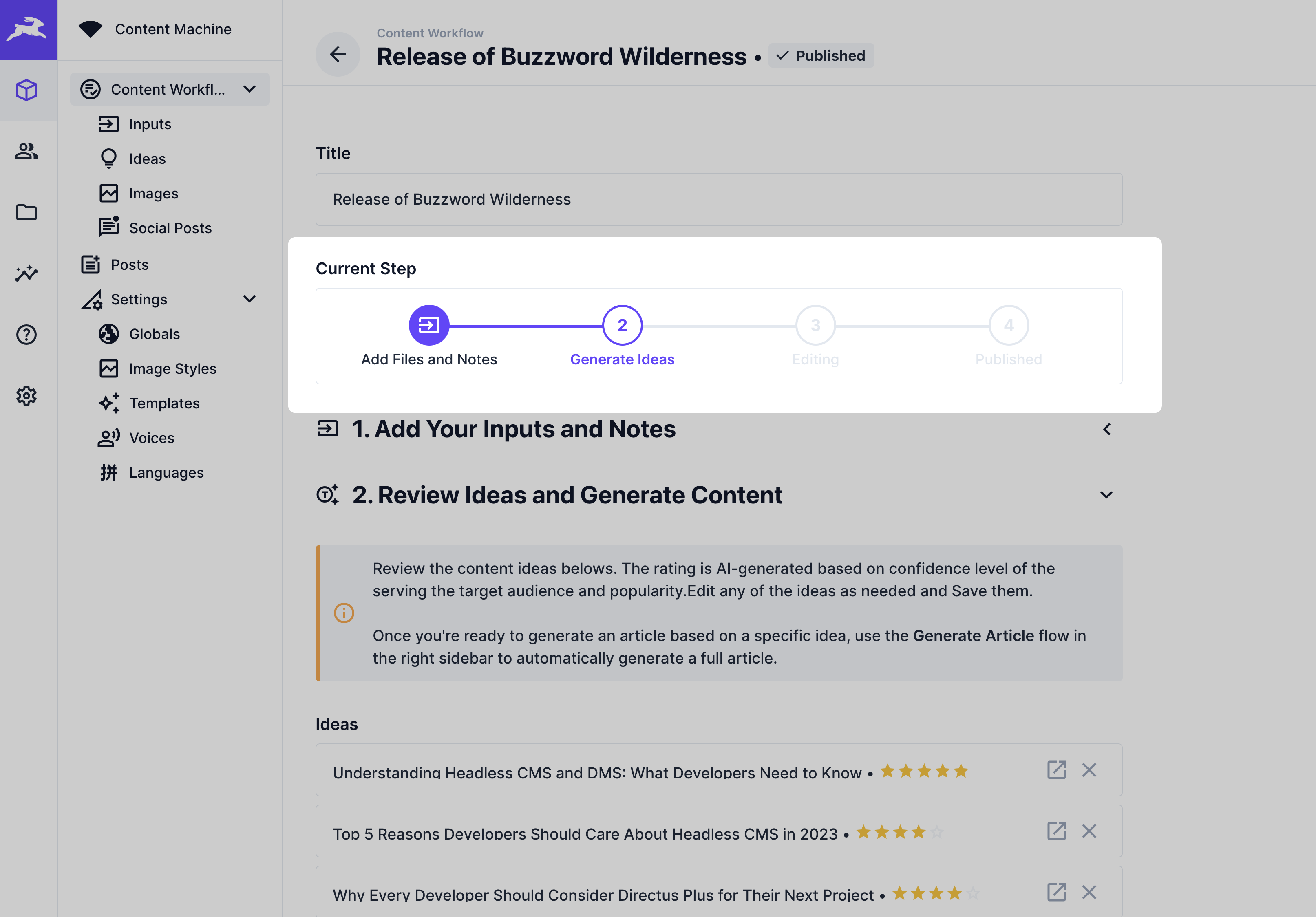
Displays a clickable list of steps that the user can follow to complete a task.
25 lines (15 loc) • 1 kB
Markdown
# Steps Interface Extension
Displays a clickable list of steps that the user can follow to complete a task within the Directus Studio.
## Interface
steps-interface-example.png
**UI**
**Settings**
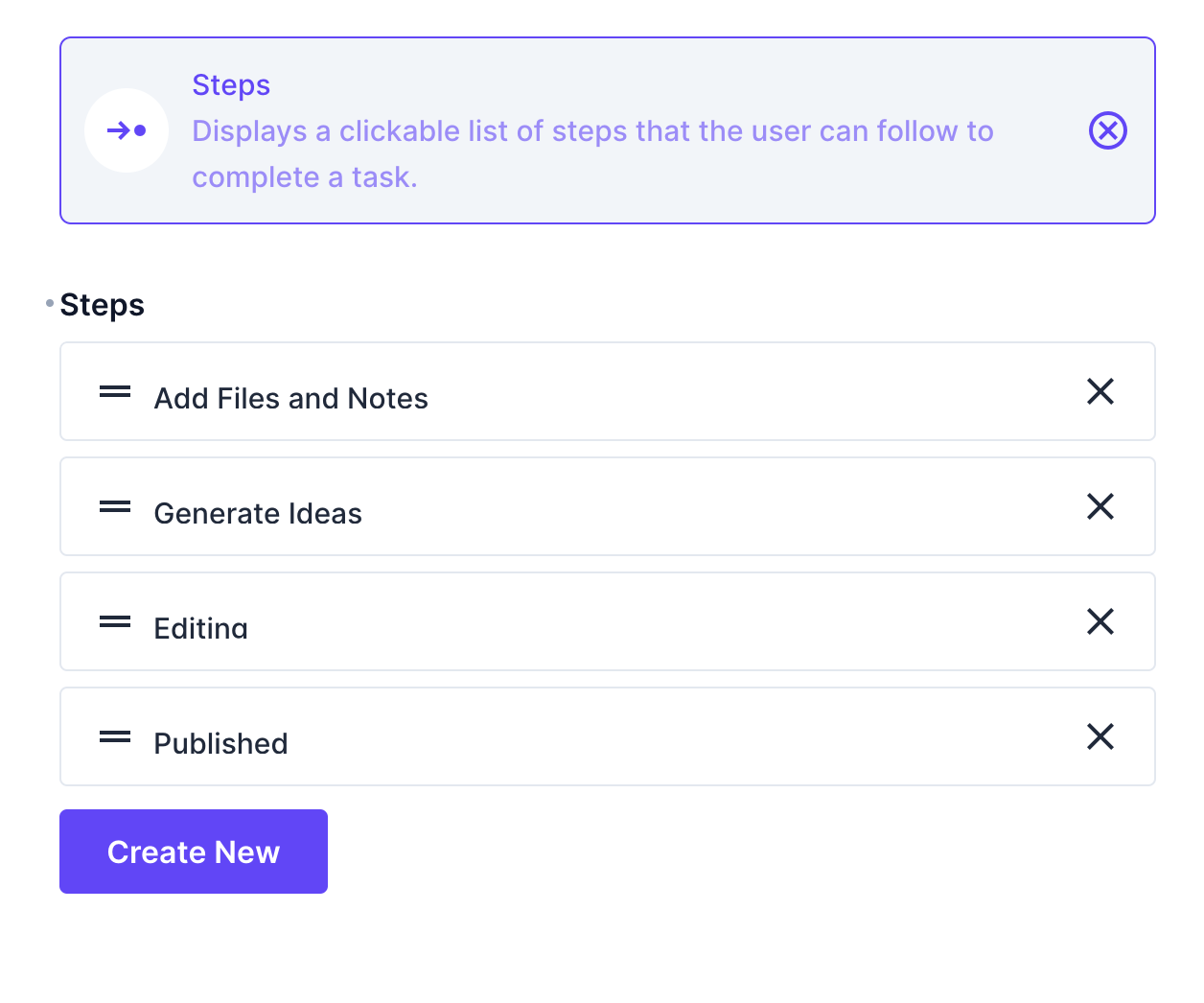
### Configuration Options
- **Steps** - Define the list of steps to display.
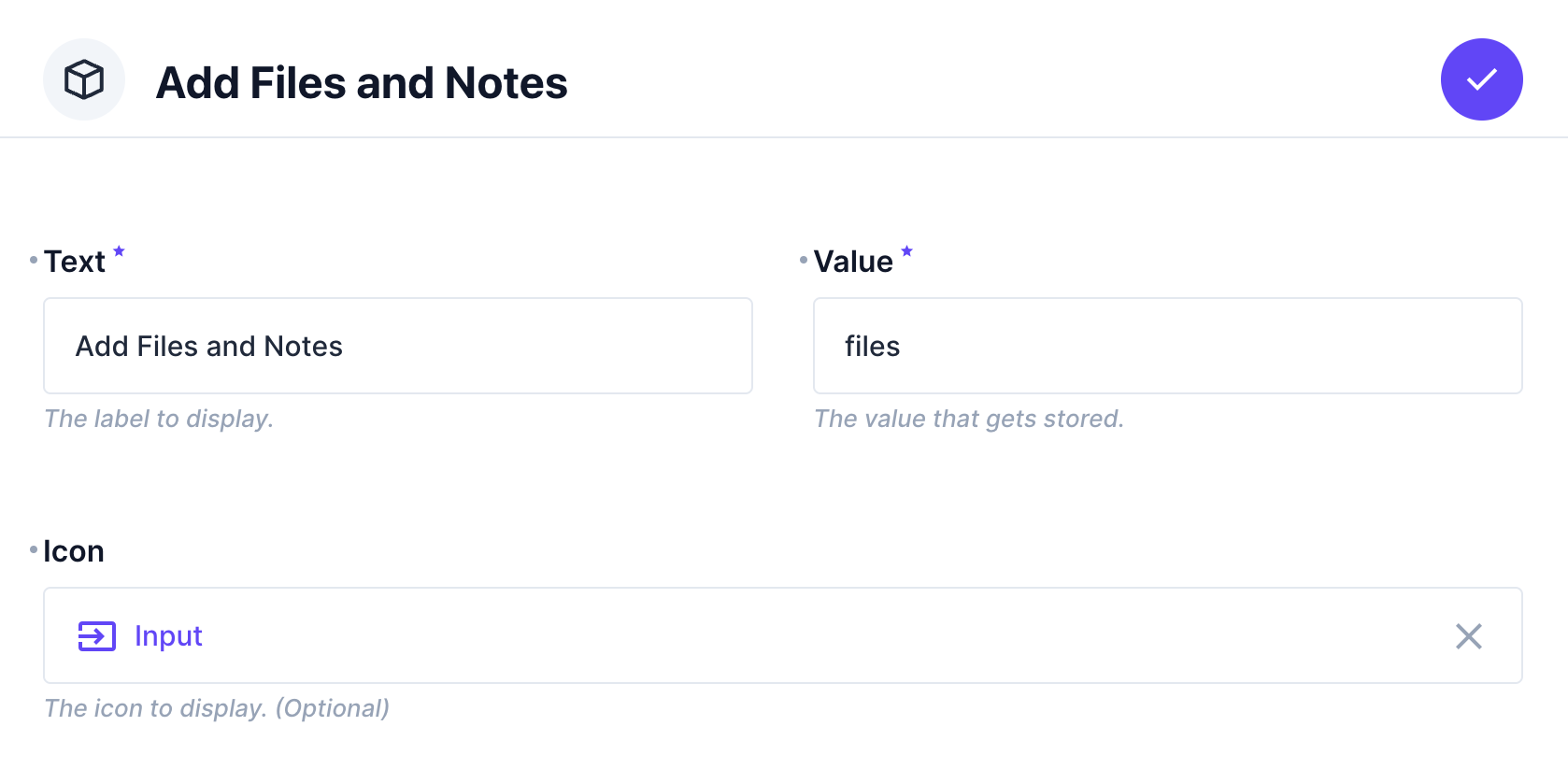
Each step includes:
- **Text** - The label to display (string, required).
- **Value** - The value that gets stored (string or integer, required).
- **Icon** - The icon to display (optional).