@directus-labs/command-palette-module
Version:
Command palette module for Directus.
29 lines (20 loc) • 1.72 kB
Markdown
# Command Palette Module
A full-featured Command Palette with global search for your Directus Studio.
## Features
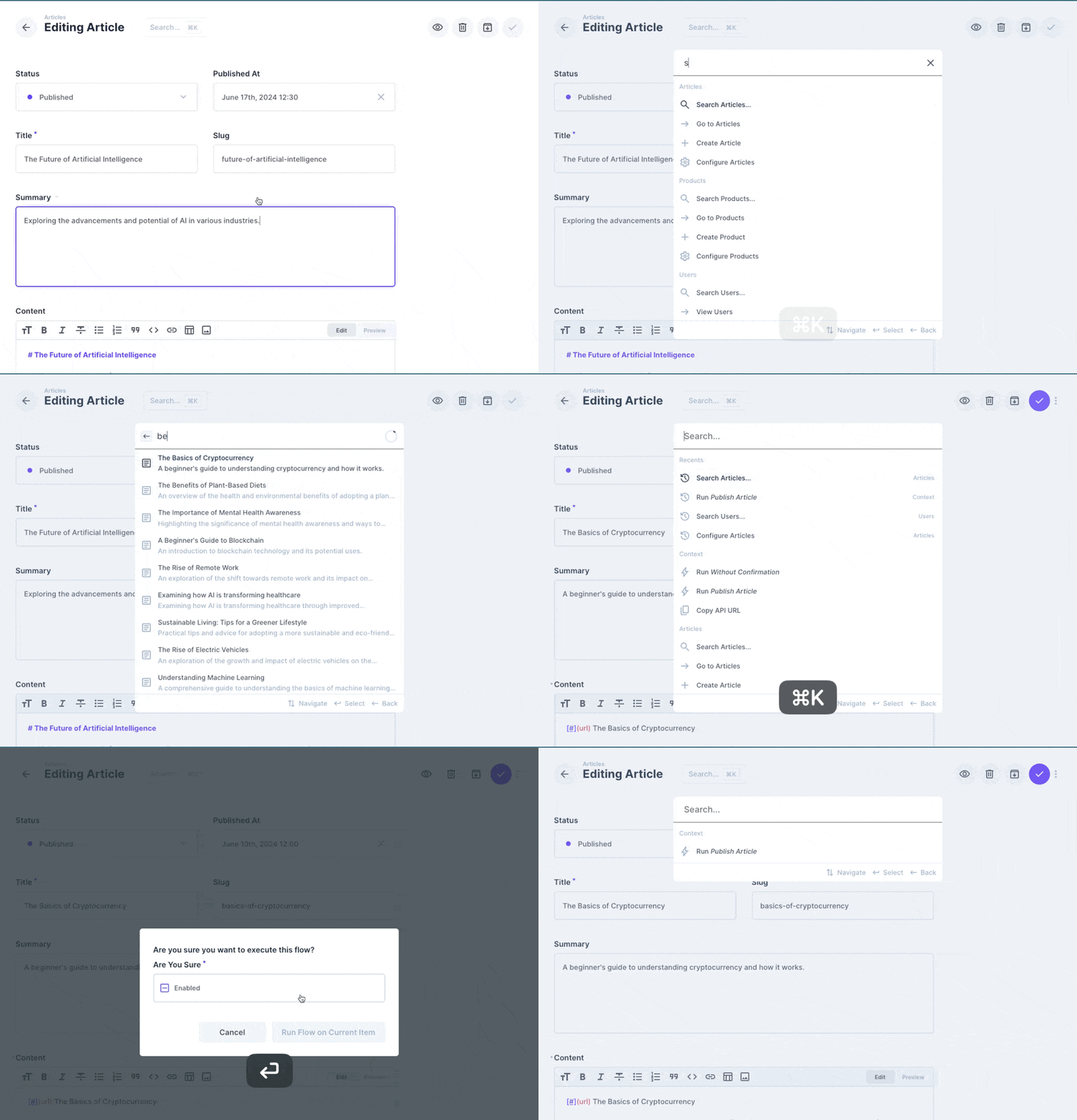
- **Keyboard Shortcuts**: Use the `Cmd/Ctrl + K` shortcut to open the Command Palette
- **Global Search**: Search for items from anywhere
- **Instant Navigation**: Jump to any item, collection, or data model setting with ease
- **Quick Actions**: Perform common actions like creating new items
- **Run Flows** Run context-aware flows from the Command Palette
- **Search Page** Dedicated search page for searching across all (configured) collections
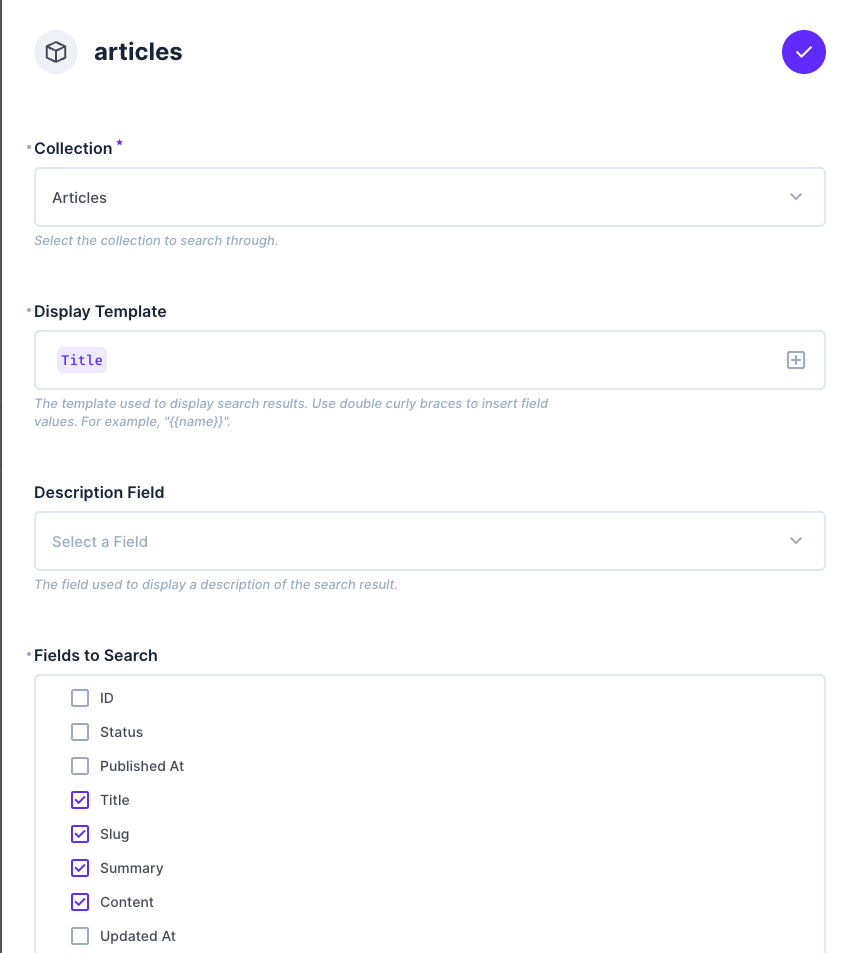
- **Search Setup** Configure which collections are searchable and which fields are used for searching to optimize results
## Installation
Refer to the [Official Guide](https://docs.directus.io/extensions/installing-extensions.html) for details on installing the extension from the Marketplace or manually.
## Configuration
1. Enable the module in the Directus project settings
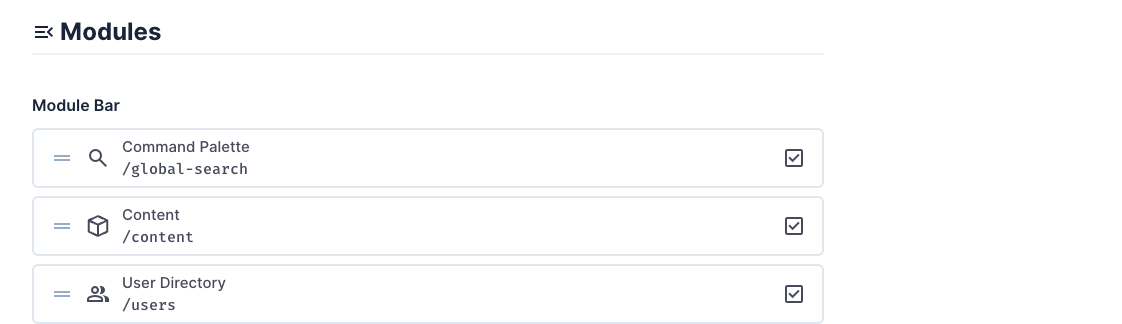
2. Navigate to the module settings and create the command palette field in the project settings

3. Configure which collections are searchable and which fields are used for searching