@cusedev/cli
Version:
CLI tool to manage cuse computers
81 lines (52 loc) • 1.76 kB
Markdown
# cuse
An open-source framework for building AI agents that can interact with computers
## Features
- **Computer Control**: Display, mouse, and keyboard interaction
- **File Operations**: View, create, and edit files
- **Shell Access**: Execute commands and manage processes
- **App Framework**: Build custom applications
- **Linux Support**: Run via Docker containers
## Quickstart
Install dependencies:
```bash
npm install @cusedev/core
```
Initialize and create a computer:
```bash
npx @cusedev/cli init
```
Create a `Computer` instance
```typescript
import { Computer } from '@cusedev/core';
const computer = new Computer();
```
Interact with the computer:
```typescript
// Take a screenshot
const screenshot = await computer.system.display.getScreenshot();
// Type some text
await computer.system.keyboard.type({ text: 'Hello, World!' });
// Execute a command
const output = await computer.system.bash.execute({ command: 'ls -la' });
```
## Documentation
Visit our [documentation](https://docs.cuse.dev) to learn more about:
- Getting started with the example project
- Adding cuse to your existing project
- Core concepts and API reference
- CLI commands and usage
## Roadmap
- Support for other platforms
- Authentication
- Deployment
- Stateful Machines
- Reusable Workflows
## Contributing
Contributions are welcome! Please check out our [GitHub repository](https://github.com/cuse-dev/cuse).
## License
MIT License — see [LICENSE](LICENSE) file
## Get in Touch
- Visit our [website](https://cuse.dev)
- Join our [Discord community](https://discord.gg/56svtW9M)
## Star History
[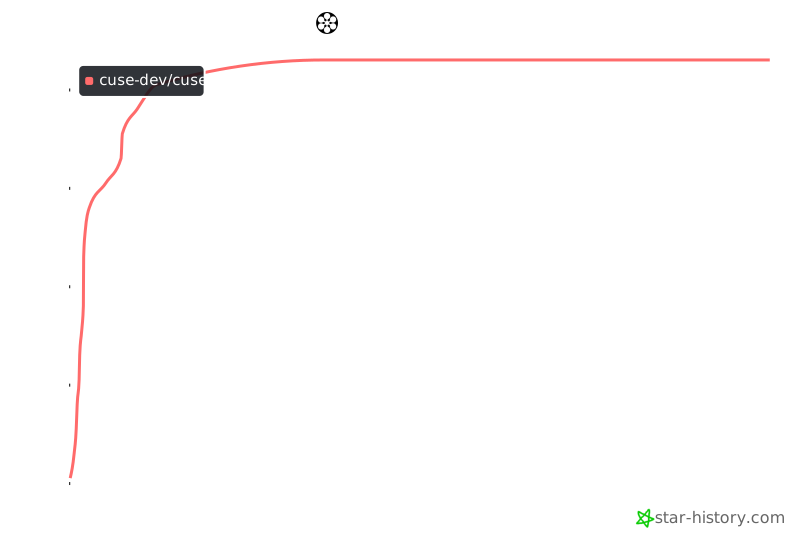](https://star-history.com/#cuse-dev/cuse&Date)