@callstack/react-native-visionos
Version:
React Native for visionOS
52 lines (33 loc) • 2.16 kB
Markdown
<a href="https://www.callstack.com/open-source?utm_campaign=generic&utm_source=github&utm_medium=referral&utm_content=react-native-visionos" align="center">
<picture>
<img alt="React Native visionOS" src="https://github.com/user-attachments/assets/1298cfb6-7648-4b80-aecf-6f40c7b1a5c8">
</picture>
</a>
<p align="center">
<strong>Learn once, write anywhere:</strong><br>
Build spatial apps with React.
</p>
React Native visionOS allows you to write visionOS with full support for platform SDK. This is a full fork of the main repository with changes needed to support visionOS.
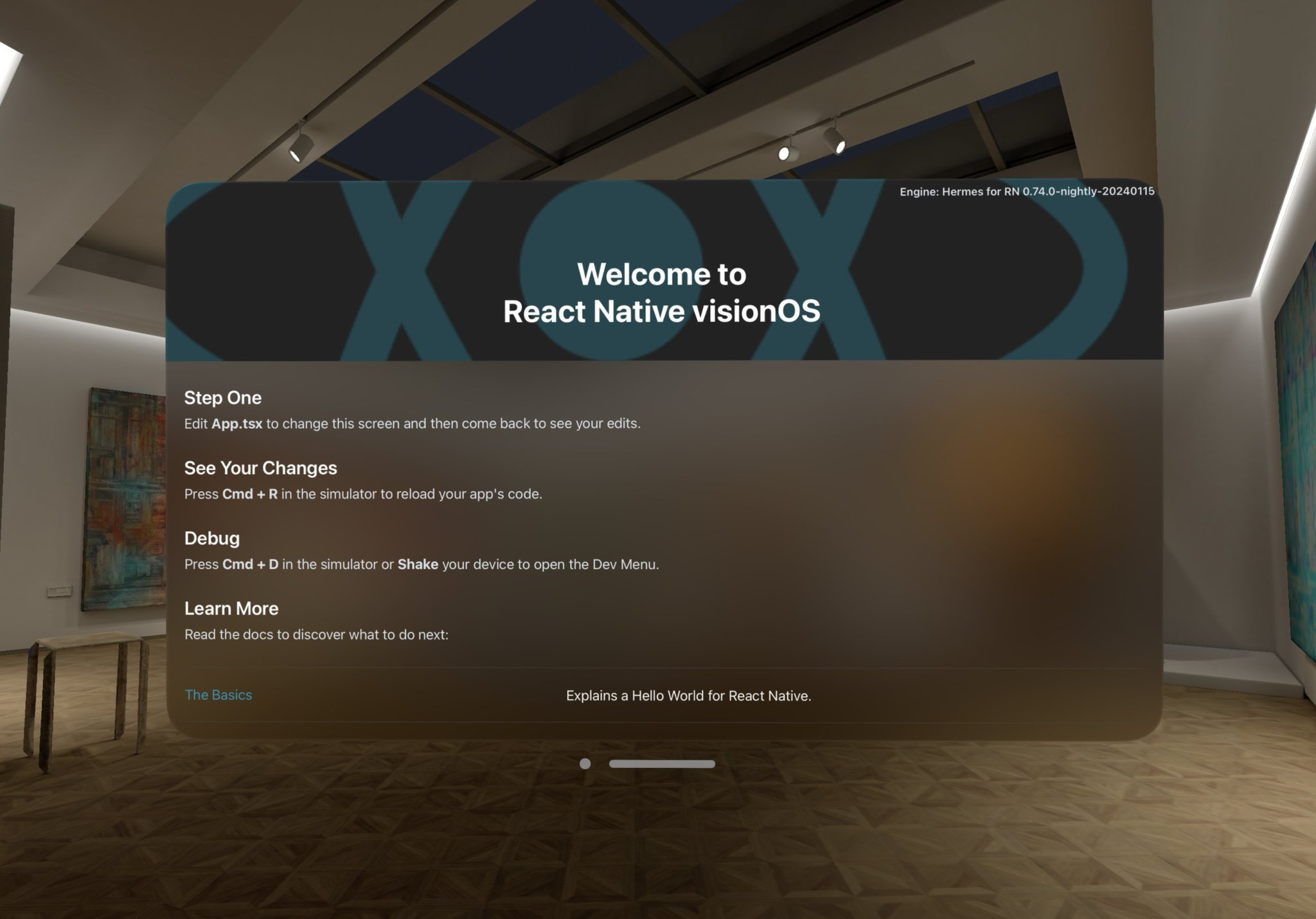
## 🎉 Building your first spatial React Native app
Follow the [Getting Started](https://callstack.github.io/react-native-visionos-docs/category/getting-started) guide. If you wish to get started quickly, you can utilize this command:
```sh
npx @callstack/react-native-visionos@latest init YourApp
```
## 📖 Documentation
The full documentation for React Native visionOS can be found on our [website](https://callstack.github.io/react-native-visionos-docs).
The source for the React Native visionOS documentation and website is hosted on a separate repo, @callstack/react-native-visionos-docs.
## Contributing
Prerequisites:
- Download the latest Xcode (at least 15.2)
- Install the latest version of CMake (at least v3.29.0)
Check out `rn-tester` [README.md](./packages/rn-tester/README.md) to build React Native from the source.
Remember to use `RNTester-visionOS` target
If `RNTester-visionOS` scheme is not showing up, click "New Scheme", which should be pre-populated with `RNTester-visionOS`. Build the app using Xcode.
## Release process
We use a script called `oot-release.js` which automatically releases `visionos` packages and aligns versions of dependencies with React Native core.
Usage:
```sh
node ./scripts/oot-release.js --new-version "<visionos-version>" --react-native-version "<react-native-version>" --one-time-password "<otp>"
```
To test releases and template we use [Verdaccio](https://verdaccio.org/).